
Page 5 | 235+ Invitation Card designs - Customizable templates
Page 5 | Check collection of 235+ Invitation Card design templates. Pick a editable template for your Invitation Card design. Customize it and then download it as PDF, JPEG, PNG or WEBP.
Online Invitation Card Maker: The Easiest Way to Design Beautiful Invitations
Online Invitation Card Maker: Discover a thoughtfully curated collection of Invitation Card templates on Digiartor, designed to help you create the perfect invite for a wide range of cultural, social, and professional events. Whether you are planning a traditional Haldi Kumkum ceremony, a grand Wedding celebration, a milestone Birthday party, or a formal Exhibition opening, you will find beautifully crafted options to match the tone and style of your occasion. The collection also includes elegant designs for Engagement ceremonies, the sacred Rice Ceremony, and soulful Kirtan gatherings.
Every template is fully editable through our intuitive browser-based design platform. You can personalize colors, fonts, images, and layout details with ease—no graphic design experience necessary. This gives you complete creative control to tailor each invitation to your specific preferences or event theme. Once your design is ready, download your invitation in the format that best suits your needs: PDF for high-quality printing, PNG or JPEG for digital sharing, or WEBP for optimized web use. All templates are available to edit and download for free, making it effortless to produce professional, memorable invitations for any occasion.
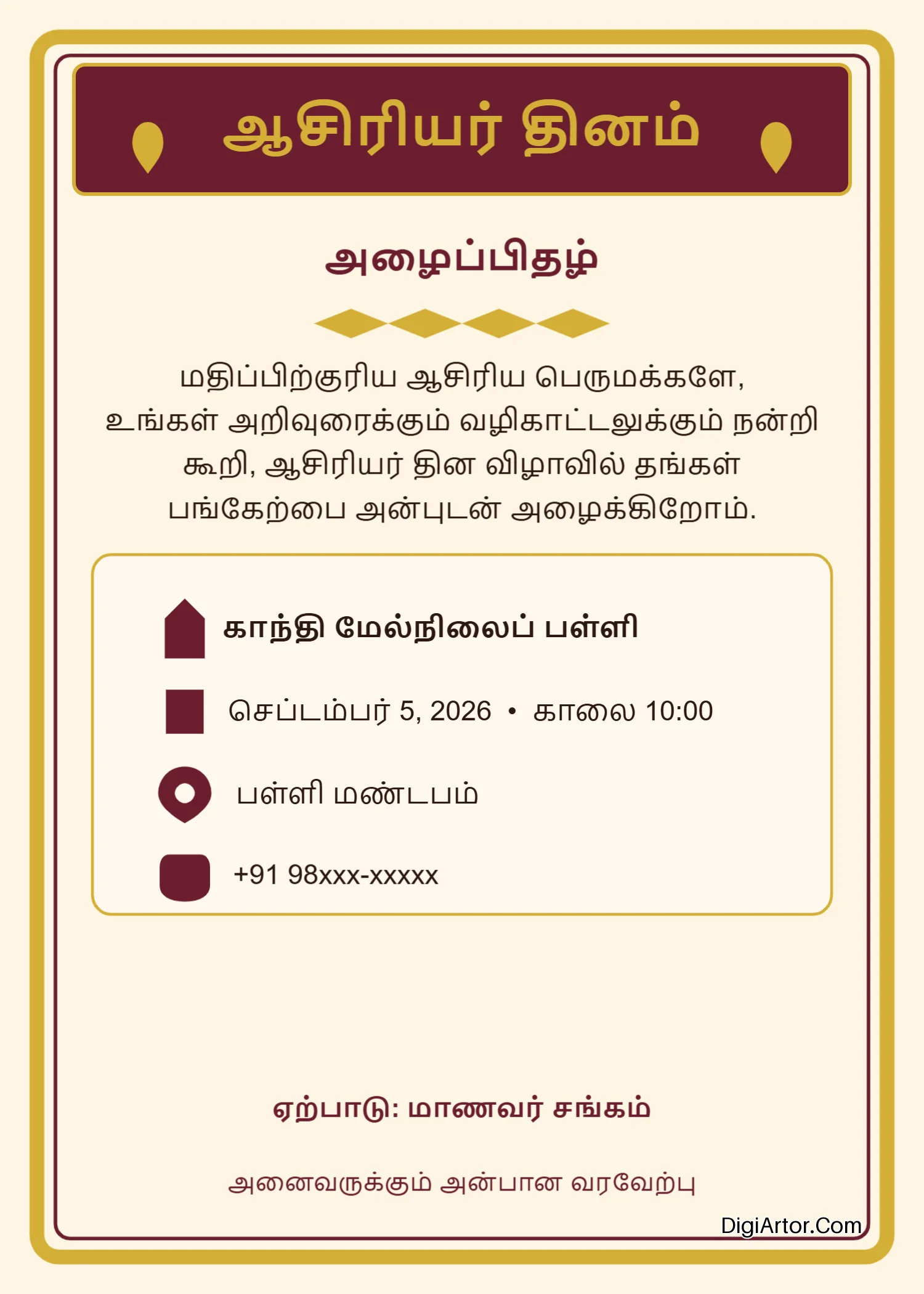
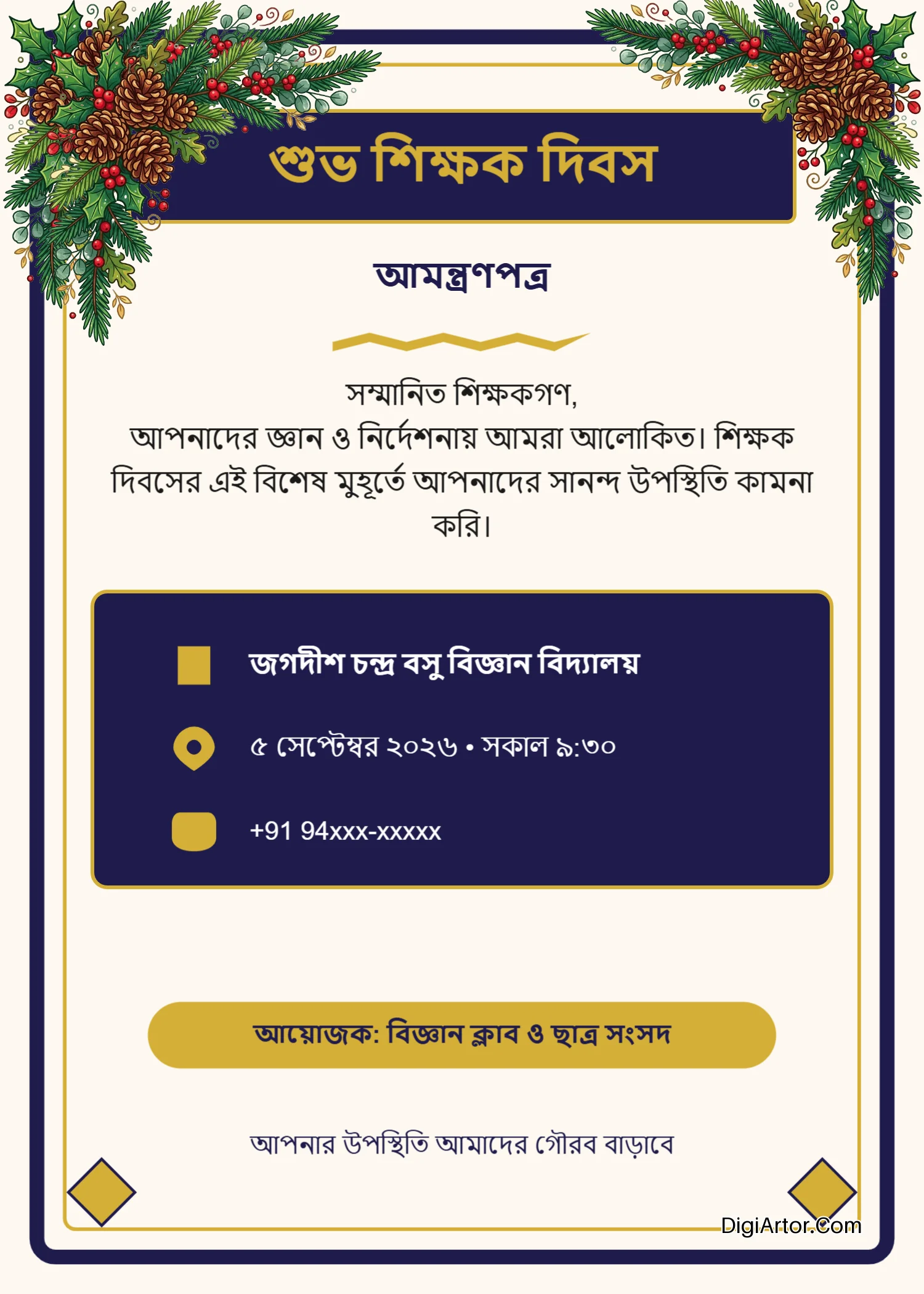
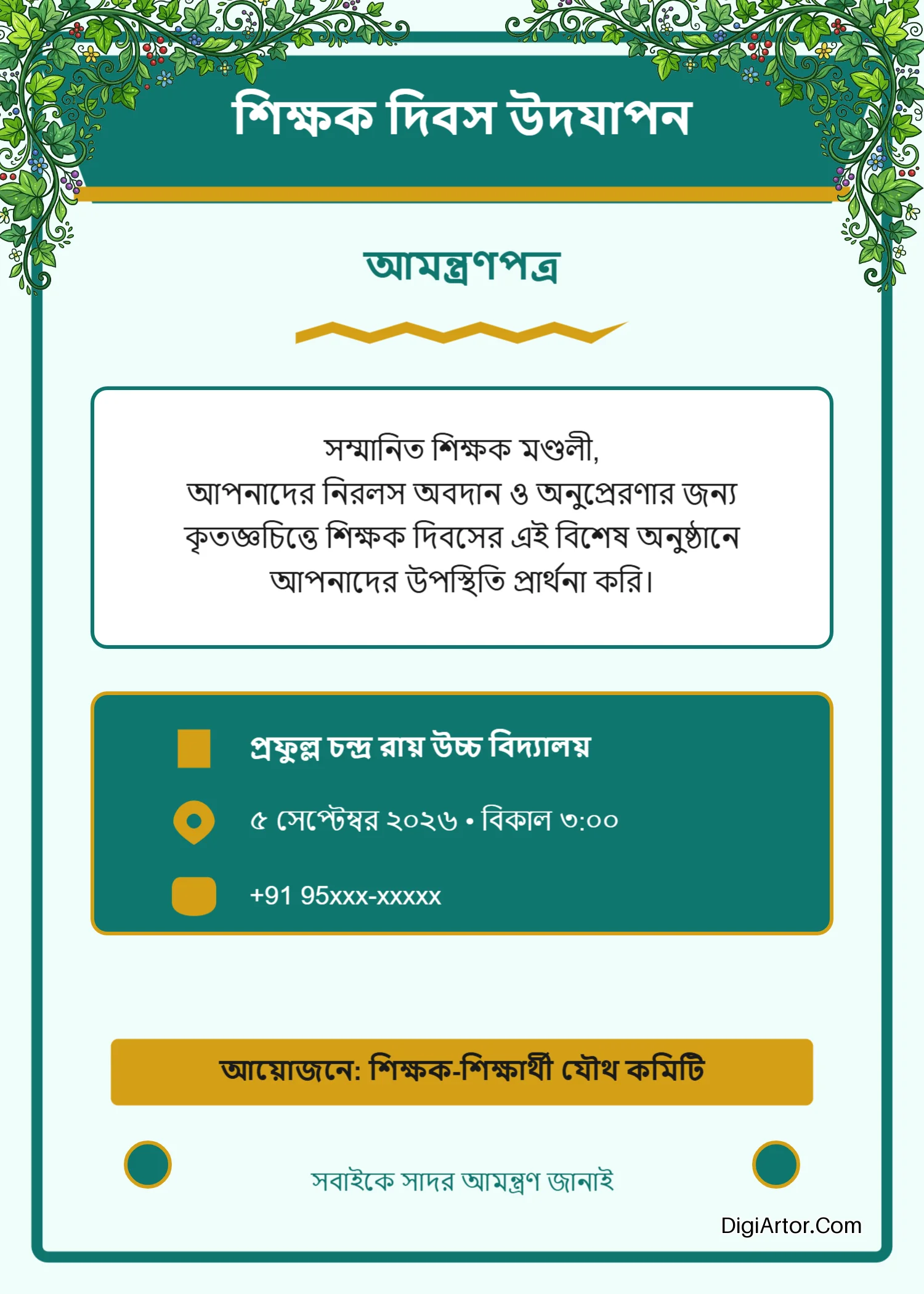
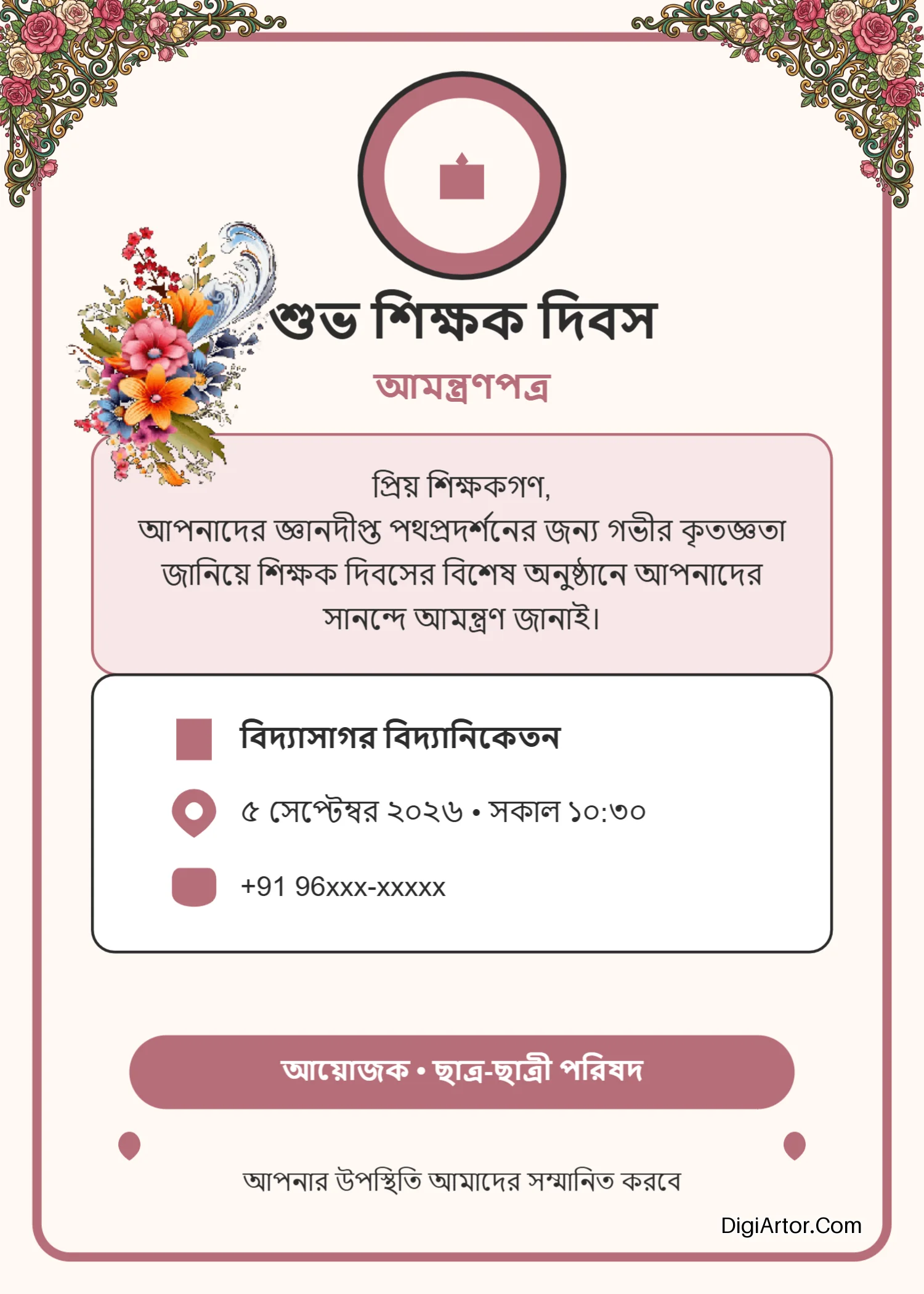
235+ Editable Invitation Card design templates - Page 5 / 10
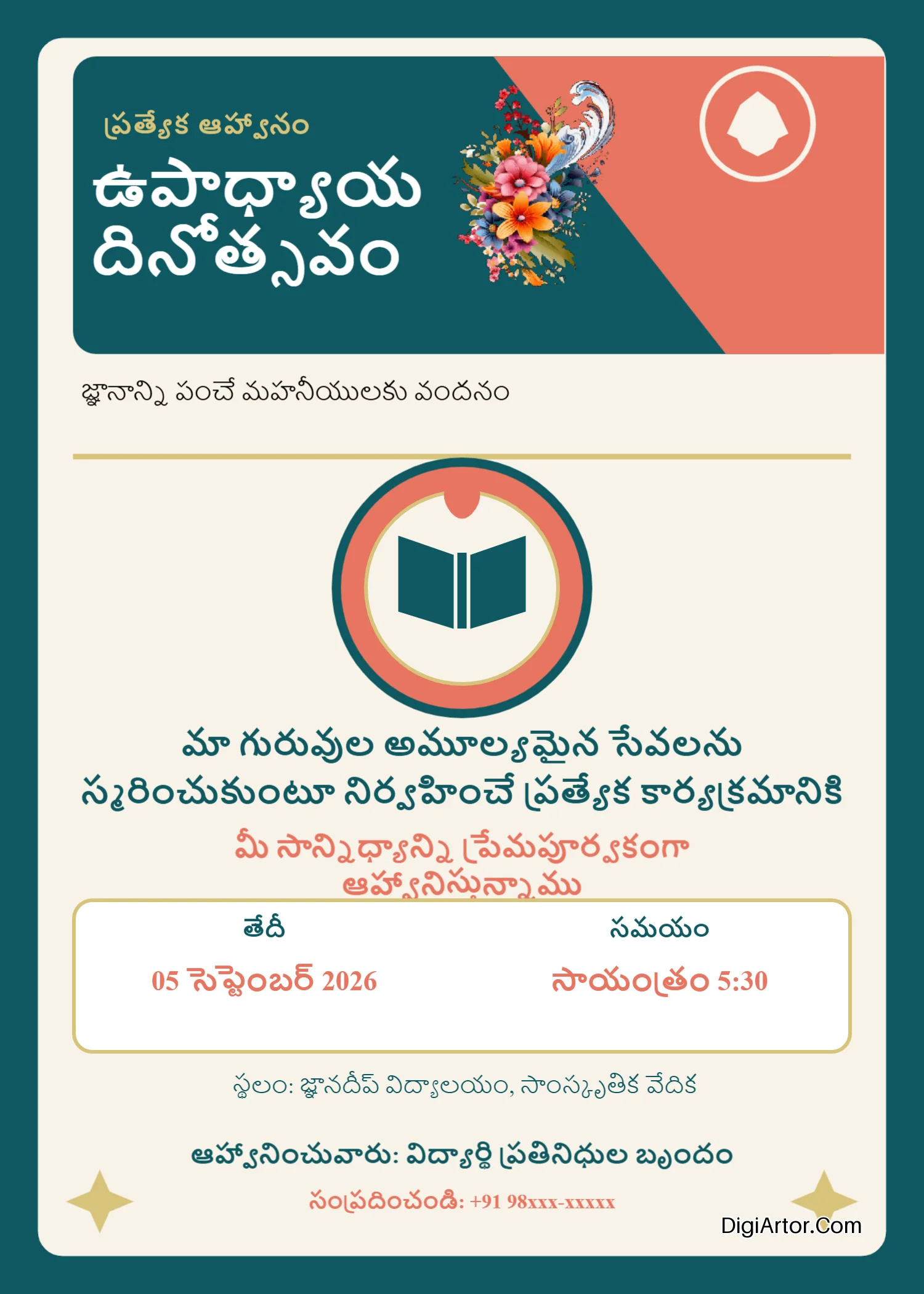
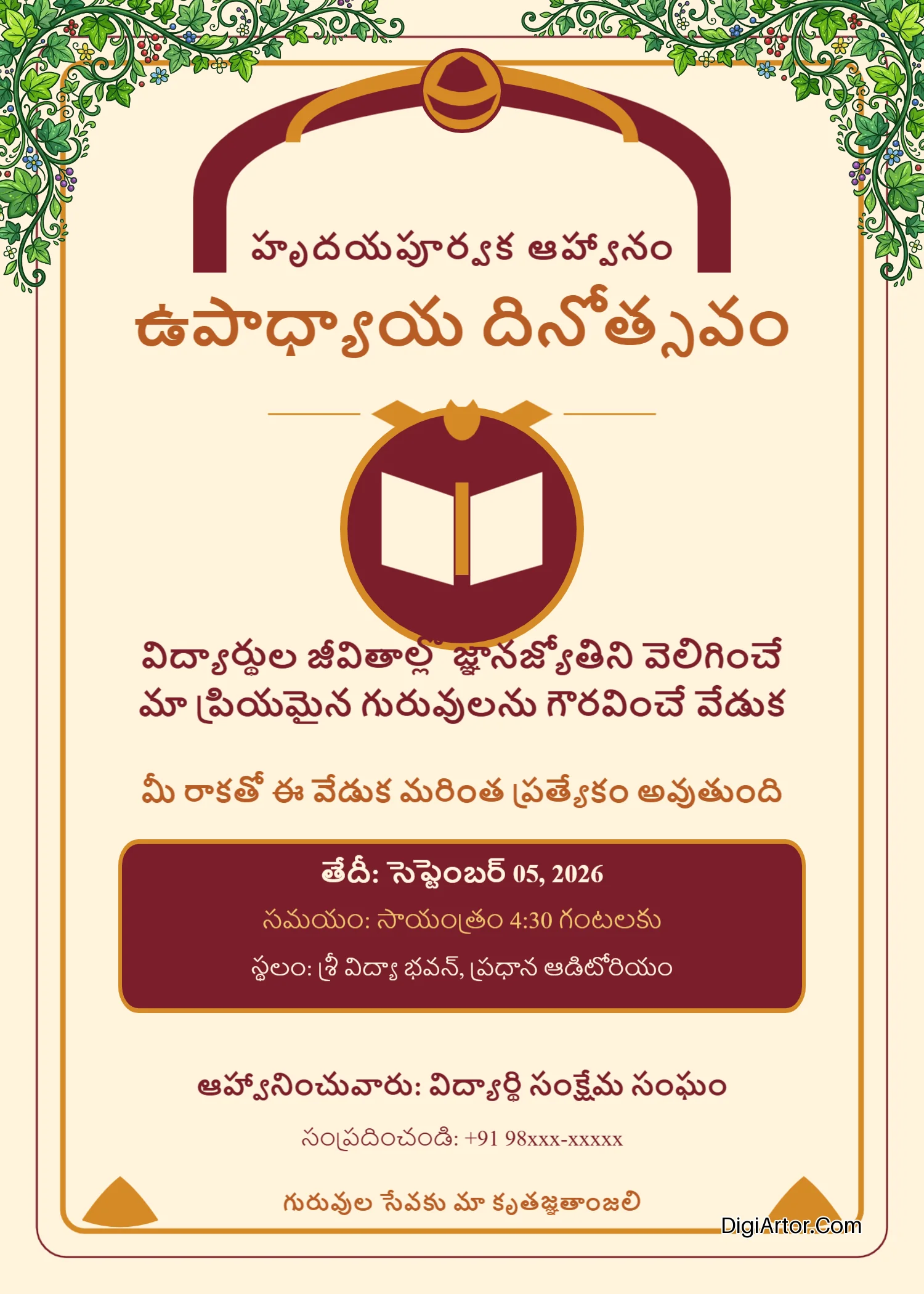
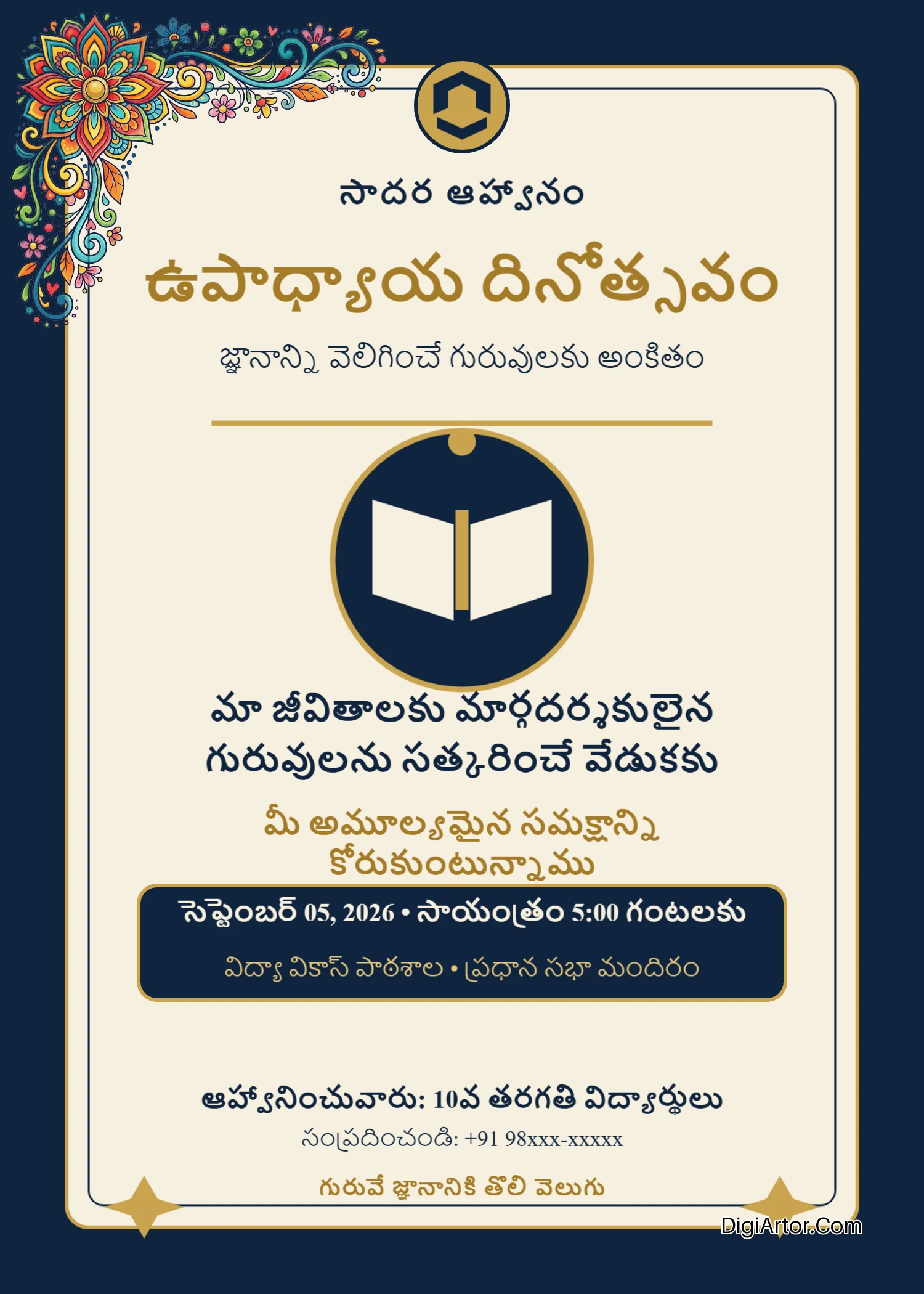
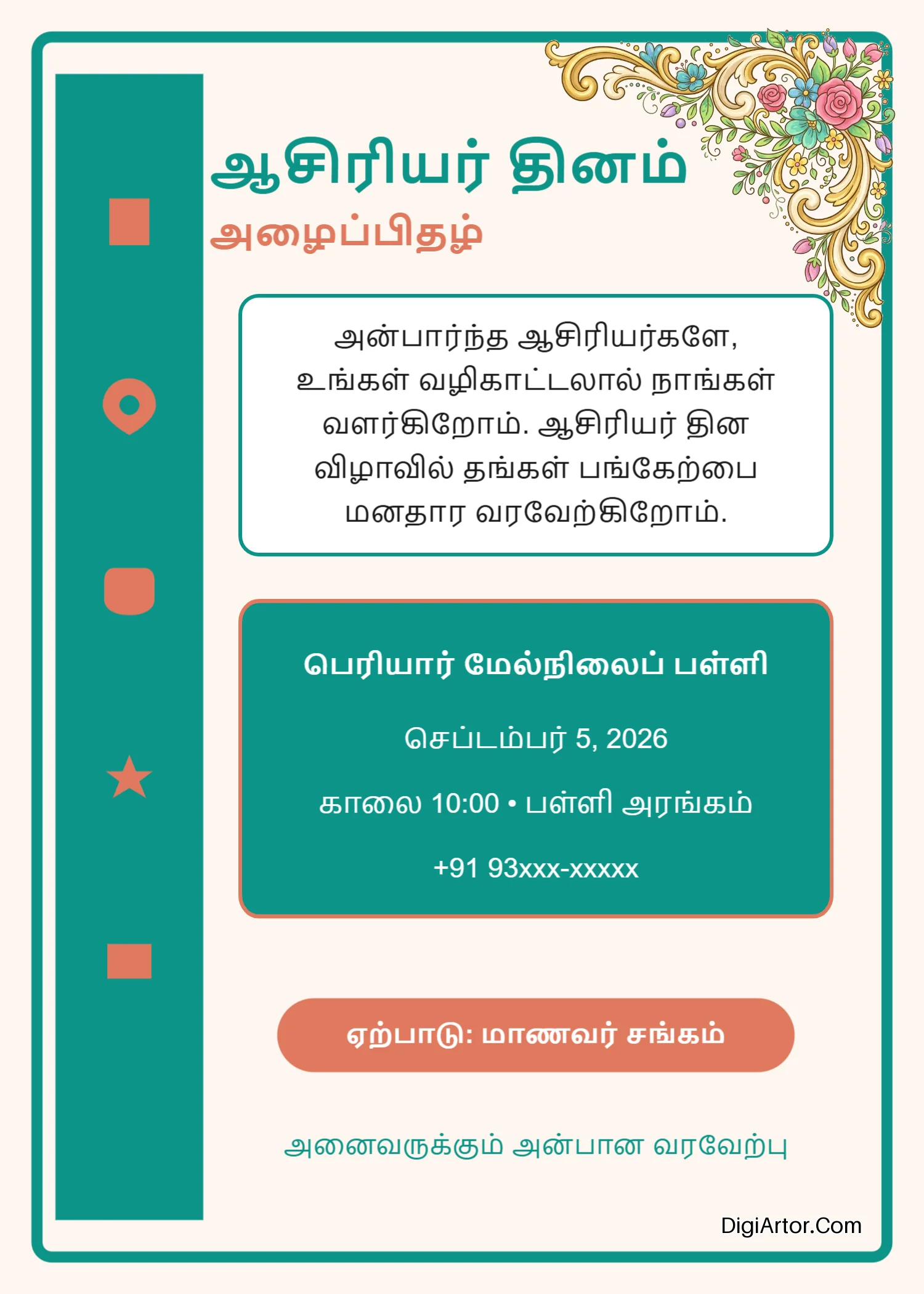
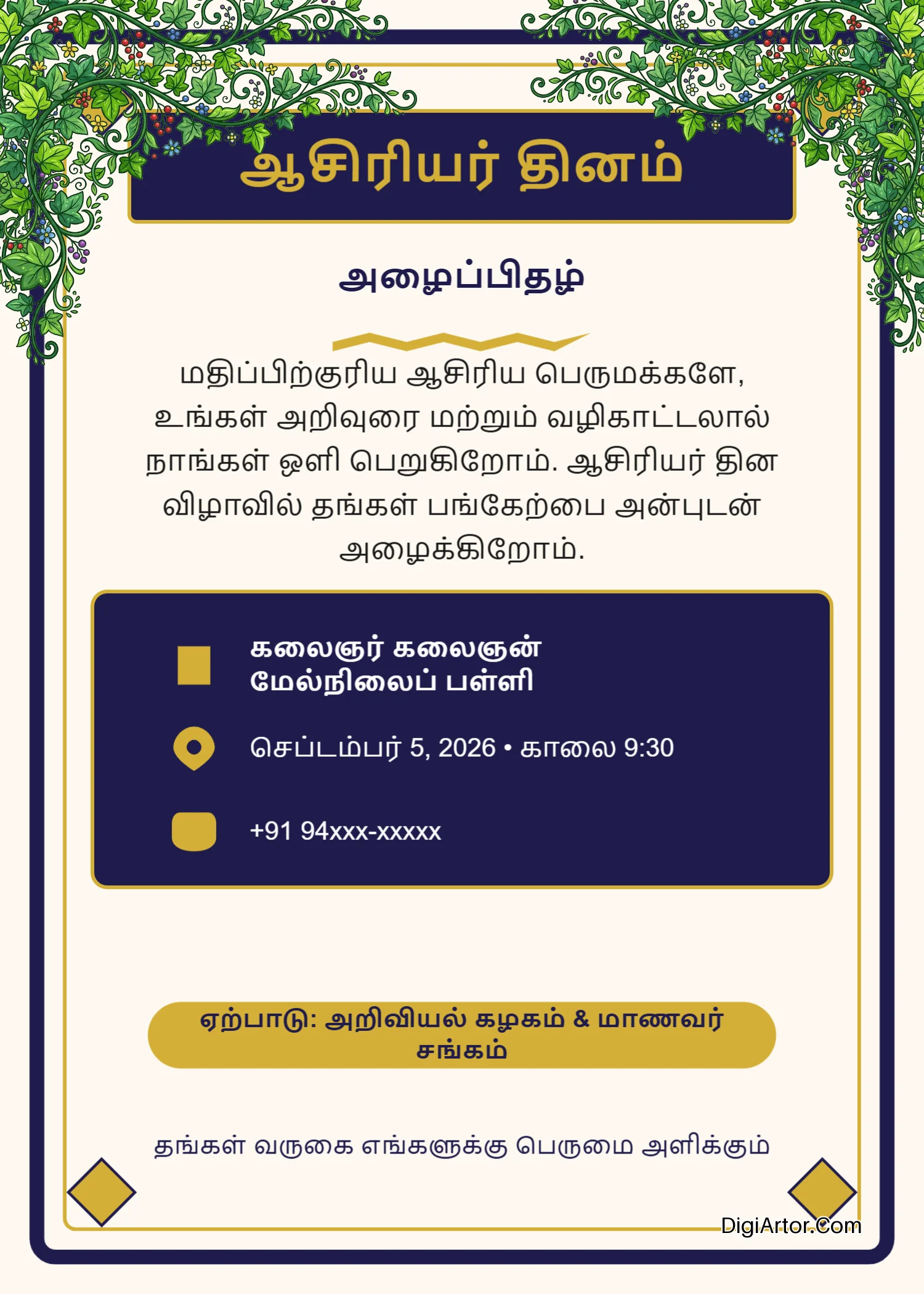
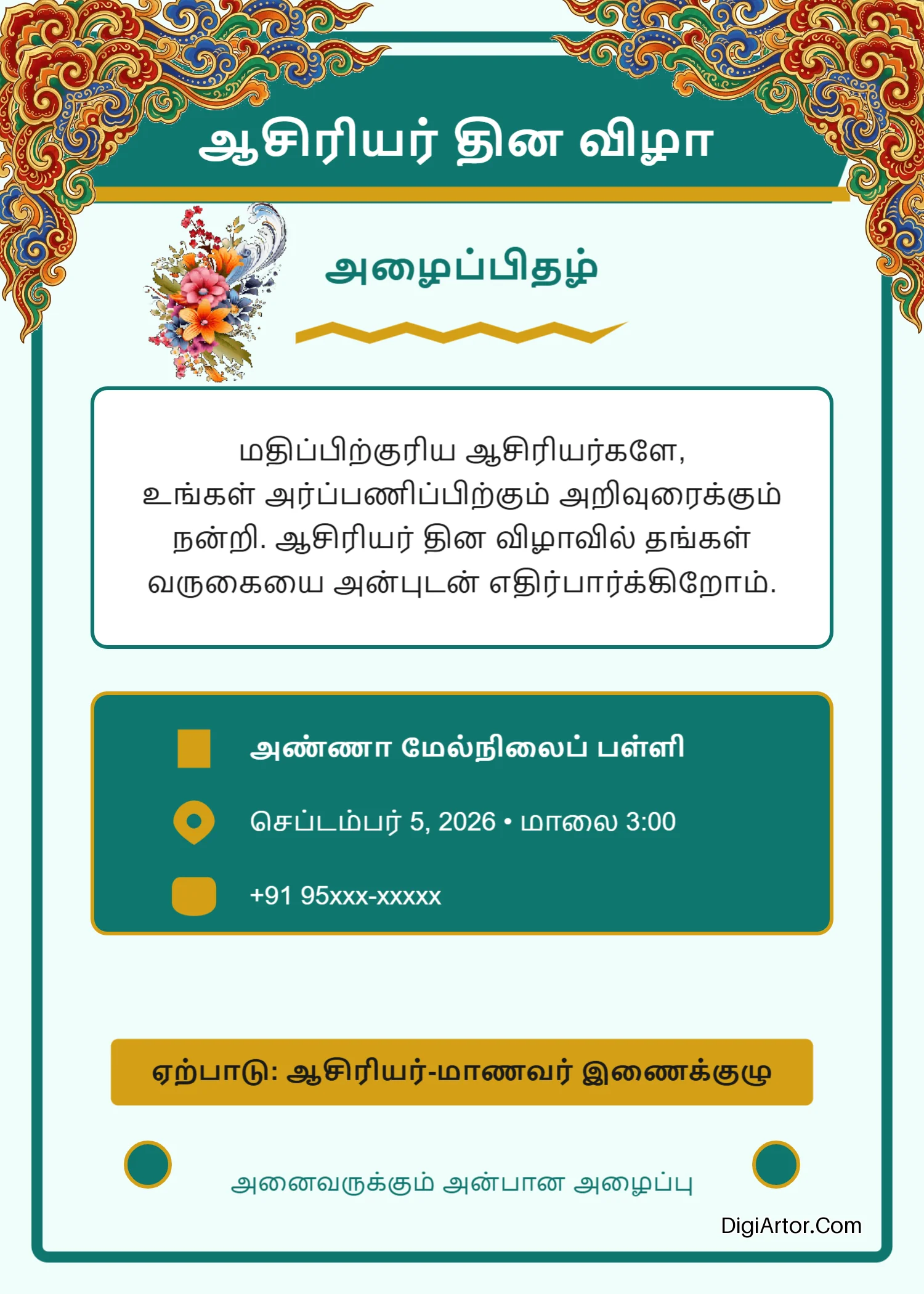
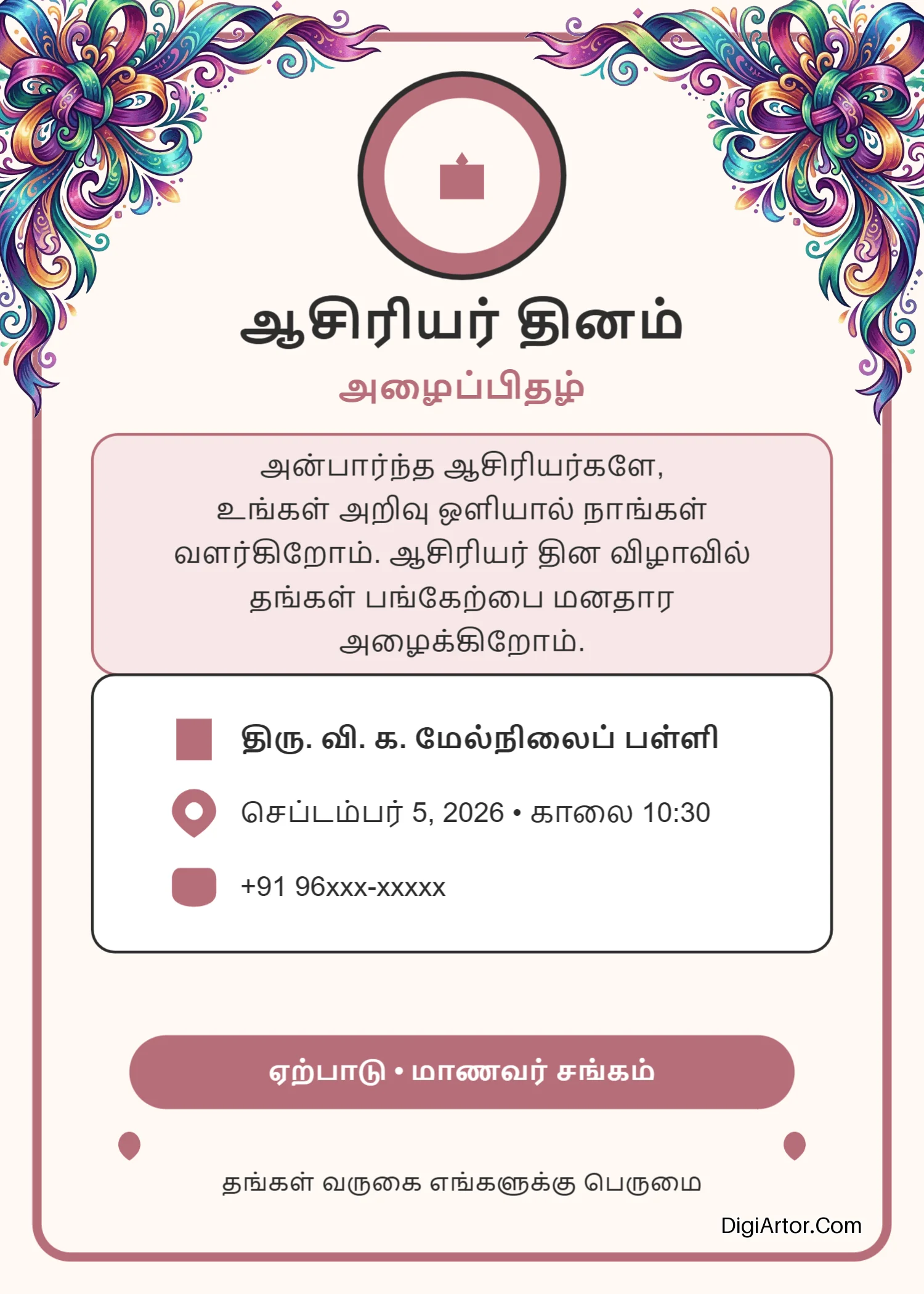
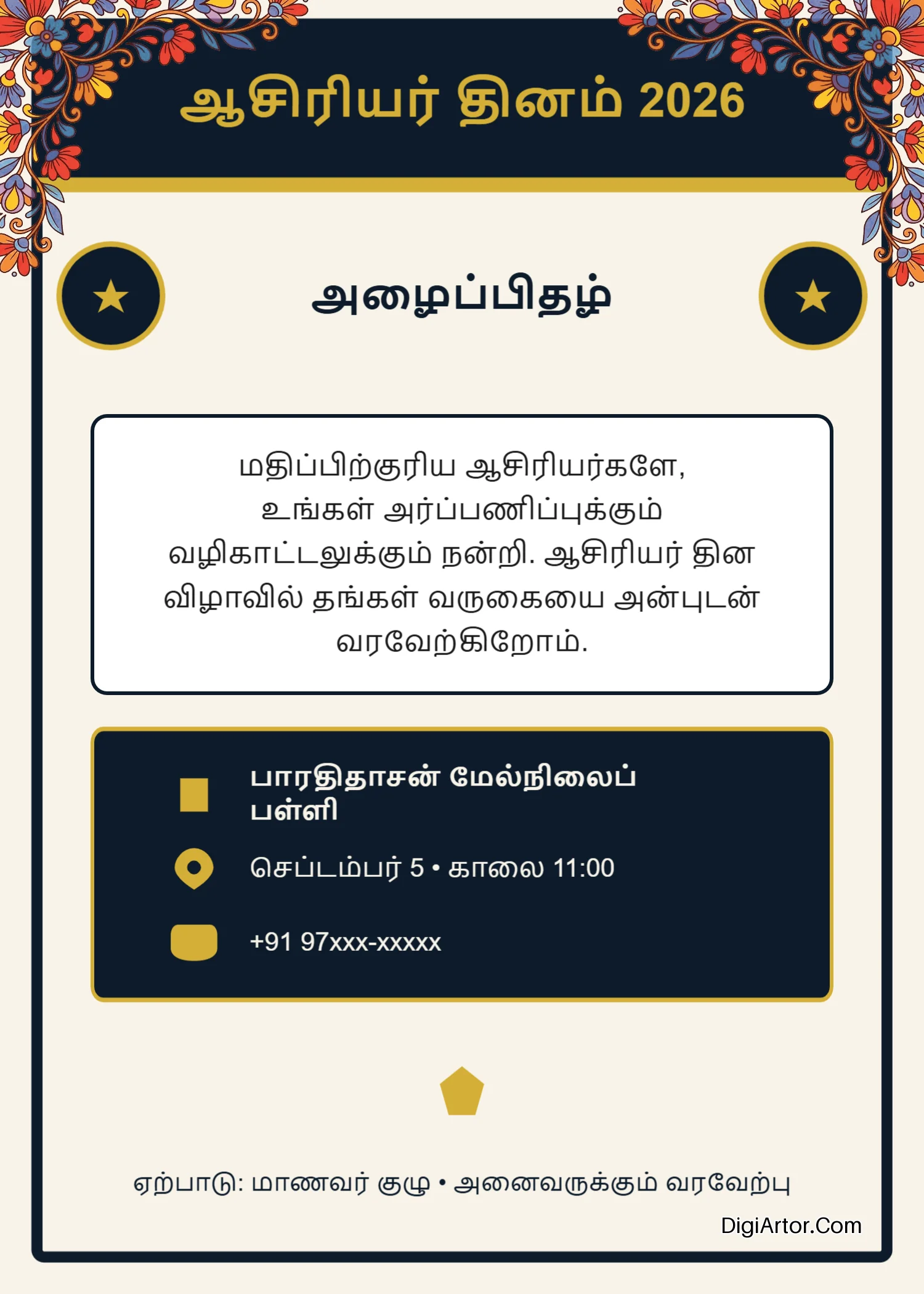
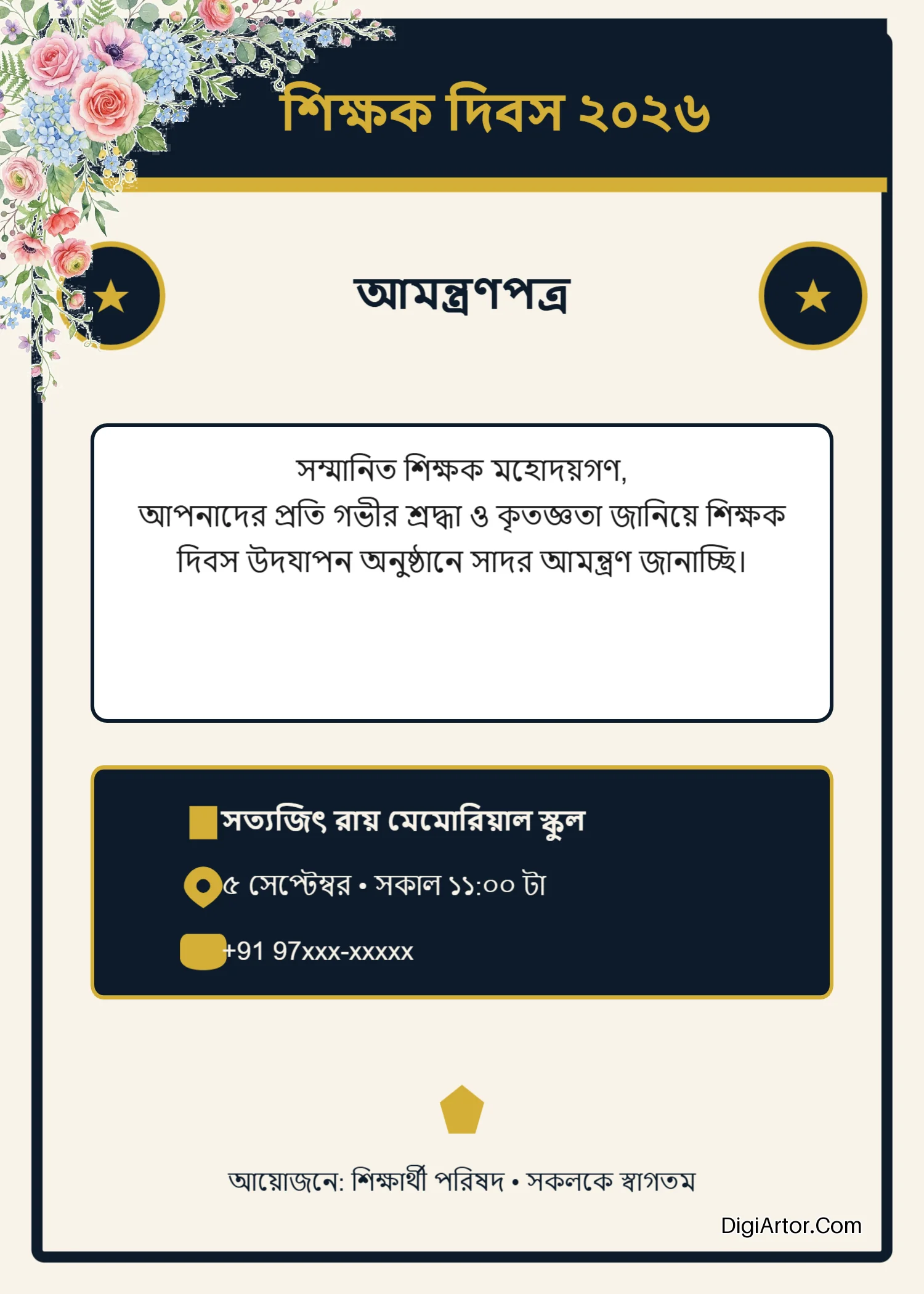
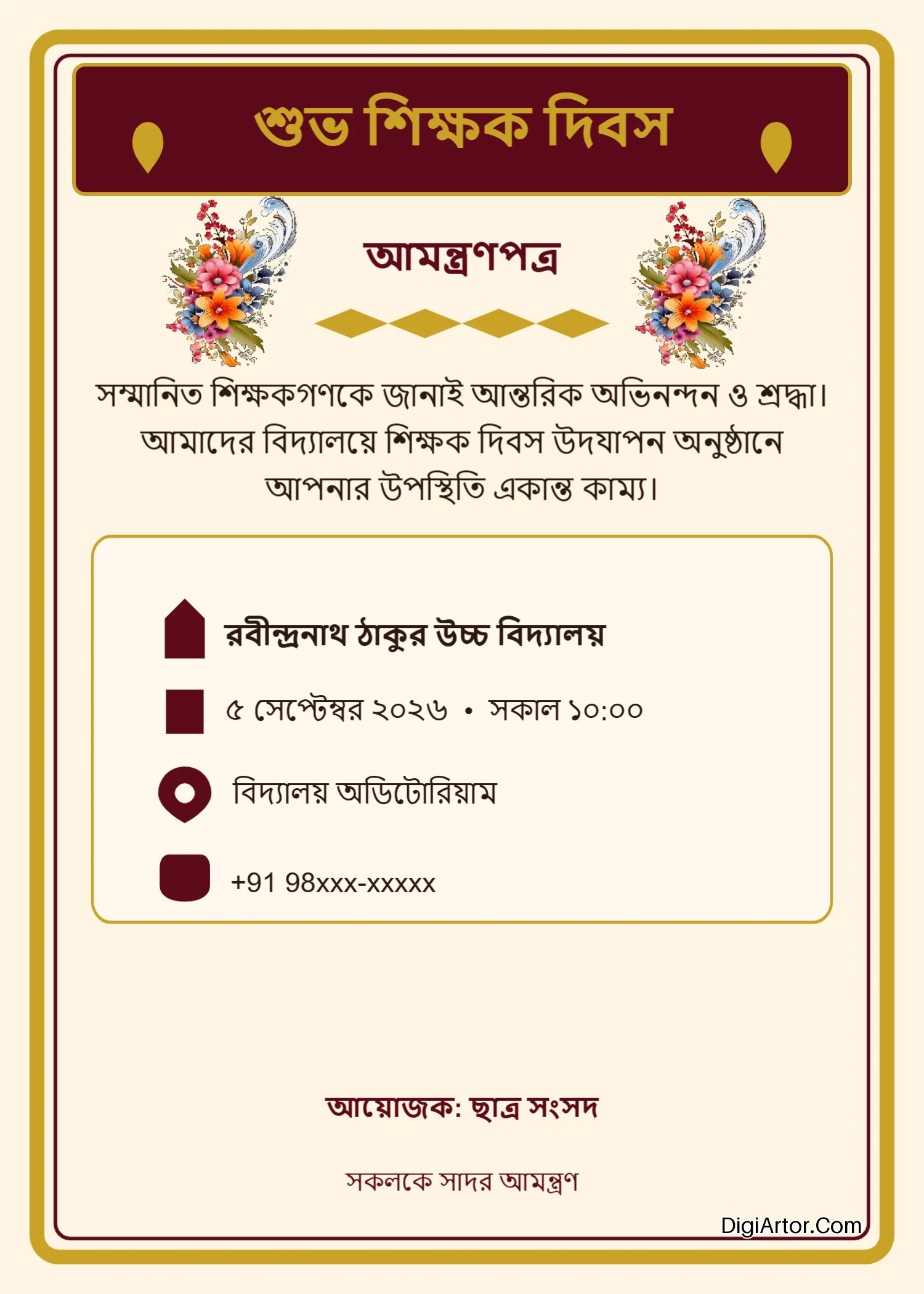
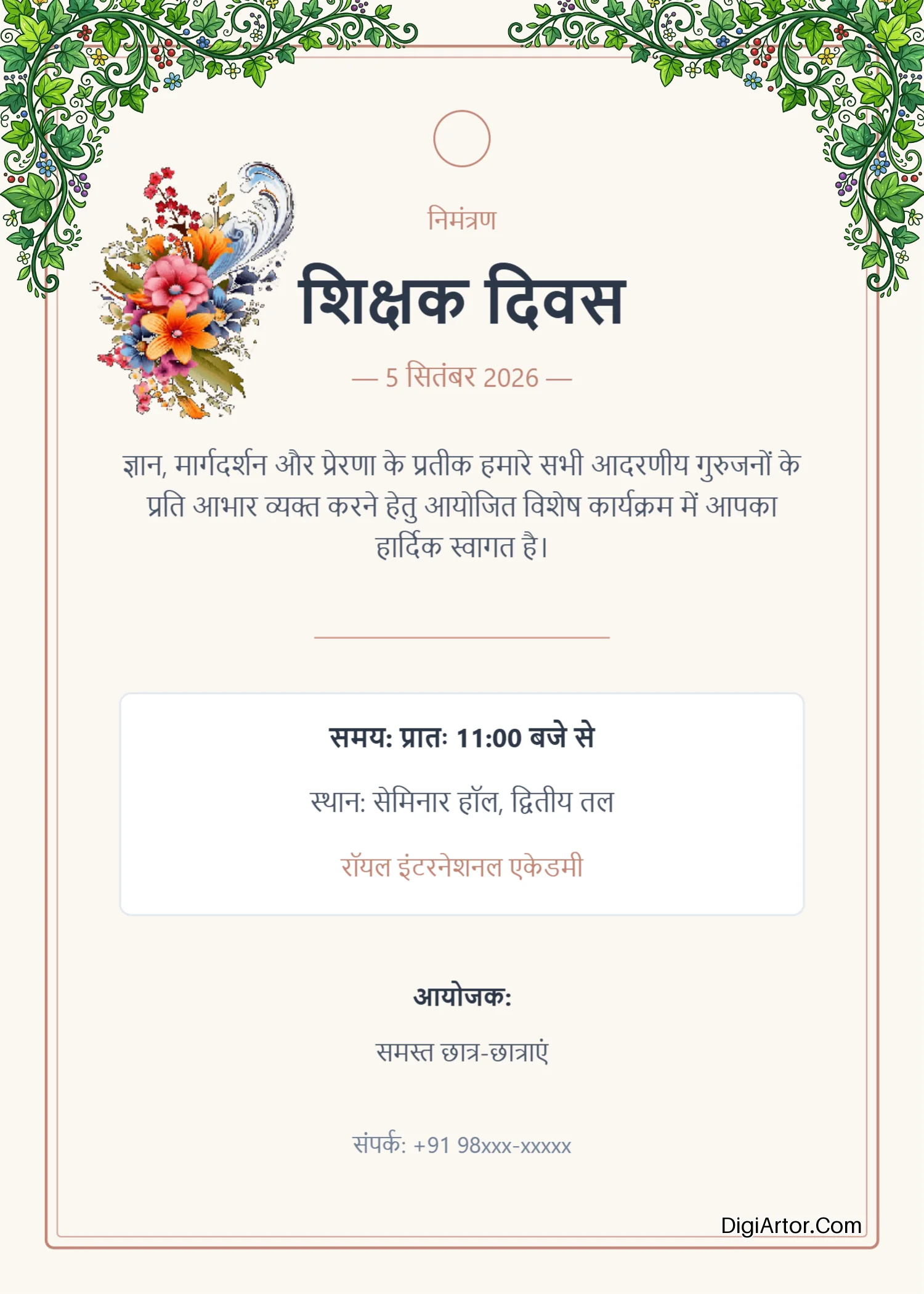
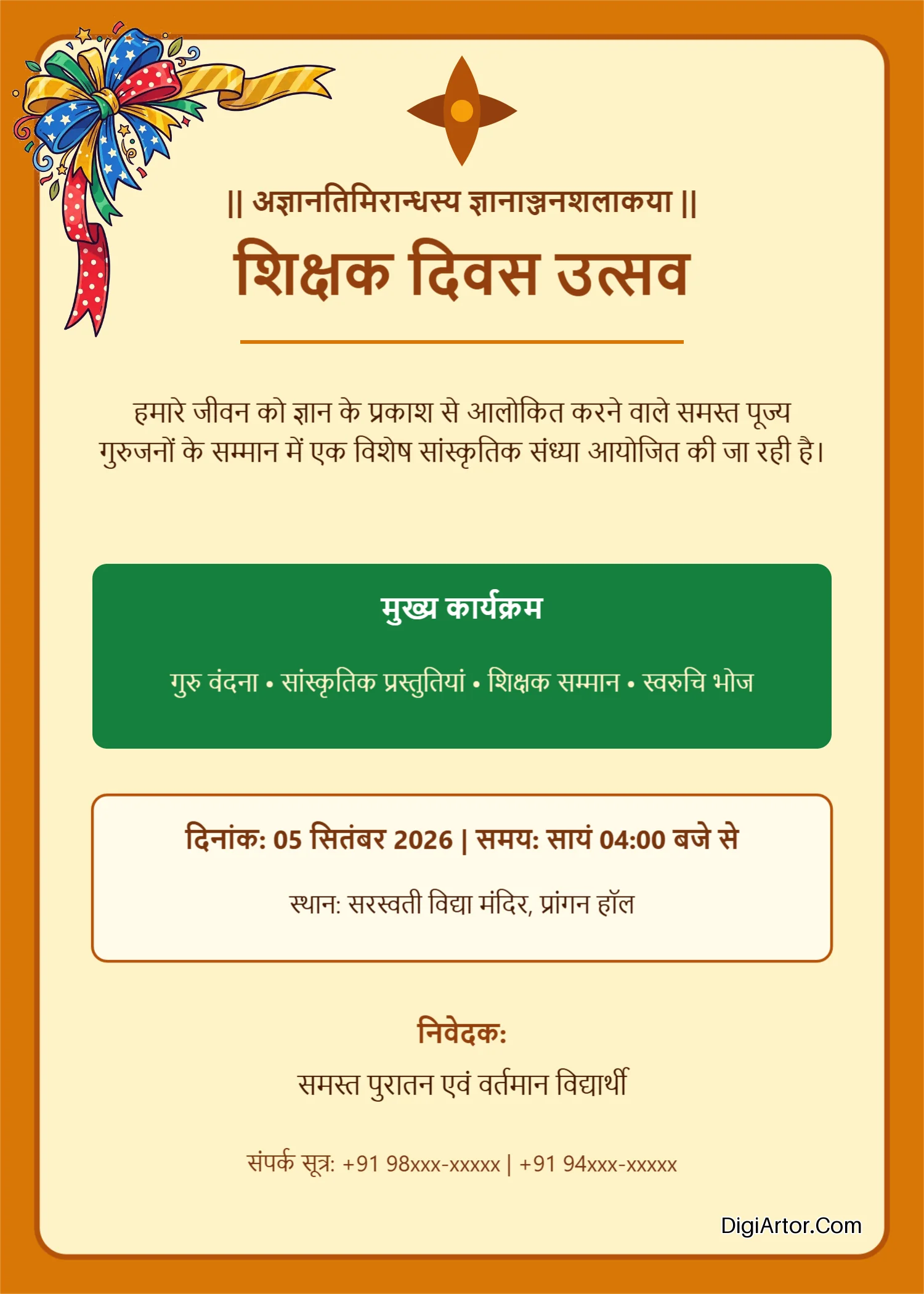
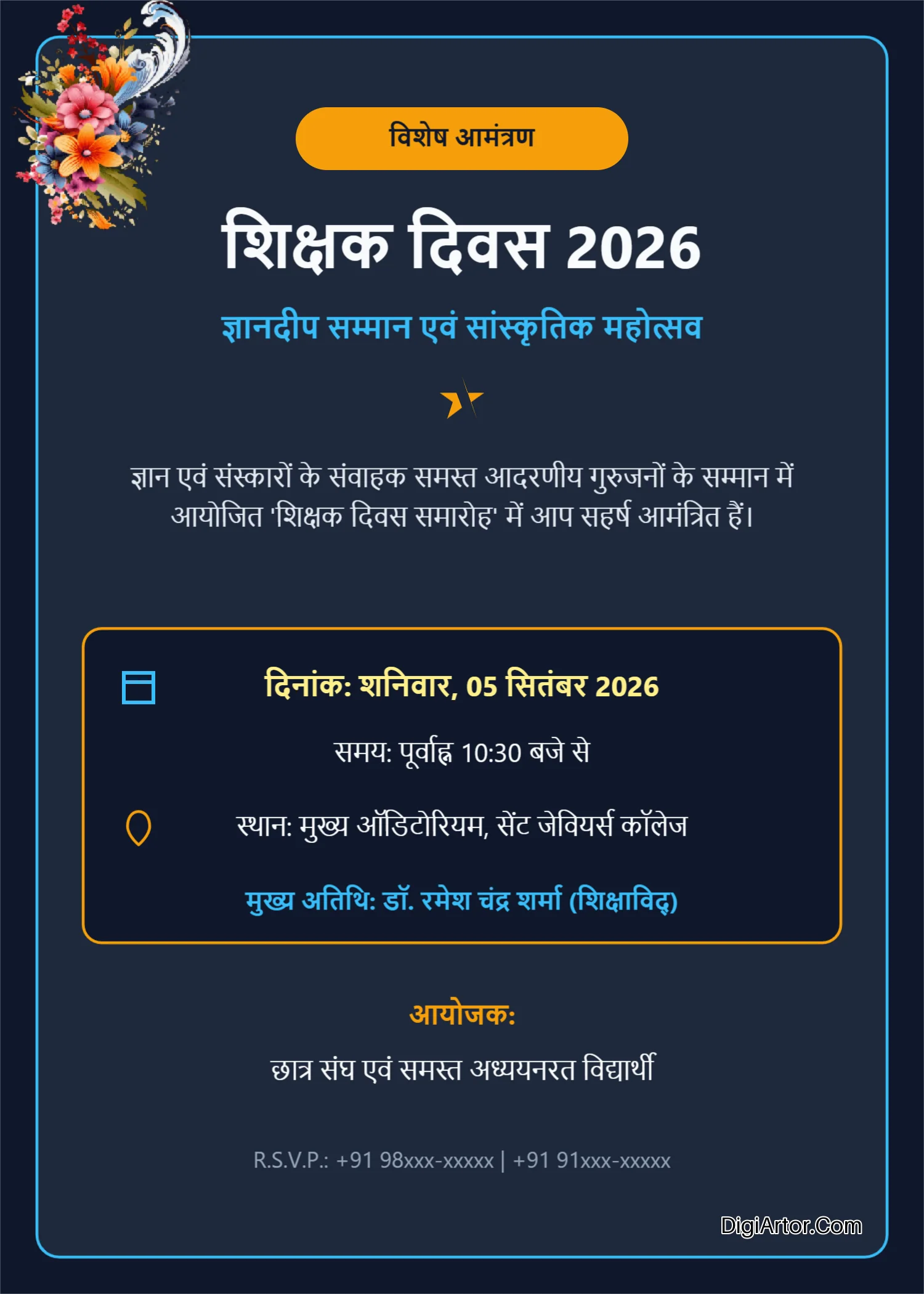
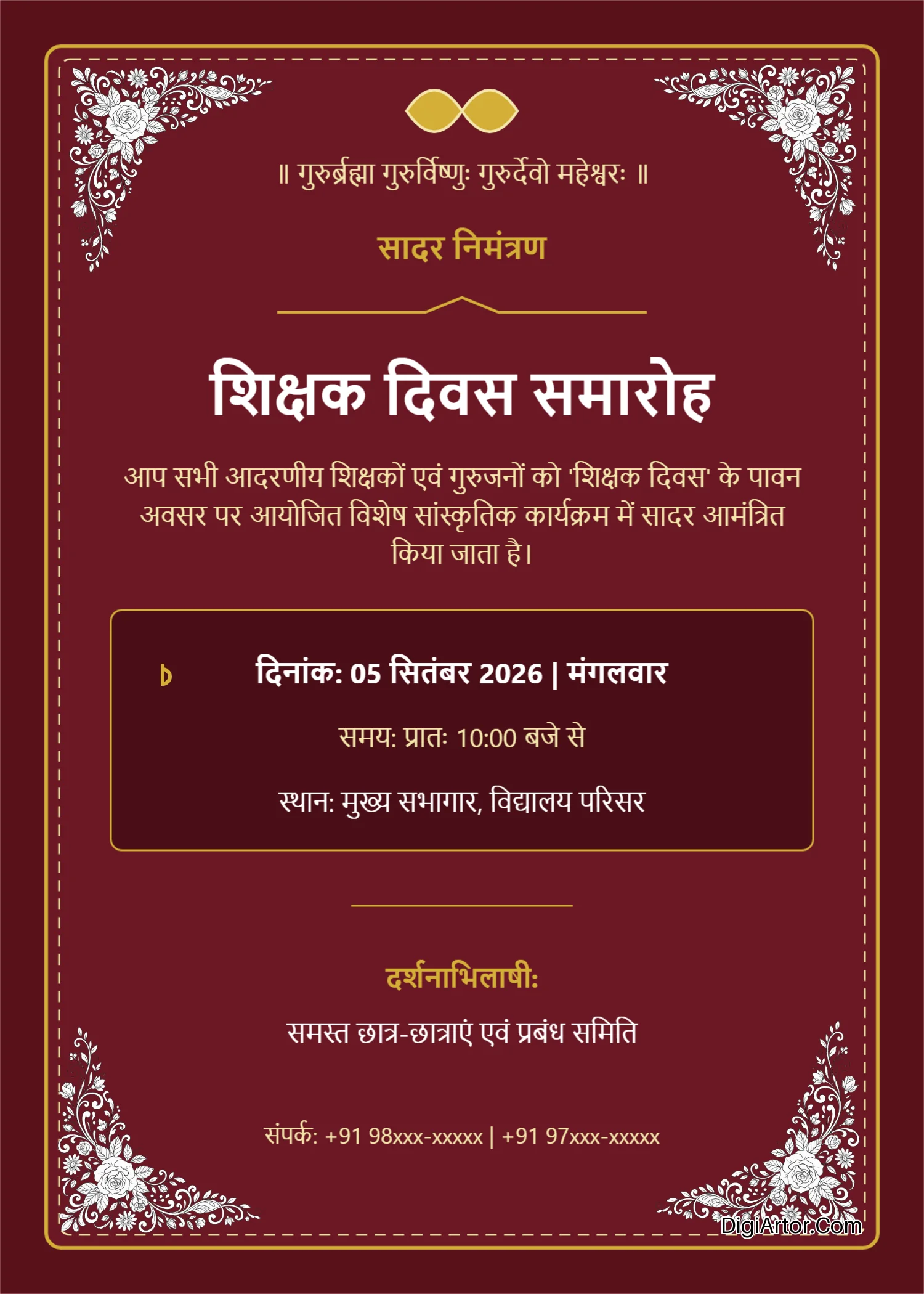

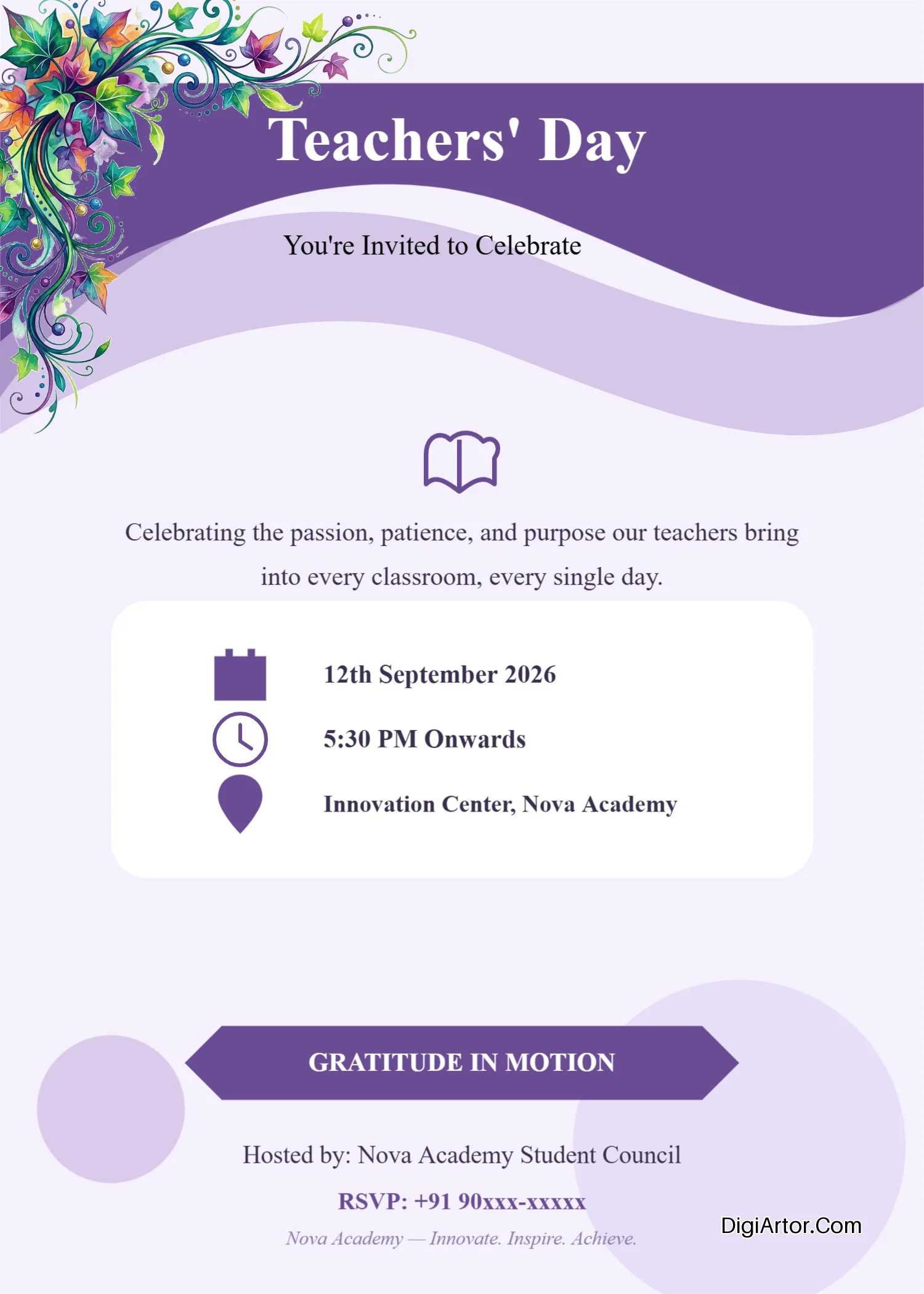

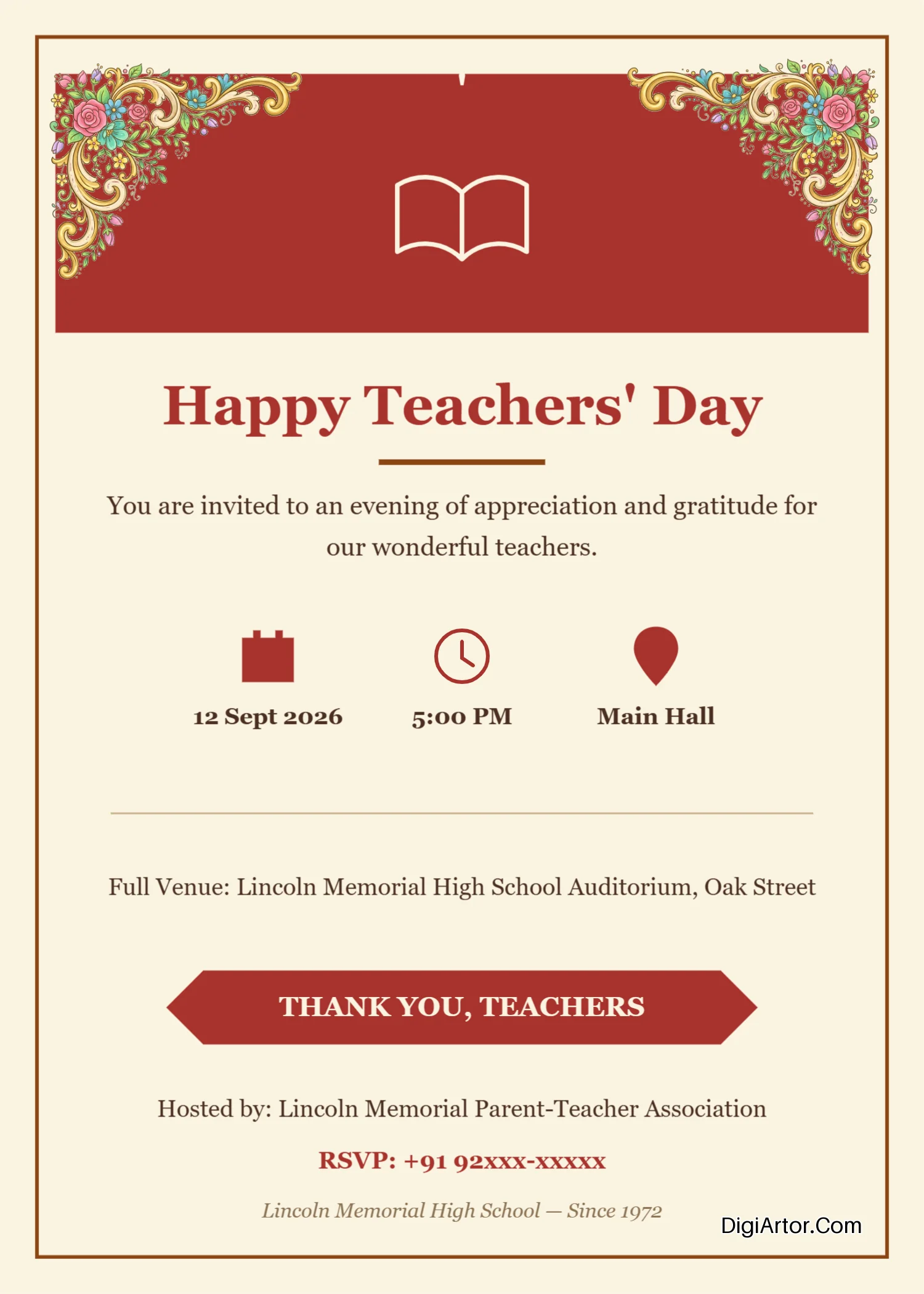


More Design Template Categories
- Banner design templates
- Business Card design templates
- Certificate design templates
- Flyer design templates
- Greeting Card design templates
- Invitation Card design templates
- Invoice design templates
- Menu design templates
- Planner design templates
- Poster design templates
- Anniversary Invitation Card templates
- Annual Day Invitation Card templates
- Birthday Invitation Card templates
- Ear Piercing Ceremony Invitation Card templates
- Engagement Invitation Card templates
- Exhibition Invitation Card templates
- Ganesh Chaturthi Invitation Card templates
- Griha Pravesh Invitation Card templates
- Haldi Kumkum Invitation Card templates
- Kirtan Invitation Card templates
- Mundan Ceremony Invitation Card templates
- Naming Ceremony Invitation Card templates
- Rice Ceremony Invitation Card templates
- Satya Narayan Puja Invitation Card templates
- Teachers Day Invitation Card templates
- Wedding Invitation Card templates
- Engagement Invitation Card templates in Gujarati
- Engagement Invitation Card templates in Hindi
- Engagement Invitation Card templates in Kannada
- Engagement Invitation Card templates in Malayalam
- Engagement Invitation Card templates in Marathi
- Engagement Invitation Card templates in Odia
- Engagement Invitation Card templates in Tamil
- Engagement Invitation Card templates in Telugu
- Ganesh Chaturthi Invitation Card templates in Gujarati
- Ganesh Chaturthi Invitation Card templates in Hindi
- Ganesh Chaturthi Invitation Card templates in Marathi
- Ganesh Chaturthi Invitation Card templates in Telugu
- Griha Pravesh Invitation Card templates in Hindi
- Griha Pravesh Invitation Card templates in Kannada
- Griha Pravesh Invitation Card templates in Marathi
- Naming Ceremony Invitation Card templates in Kannada
- Naming Ceremony Invitation Card templates in Marathi
- Teachers Day Invitation Card templates in Bengali
- Teachers Day Invitation Card templates in Hindi
- Teachers Day Invitation Card templates in Tamil
- Teachers Day Invitation Card templates in Telugu
Online Invitation Card Maker
An online invitation card maker is a web-based tool that lets you design invitation cards directly in your browser, without installing any software or hiring a designer. Instead of starting with a blank page and struggling with fonts, colors, and layouts, you simply pick a ready-made template and adjust it to fit your event. This is exactly why more and more people are moving away from designing invitations from scratch. Creating a card manually takes time, patience, and a certain level of design skill that most people simply don't have. An online tool removes all of that friction. You don't need to know how to use complicated design software or understand color theory to create something that looks polished. Whether you are planning a wedding, a birthday party, or a small family function, an online invitation card maker allows you to build a personalized invitation in minutes, using only your phone or computer.
What is an Invitation Card?
An invitation card is a printed or digital card used to formally invite guests to an event. It carries essential details such as the host's name, the occasion, the date, time, and venue, so that guests know exactly what to expect and where to be.
Importance of Invitation Card
An invitation card does more than just share event details. It sets the tone for the occasion, gives guests a first impression of the event's theme, and shows the effort and care put into planning. A well-designed invitation also makes guests feel valued and adds a sense of importance to the event, whether it's a grand wedding or a simple birthday gathering.
Basic Format of an Invitation Card
A well-designed invitation card generally includes these essential sections:
- Invitation Heading
A short phrase that immediately communicates the purpose of the invitation.
Examples: “You’re Invited,” “Join Us,” “Save the Date,” or “Wedding Invitation.” - Host Name / Invitation By
Mention the person, family, organization, or business hosting the event. - Event Name or Occasion
Clearly state what the event is about.
Examples: Birthday Party, Wedding Ceremony, Engagement, Baby Shower, Anniversary, Housewarming, etc. - Main Invitation Message
A warm and engaging sentence inviting the guest to attend the event. - Date
Include the complete event date, preferably in an easy-to-read format. - Time
Mention the starting time and, when useful, the ending time. - Venue
Provide the name of the venue along with the address or location details. - Special Details
Add information relevant to the event, such as dress code, theme, RSVP instructions, meal information, or special requests. - RSVP / Contact Information
Include a phone number, email address, website, or other contact method for confirmation. - Closing / Personal Note
Finish with a warm phrase such as “We look forward to celebrating with you” or “Your presence will make the occasion even more special.”
What Is an Online Invitation Card Maker?
Simply put, an online invitation card maker is a digital tool that helps you design invitation cards using pre-built templates and easy editing features, all from within your web browser. You don't need to download anything or install design software on your device.
These browser-based invitation makers work by giving you access to a library of ready-made designs. You choose a template, and the tool opens it inside an online editor where you can change the text, colors, images, and other elements. Everything happens in real time, right in front of you, and your changes are visible instantly.
The biggest difference between an invitation card maker and traditional graphic-design software is "simplicity". Traditional design software, like desktop-based editing programs, requires learning tools, layers, and technical settings. An online invitation card maker skips all of that. It is built for regular users, not trained designers. So the interface is simple and the learning curve is almost non-existent.
At the core of these tools are three things: templates, customization, and online editing.
1. Templates give you a starting point so you never face a blank canvas.
2. Customization lets you personalize that template with your own details.
3. And because everything is browser-based, you can edit your design from anywhere, on any device with internet access.
Why Use Digiartor's Browser-Based Graphic Design Software to Make Invitation Cards Online?
Digiartor.com is built to make invitation card creation simple for everyone, regardless of design background. Here's why it works well for this purpose:
Create Invitations Without Design Skills You don't need any prior design experience. The templates are already professionally designed, so all you have to do is fill in your details and adjust the look to your liking.
Save Time With Ready-Made Templates Instead of building a card from a blank page, you start with a template that already matches your occasion. This cuts down design time from hours to just a few minutes.
Easily Customize Text, Colors and Fonts Change the wording, adjust font styles, and pick colors that match your event's theme, all with simple click-and-edit tools.
Create Invitations From Any Device Since Digiartor works in your browser, you can design an invitation from your laptop, tablet, or smartphone without needing a specific app or operating system.
Make Invitations for Different Occasions From weddings to religious ceremonies to office events, Digiartor offers templates across a wide range of categories so you're never short of options.
Get Professional-Looking Results Because the templates are pre-designed by professionals, your final invitation looks polished and well put together, even if you've never designed anything before.
Who Can Use an Online Invitation Card Maker?
An online invitation card maker is useful for a wide range of people, not just professional designers. Here's a look at who typically benefits from these tools:
- Individuals planning a personal celebration like a birthday or anniversary
- Families organizing traditional ceremonies or gatherings
- Event organizers who need to produce multiple invitation designs quickly
- Wedding planners managing invitations for their clients
- Small businesses sending invites for product launches or store openings
- Schools and educators creating invitations for school events or functions
- Community organizations planning gatherings, meetings, or festivals
- Marketing professionals designing invites for corporate or promotional events
What Types of Invitations Can You Create Online?
An online invitation card maker typically supports a wide variety of occasions, including:
- Wedding Invitation Cards
- Birthday Invitation Cards
- Engagement Invitation Cards
- Baby Shower Invitation Cards
- Anniversary Invitation Cards
- Housewarming Invitation Cards
- Party Invitation Cards
- Religious and Traditional Invitation Cards
- Business and Event Invitation Cards
This variety means that whatever the occasion, there's usually a template already designed to match it, saving you from having to build something from the ground up.
How to Create an Invitation Card Online
Creating an invitation card online generally follows a simple, five-step process.
1. Choose an Invitation Card Template
First visit Digiartor's Online Invitation Card maker section and then start by browsing templates and selecting a design that matches your occasion. Whether it's a wedding, birthday, or housewarming event, picking a template designed for that specific occasion gives you a strong starting point.
2. Customize the Invitation
Once you've chosen a template, begin personalizing it. This usually includes updating:
- Names
- Date and time
- Venue
- Fonts
- Colors
- Images
- Decorative elements
3. Personalize the Design
Go a step further by matching the invitation to your event's overall theme. If it's a formal event, keep the design clean and elegant. If it's a fun celebration, you can use brighter colors and playful elements. Throughout this process, make sure the information stays clear and easy to read.
4. Review Your Invitation
Before finalizing your design, double-check everything carefully. Look out for spelling mistakes, incorrect dates, wrong addresses, or missing contact information. A small error here can create confusion for your guests, so this step matters.
5. Download or Share Your Invitation
Once you're happy with the design, you can download your invitation card. Depending on the platform, you may be able to save it in different formats suited for printing or digital sharing, and send it directly as a digital e-card or take a printout for physical distribution.
Features to Look for in an Online Invitation Card Maker
Not all invitation card makers offer the same experience. Here are some features worth looking for:
- Ready-made invitation templates for a variety of occasions
- Easy drag-and-drop editing for quick adjustments
- Text customization to change wording and messages
- Font selection to match the tone of your event
- Color customization to align with your event's theme
- Image support so you can add personal photos
- Shapes and decorative elements to enhance the design
- Multiple invitation sizes for different formats and uses
- Print-ready designs for those who want physical copies
- Easy downloading in commonly used file formats
- Browser-based editing with no software installation required
- Mobile-friendly design tools for editing on the go
Tips for Creating a Professional Invitation Card
A good invitation card is more than just a template filled with text. Keep these tips in mind while designing:
Choose a Design That Matches the Occasion A wedding invitation should feel different from a birthday invite. Pick a template whose style genuinely fits the mood of your event.
Use Easy-to-Read Fonts Fancy fonts can look attractive, but if guests struggle to read the date or venue, the design has failed its purpose. Balance style with readability.
Maintain a Clear Visual Hierarchy Make sure the most important details, like the event name, date, and venue, stand out clearly, while smaller details stay secondary.
Choose a Suitable Color Combination Colors should reflect the occasion. Soft pastels often work for baby showers, while bold colors may suit festive celebrations.
Include All Important Event Details Double-check that names, dates, timings, venue, and RSVP information (if needed) are all present and accurate.
Avoid Overcrowding the Design Too much text or too many decorative elements can make the card look cluttered. Keep some breathing space for a cleaner look.
Check the Design Before Downloading Review your invitation one final time before downloading or sharing it, so there are no last-minute surprises after it's already sent out.
How to Choose the Right Invitation Card Template
Choosing the right template makes the entire design process easier. Consider the following factors:
- Occasion: Pick a template built specifically for your event type, such as a wedding, birthday, or housewarming.
- Audience: Think about who's receiving the invitation. A formal corporate event calls for a different design than a casual family get-together.
- Event style: Match the template to whether your event is formal, traditional, or casual.
- Color theme: Choose a template with colors that align with your event's overall theme or decor.
- Amount of information: If you have a lot of details to include, pick a template with enough space to accommodate them without feeling cramped.
- Print or digital use: Decide whether the invitation will mainly be printed or shared digitally, and choose a format that suits that purpose.
- Portrait or landscape format: Consider how the invitation will be viewed or shared, and pick an orientation that fits best.
Create Personalized Invitation Cards With Digiartor
If you're looking for a simple way to design invitations without dealing with complicated software, Digiartor offers a browser-based platform built specifically for this kind of task. It comes with a wide range of online invitation card templates covering different categories, from weddings and engagements to housewarming and religious ceremonies, so you're likely to find a starting point that fits your event.
Every template on Digiartor is customizable, meaning you can adjust text, fonts, colors, and design elements to match your specific needs. Since the entire tool works in your browser, there's nothing to install, and you can work on your invitation from a laptop or a mobile device.
Because the platform covers such a wide variety of invitation categories, it works well whether you're planning something formal, traditional, or casual. The ability to personalize both the text and visual elements means your final design doesn't have to look like a generic template. It can genuinely reflect your event.
Conclusion
Designing an invitation no longer needs to be a time-consuming or complicated task. With an online invitation card maker, anyone can create a personalized, professional-looking invitation in just a few simple steps, right from their browser. Whether it's a wedding, a birthday, or a traditional ceremony, choosing the right template and customizing it thoughtfully can make your invitation stand out. If you're ready to design your own, an online invitation card maker like the one offered by Digiartor gives you the templates, tools, and flexibility to bring your invitation to life, without needing any design experience at all.