
Create Professional Invitation Cards, Business Cards, Greeting Cards & Posters with Editable Templates
Graphic design has never been this easy. Explore a collection of professionally designed graphic templates and use them to create stunning invitation cards, business cards, greeting cards, flyers, banners, YouTube thumbnails, Pinterest pins, Instagram Stories, Facebook posts, and forms. Customize your designs with different colors, text, backgrounds, and images to create designs that match your needs. Download your finished designs in PDF, JPEG, PNG, or WEBP format.
Check more than 1000+ professionally designed graphic templates ready to use. Create Invitation Cards, Posters, Business Cards, Flyers.
Browse by Category

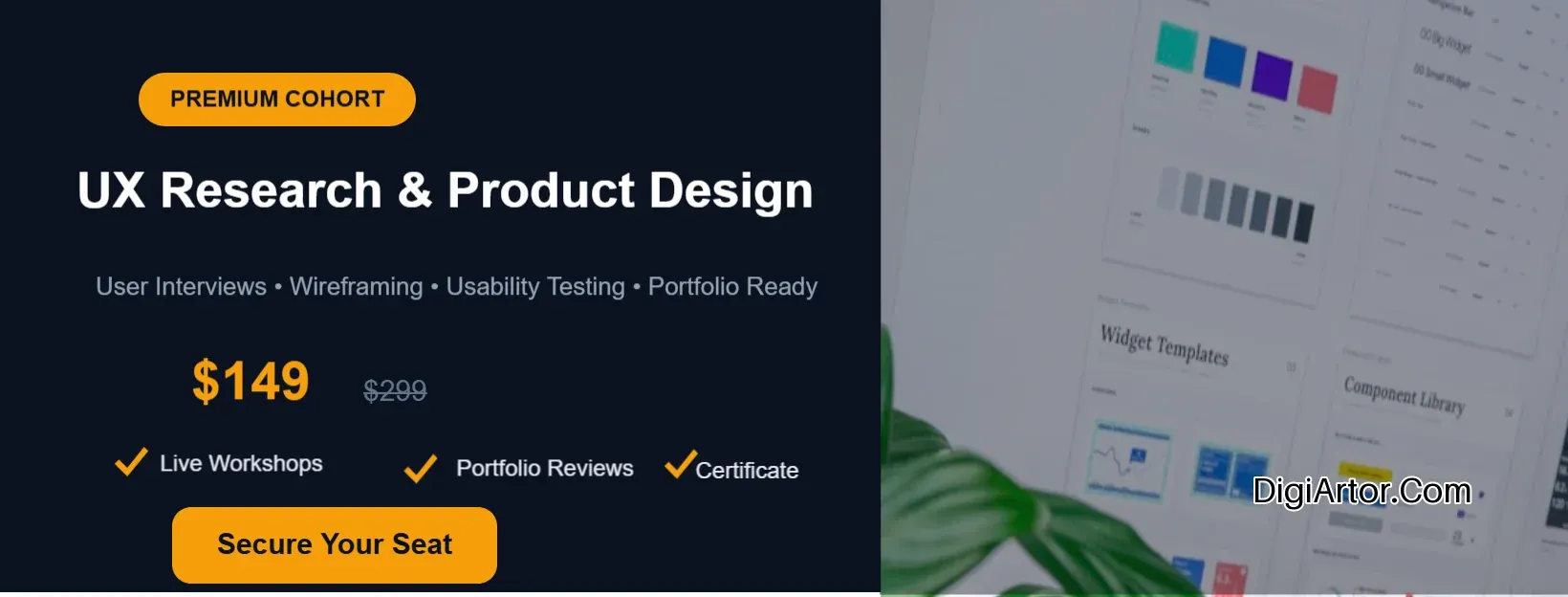
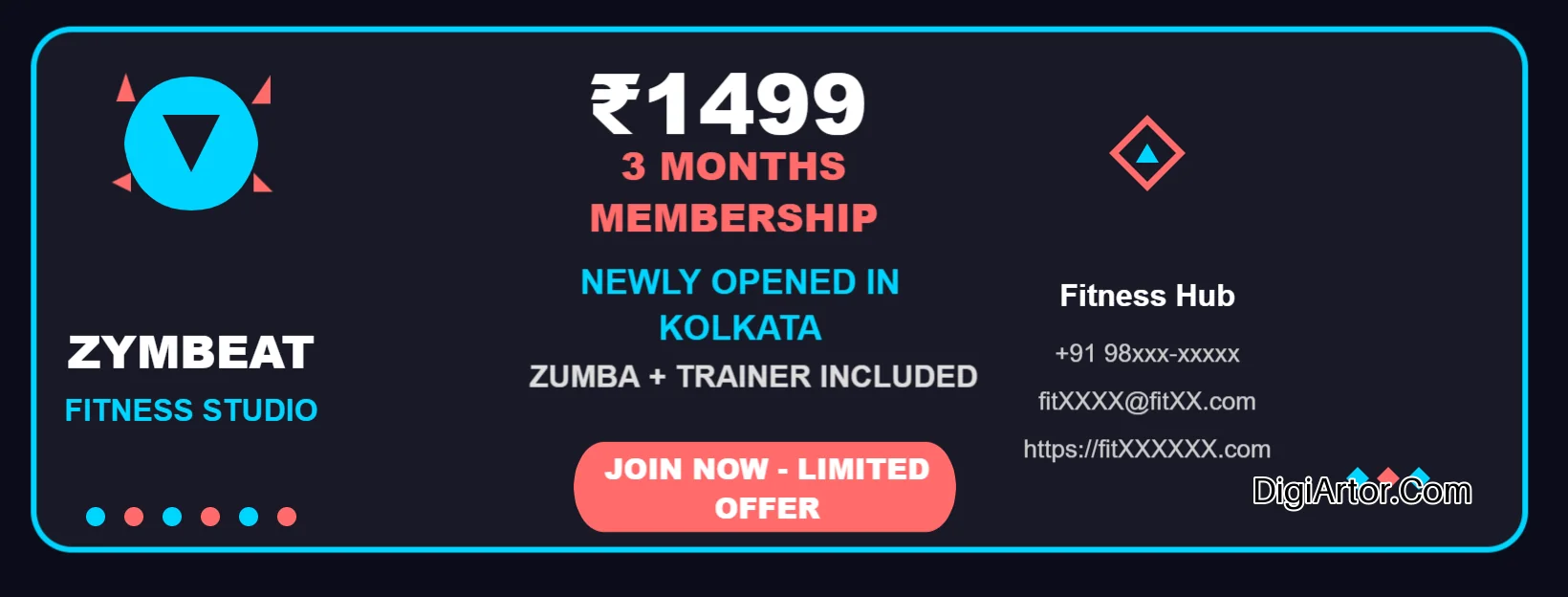
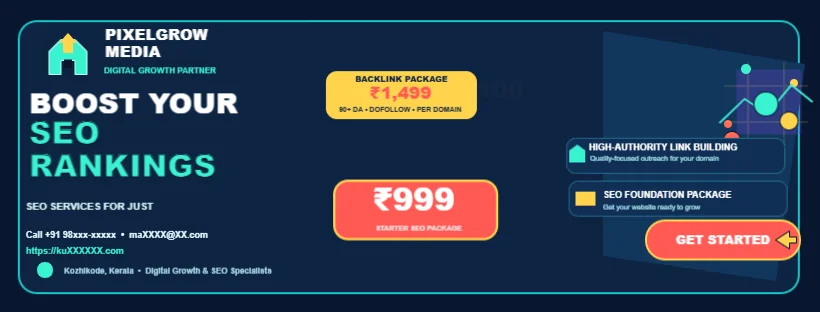
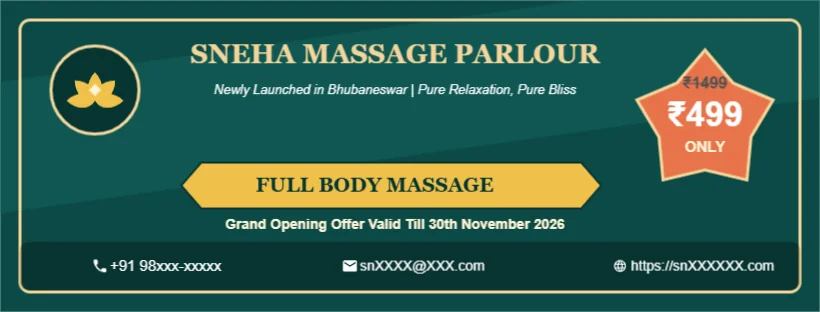
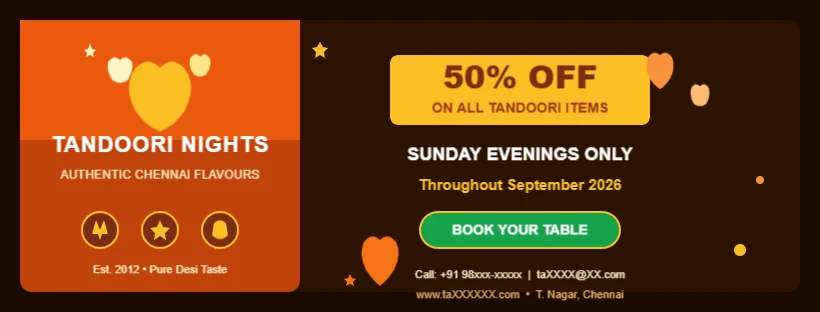
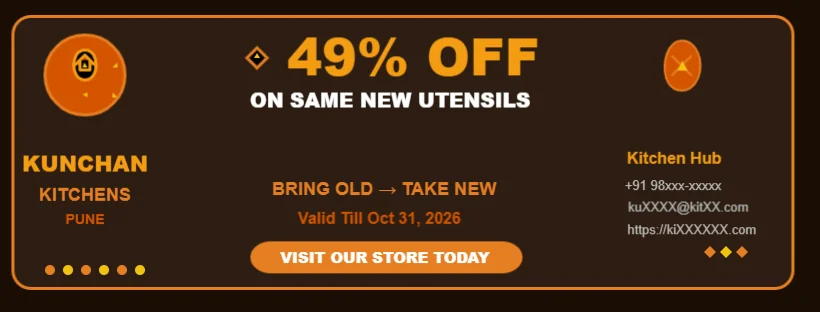
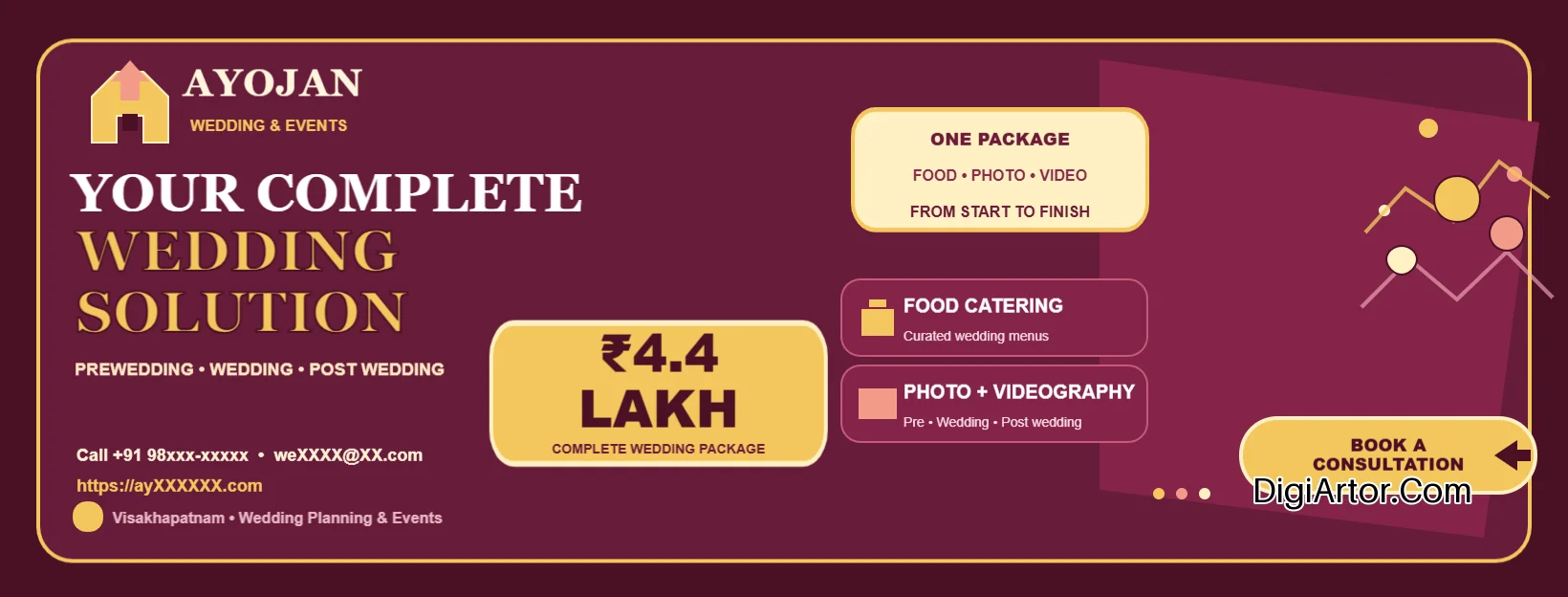


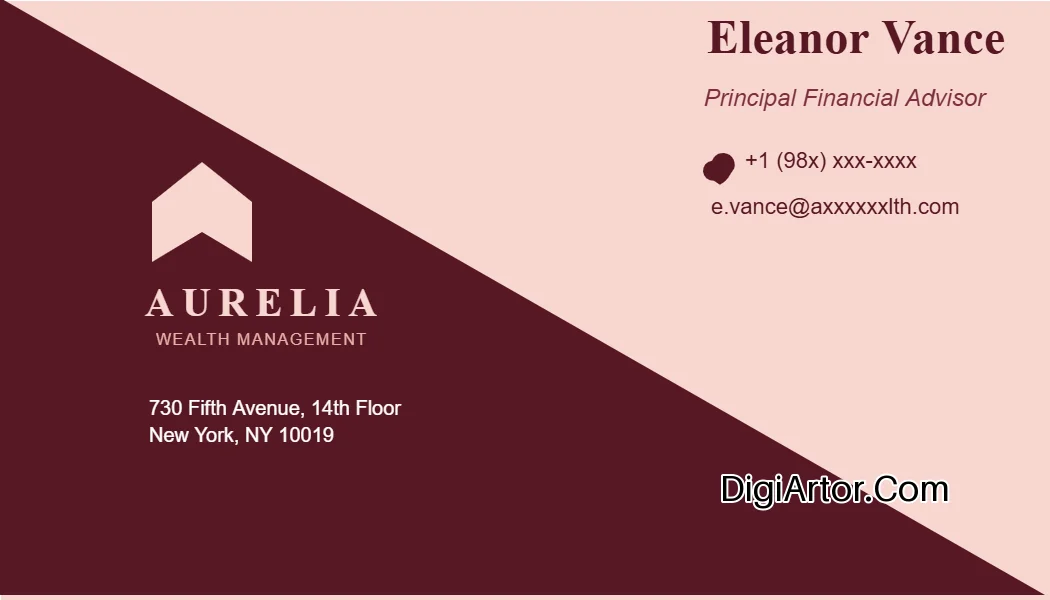

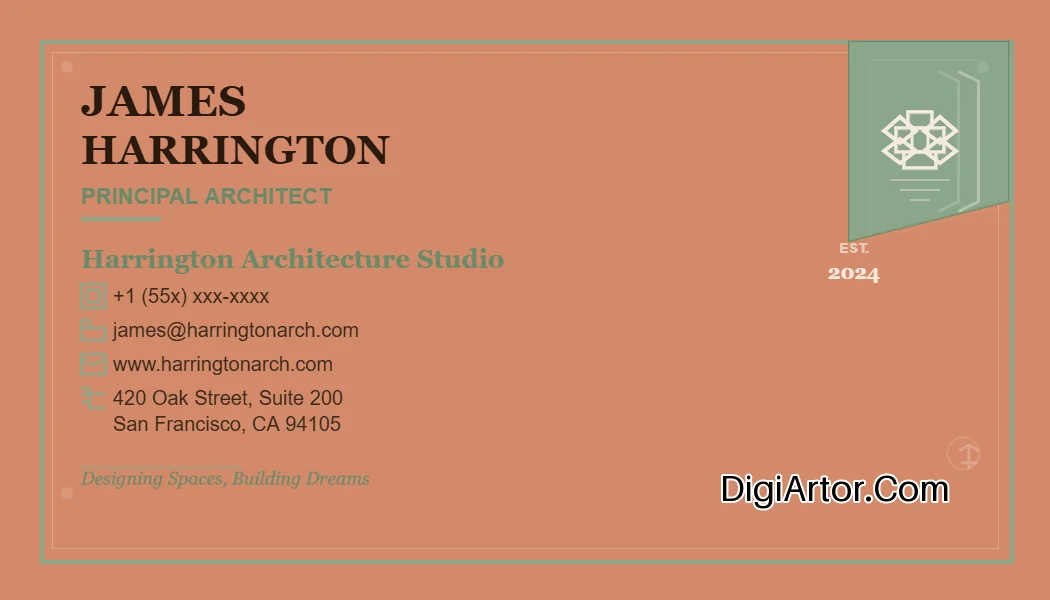
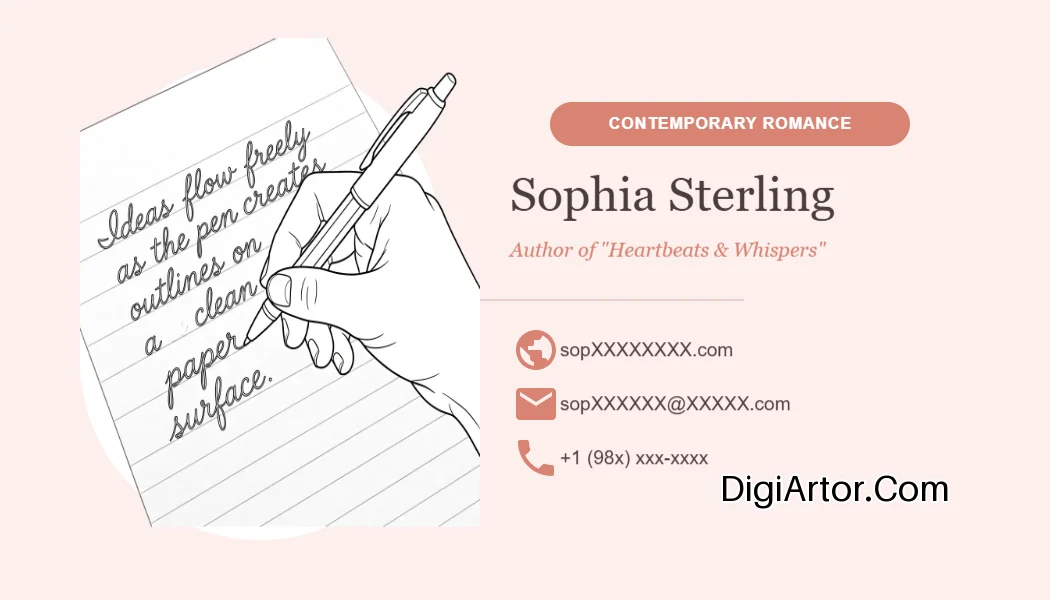
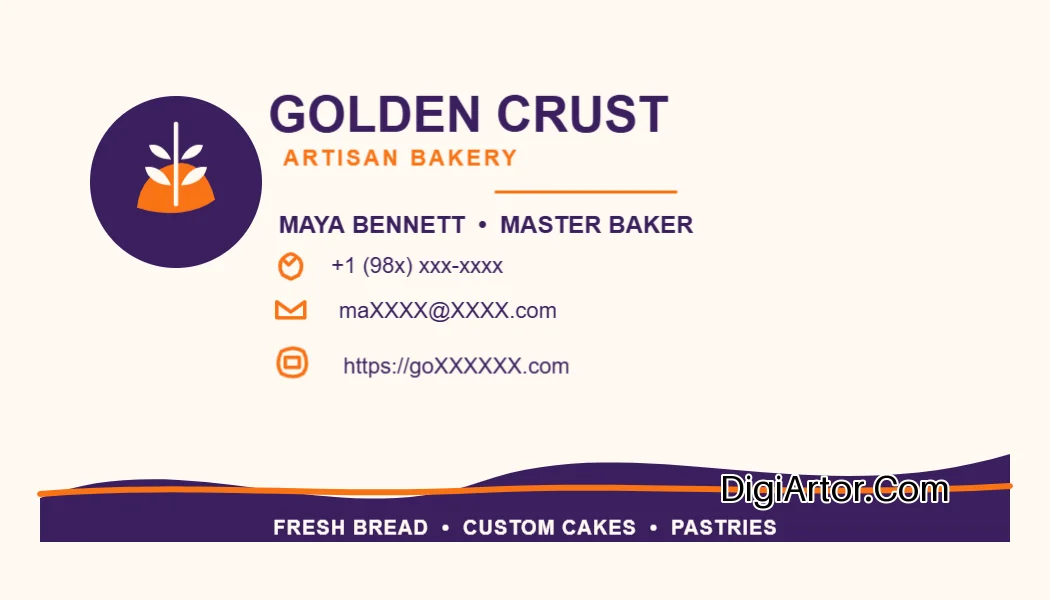
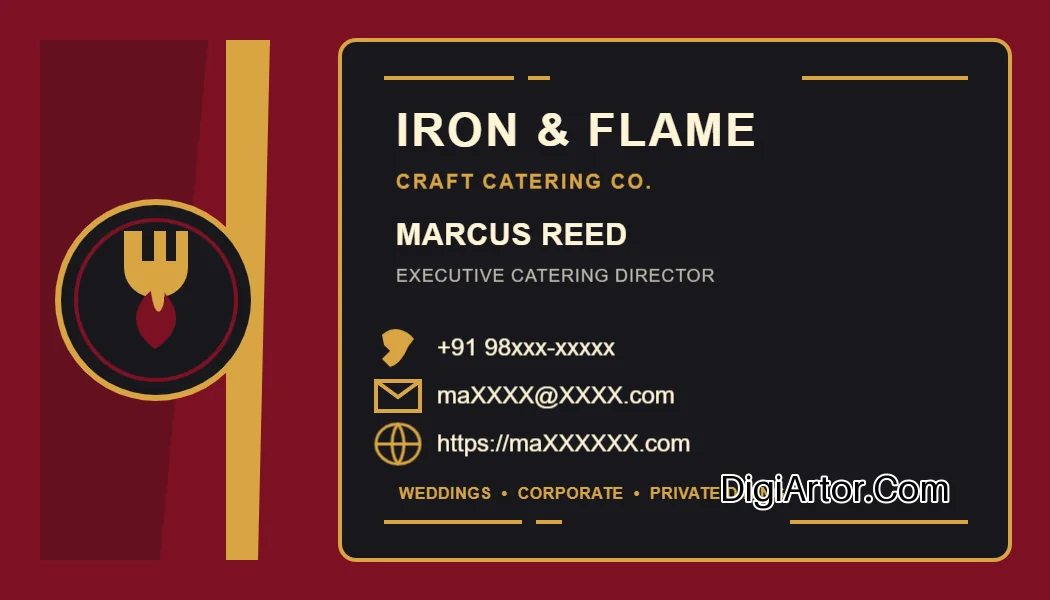
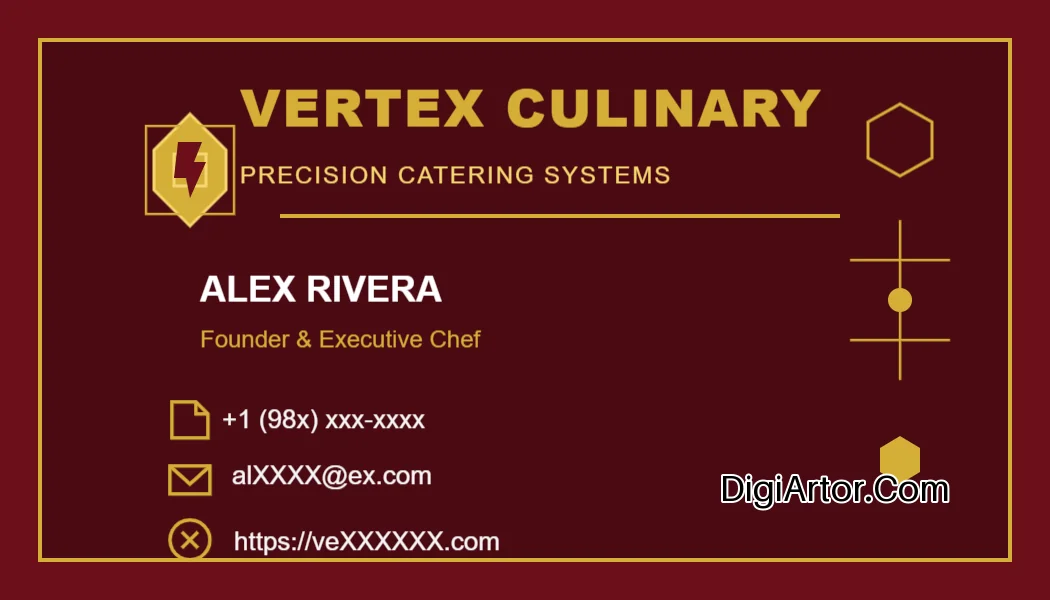
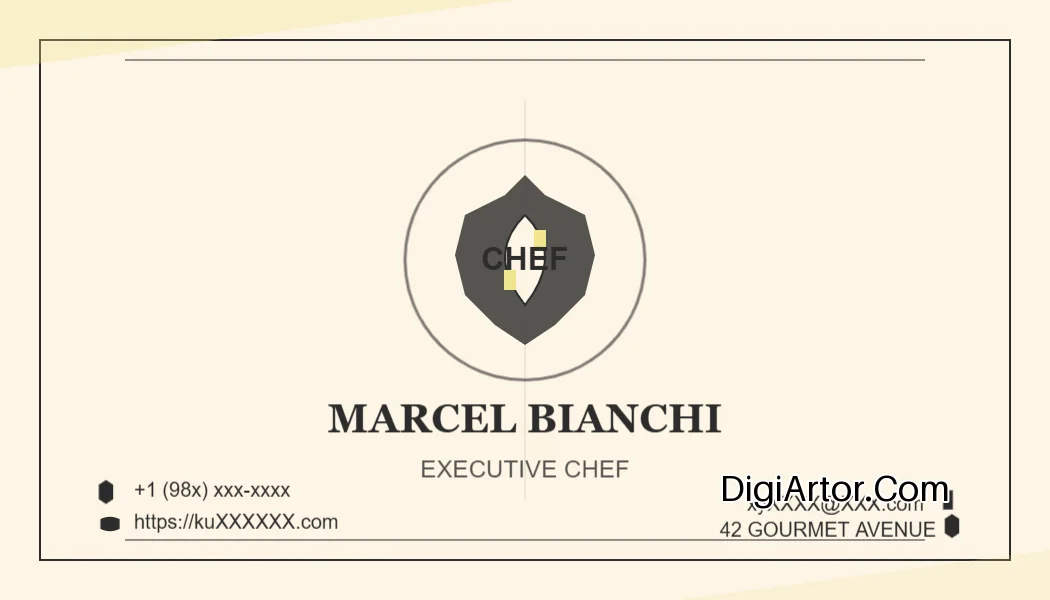

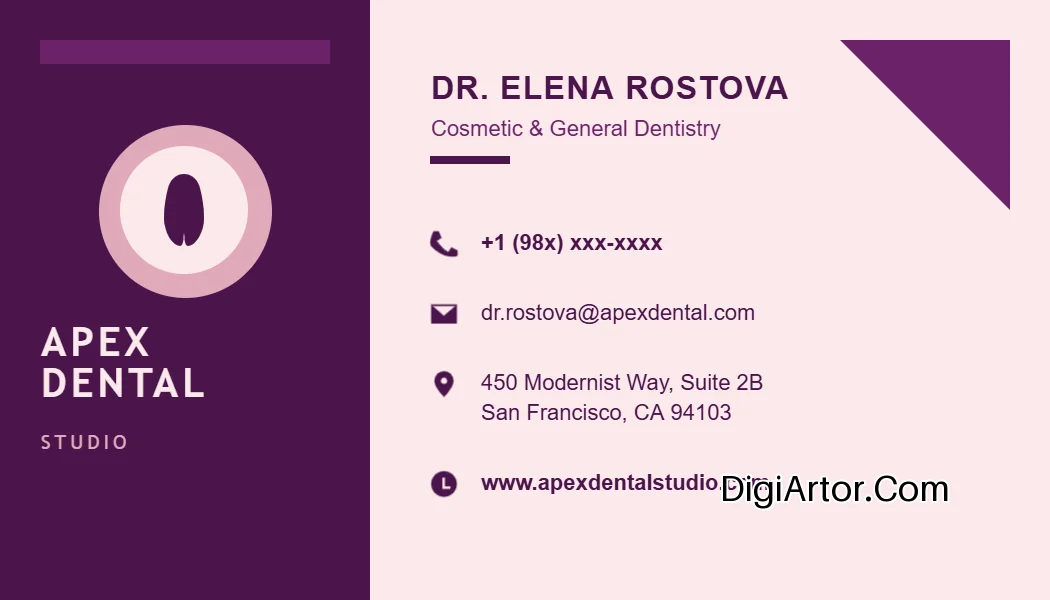
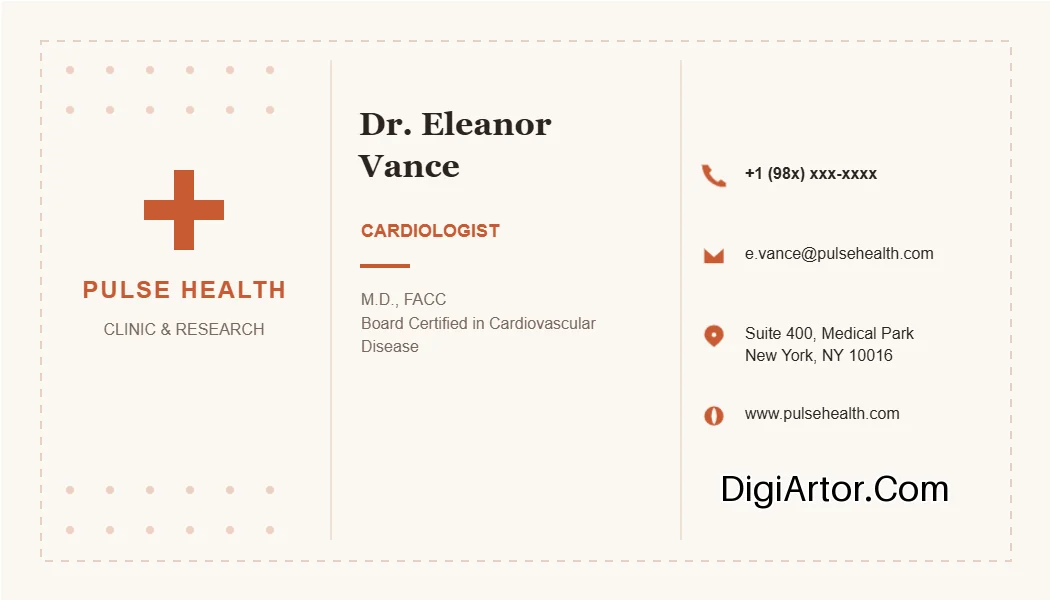
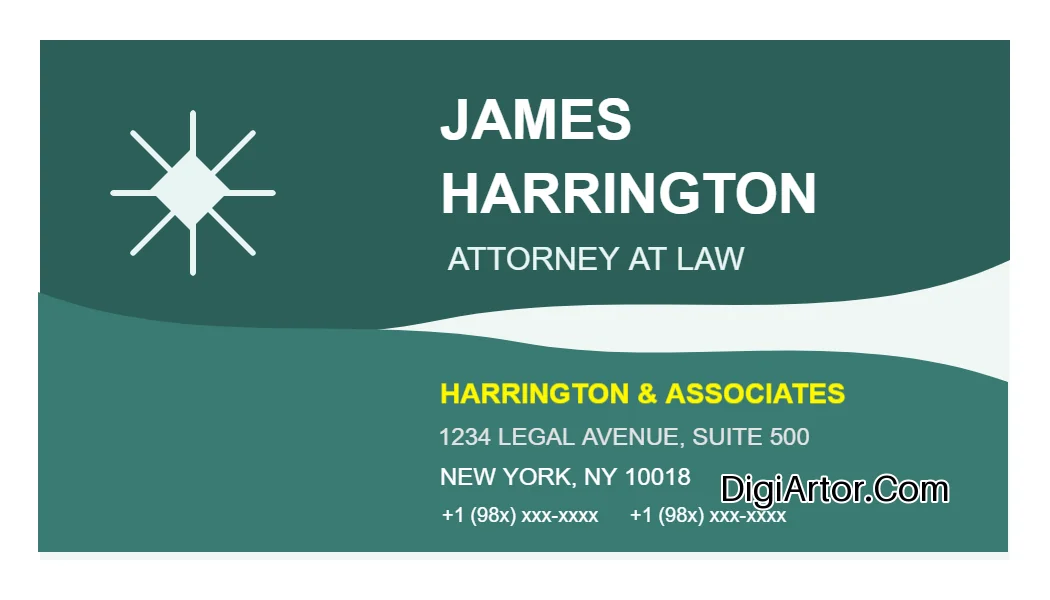
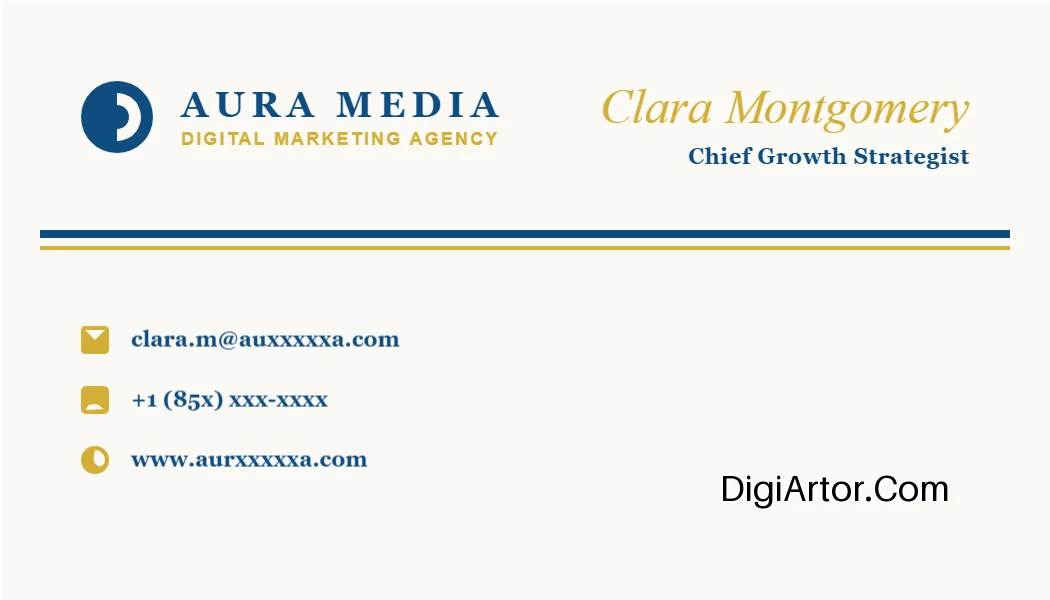
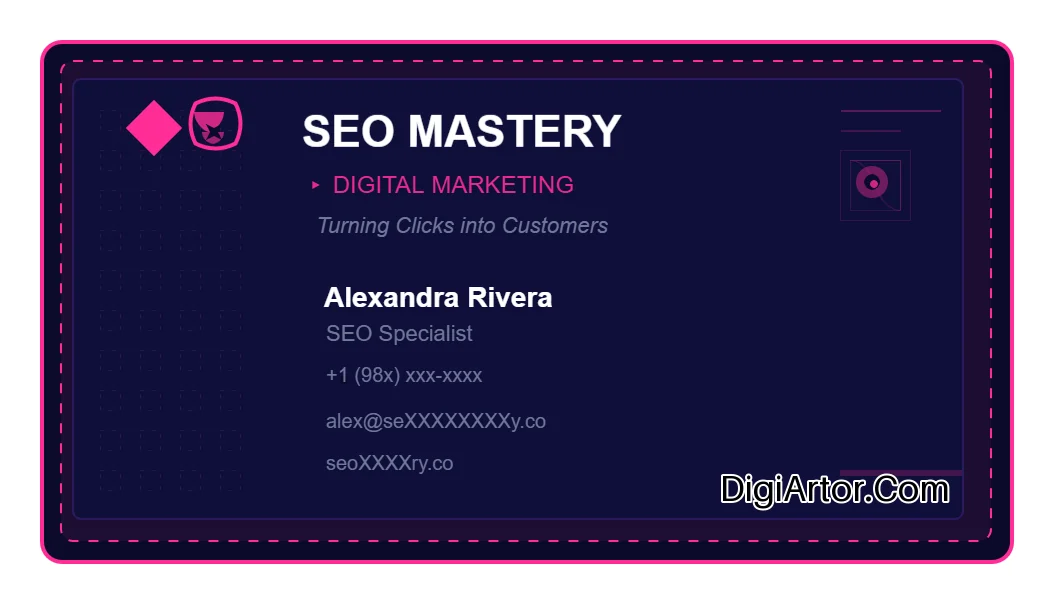
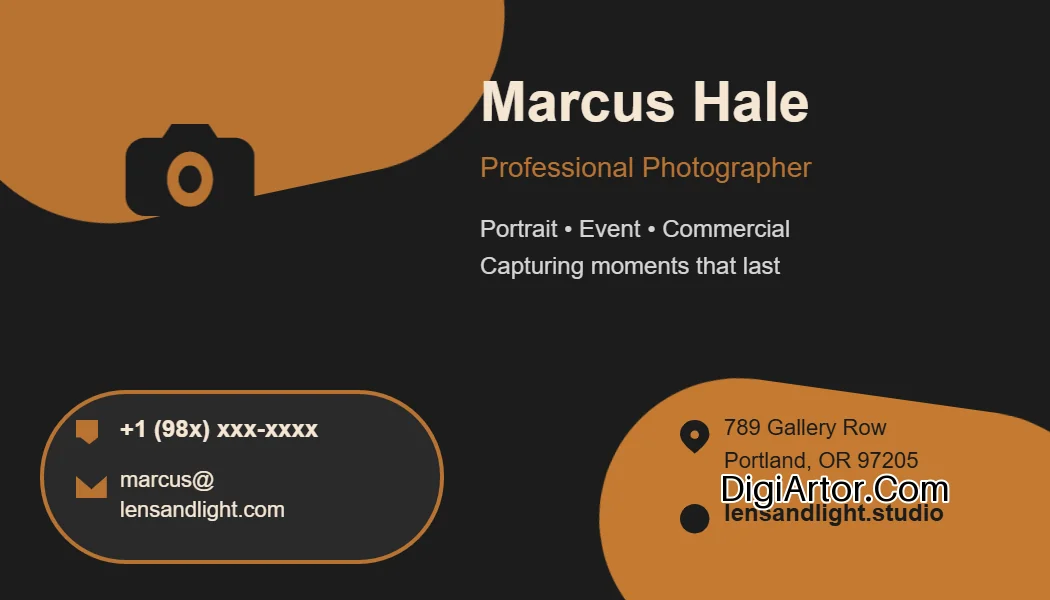
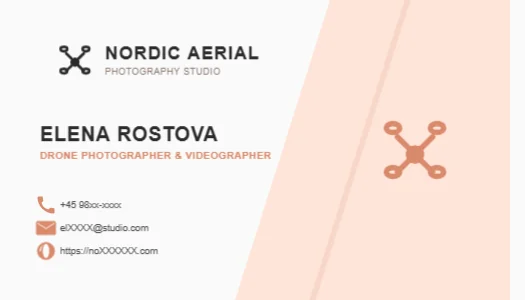


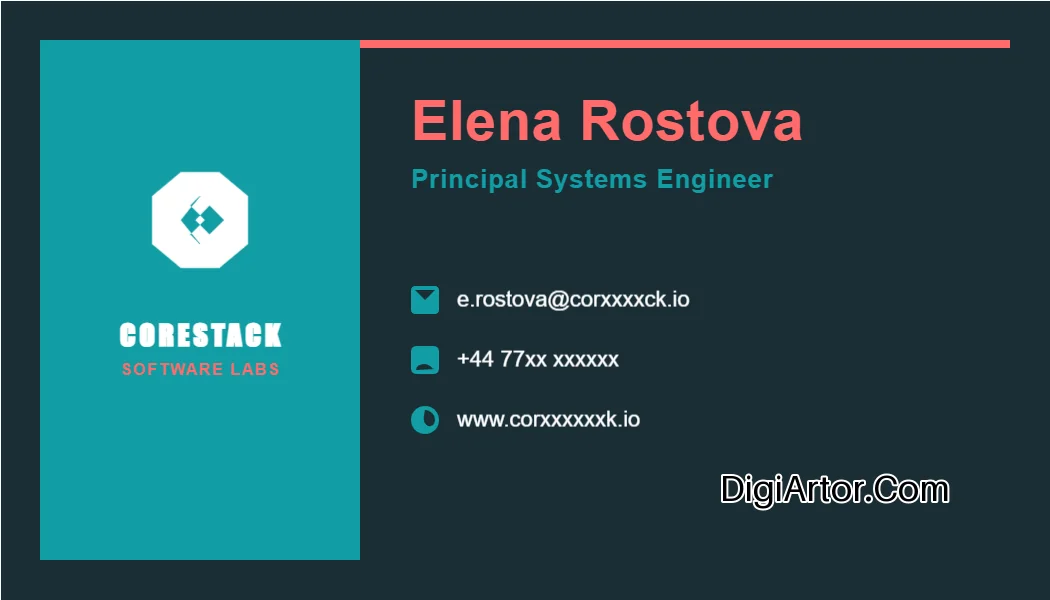
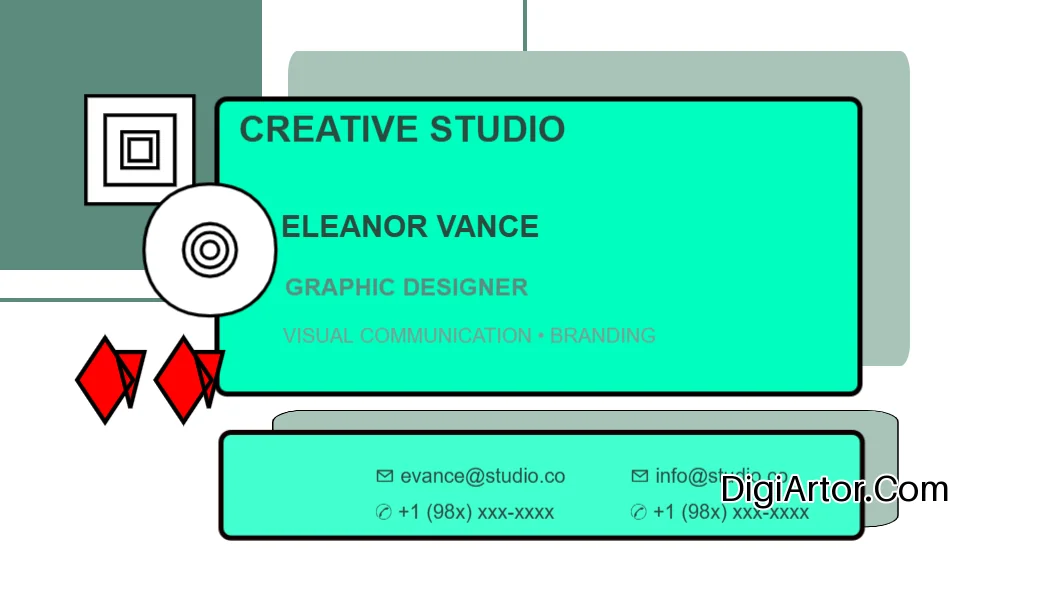
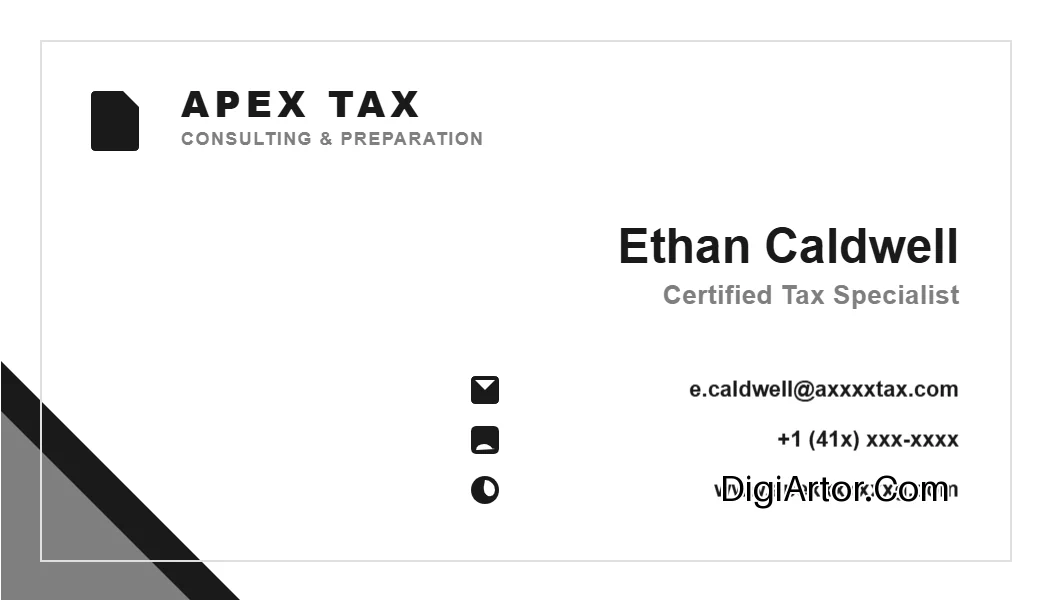
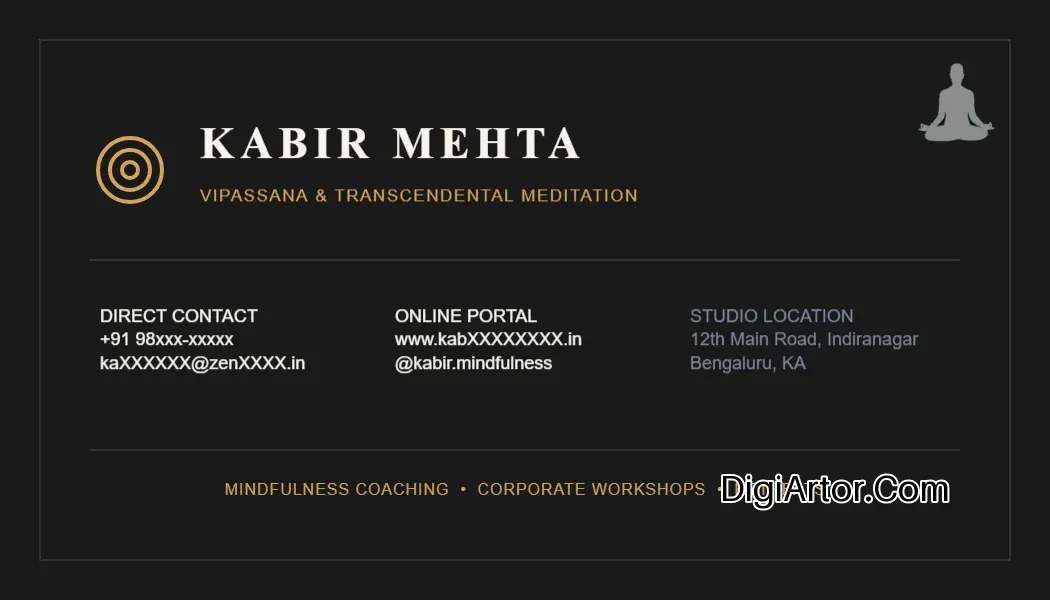
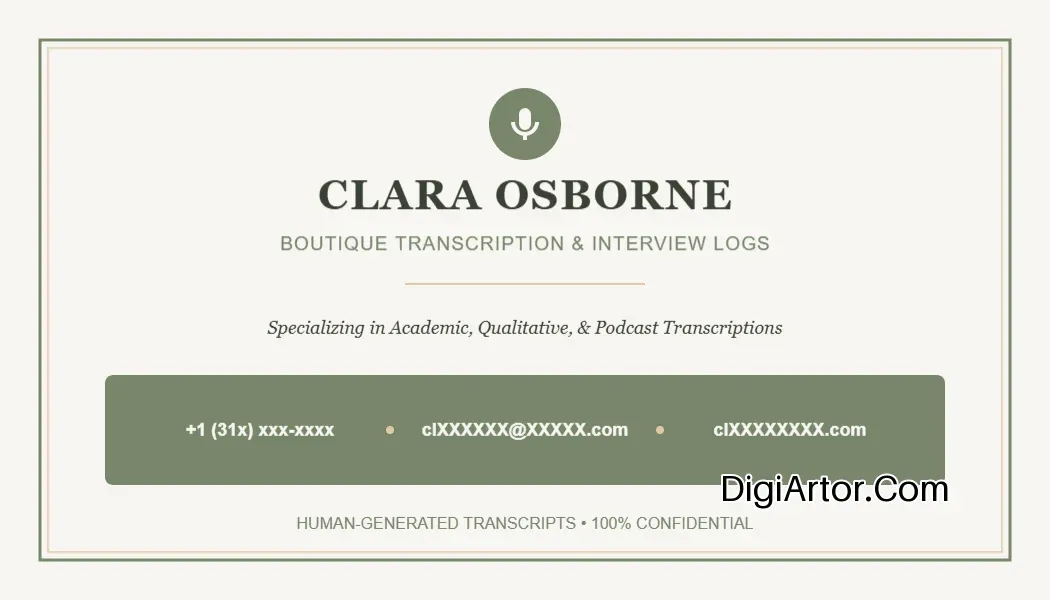
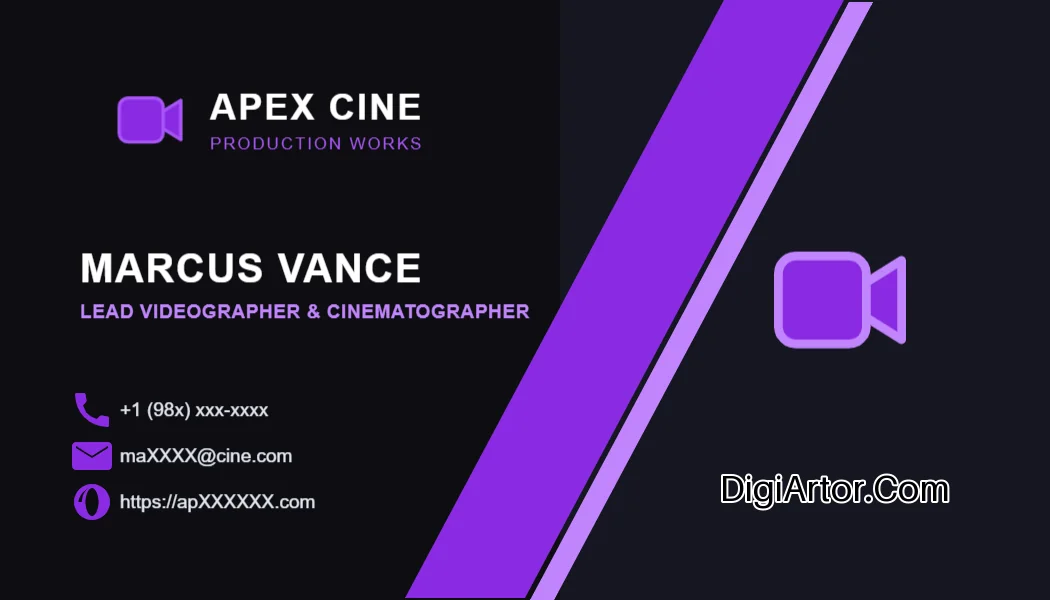
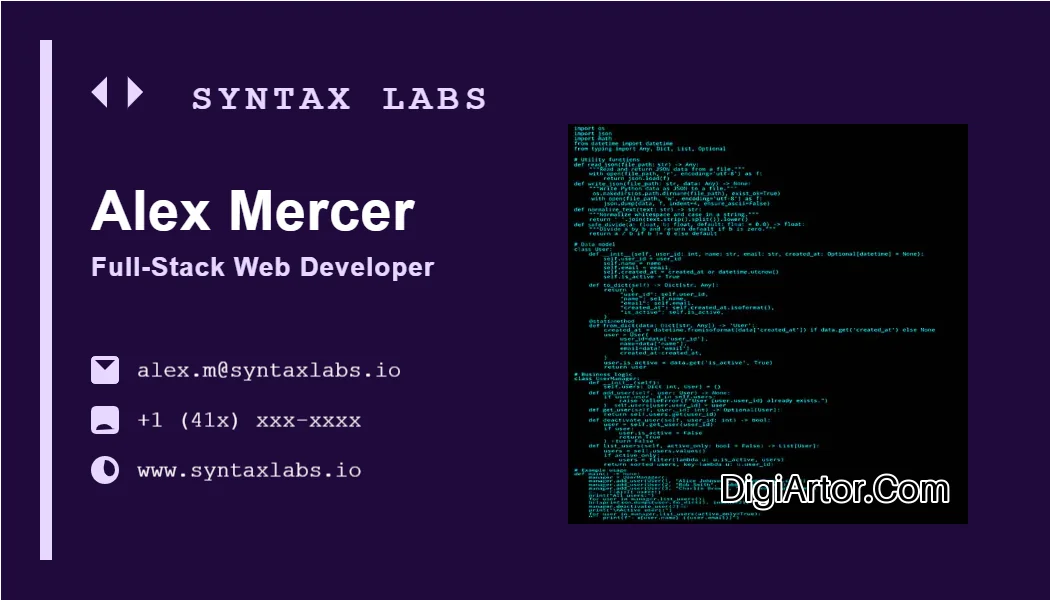
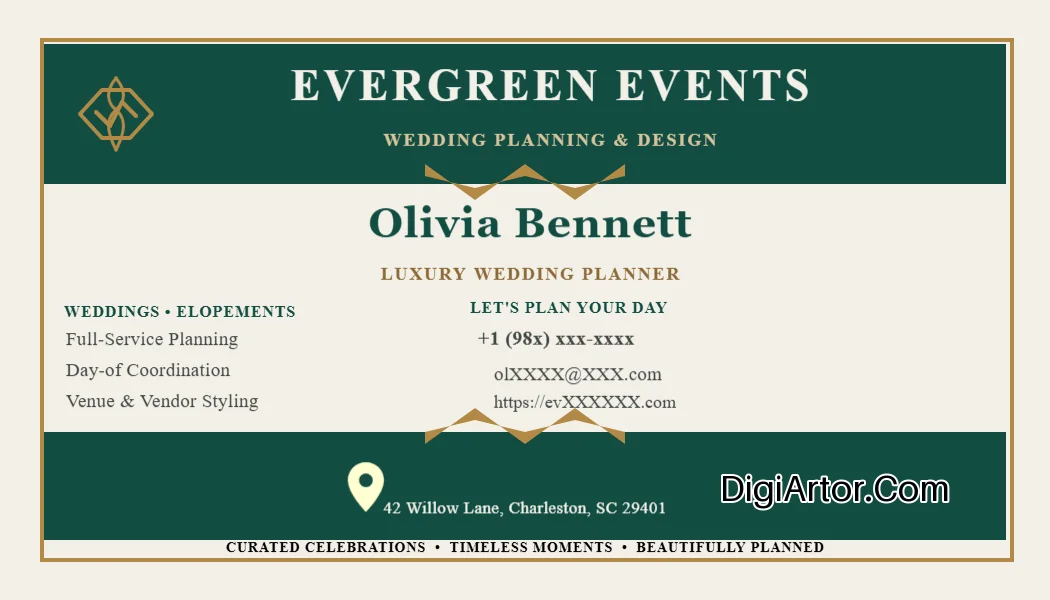
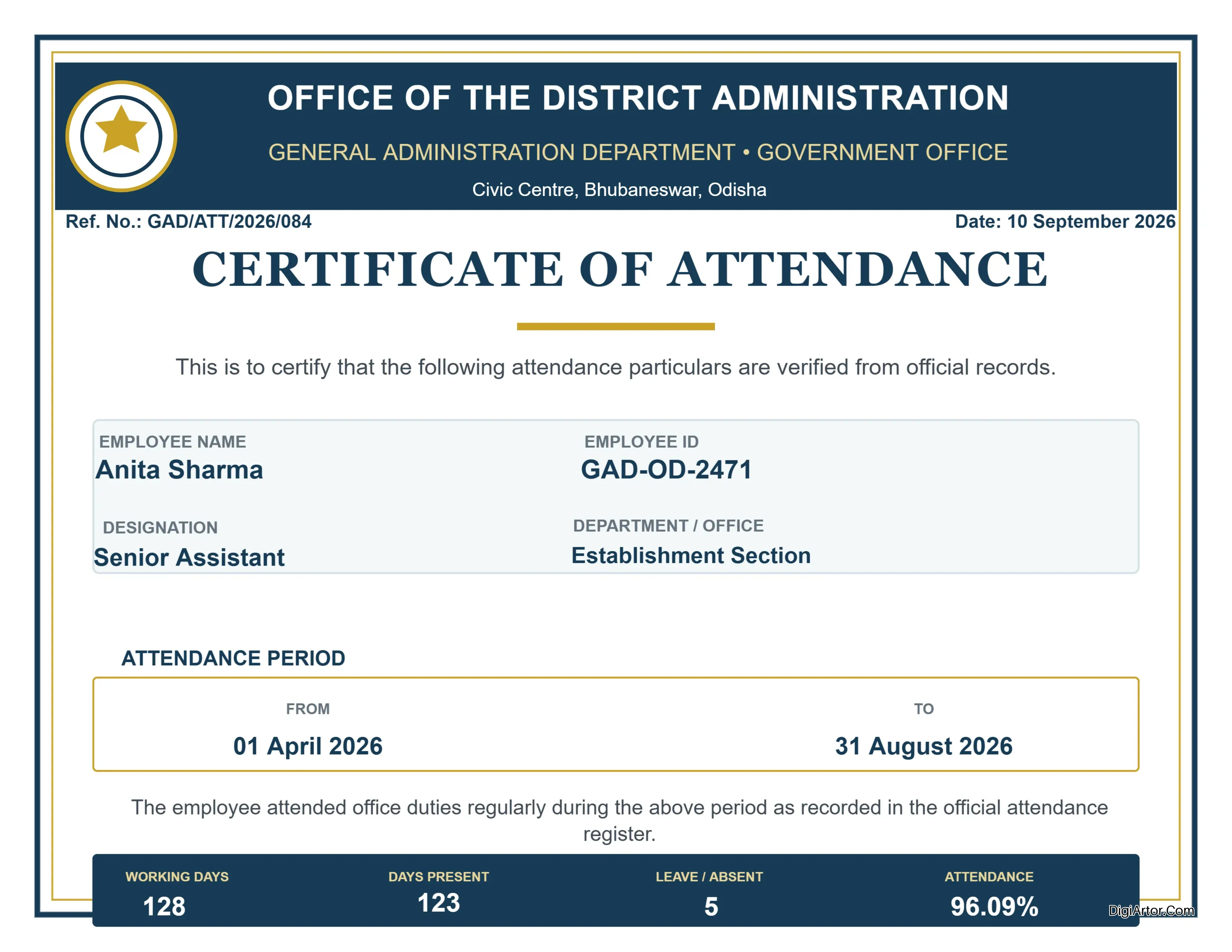
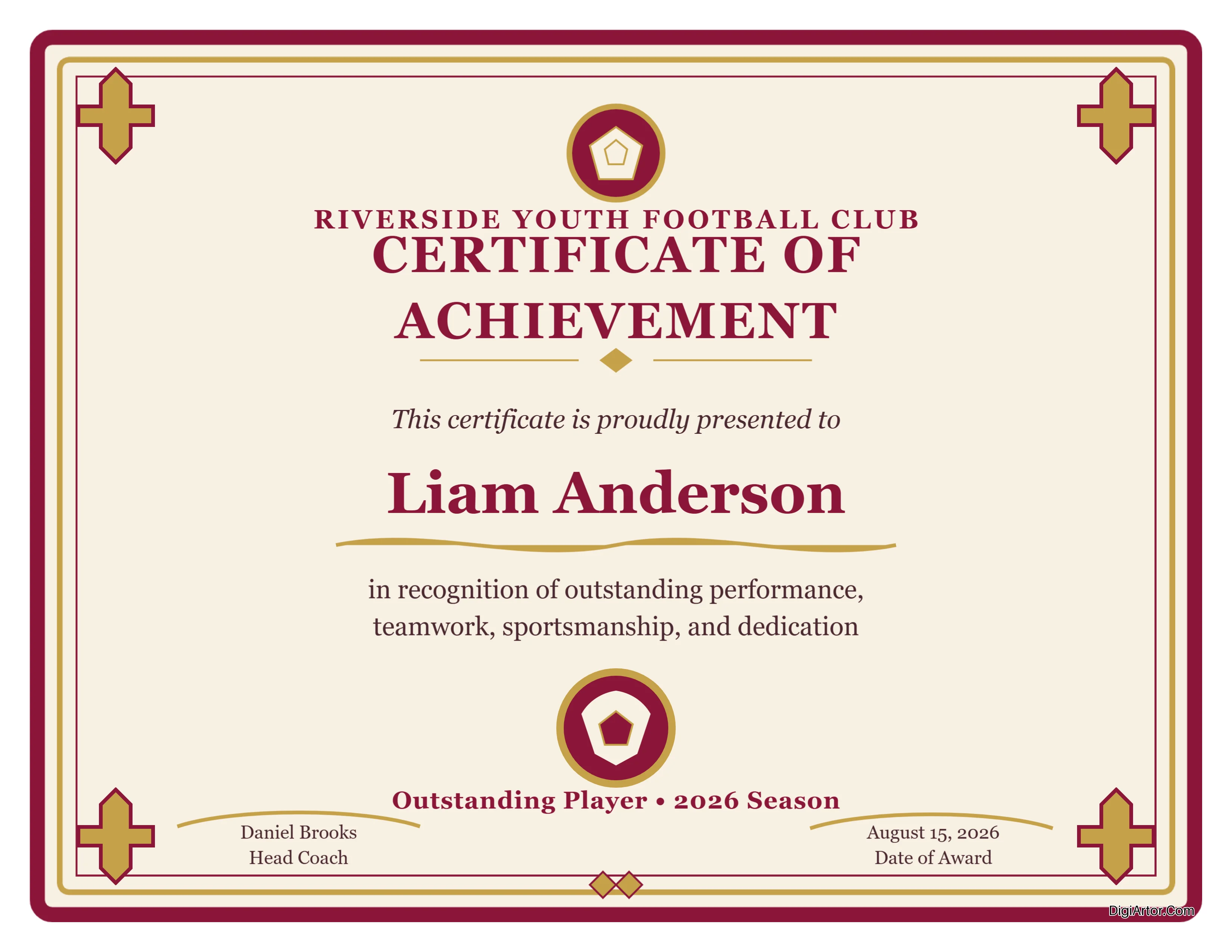
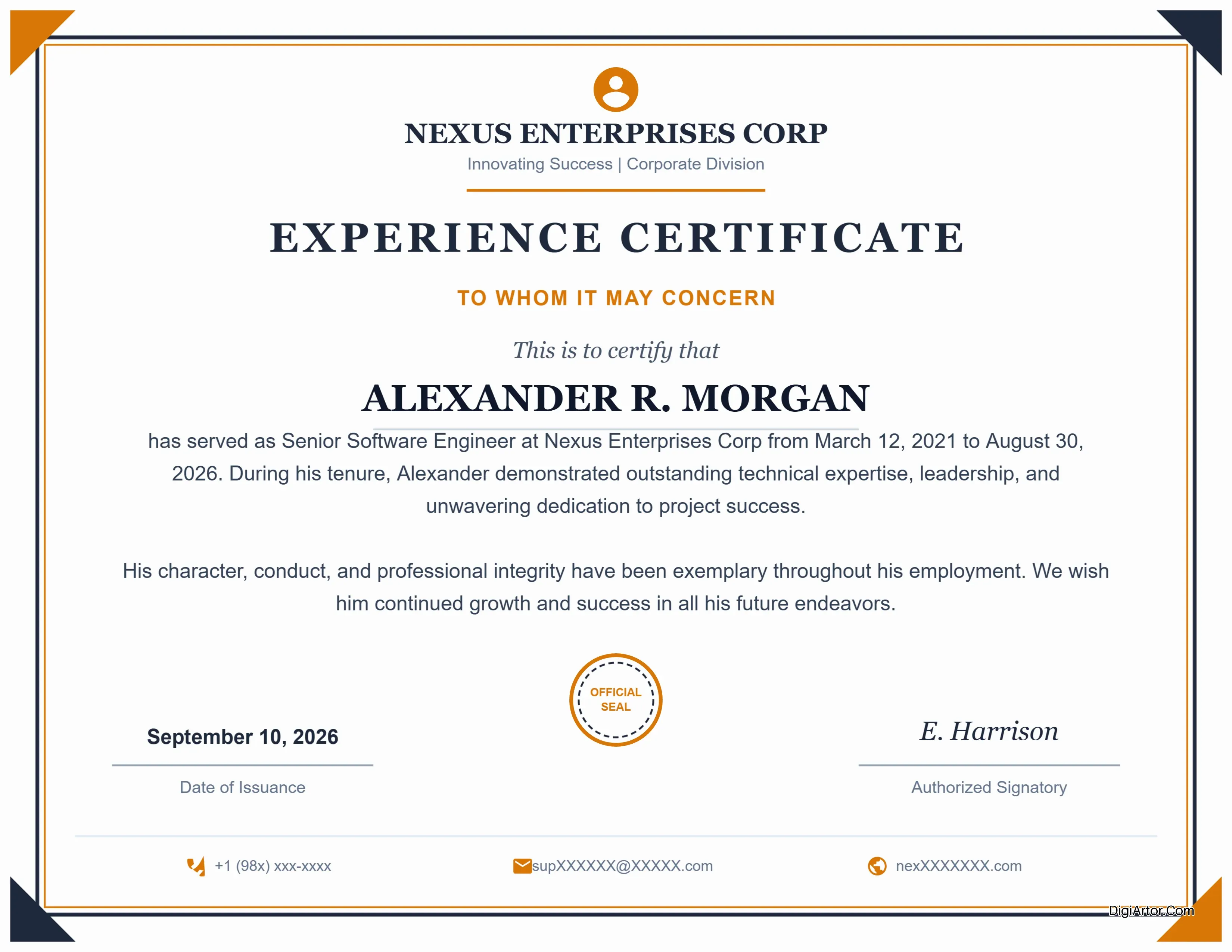
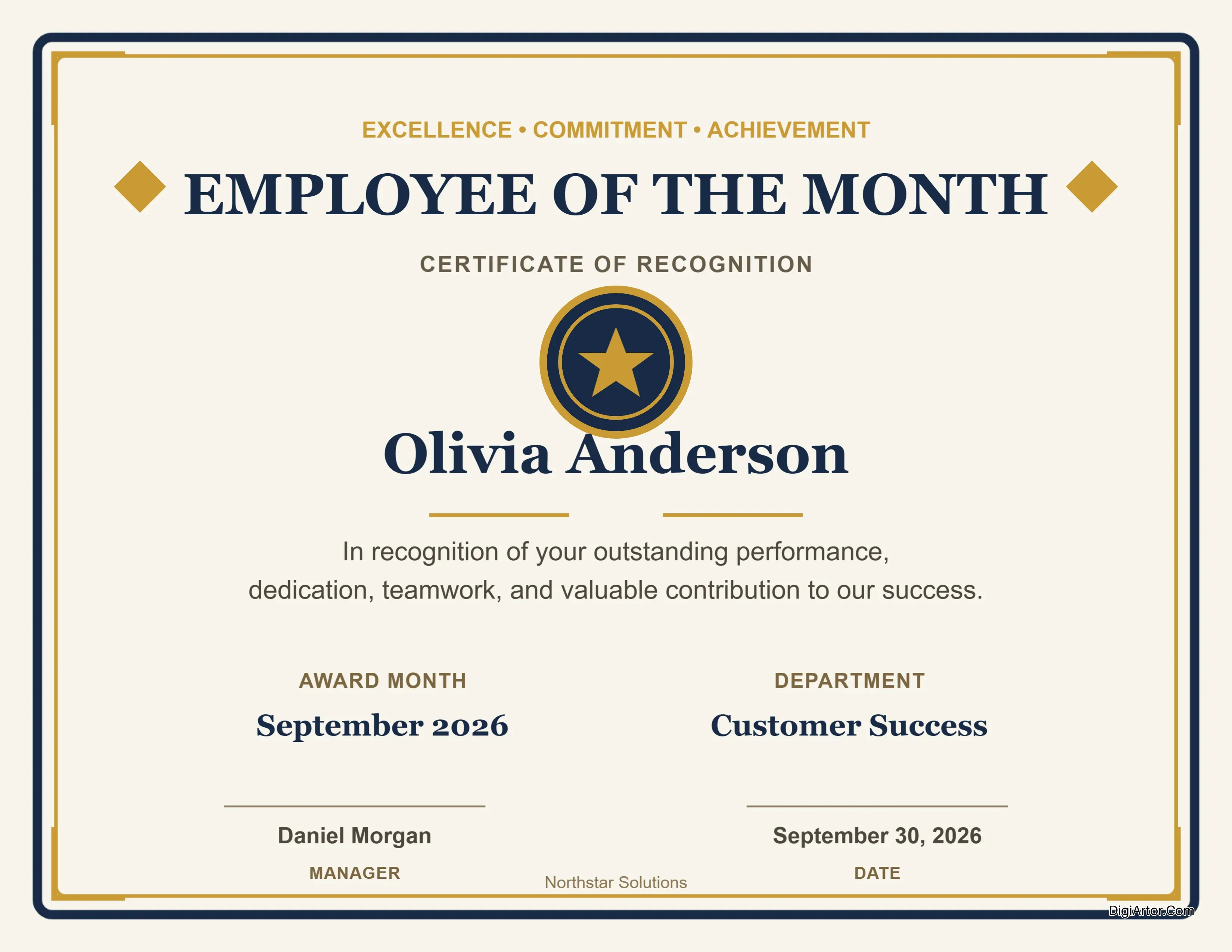
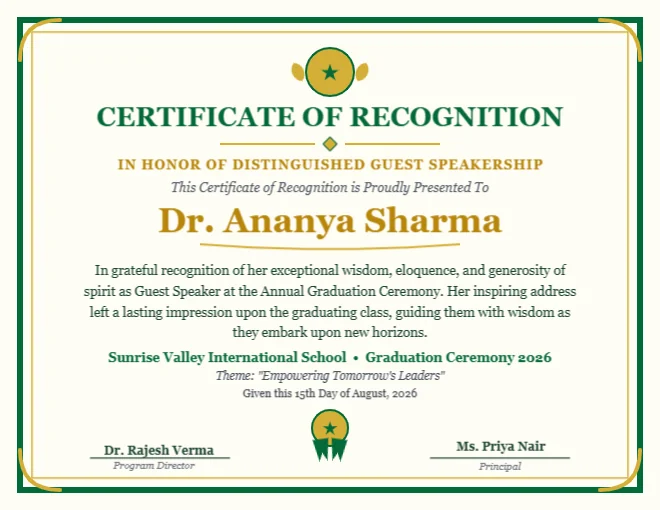
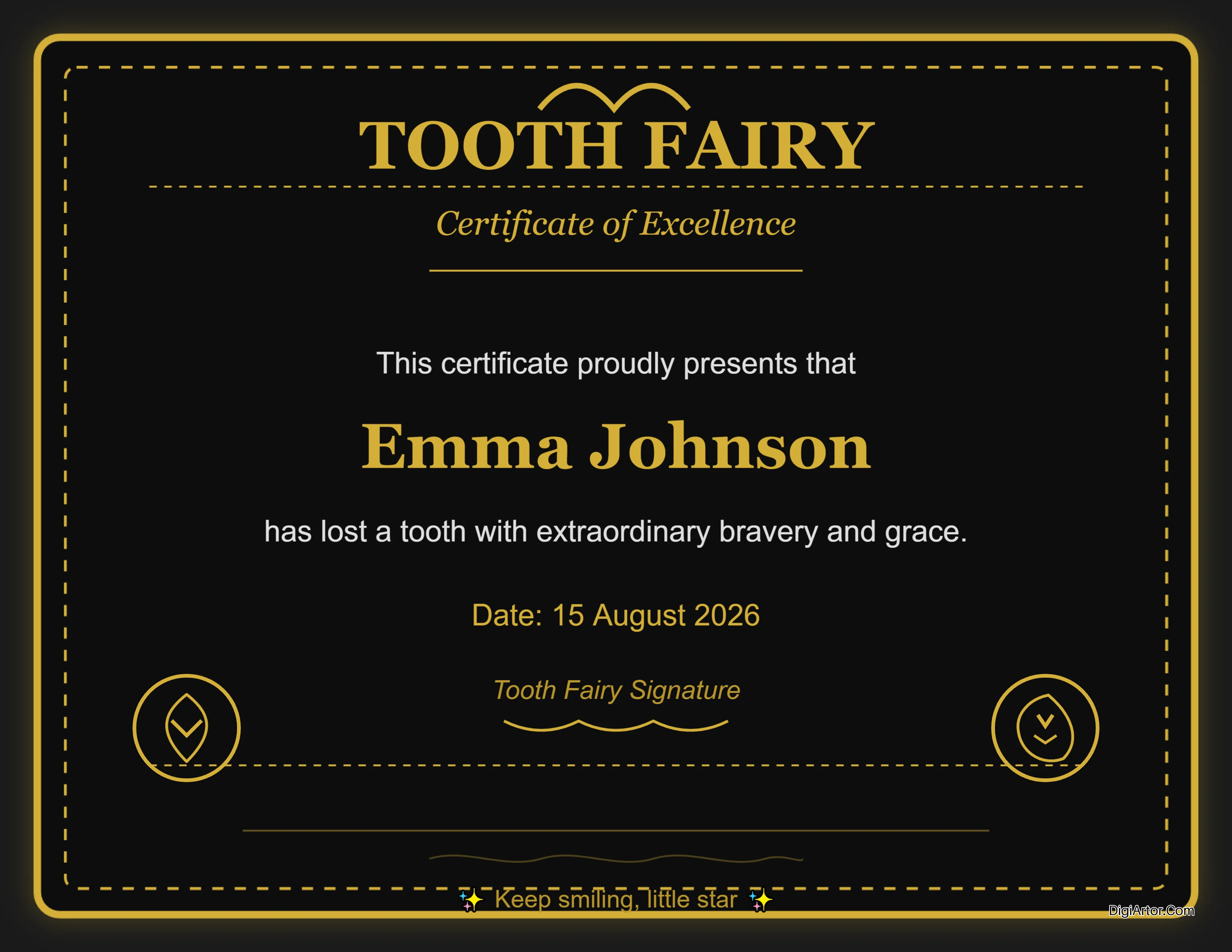

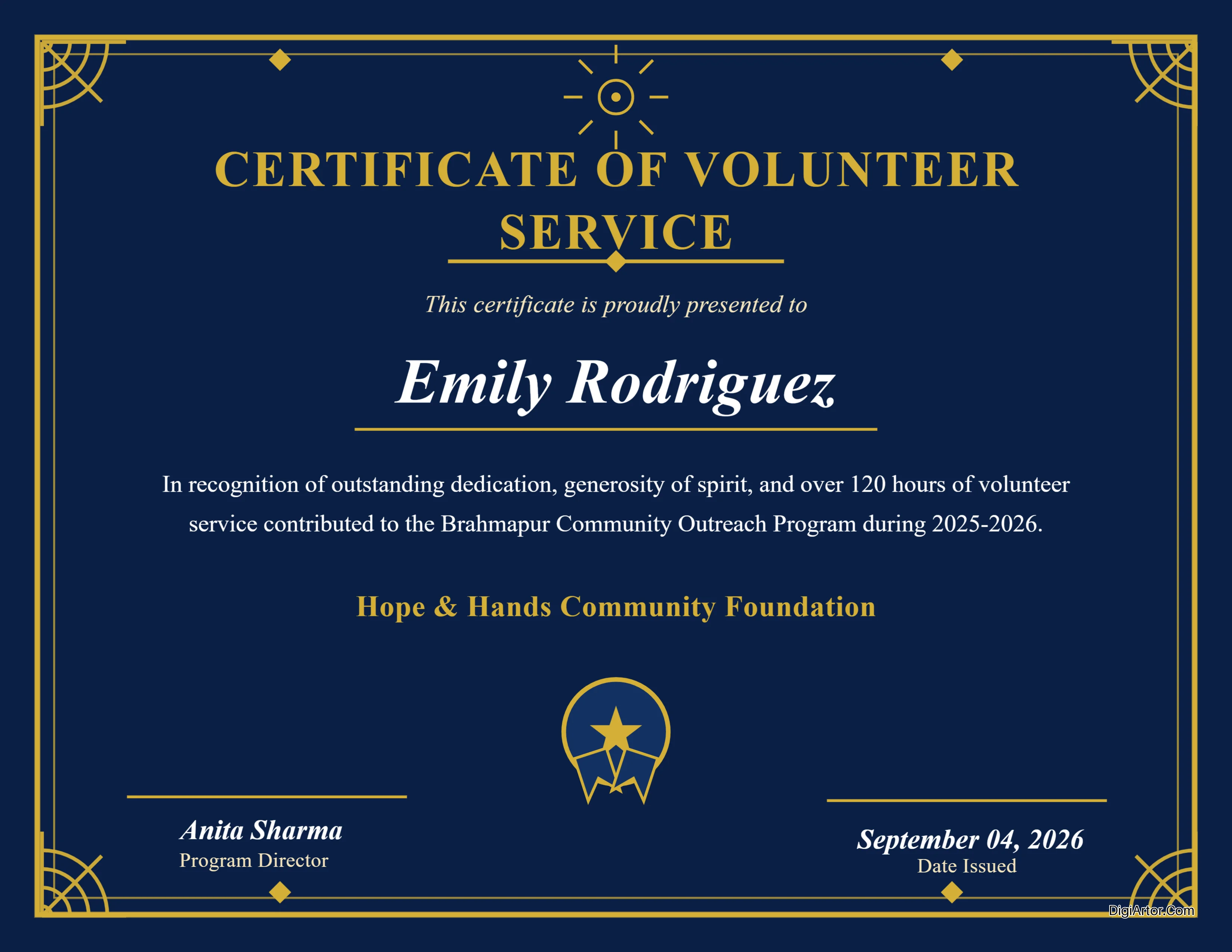
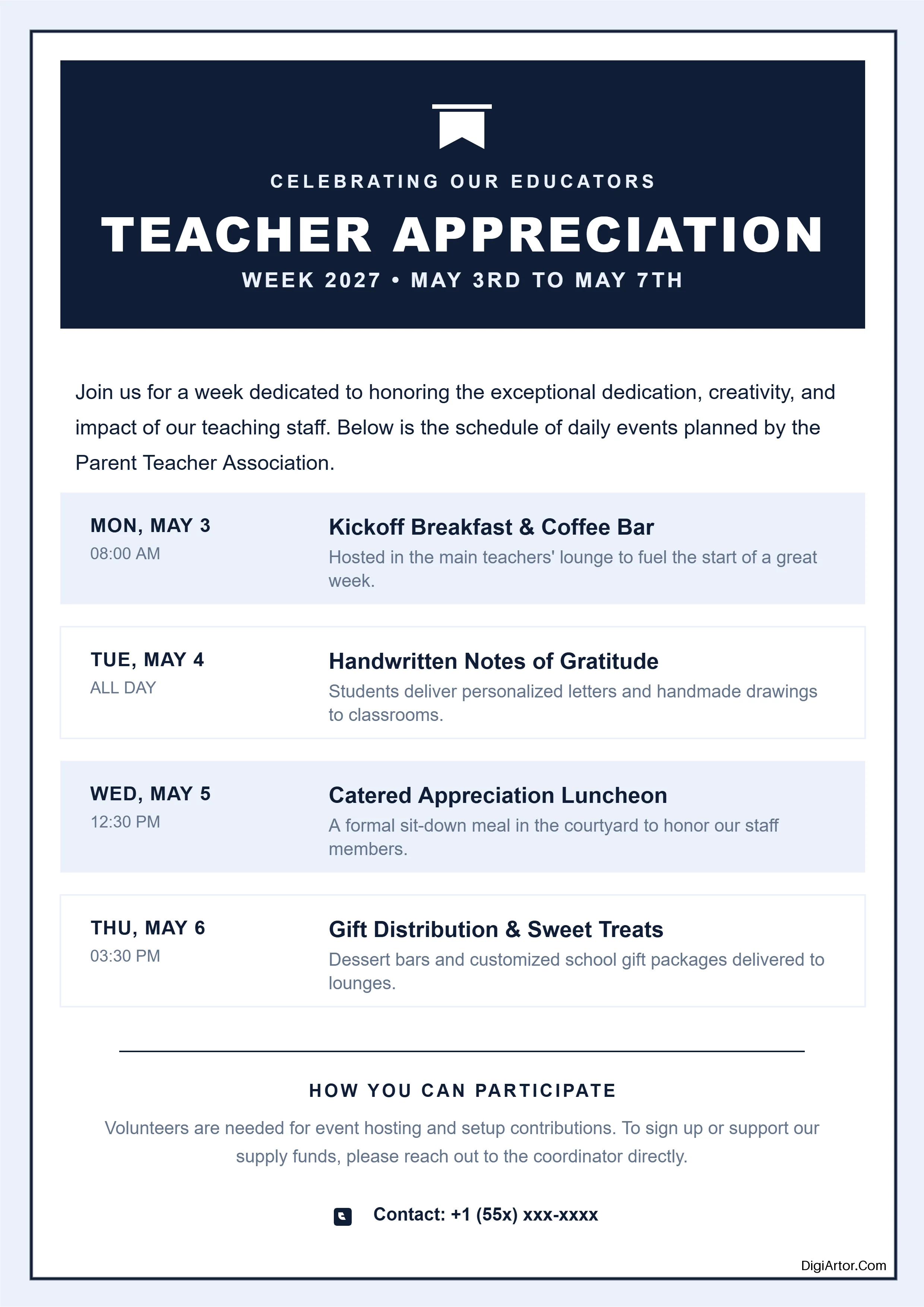
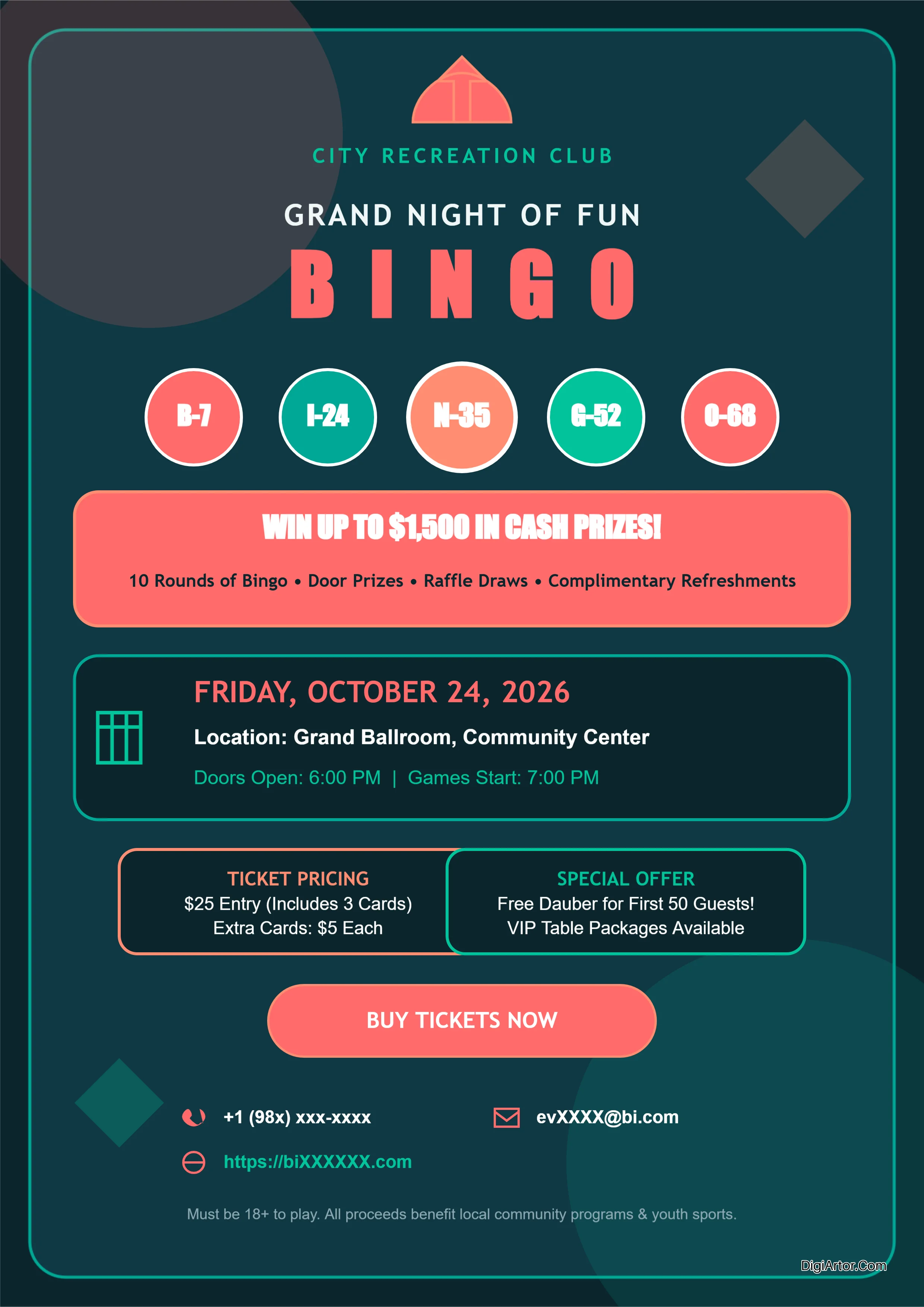
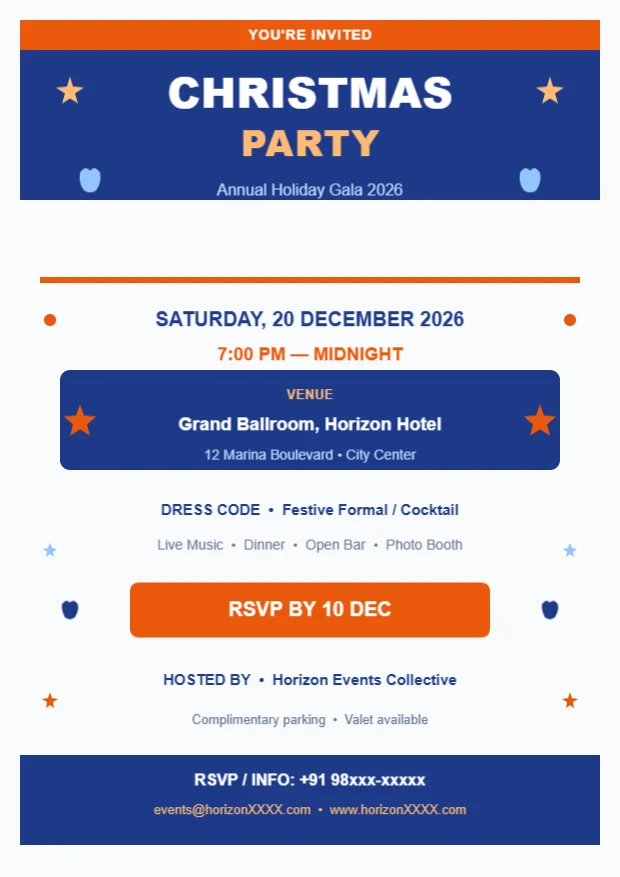
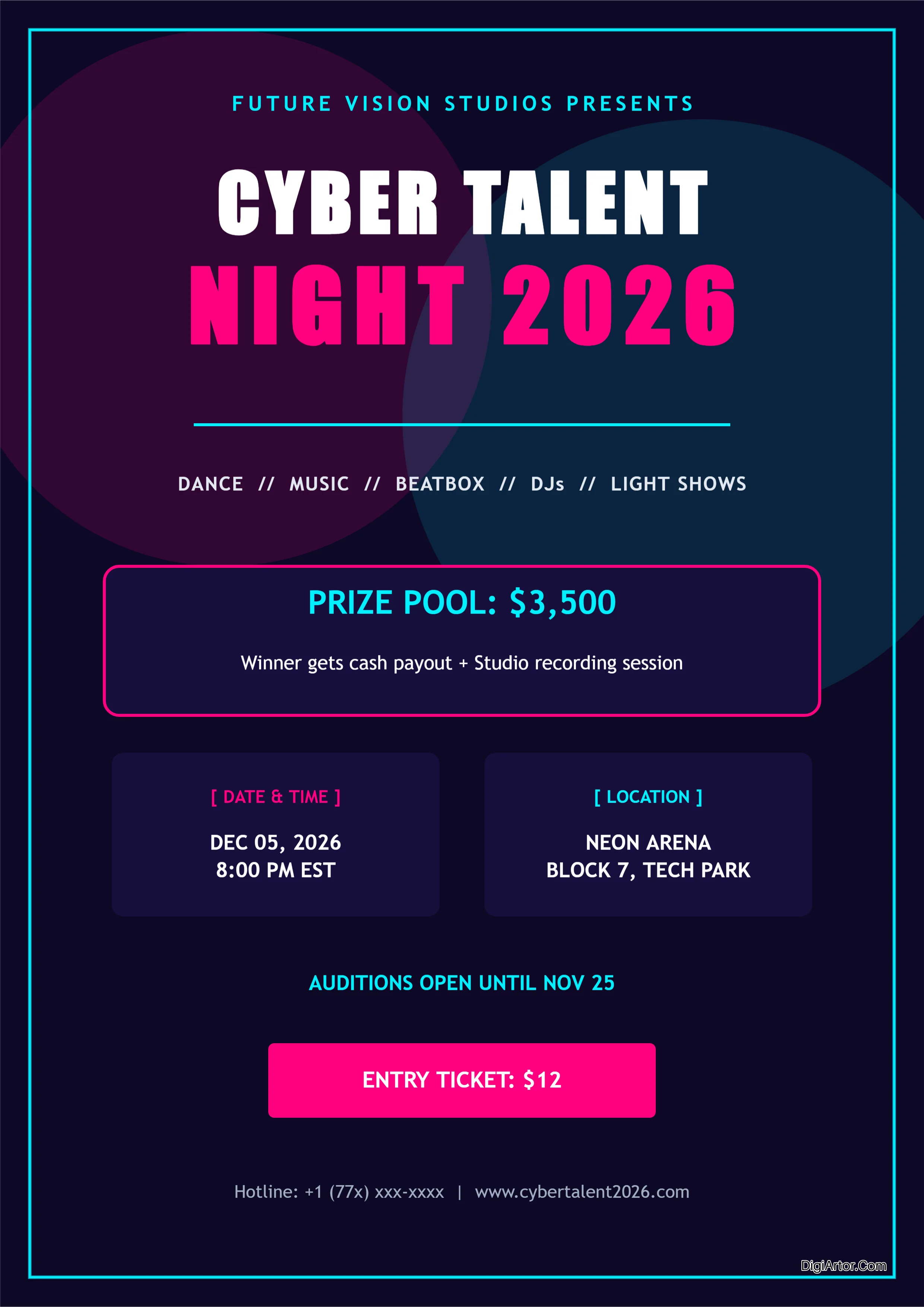
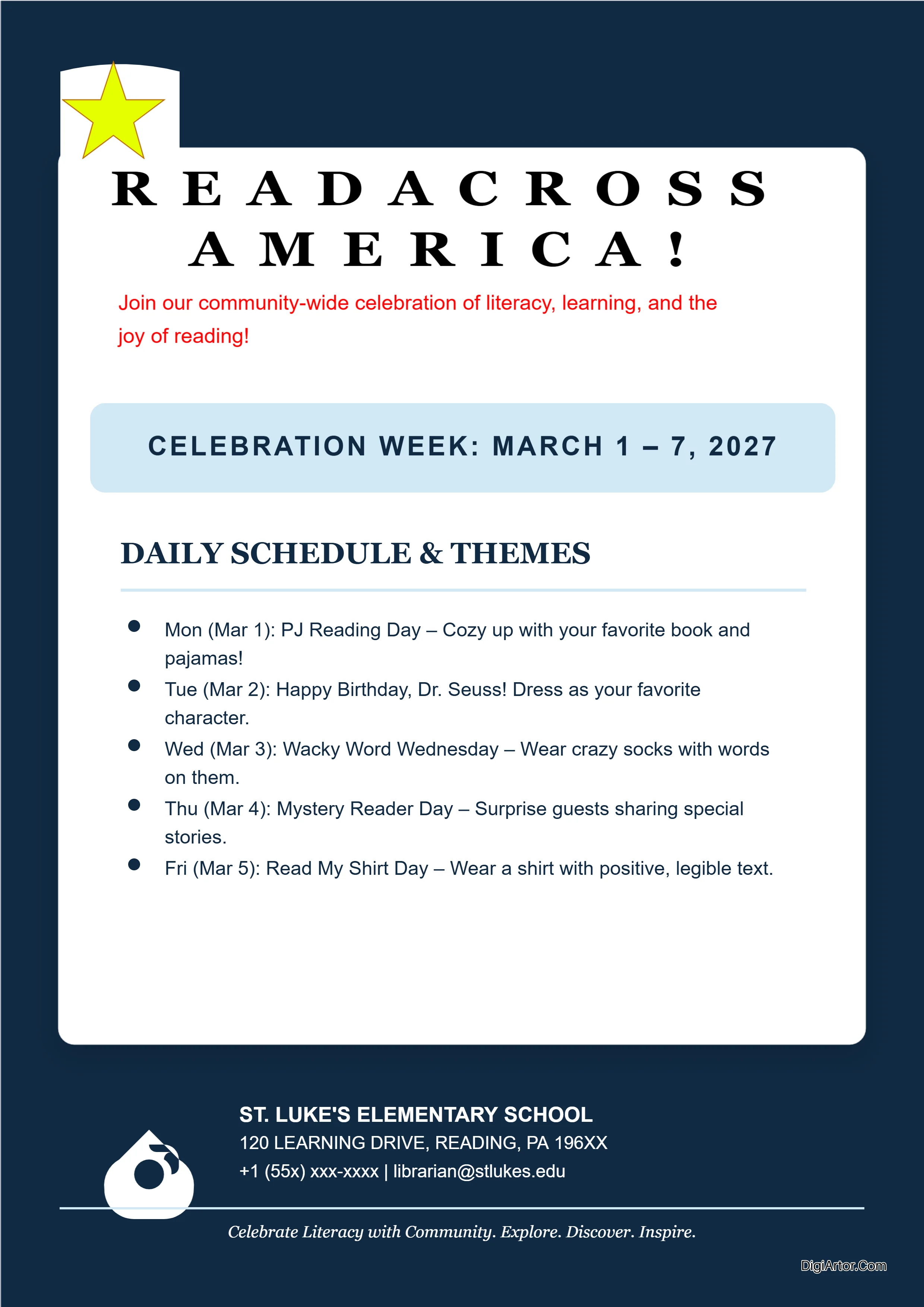
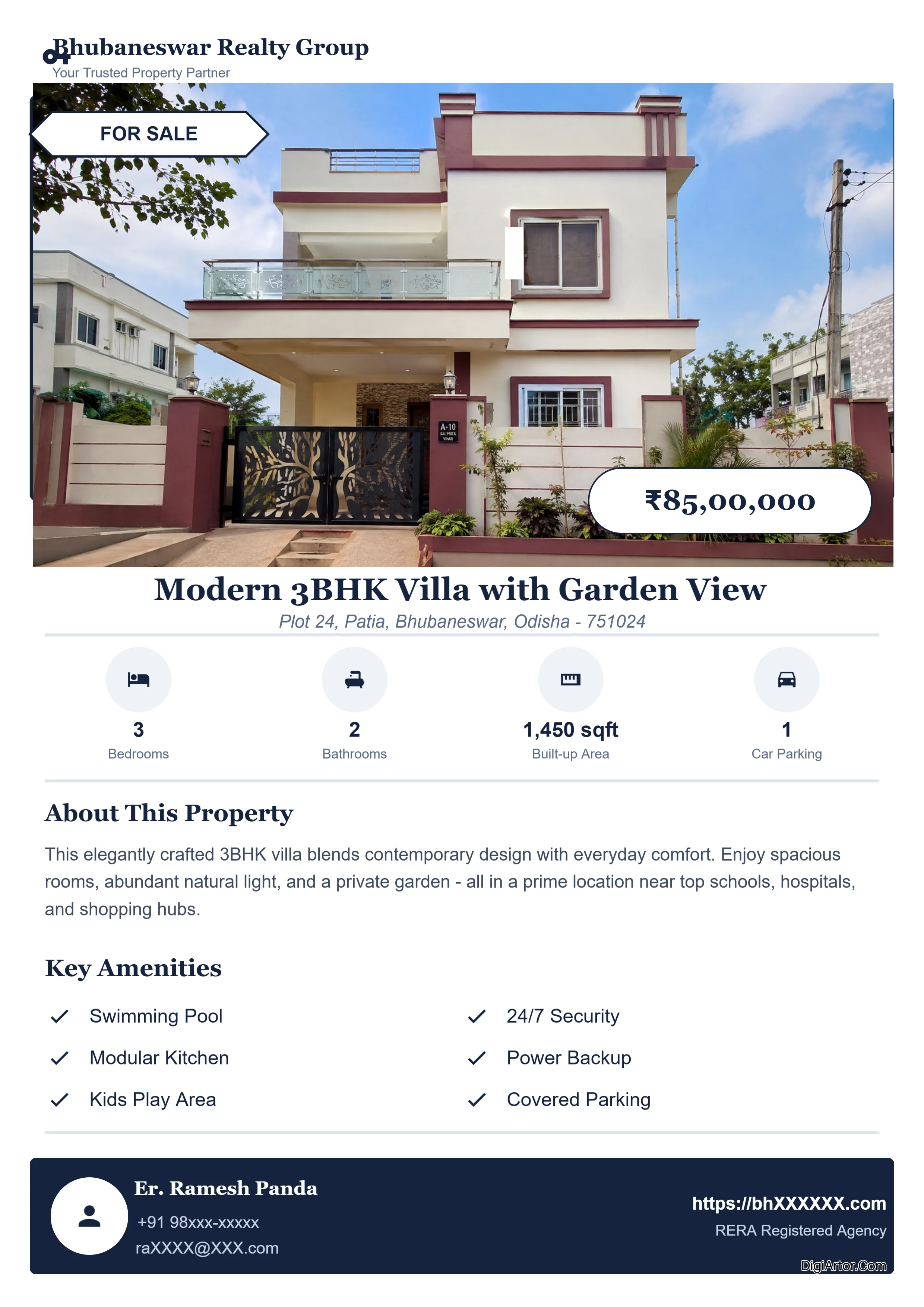
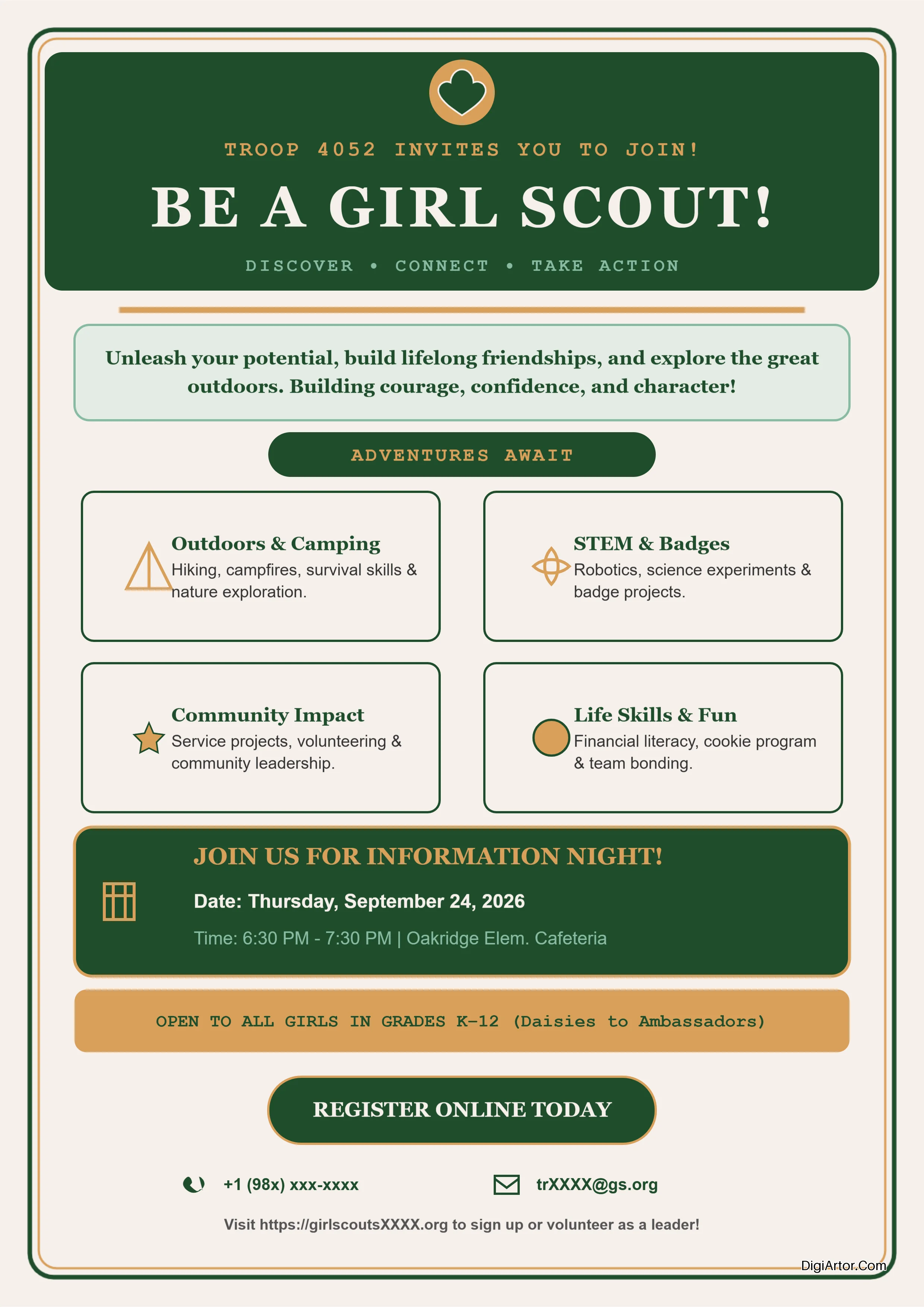
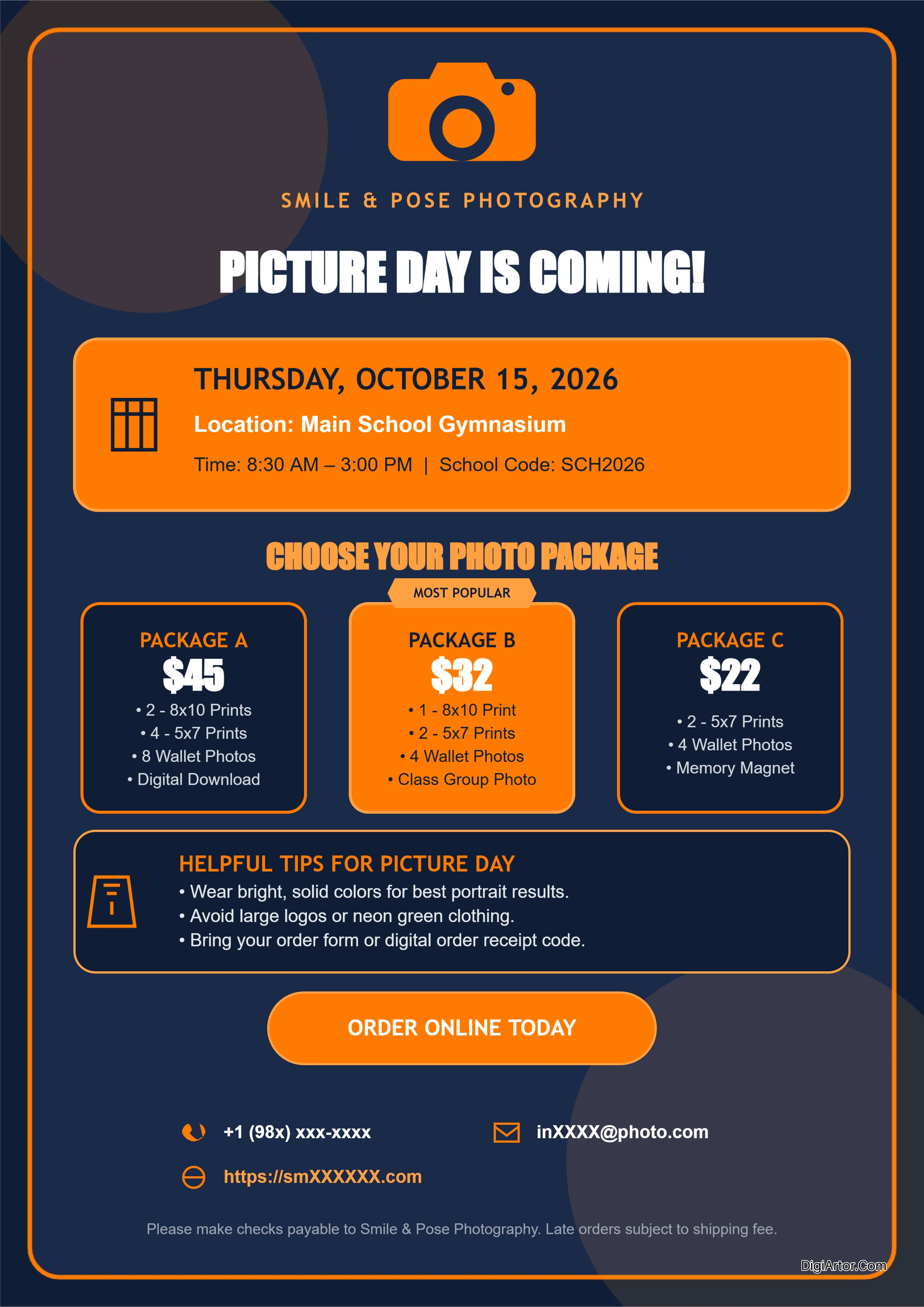
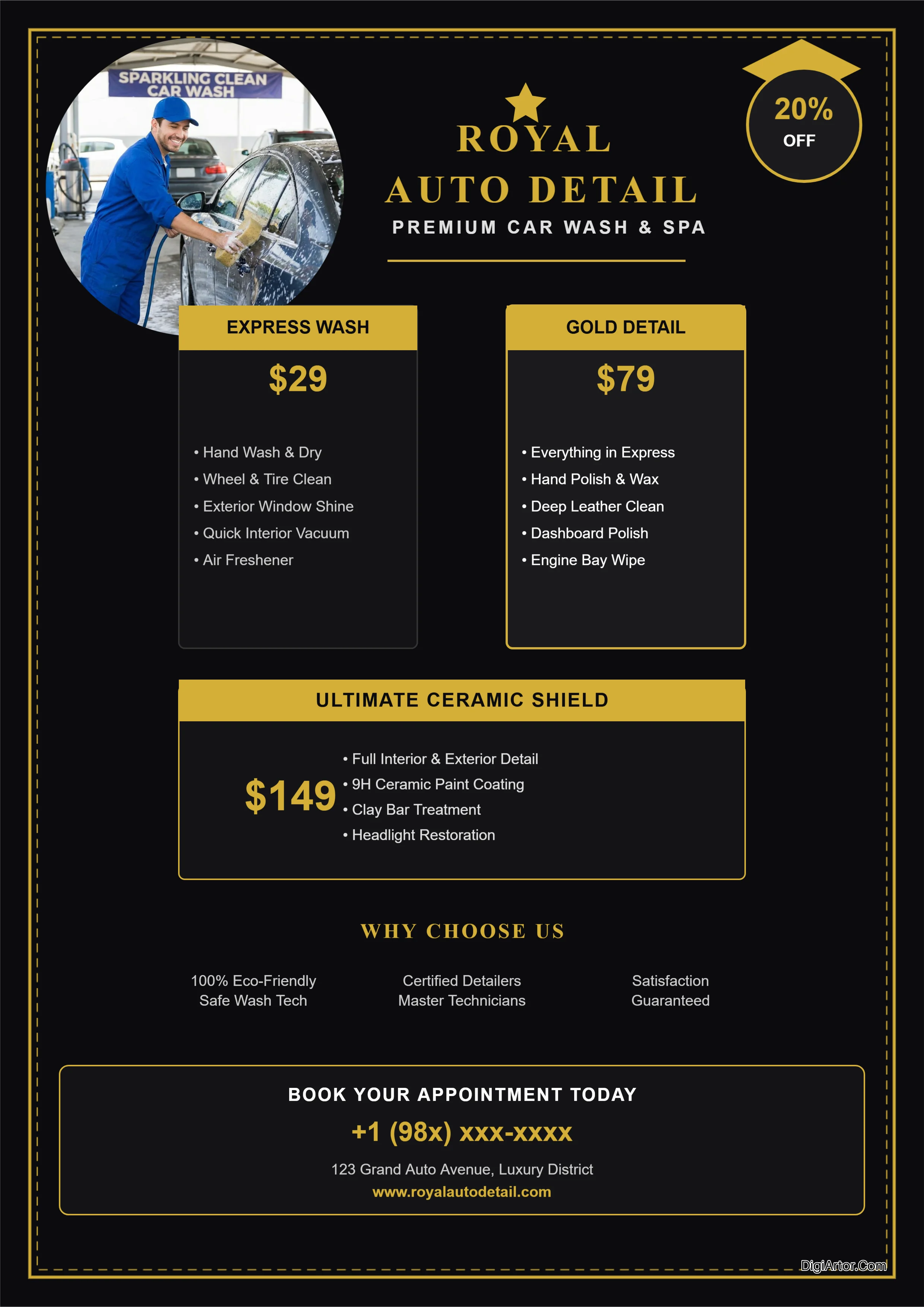
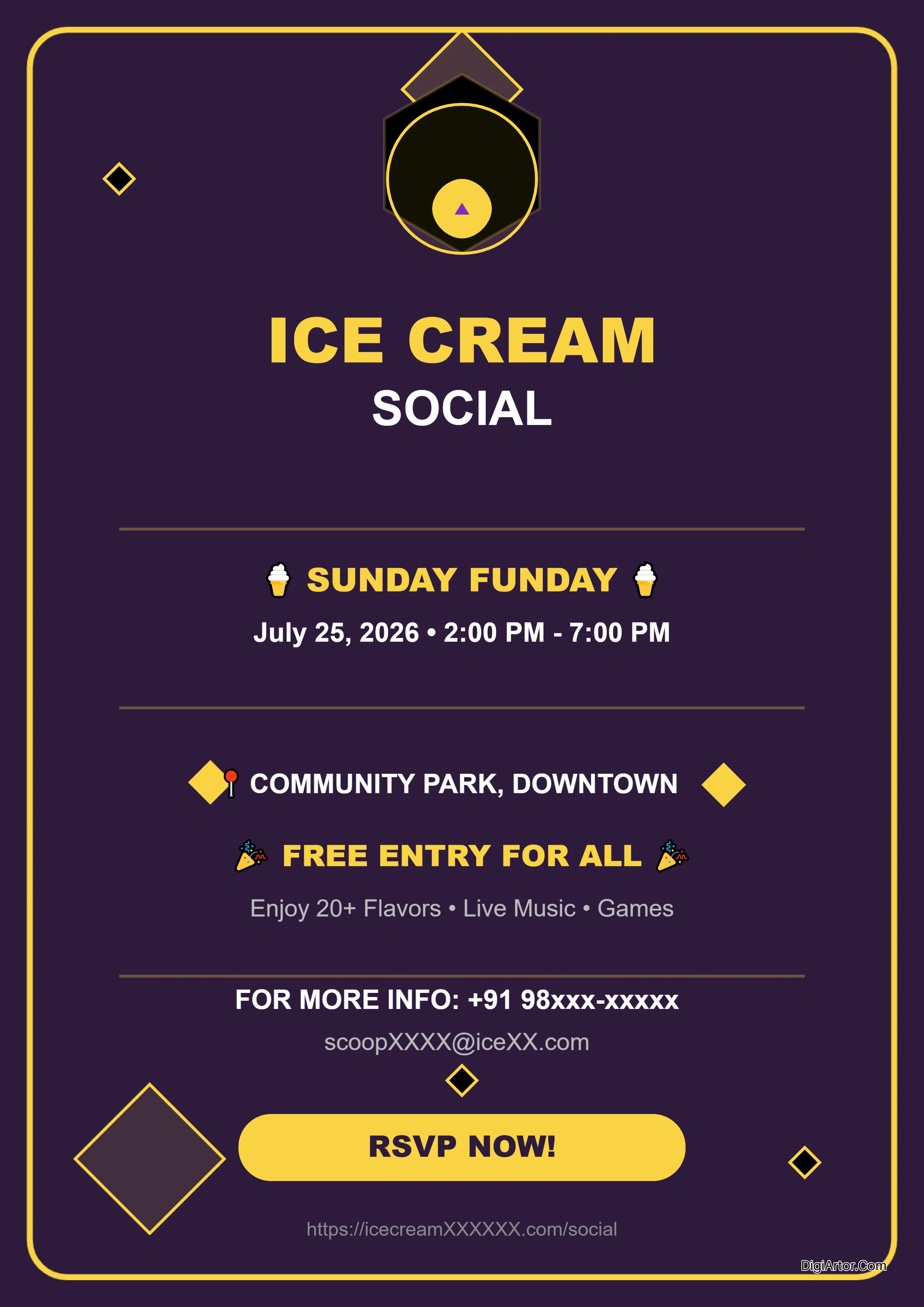
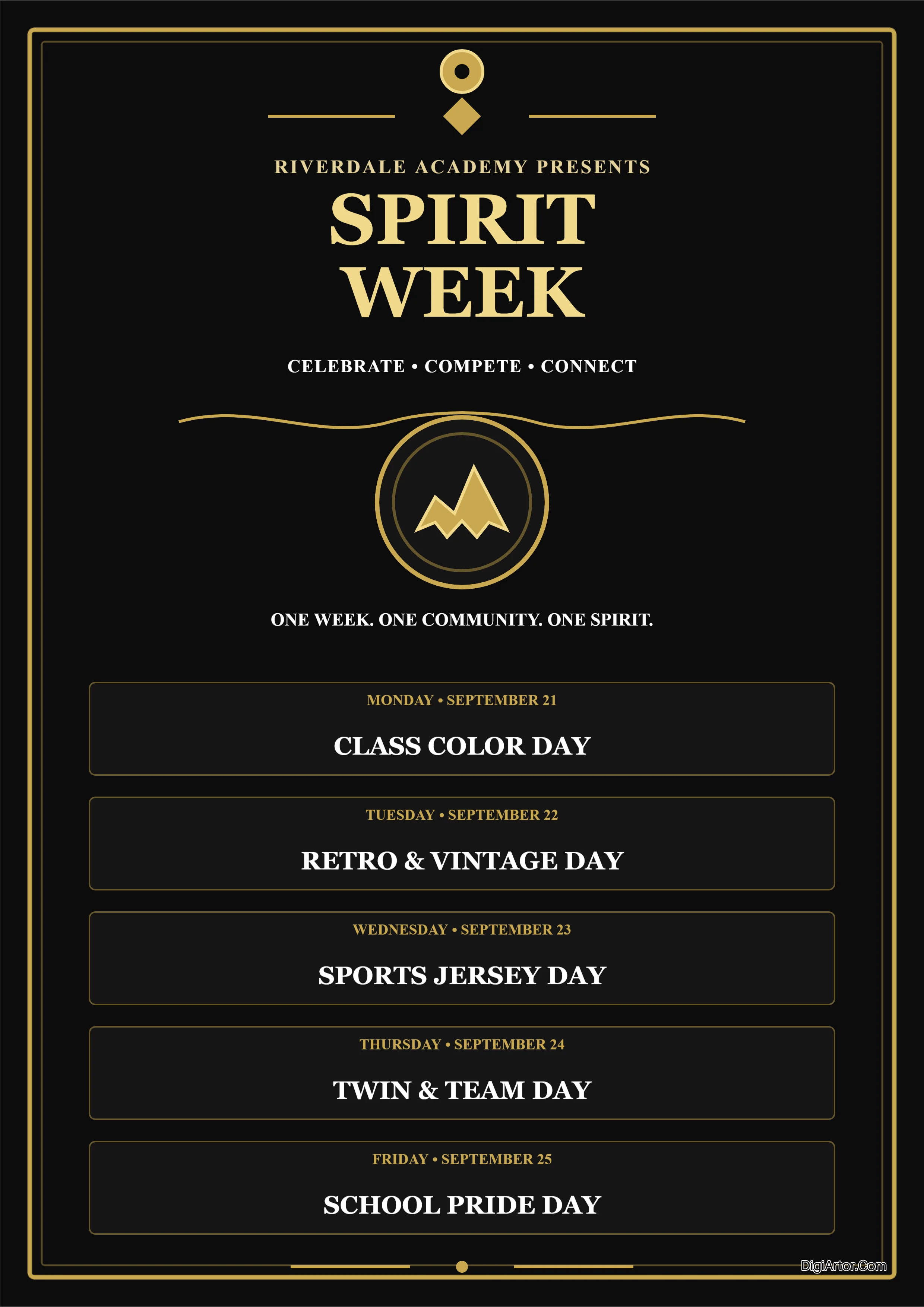
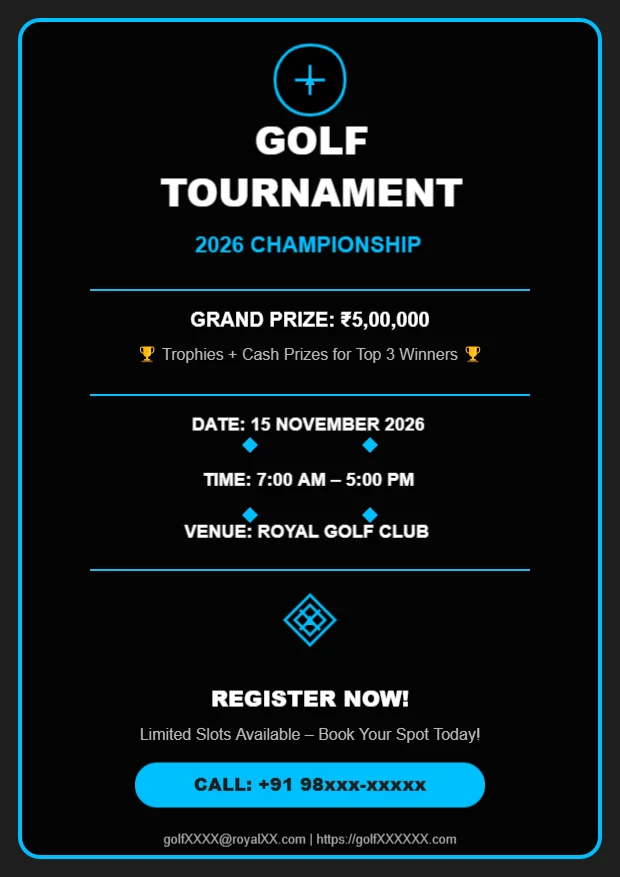
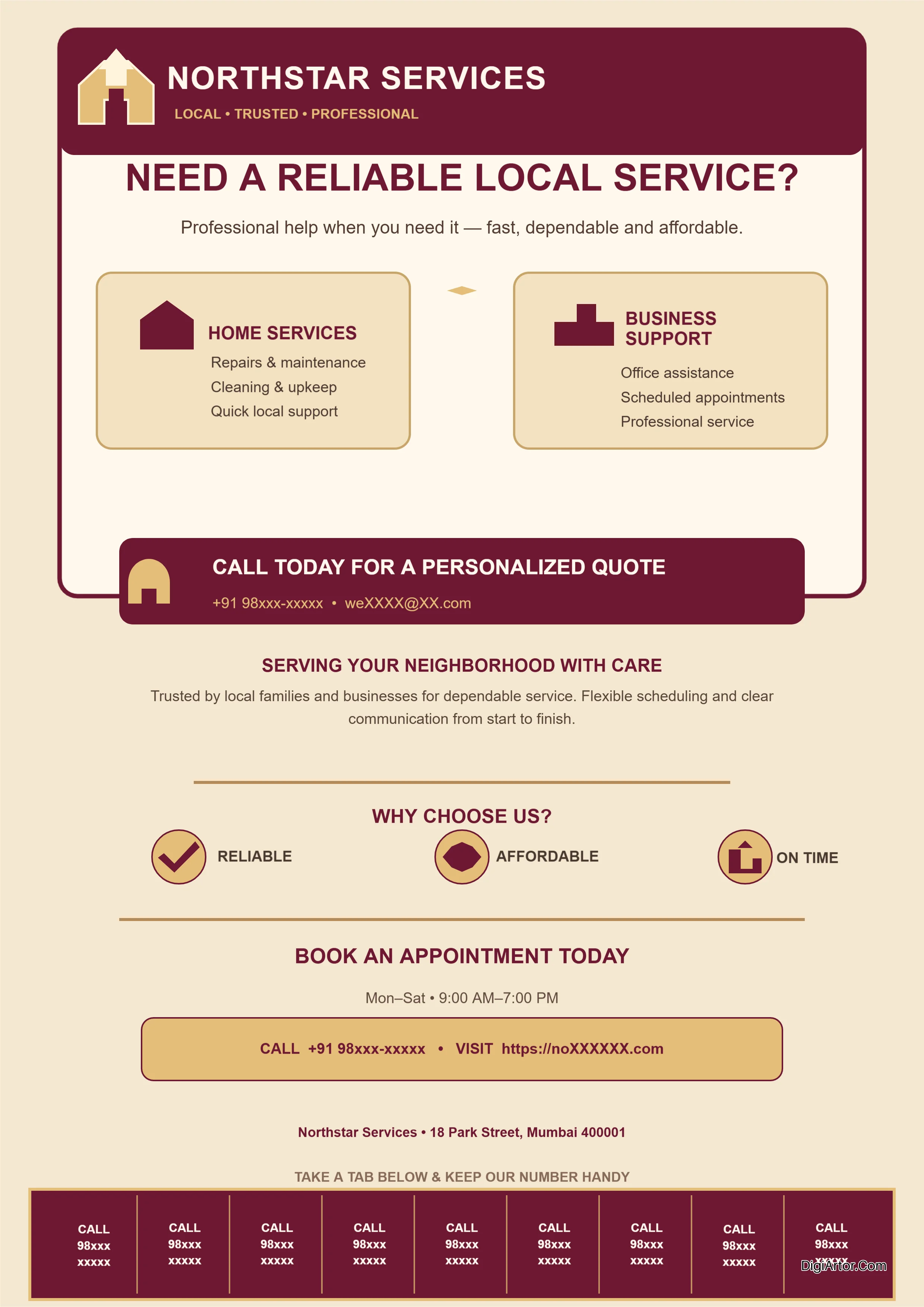
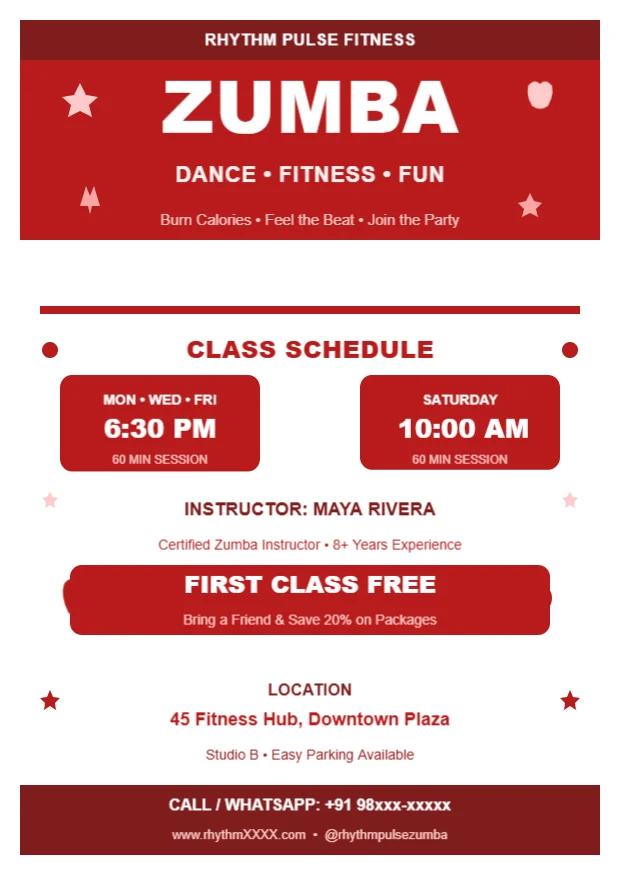
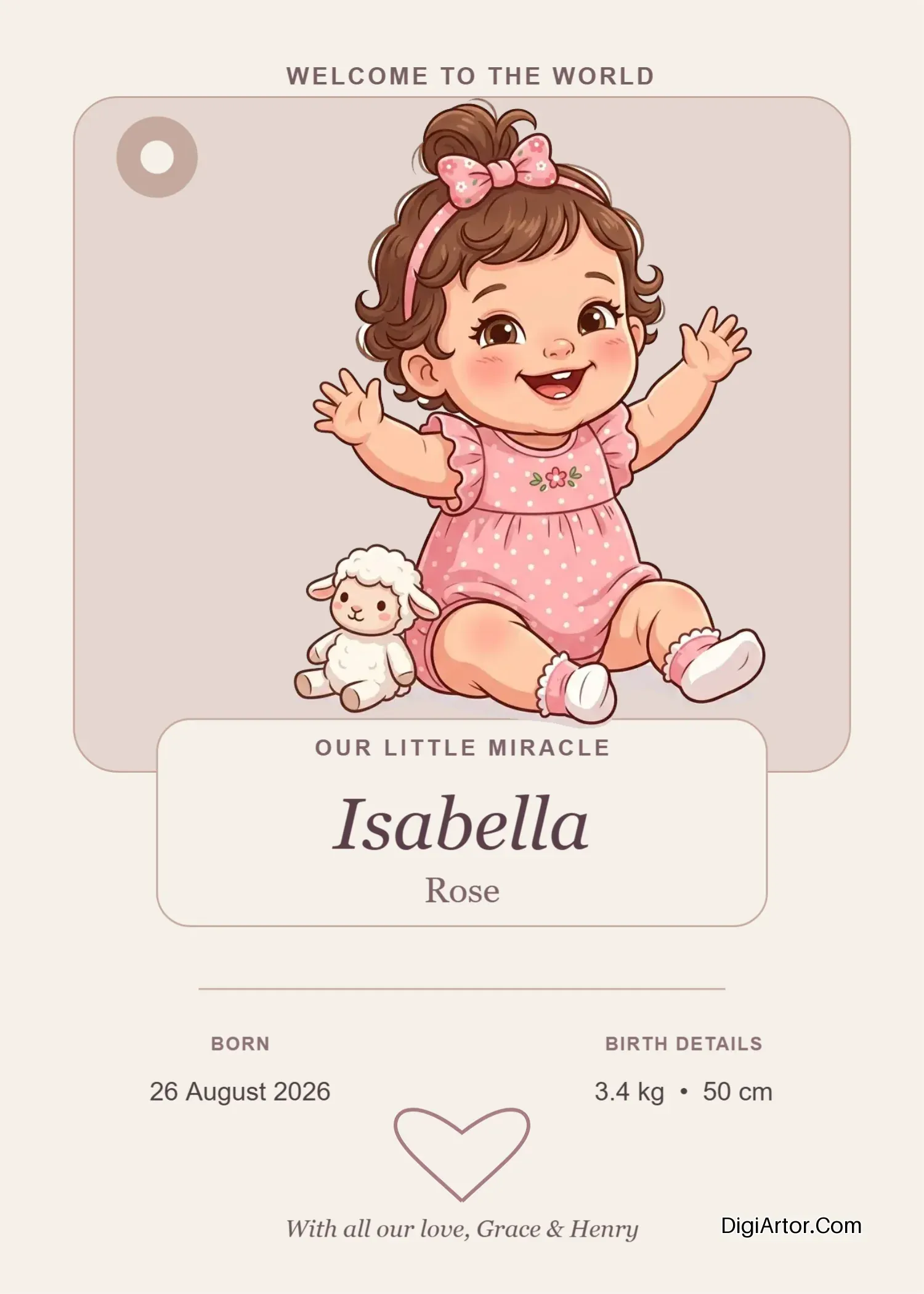
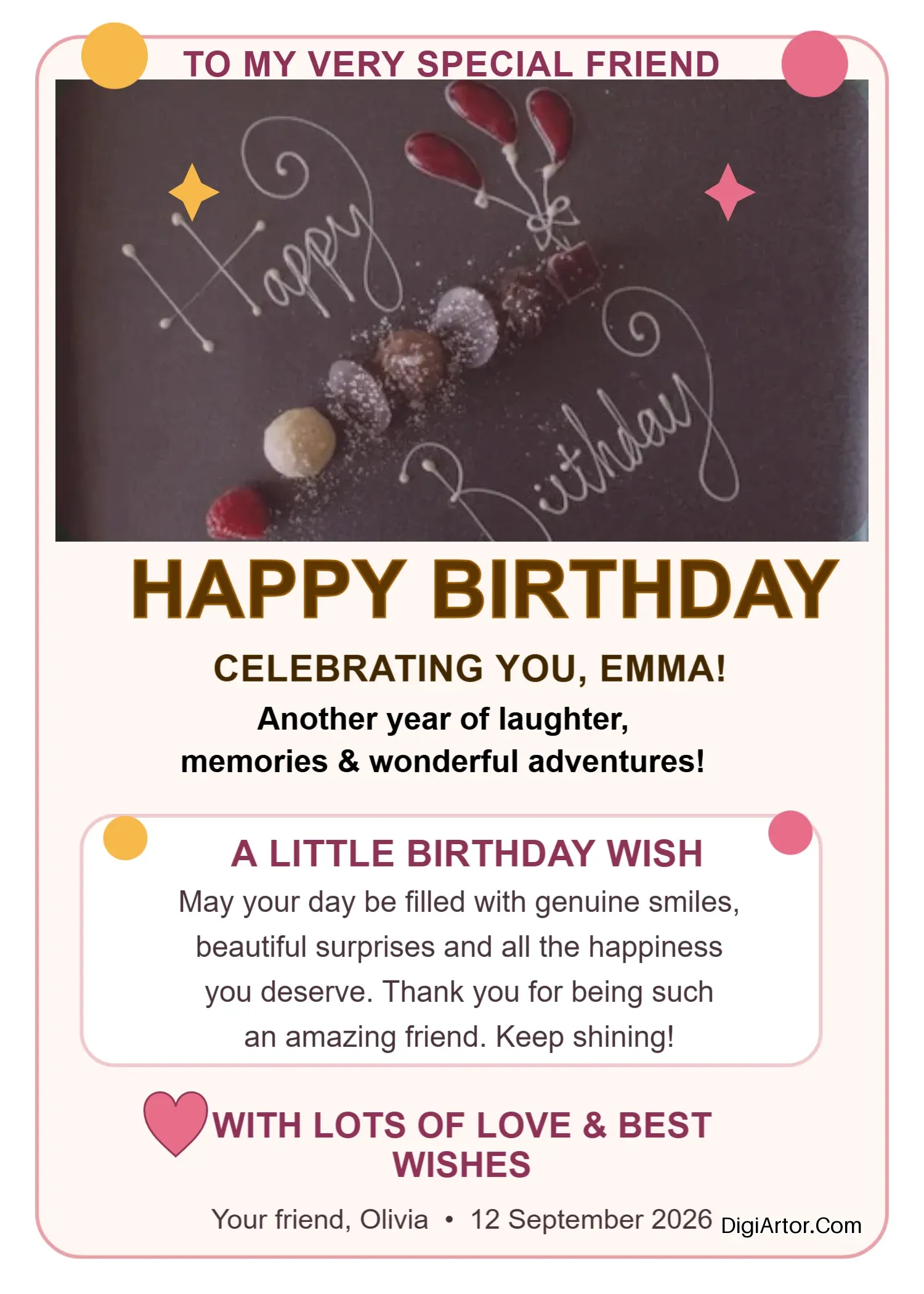

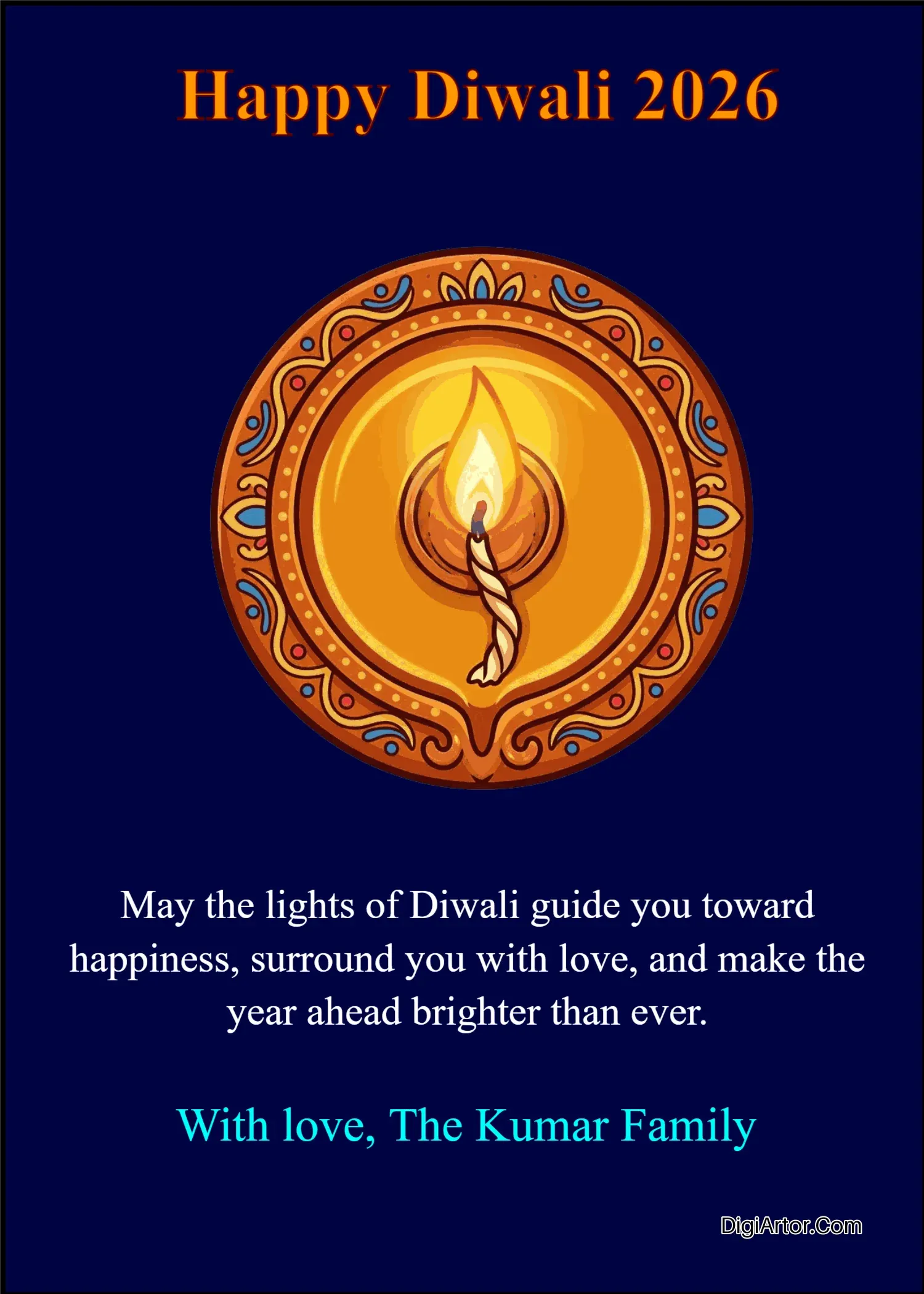
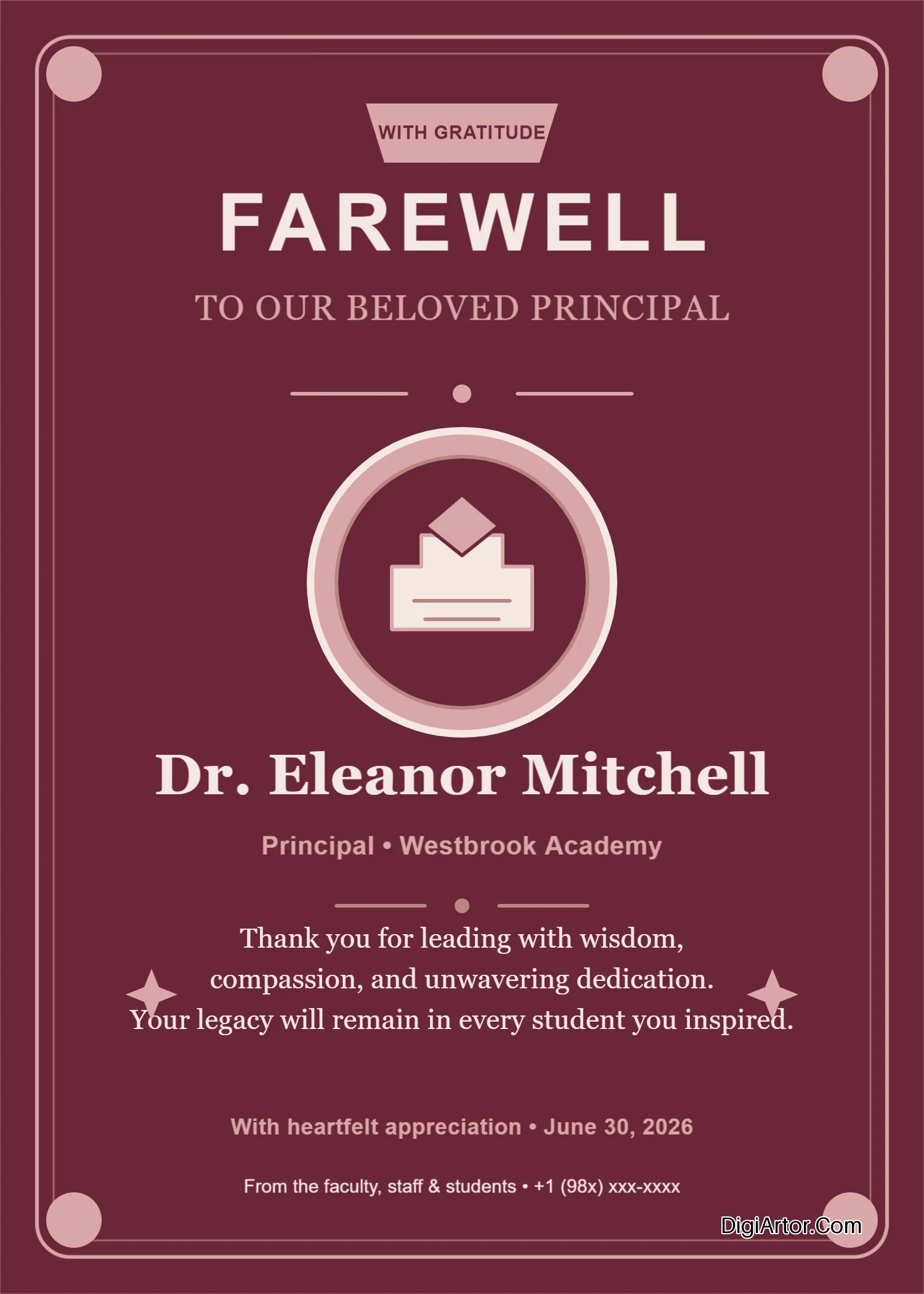
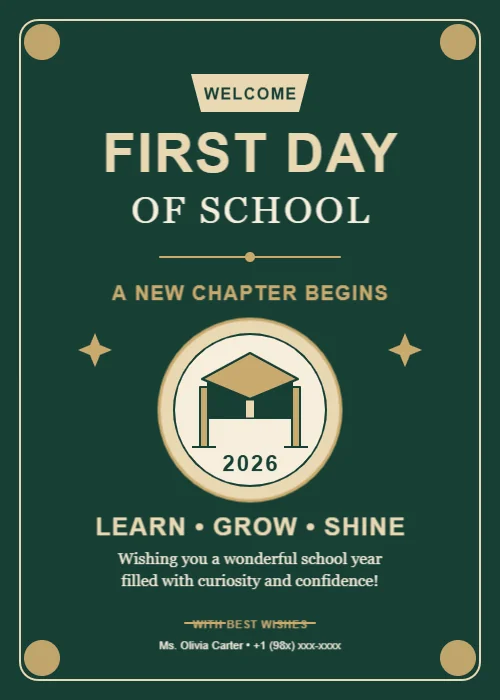
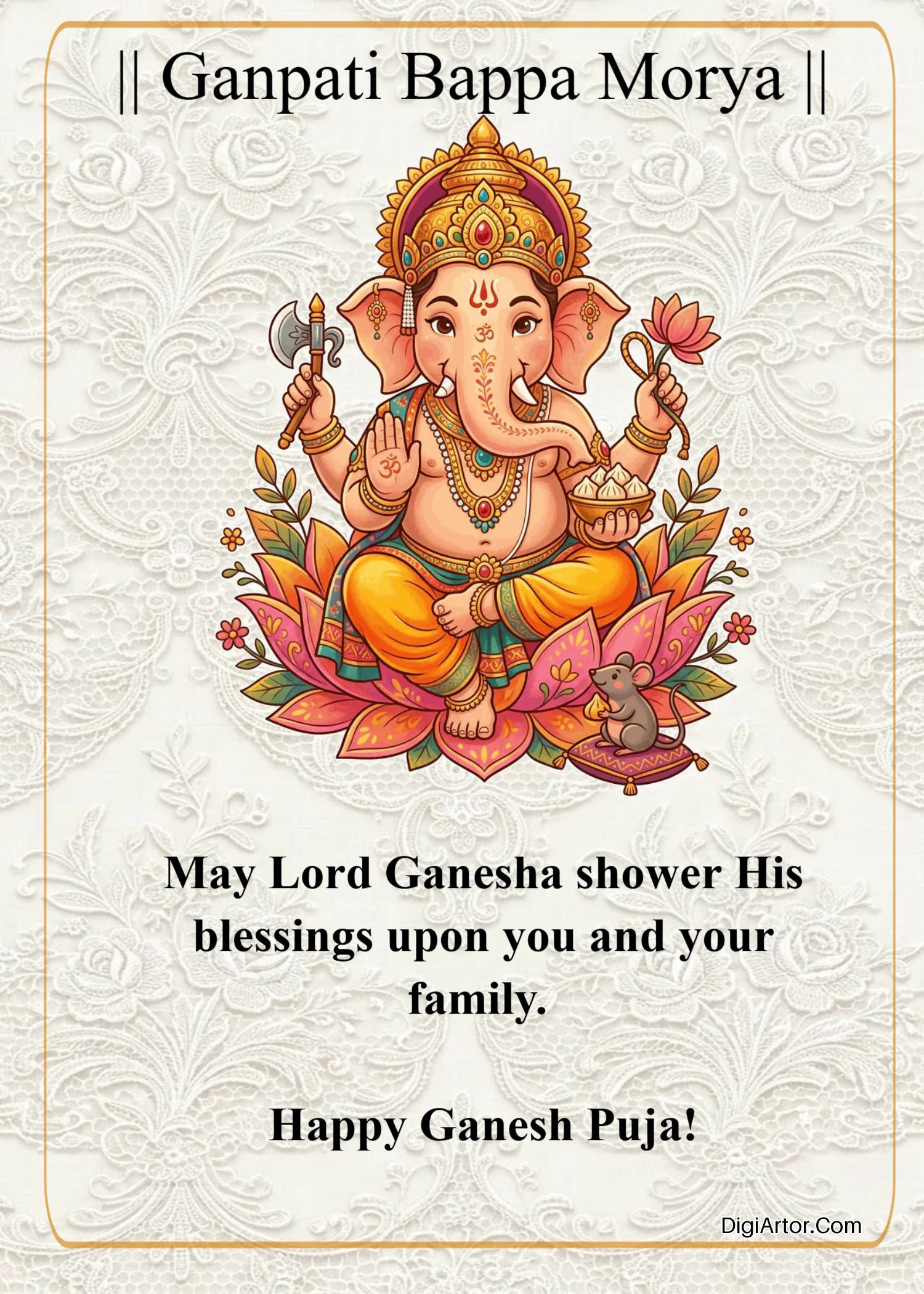
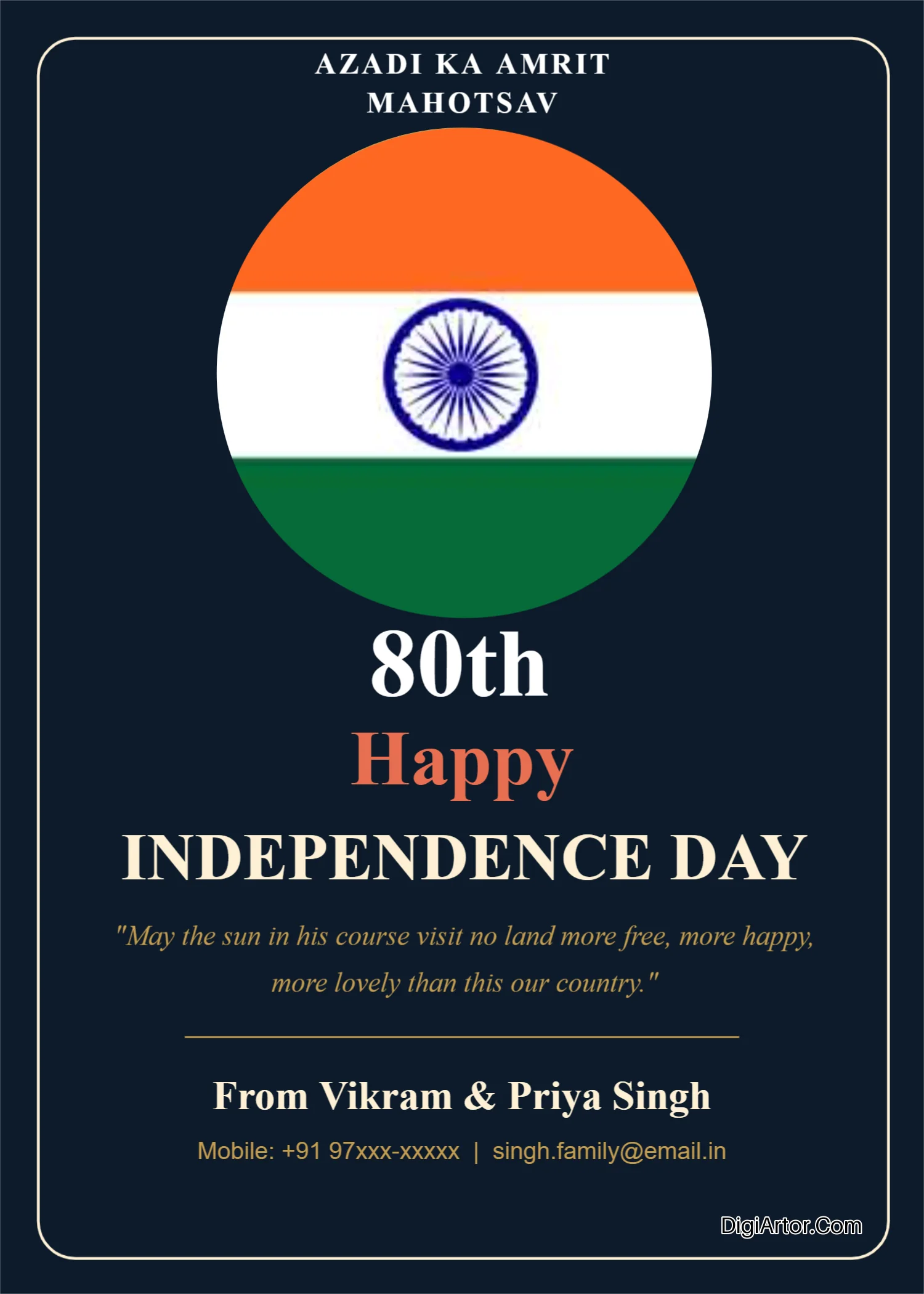
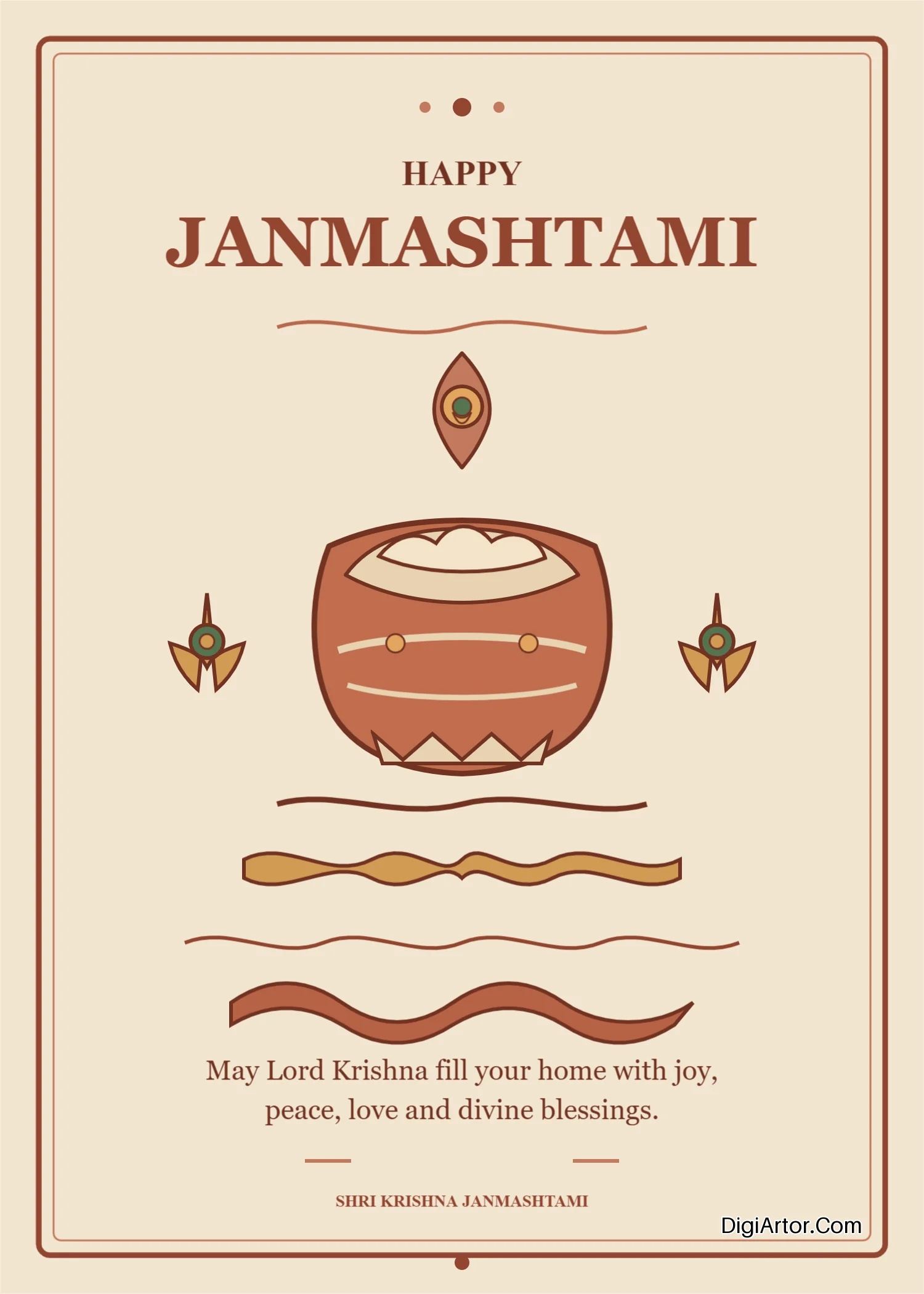
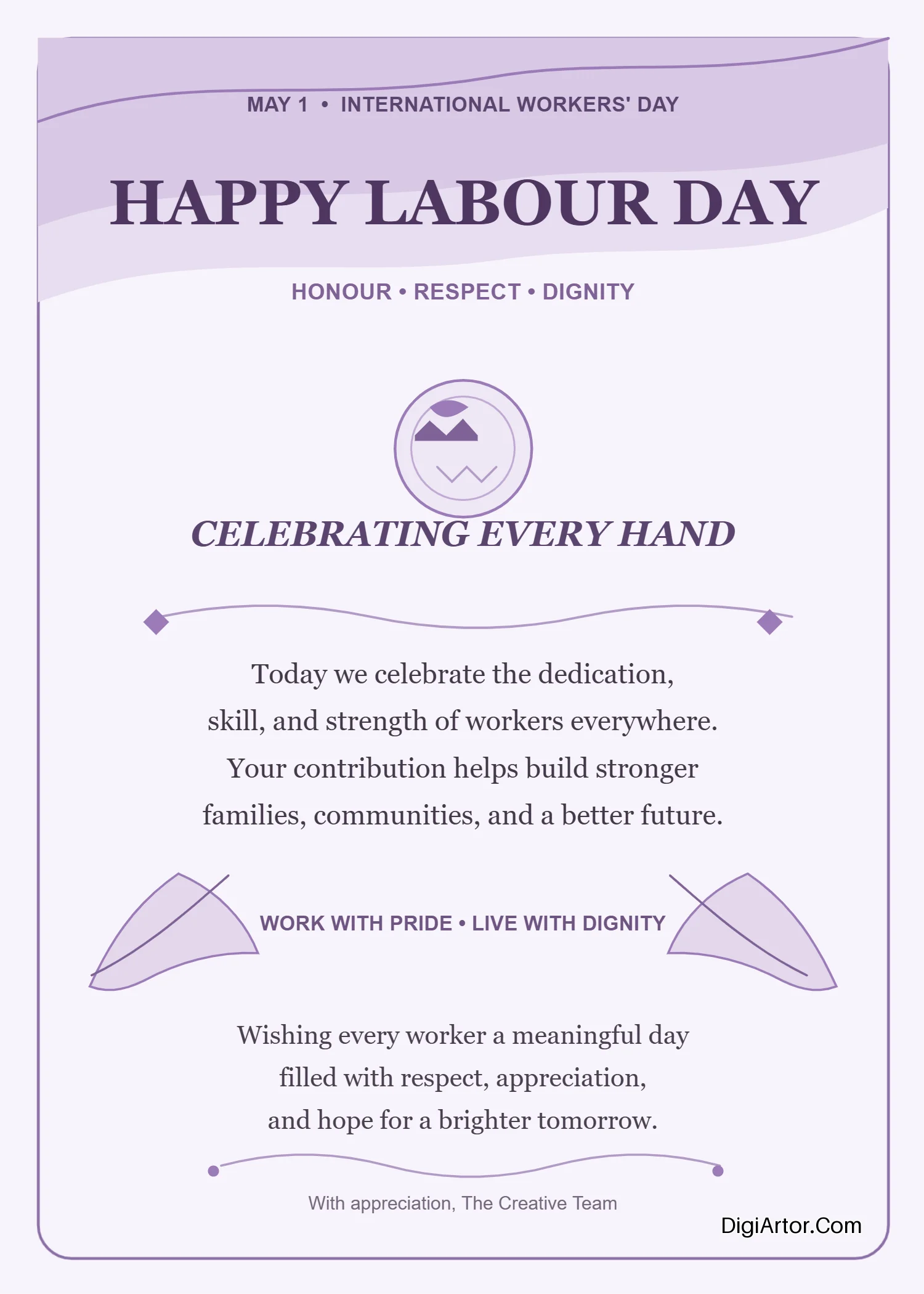
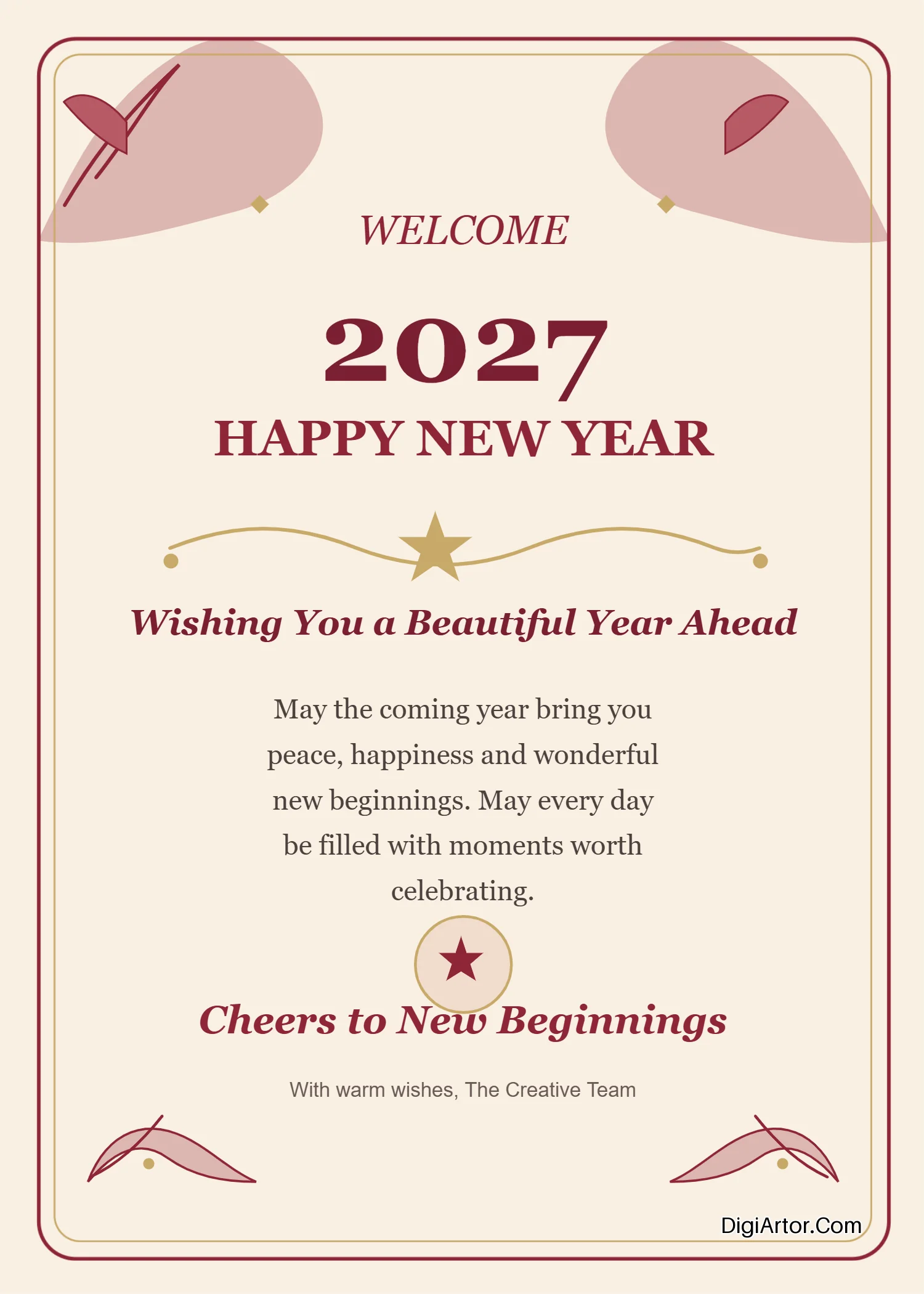
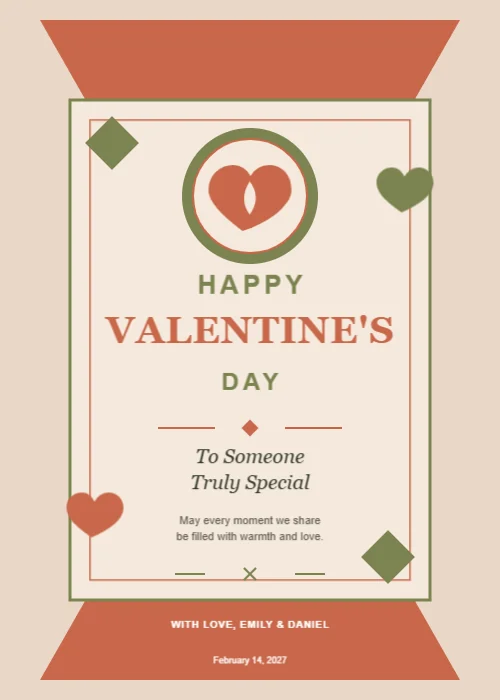
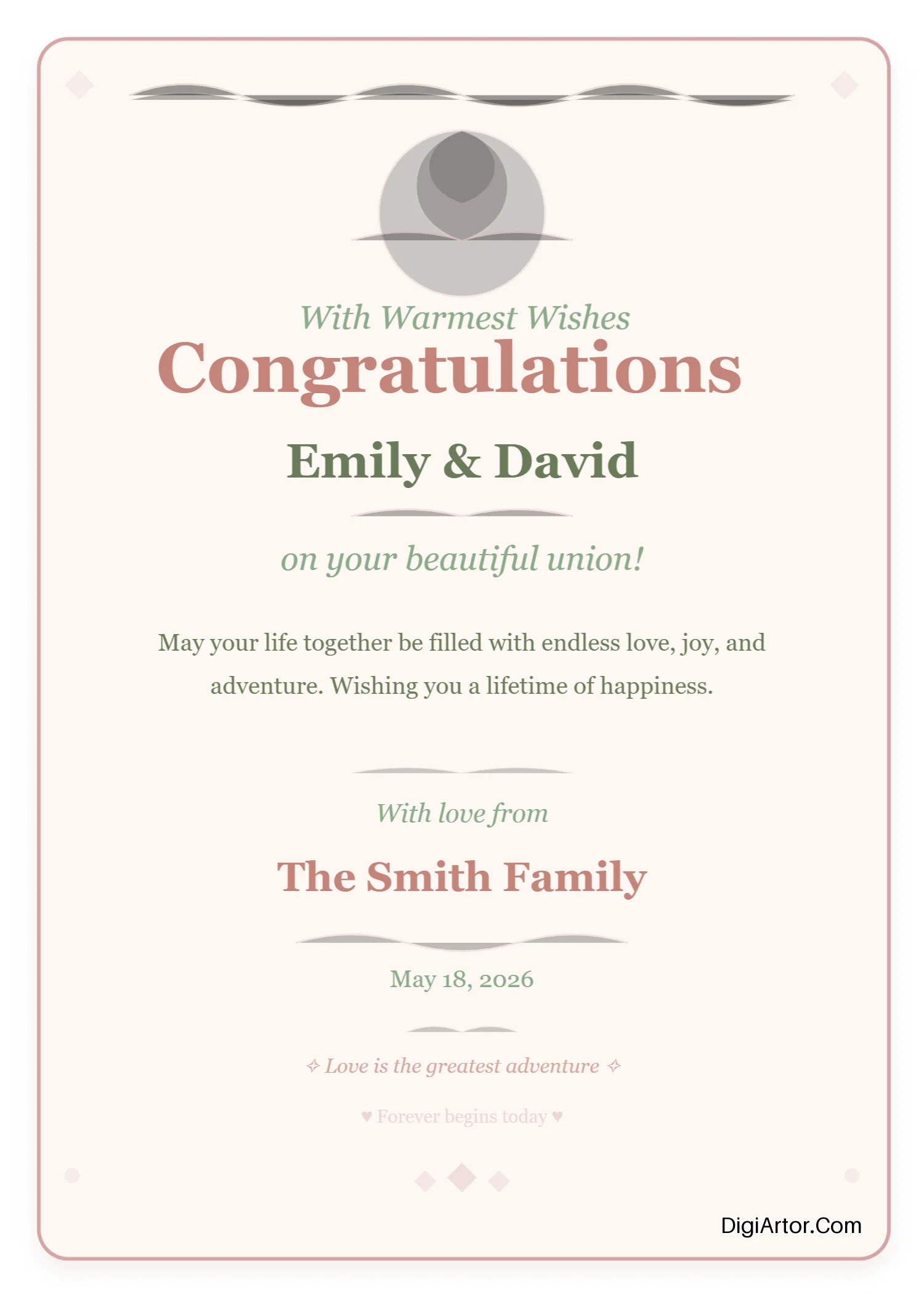
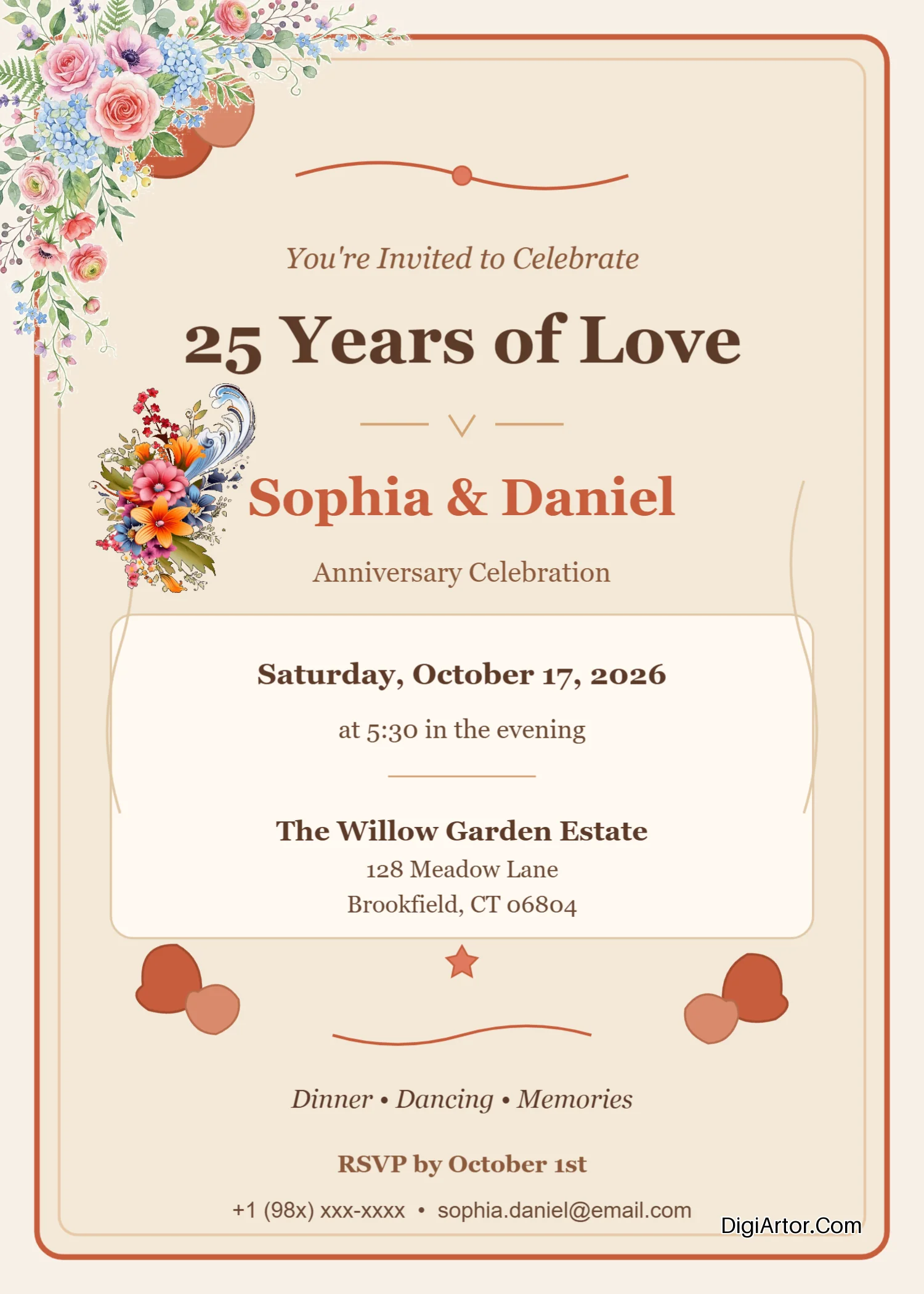
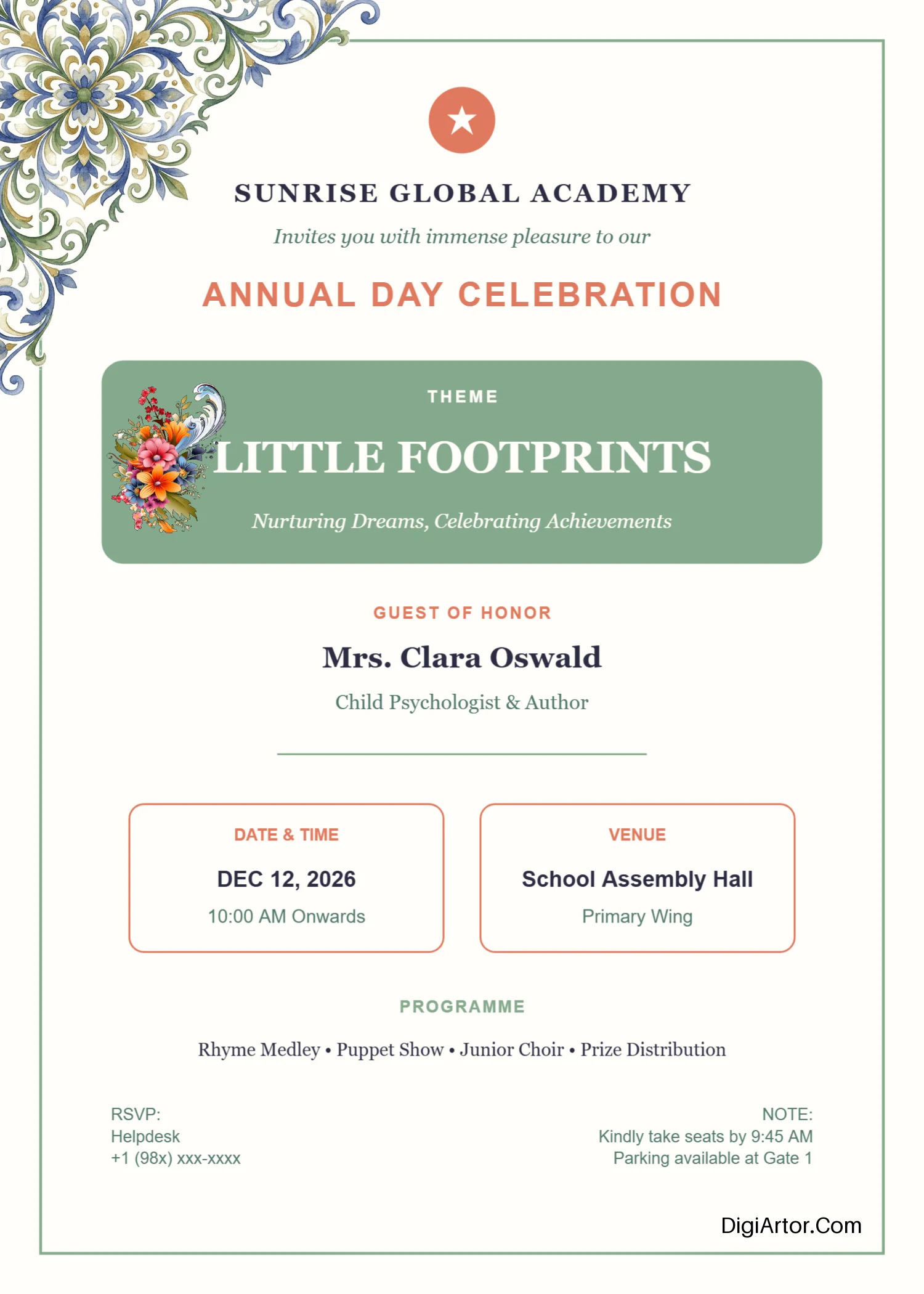

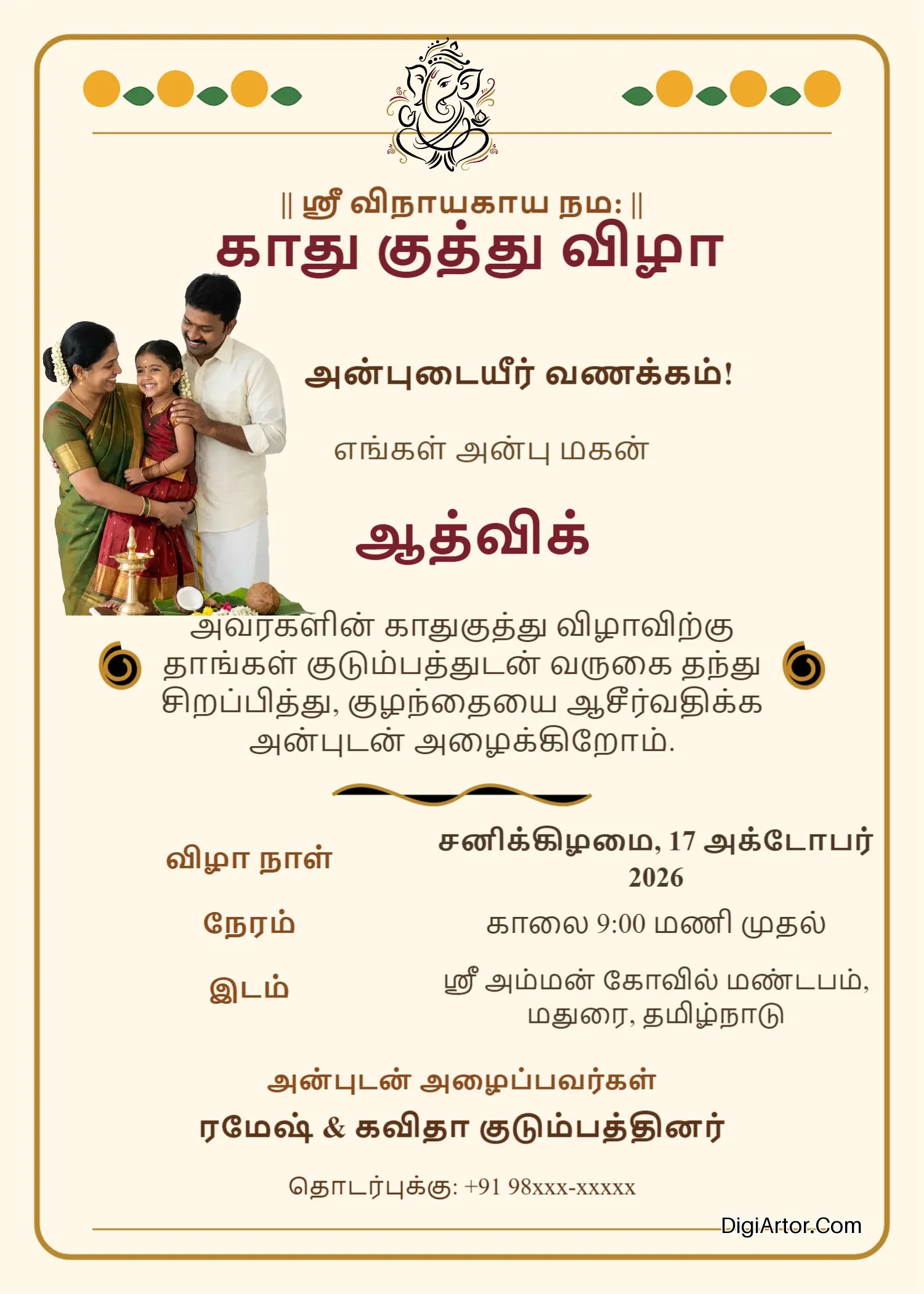
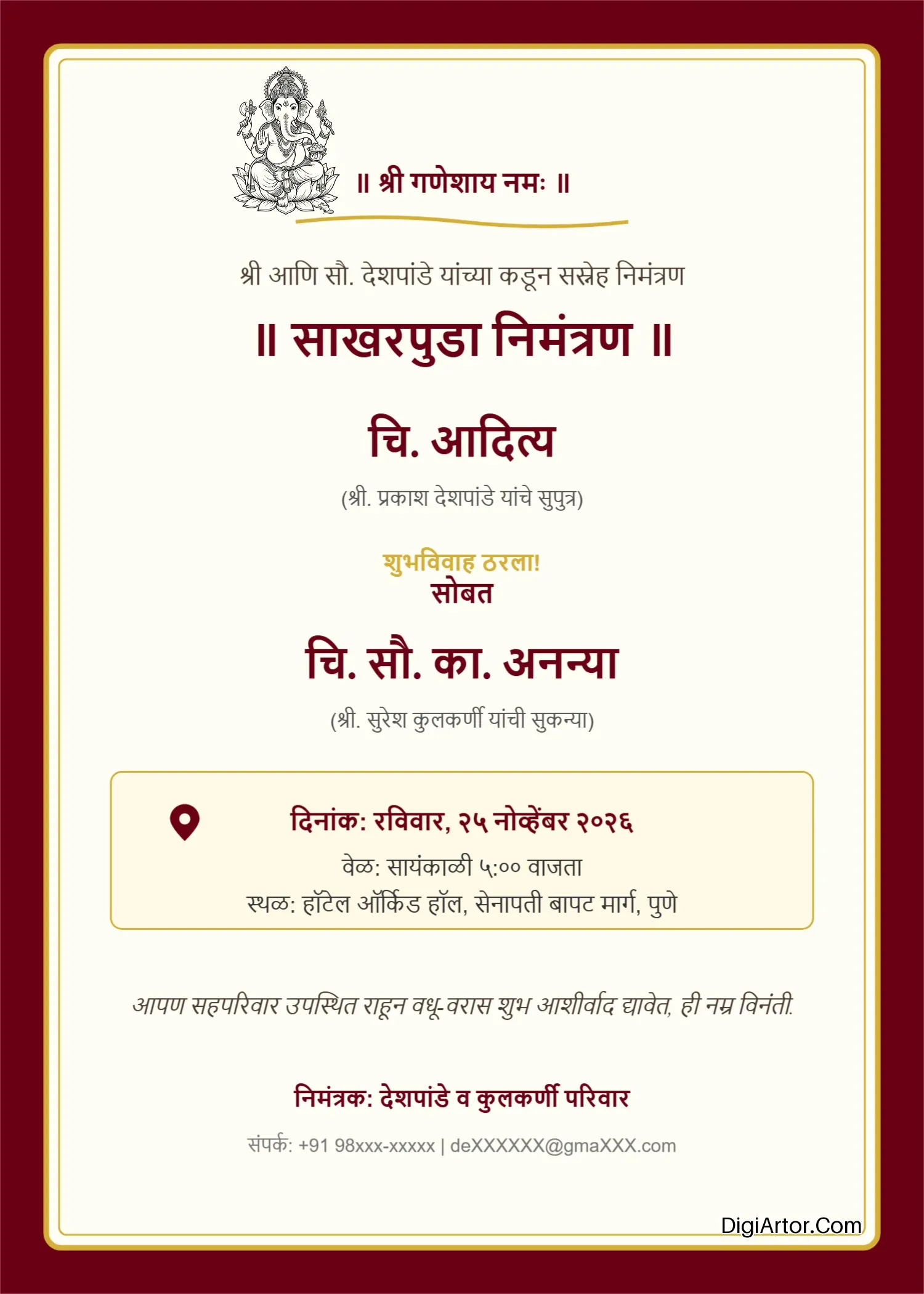
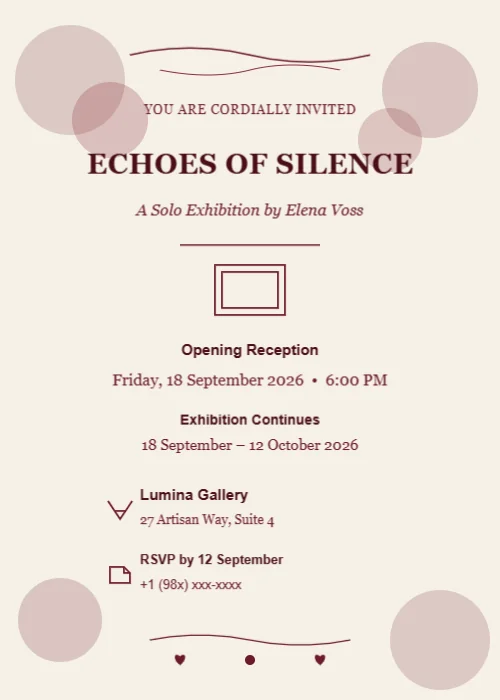
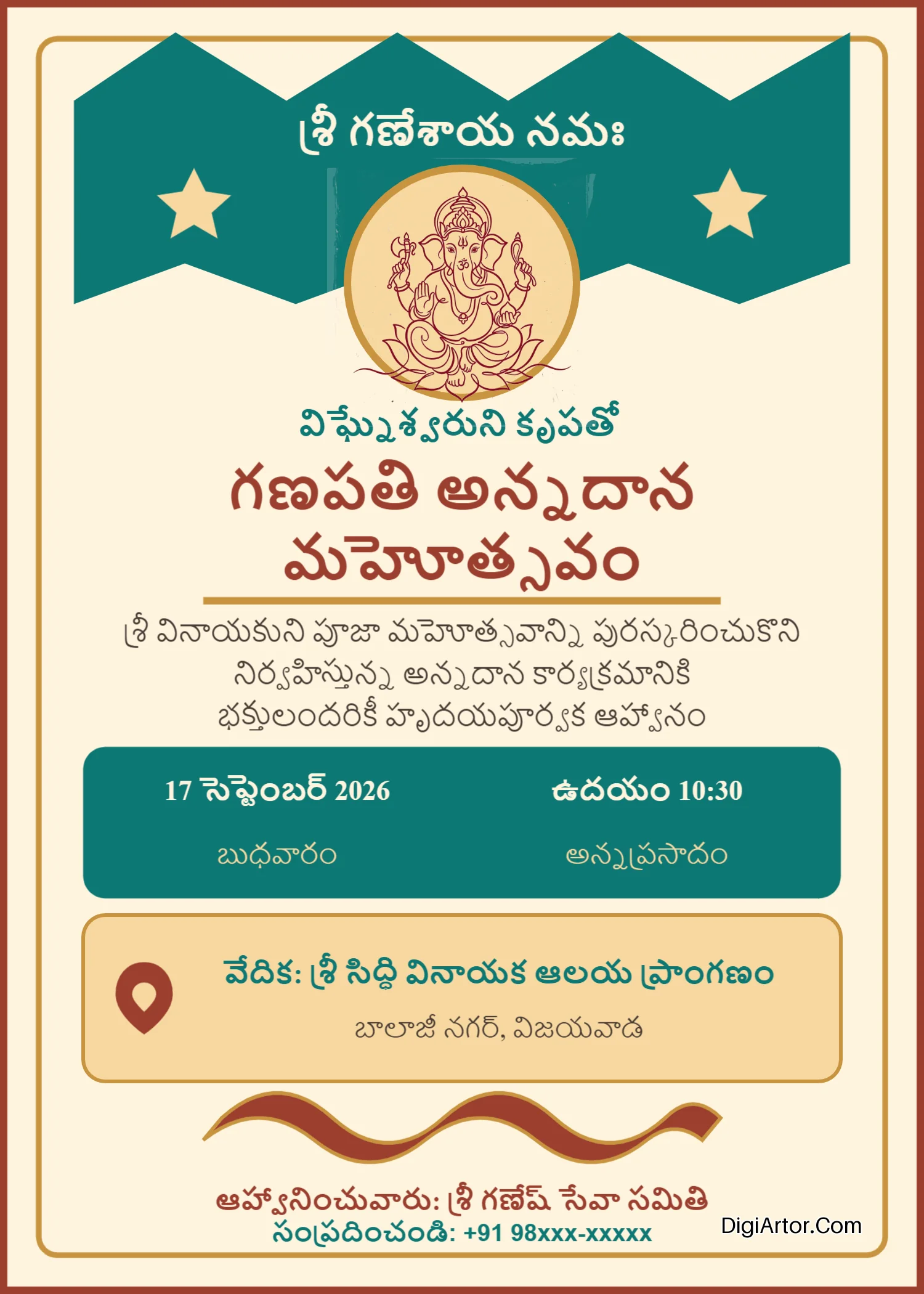
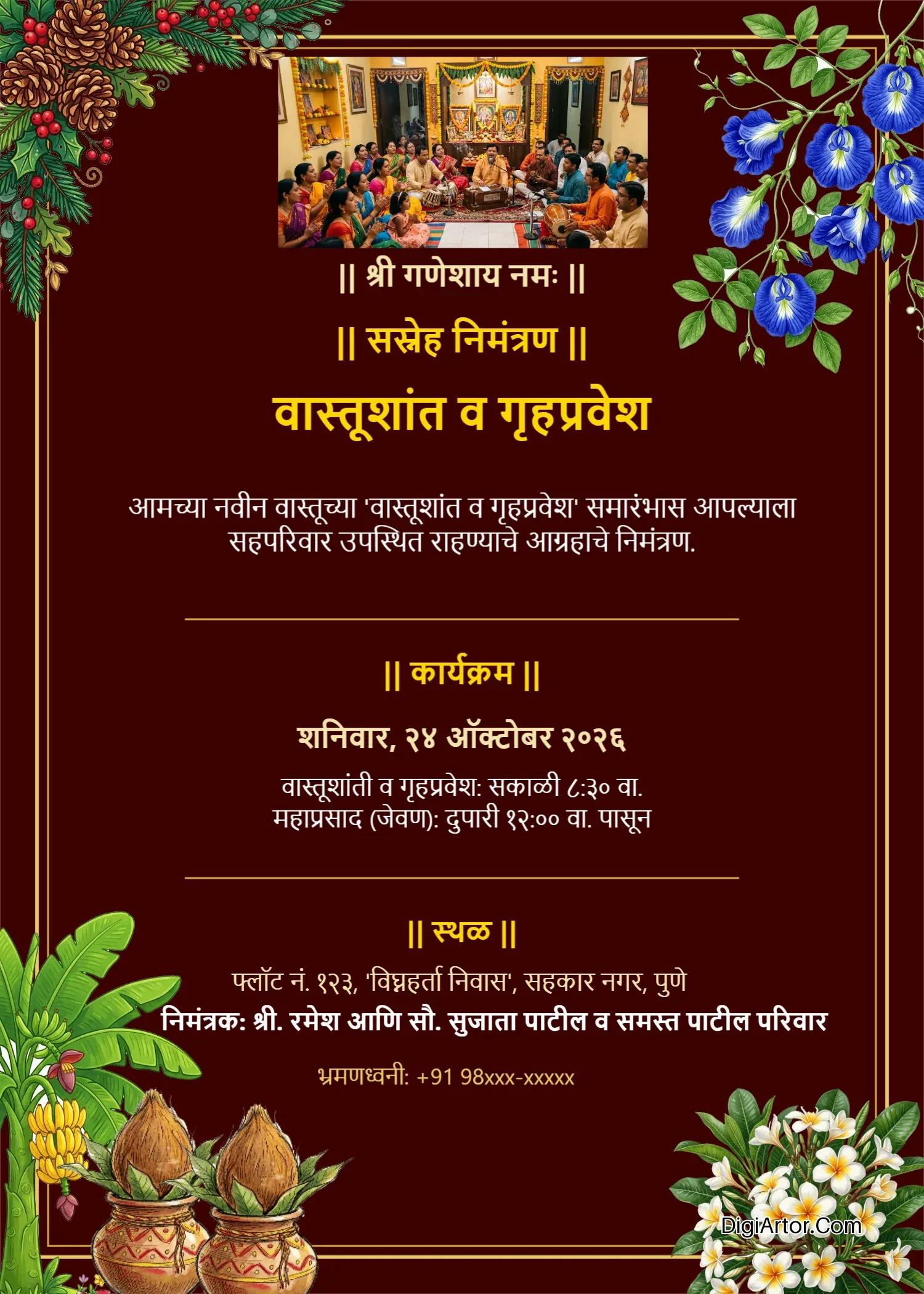
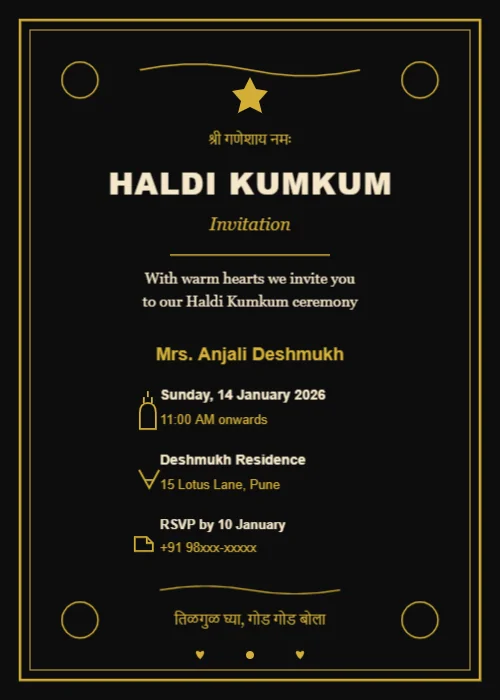
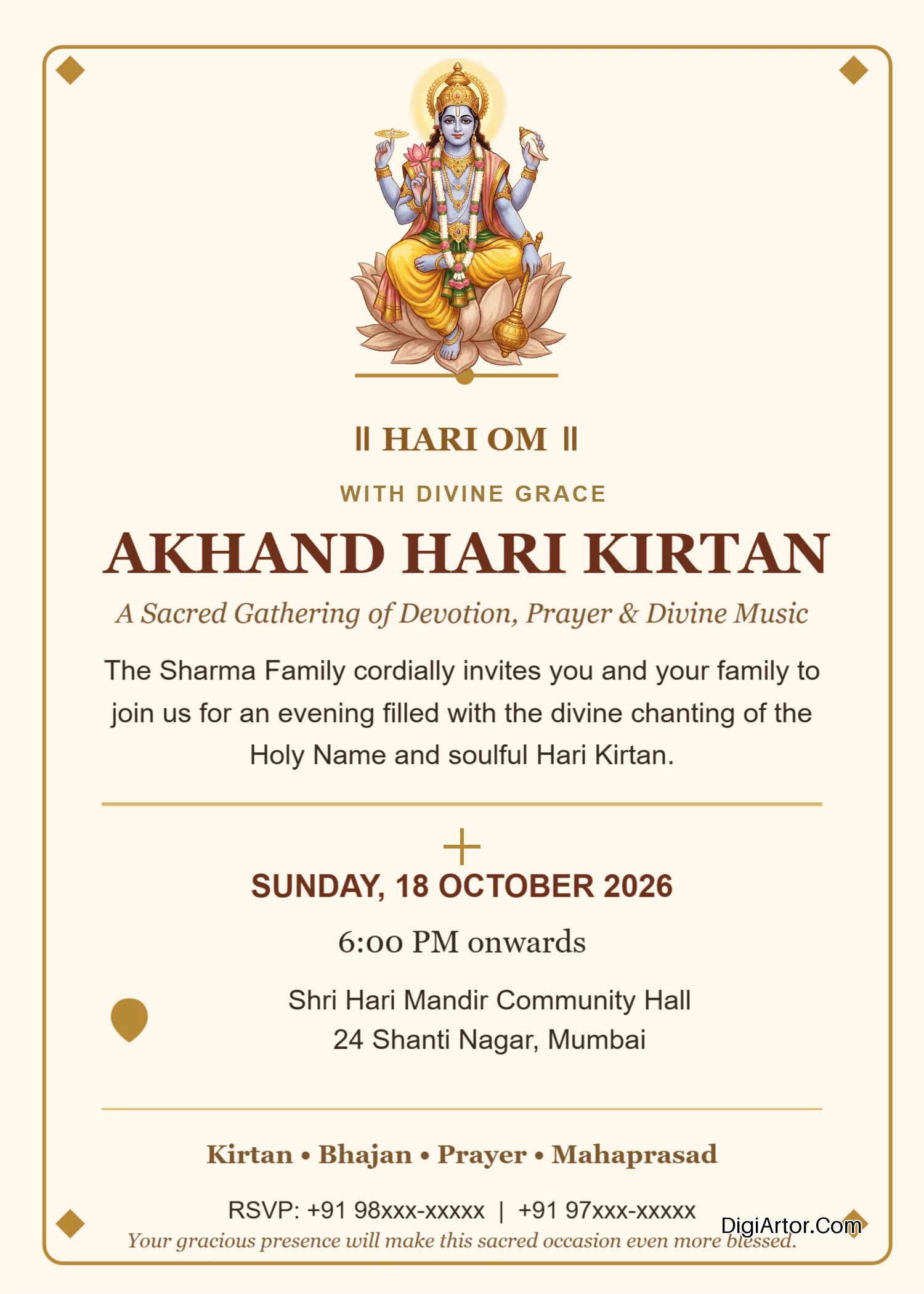
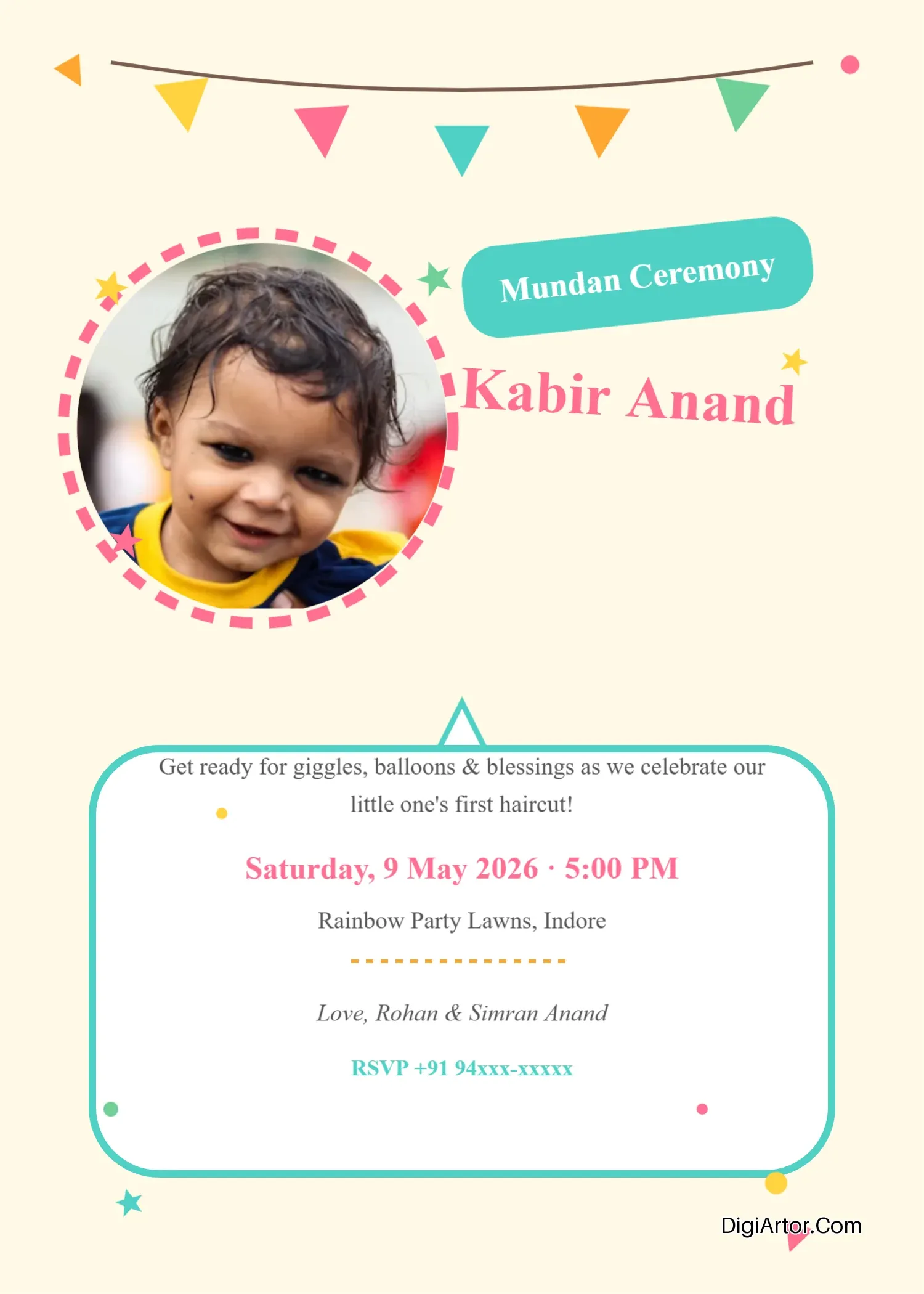
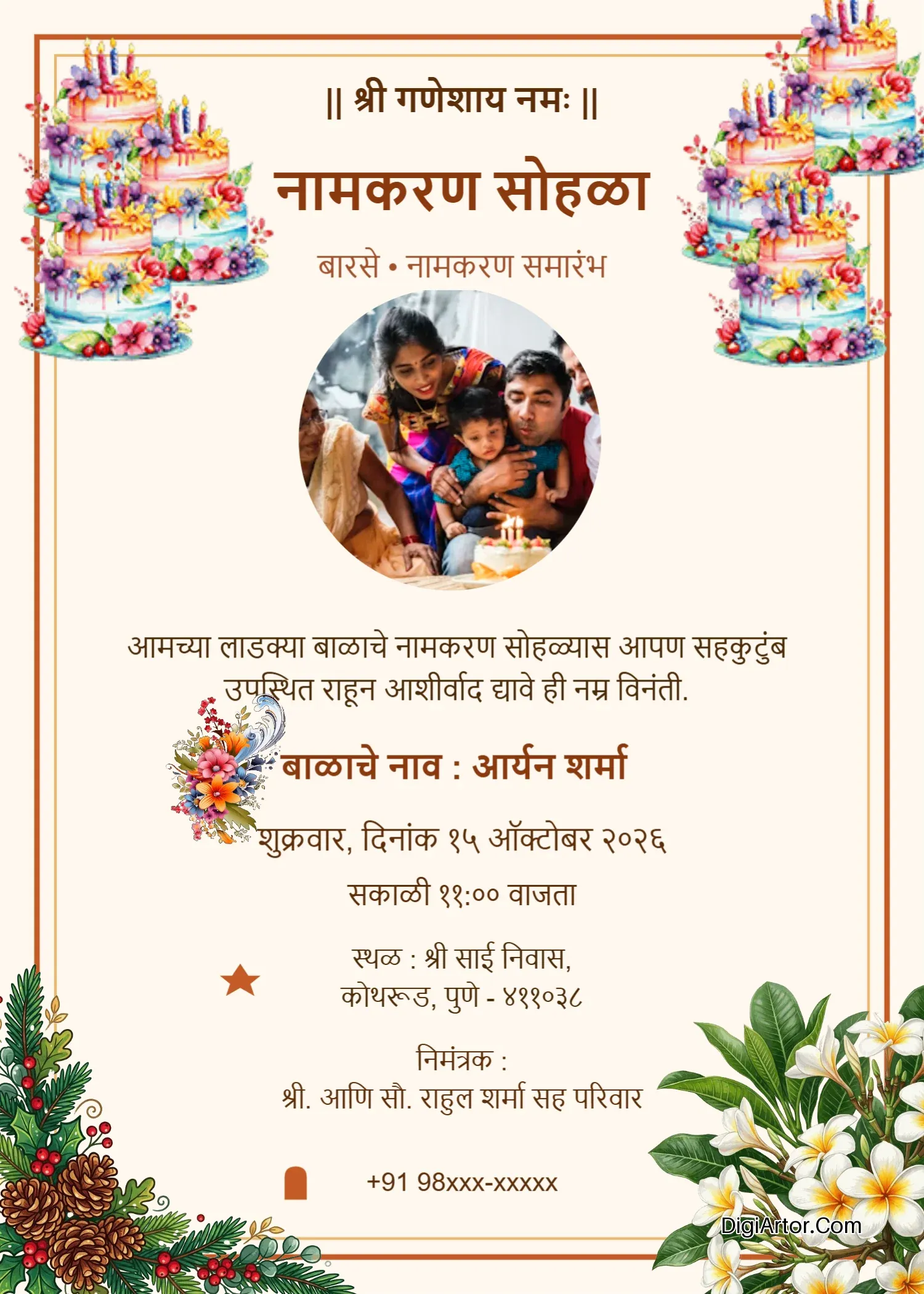
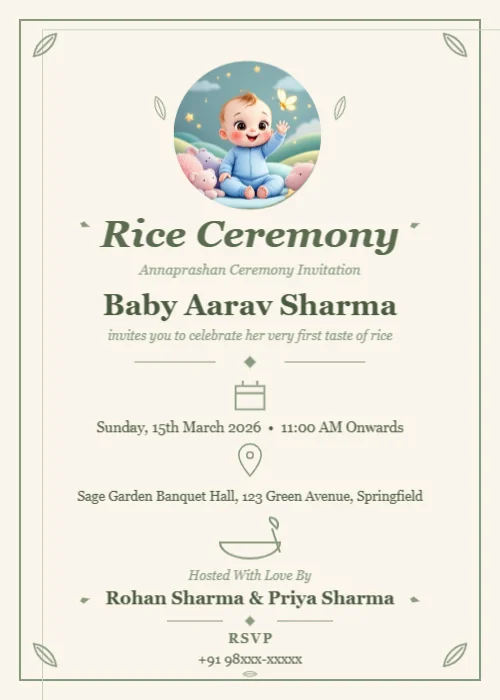
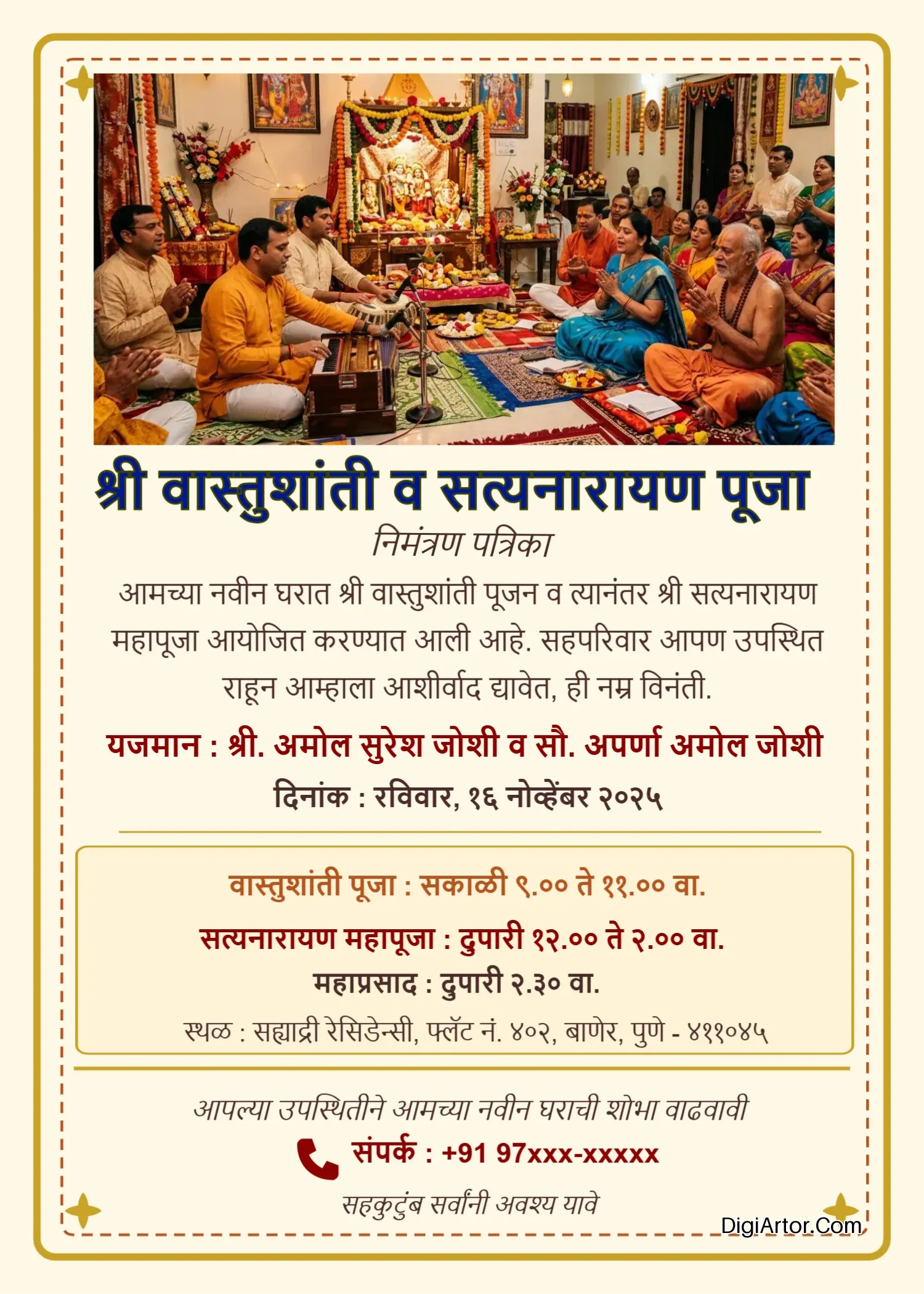
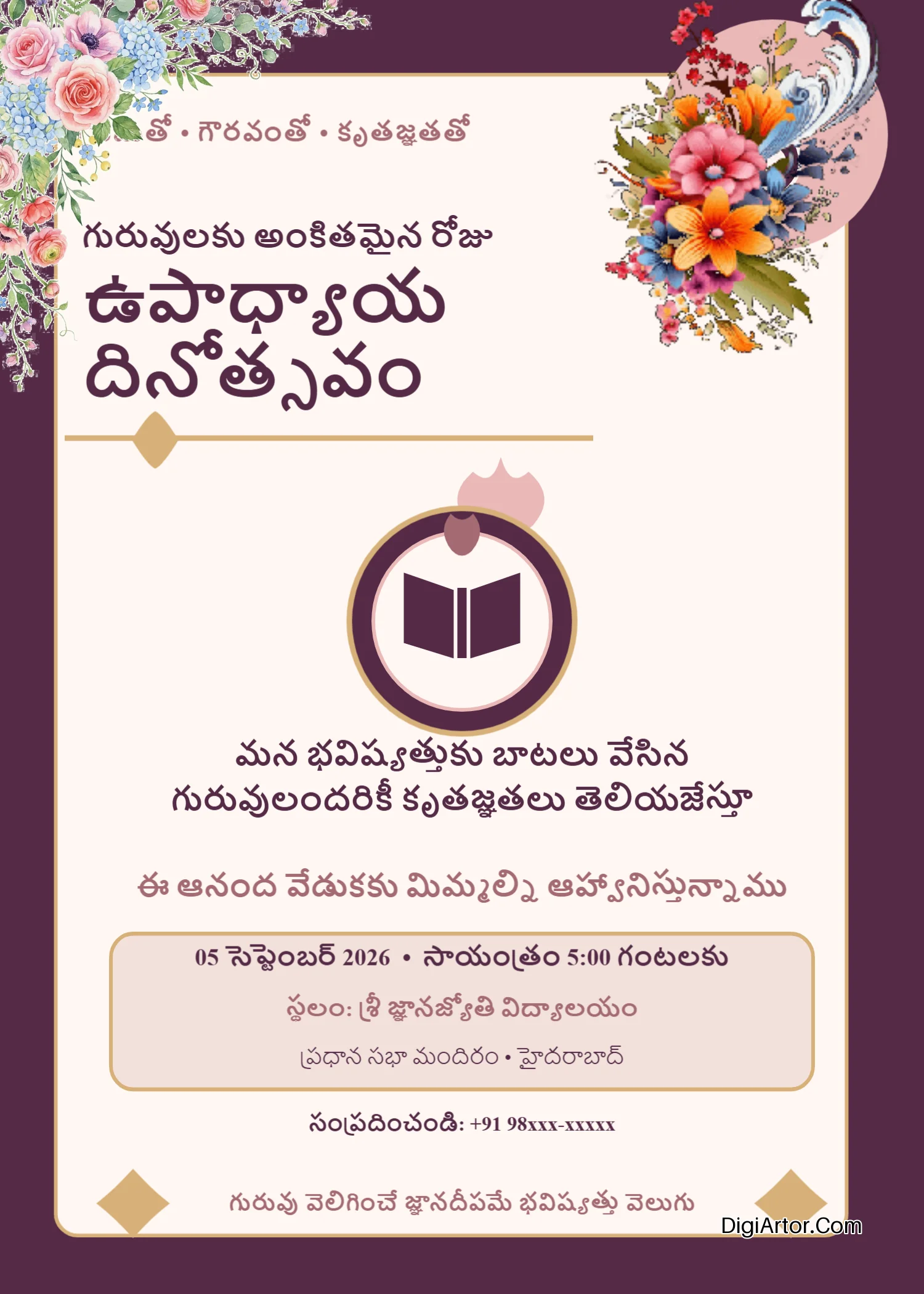
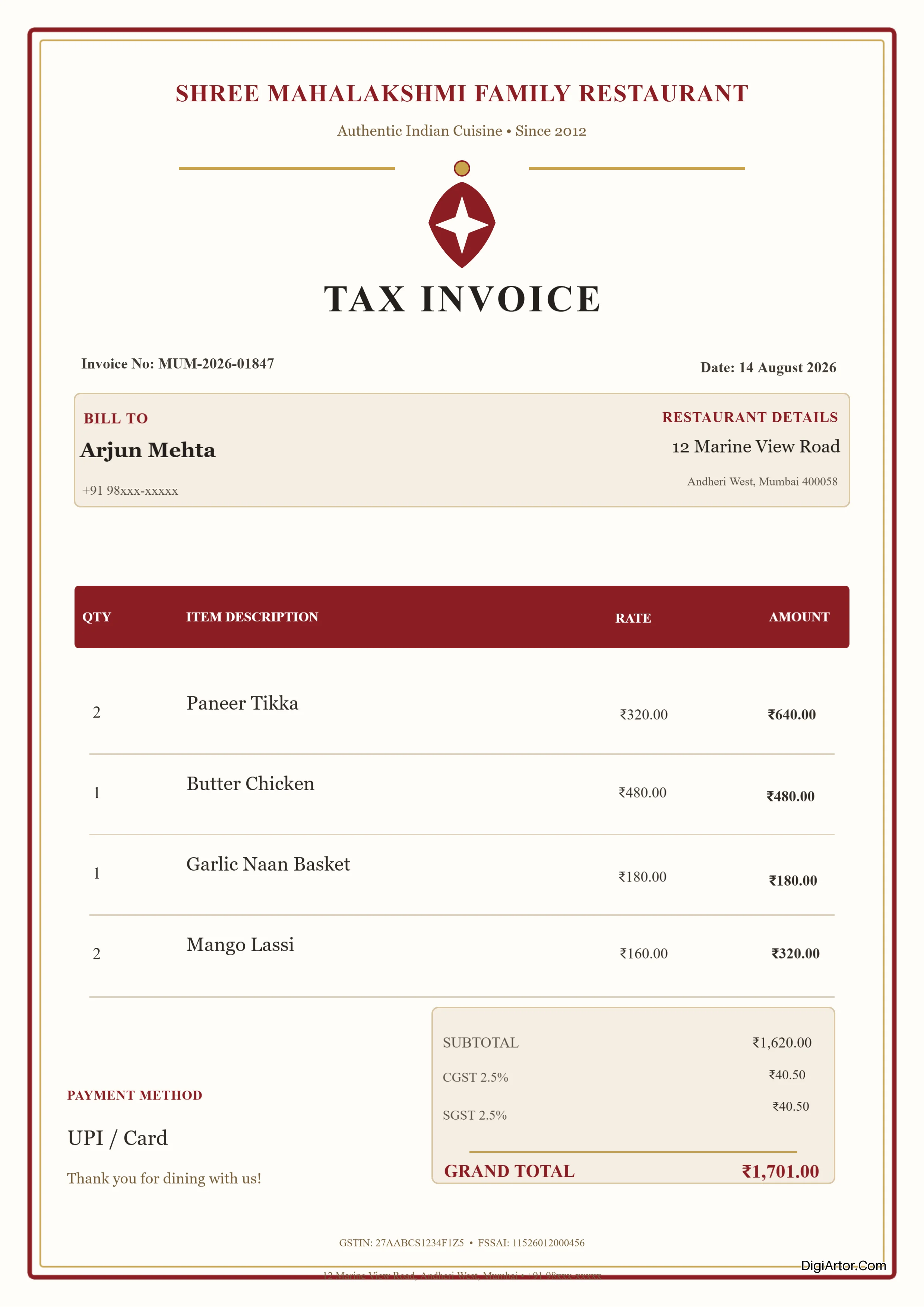
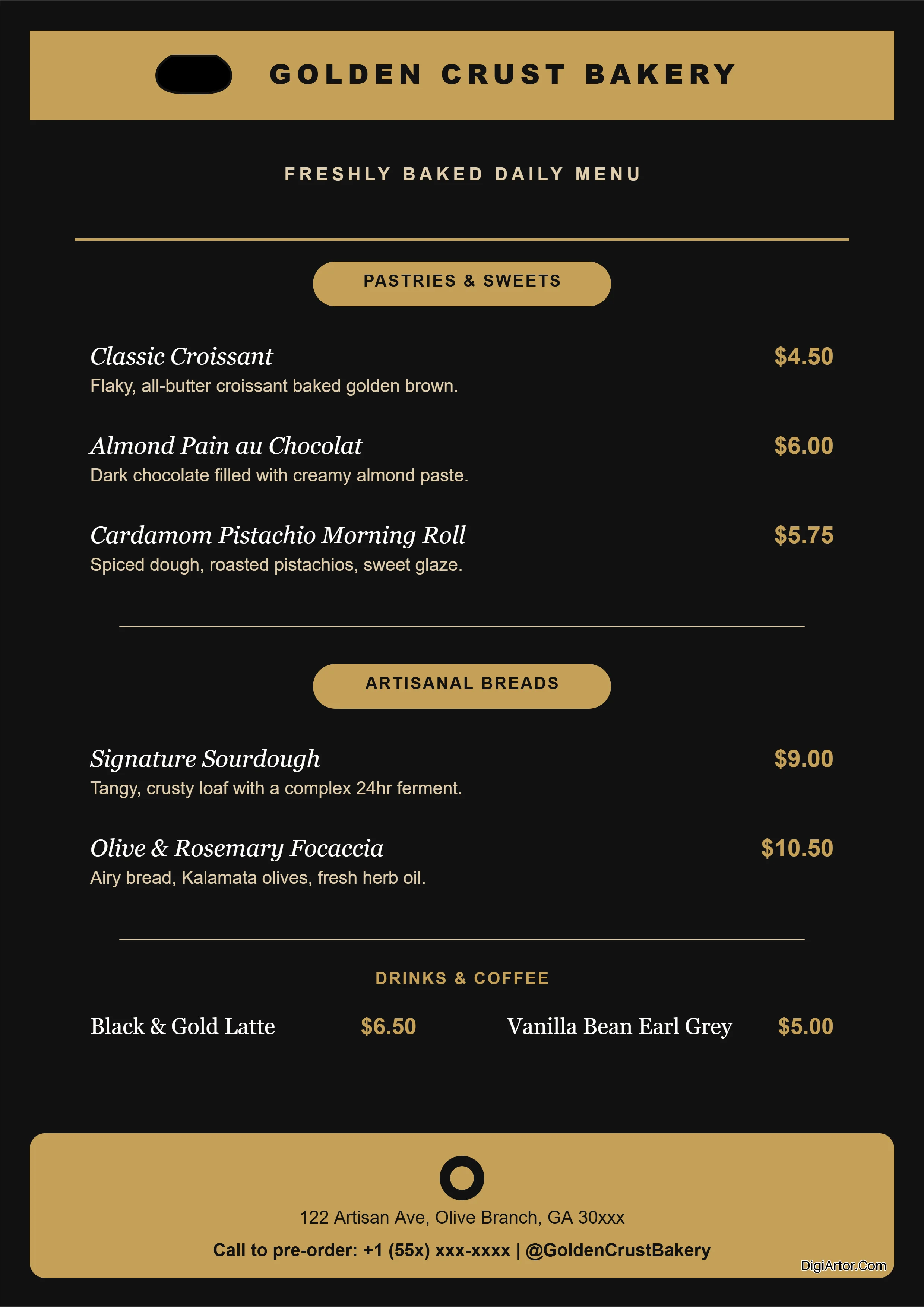
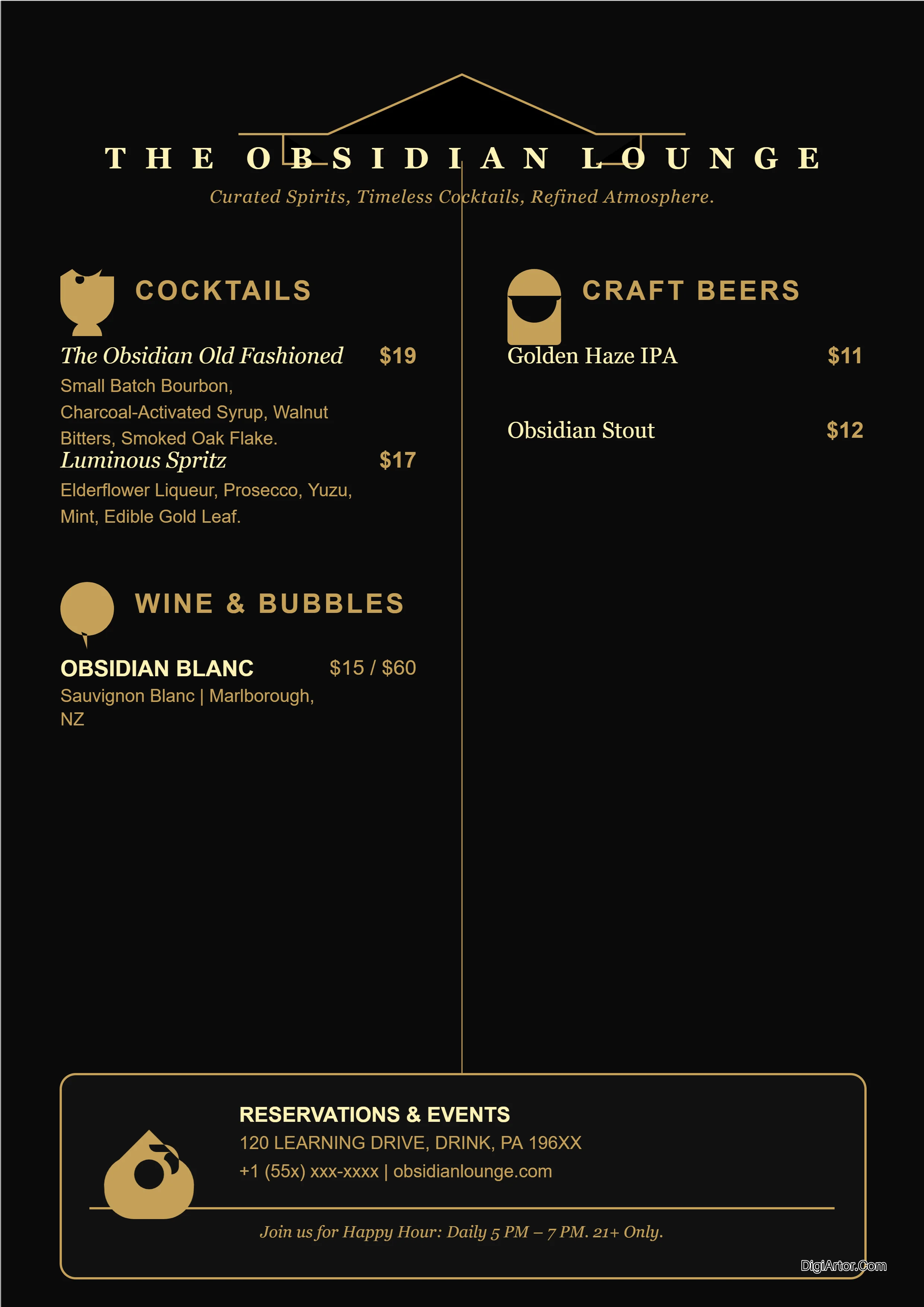
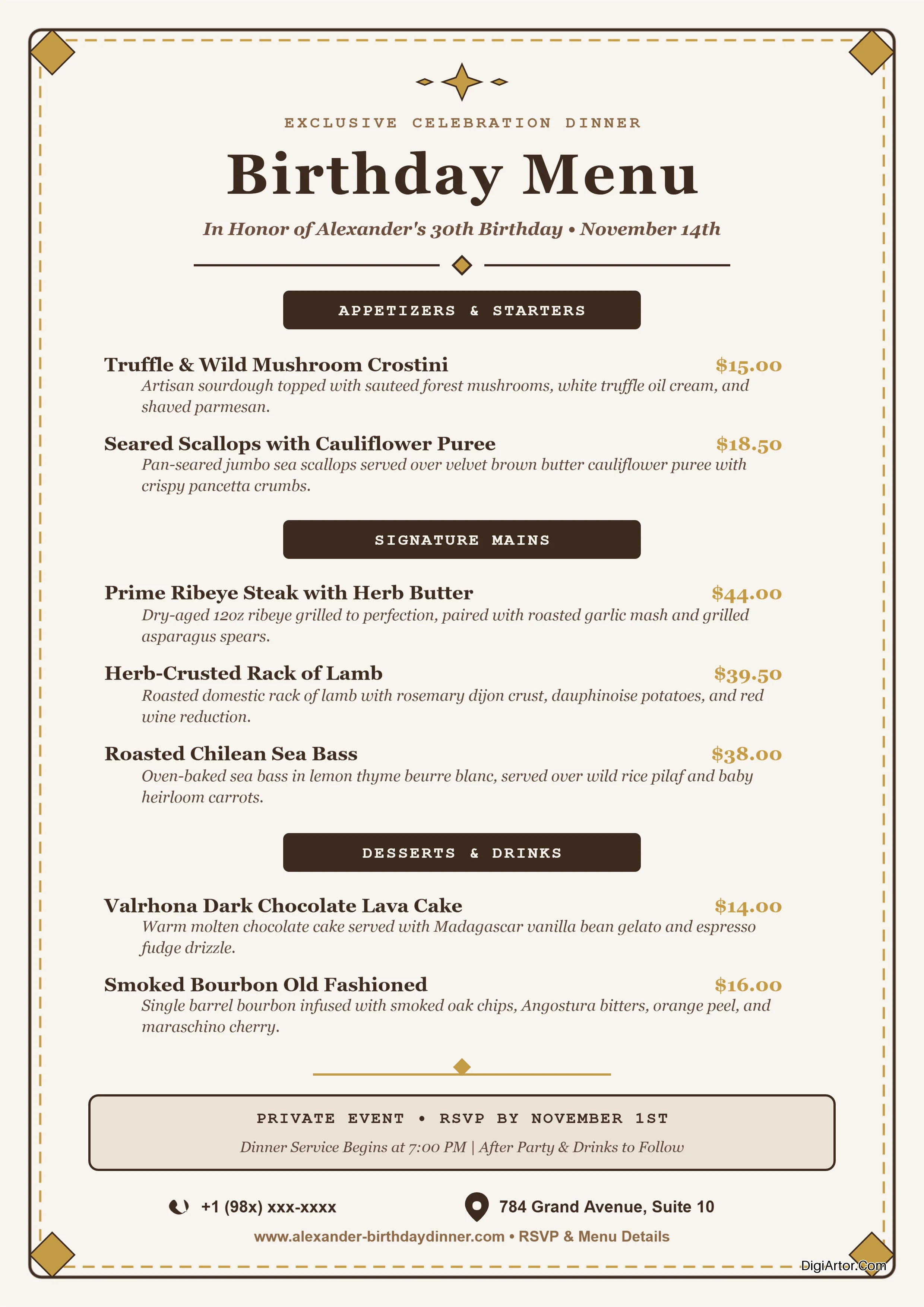
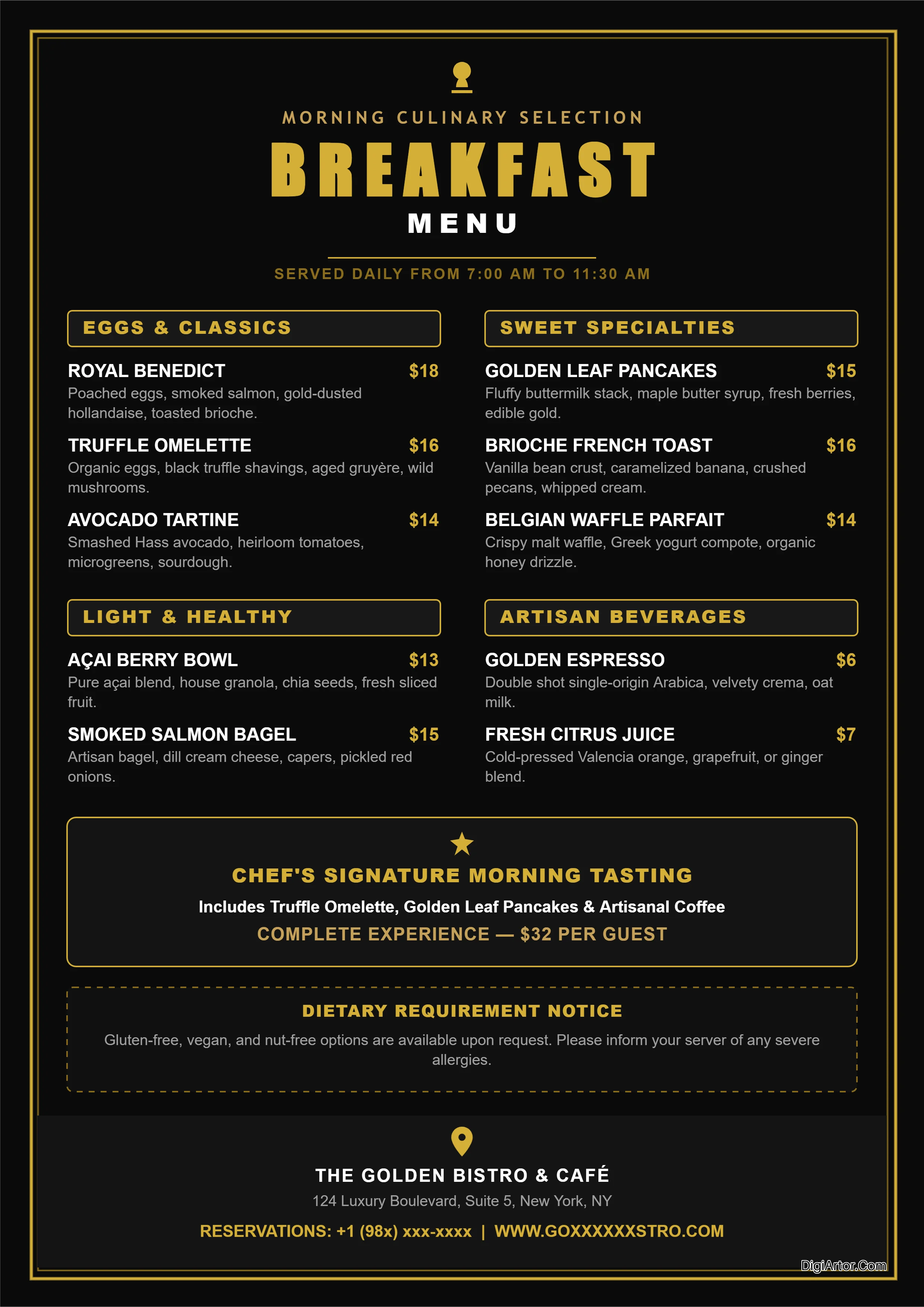
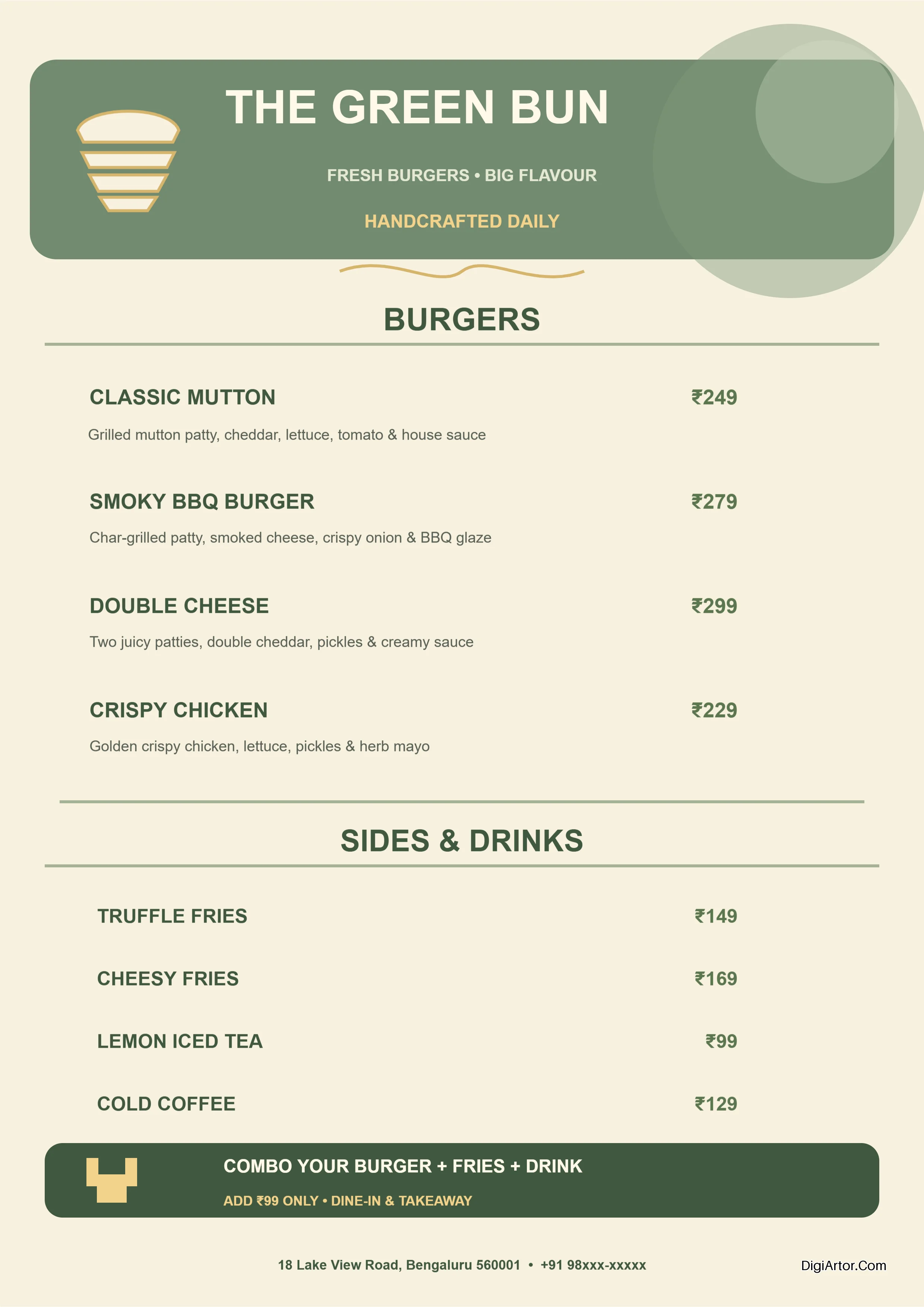
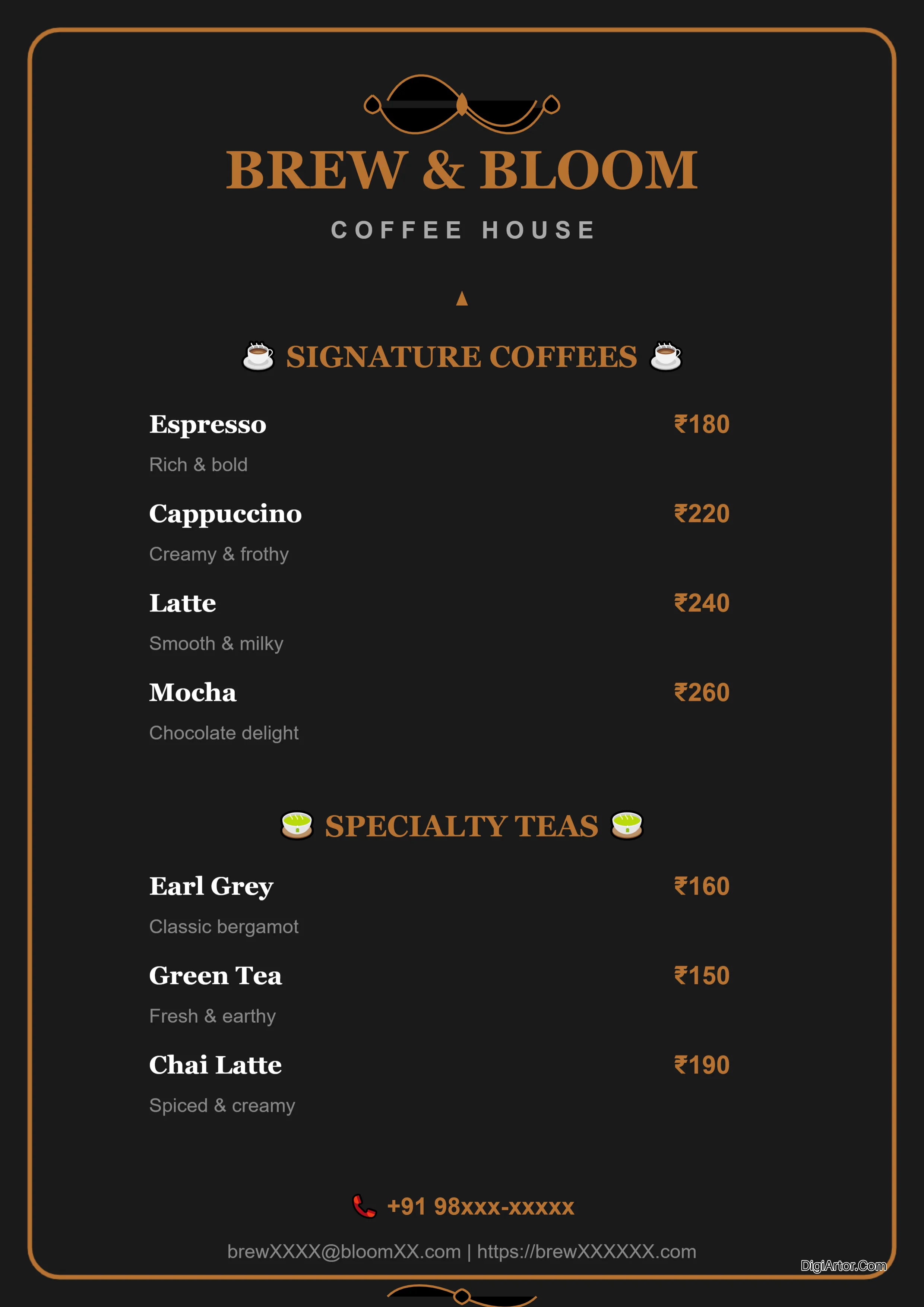
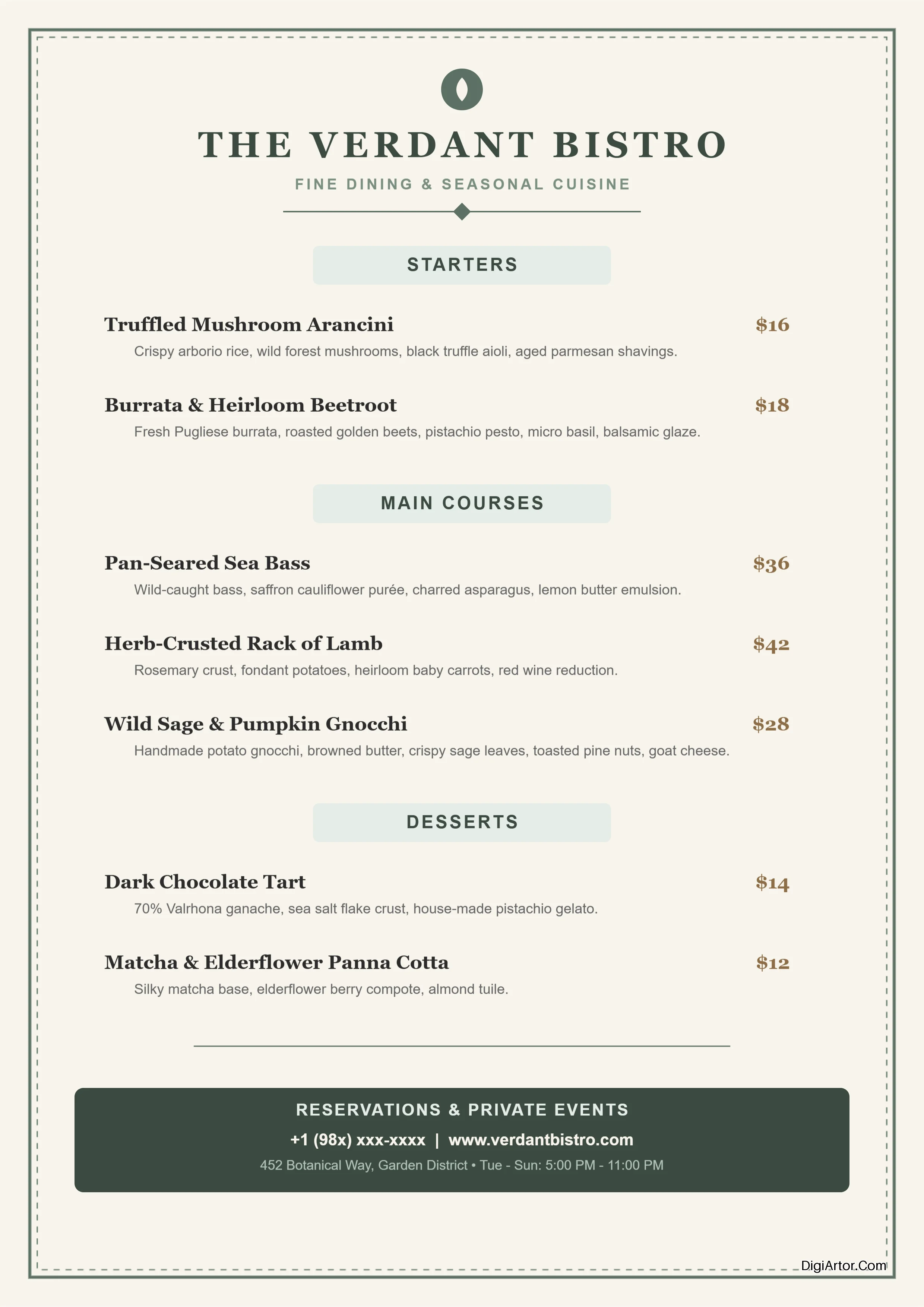
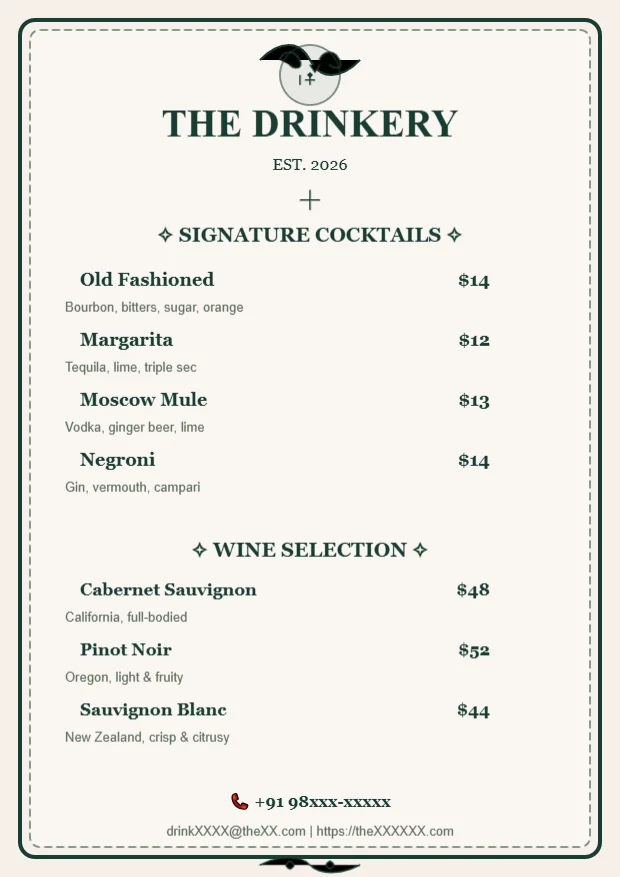
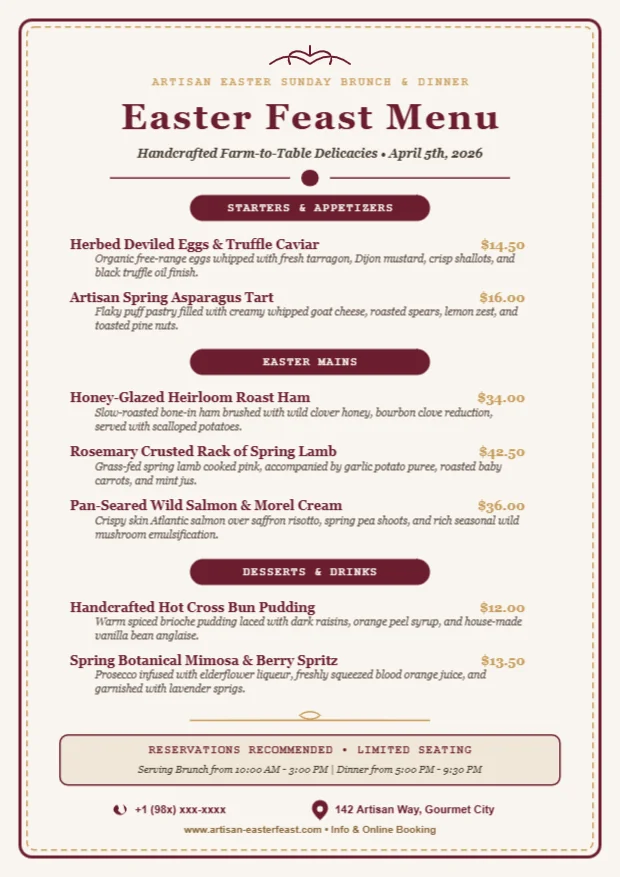
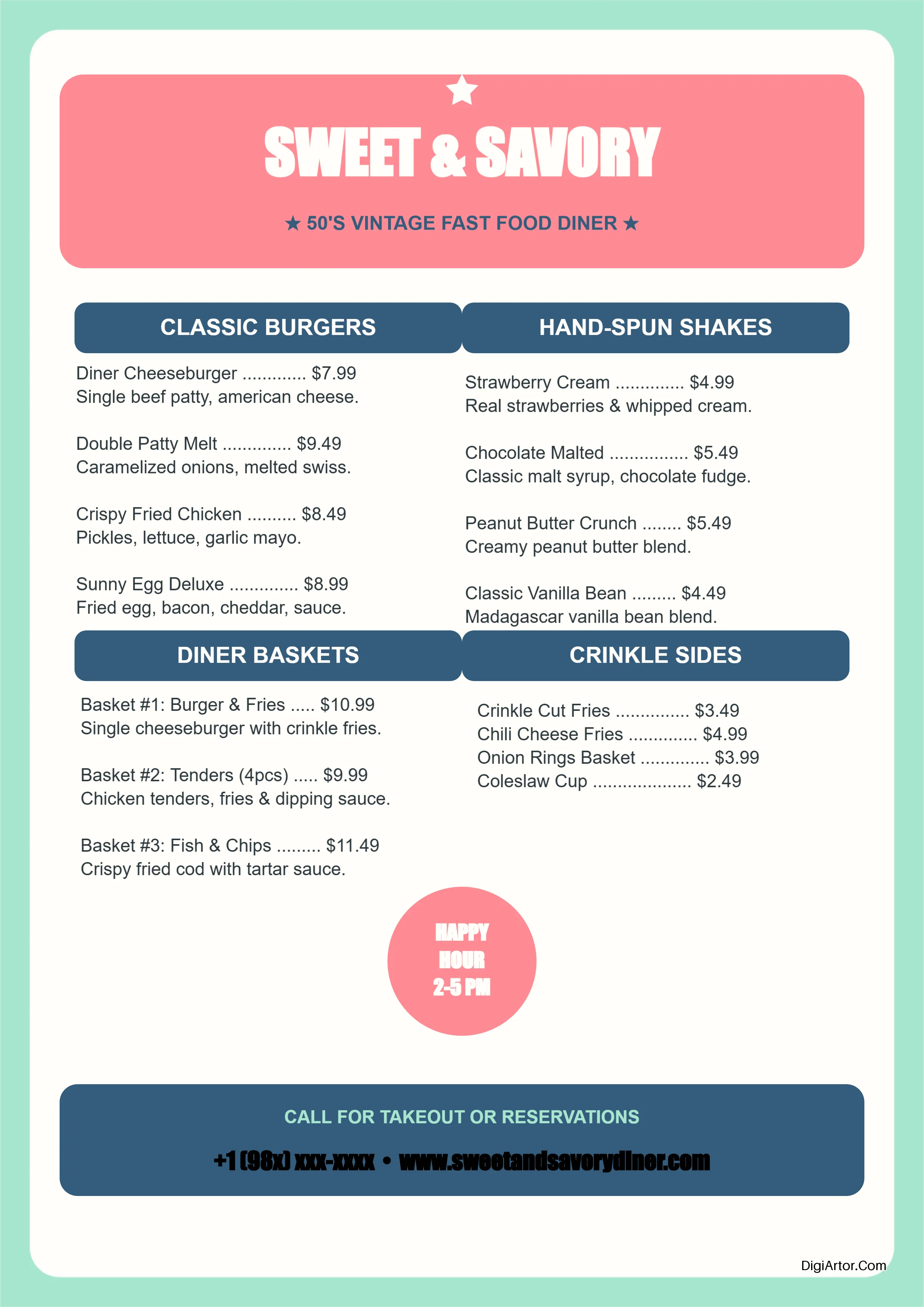
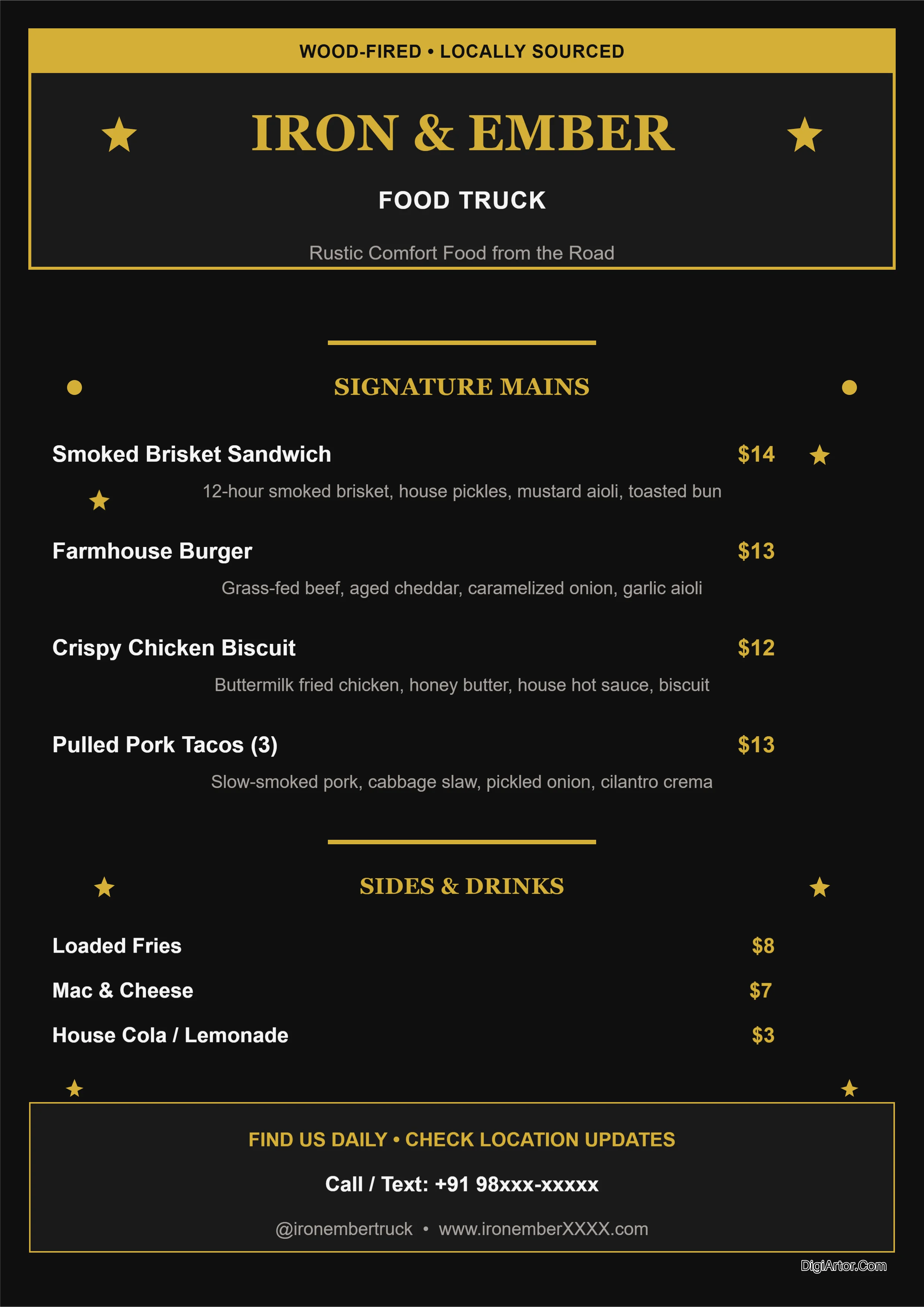
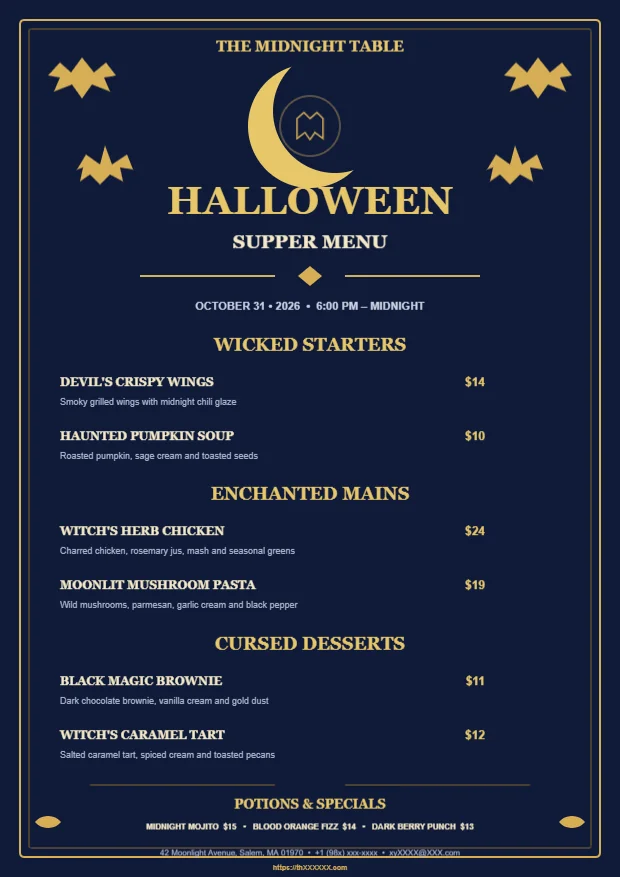
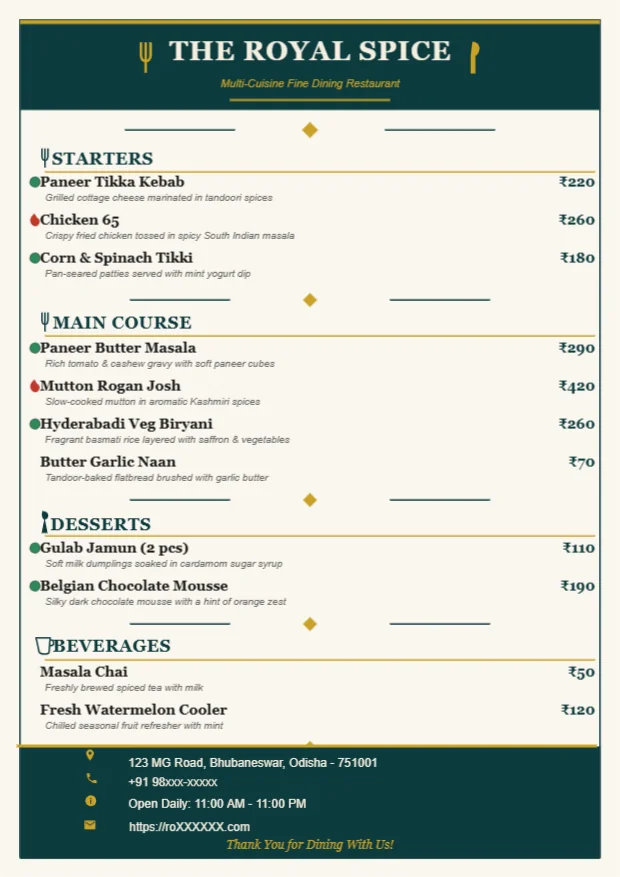
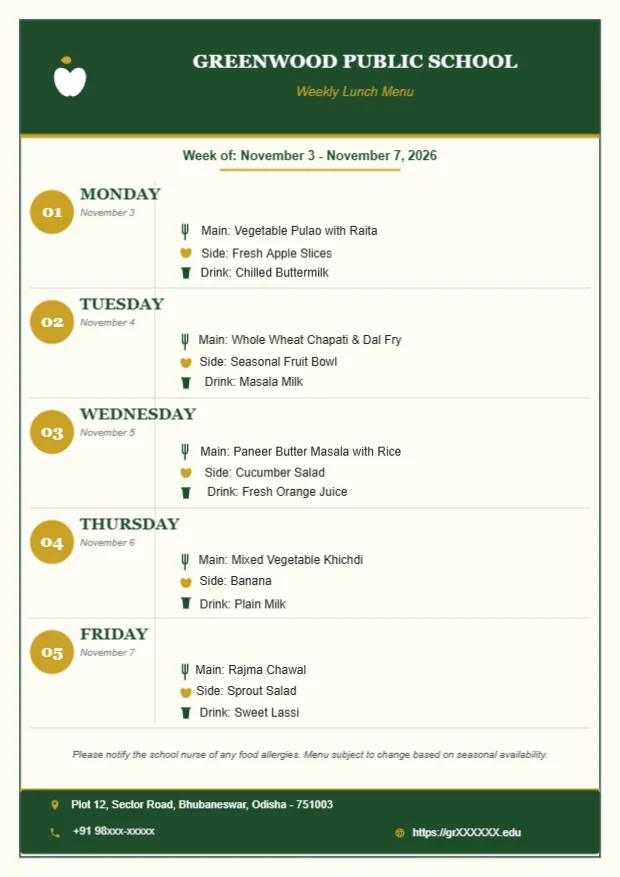
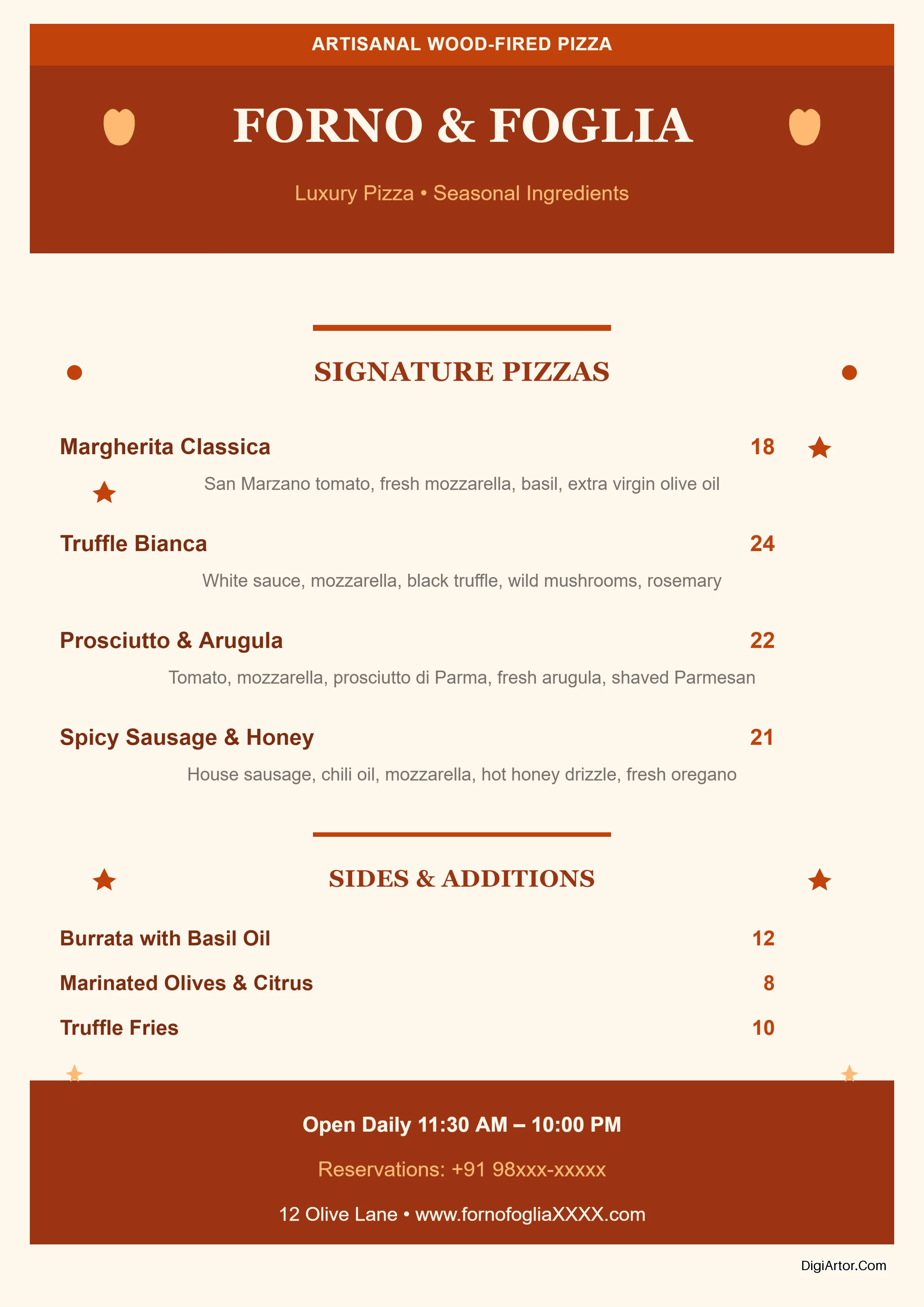
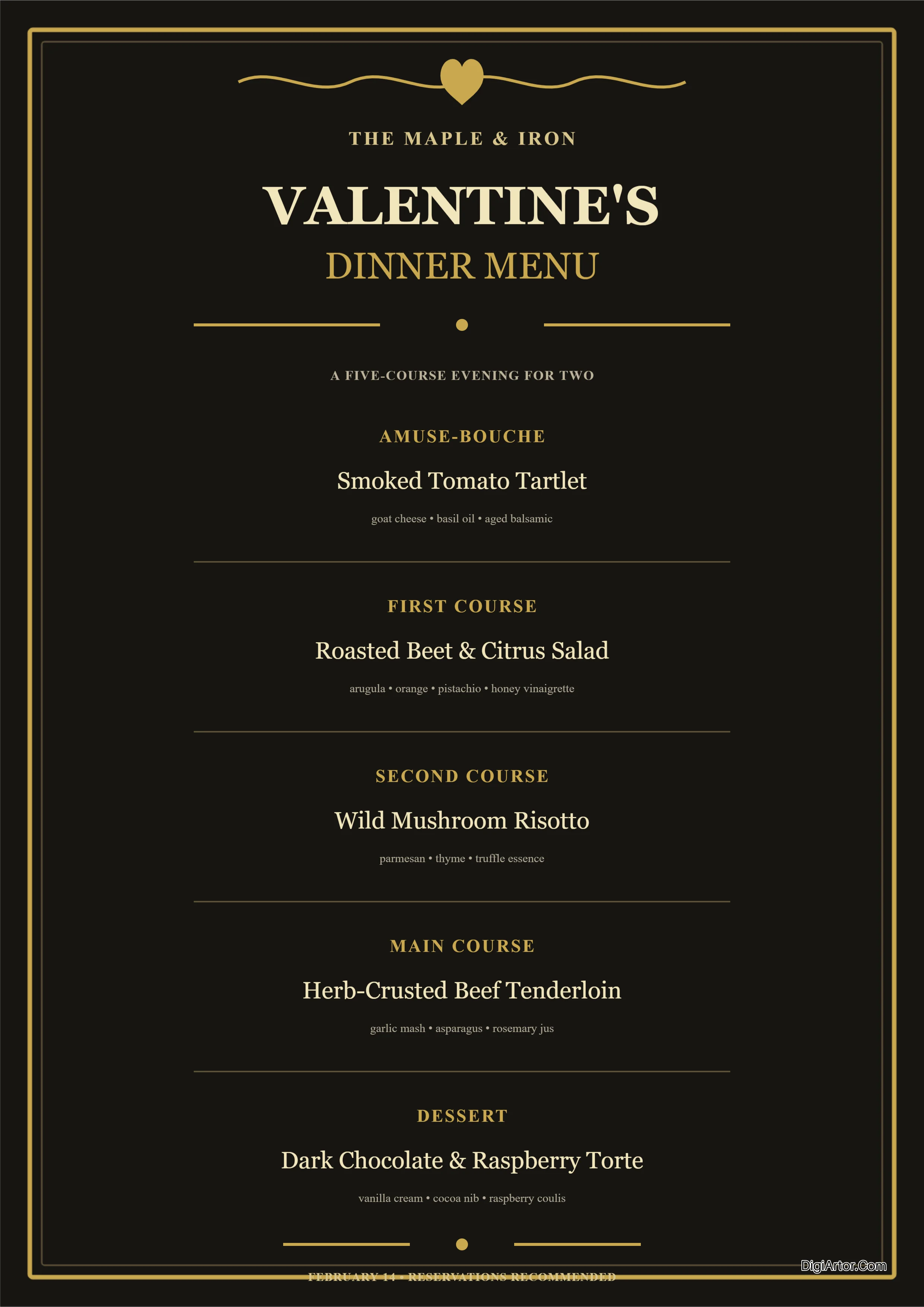
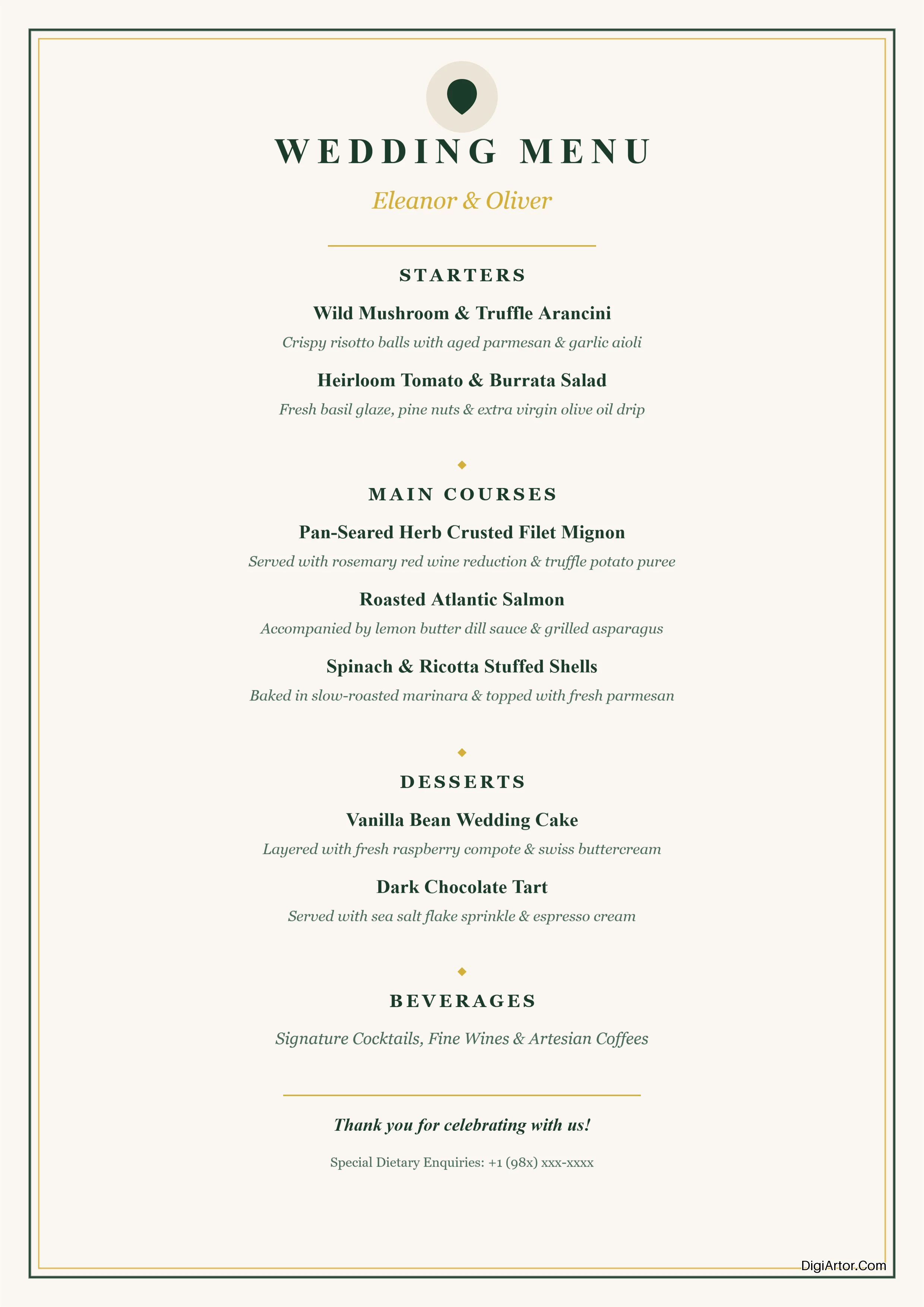
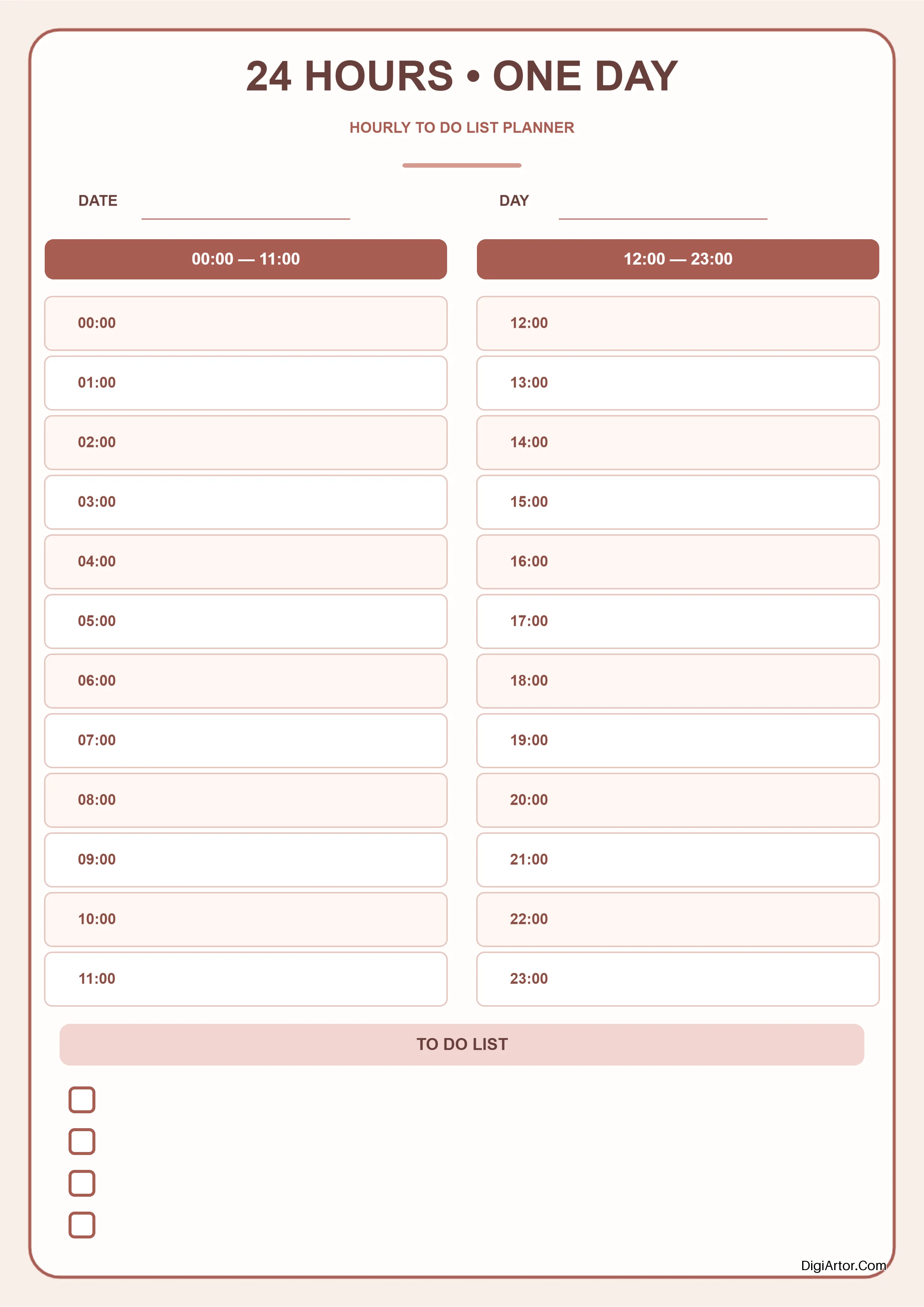
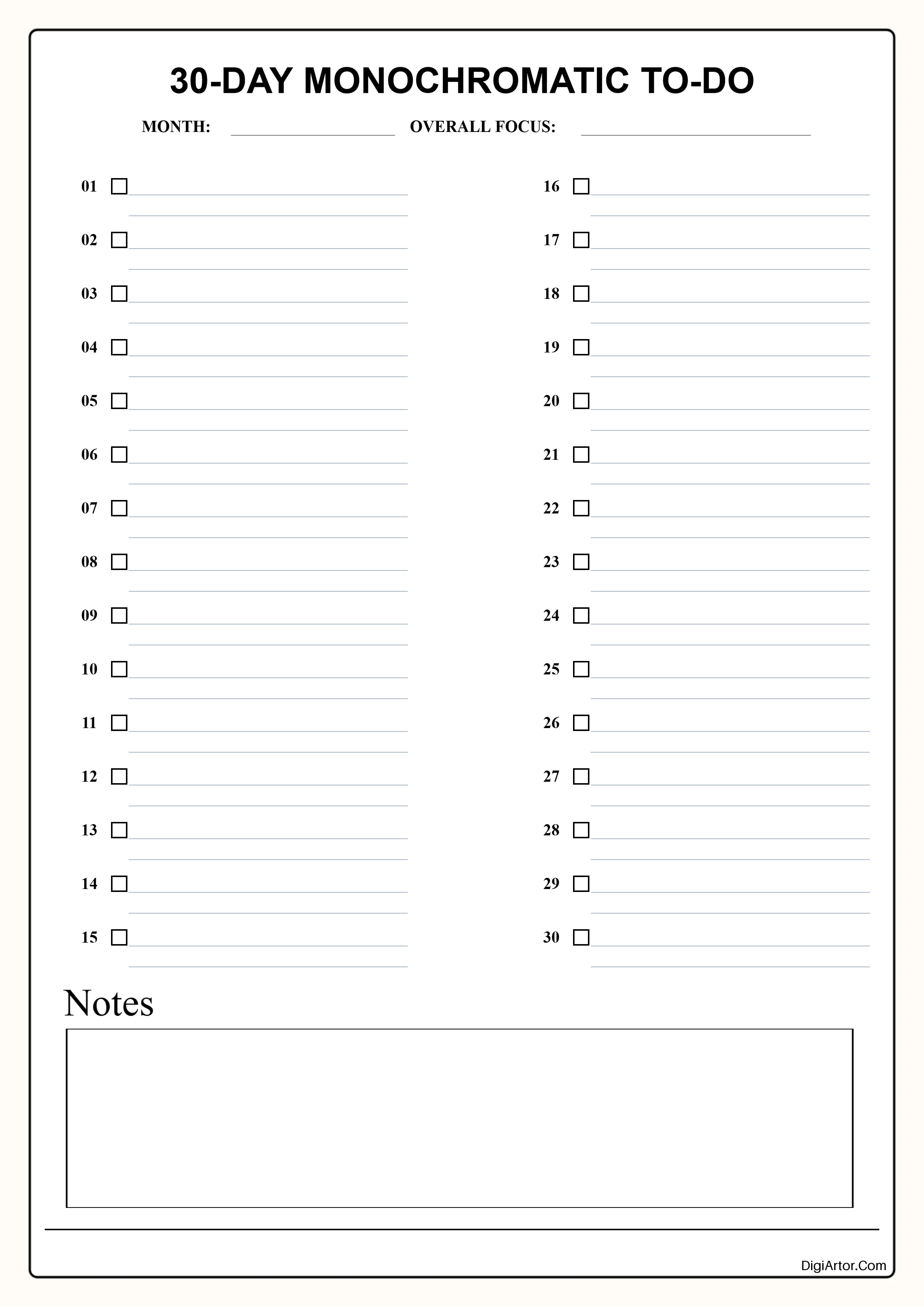
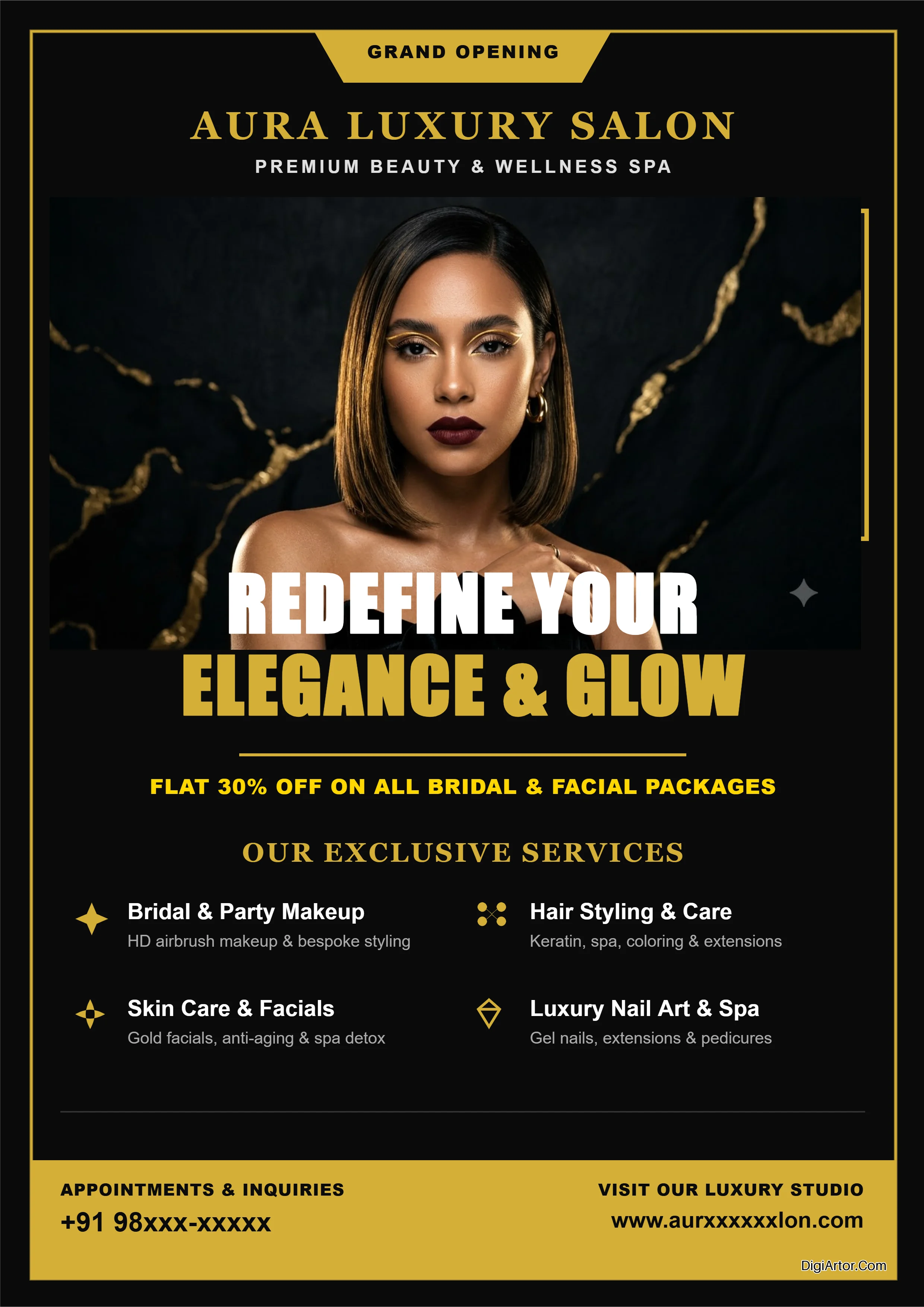
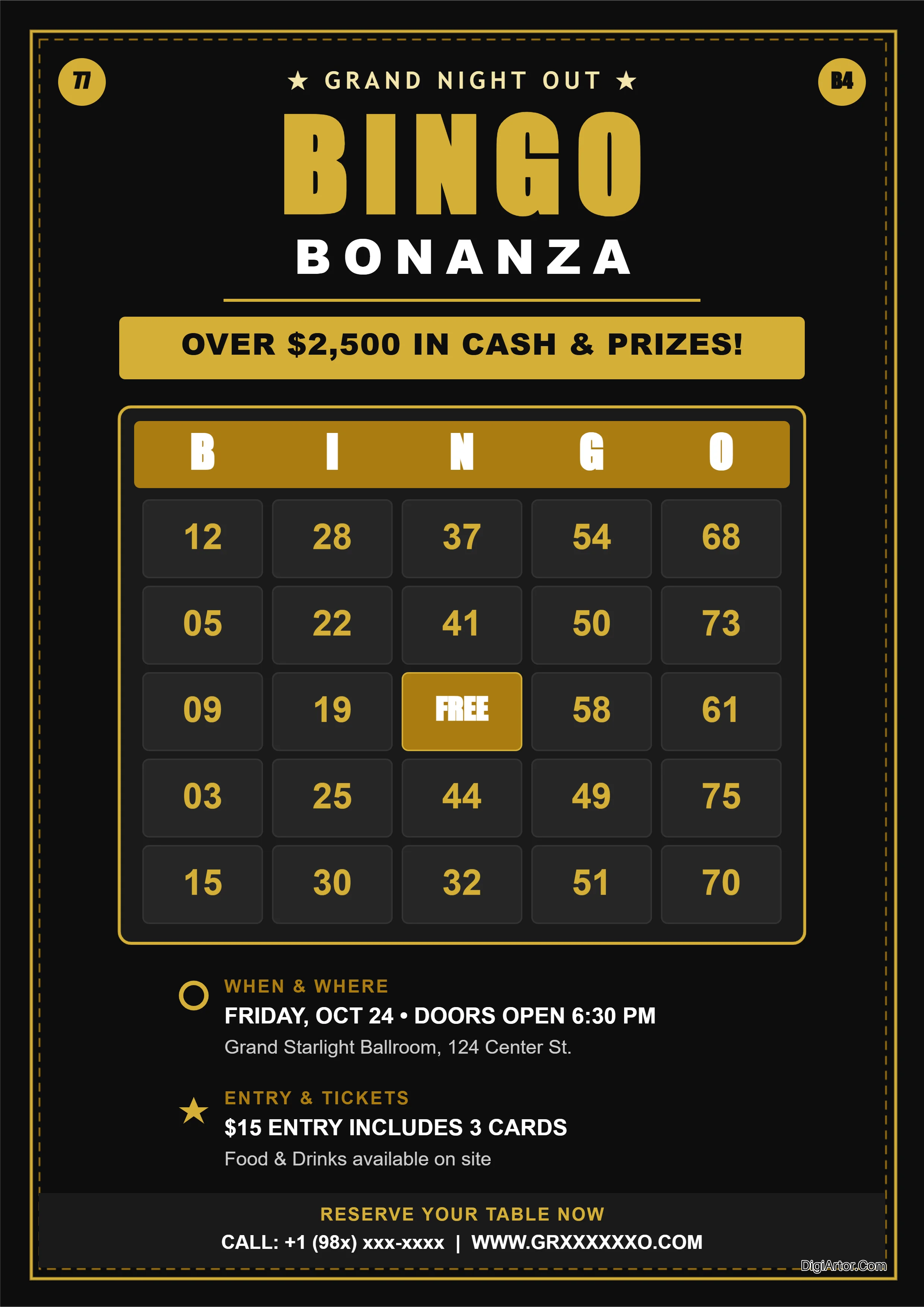
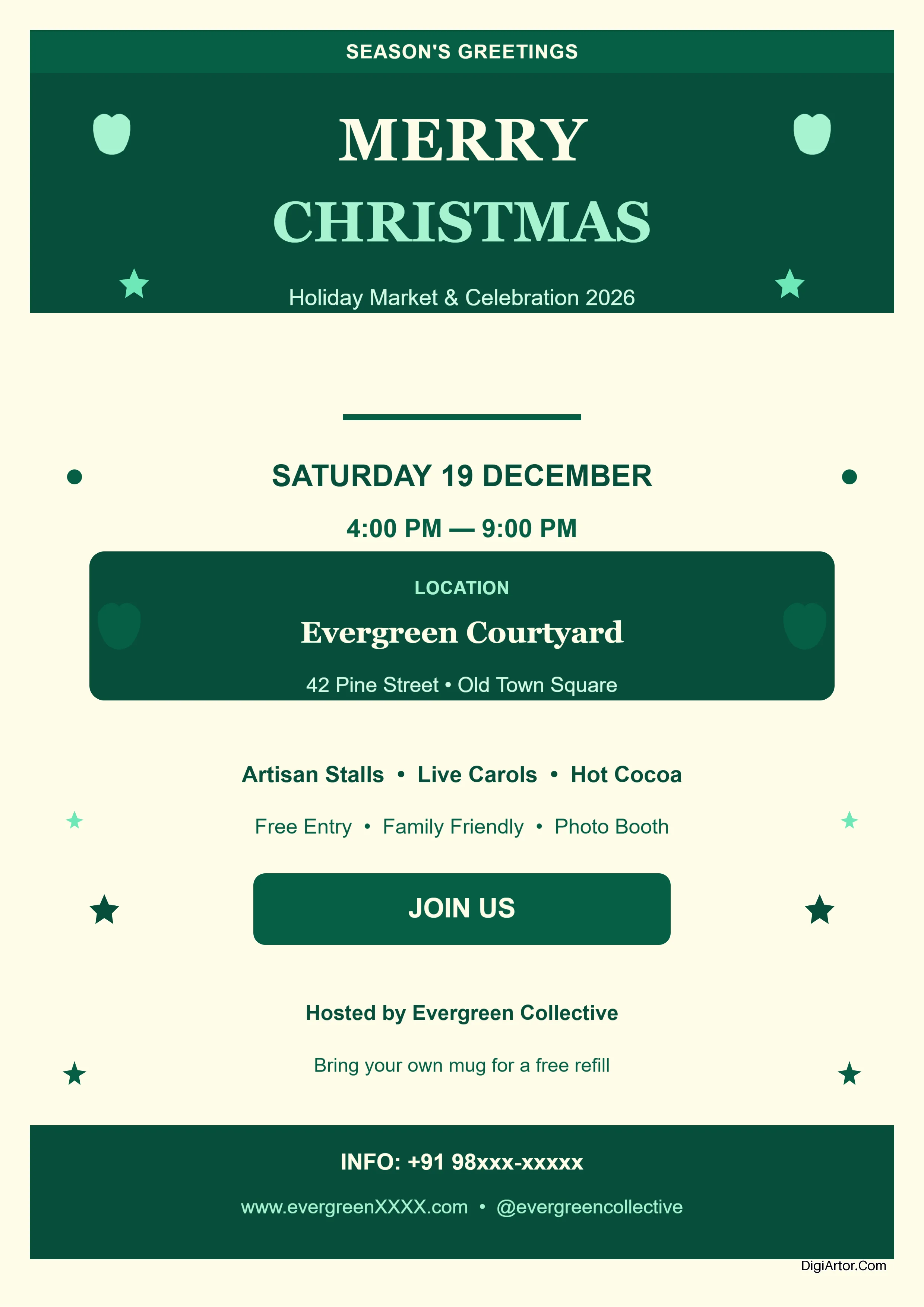
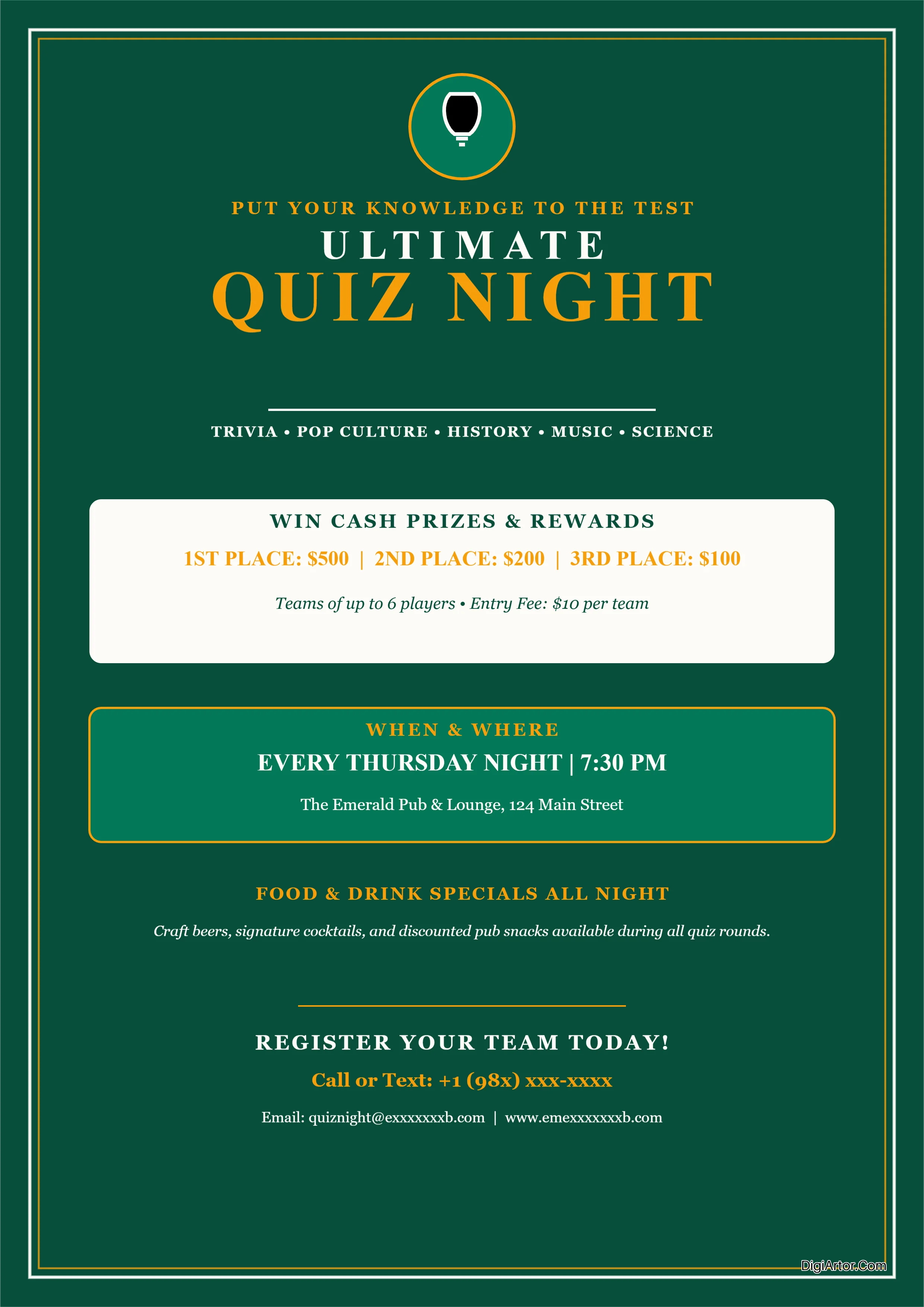
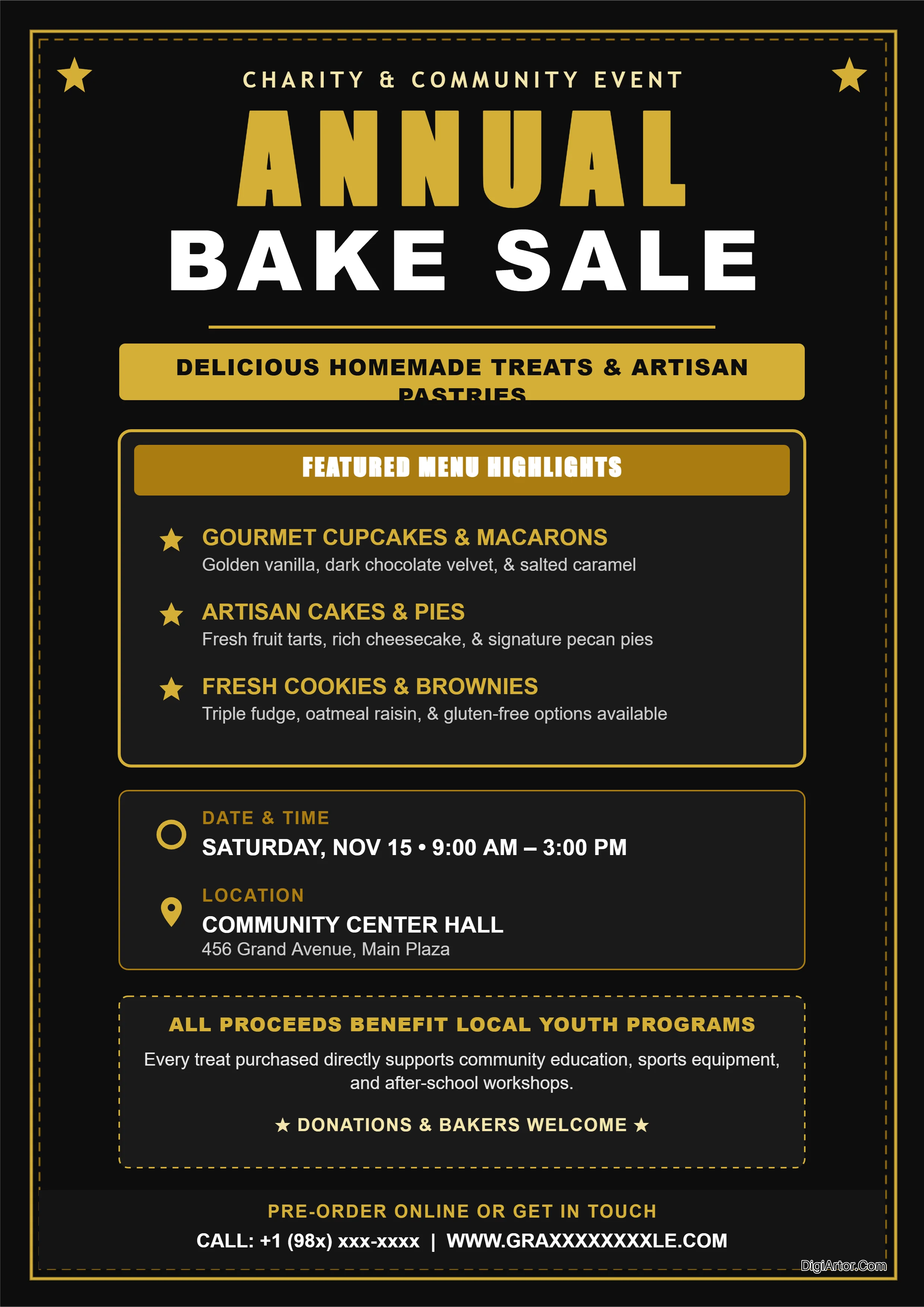

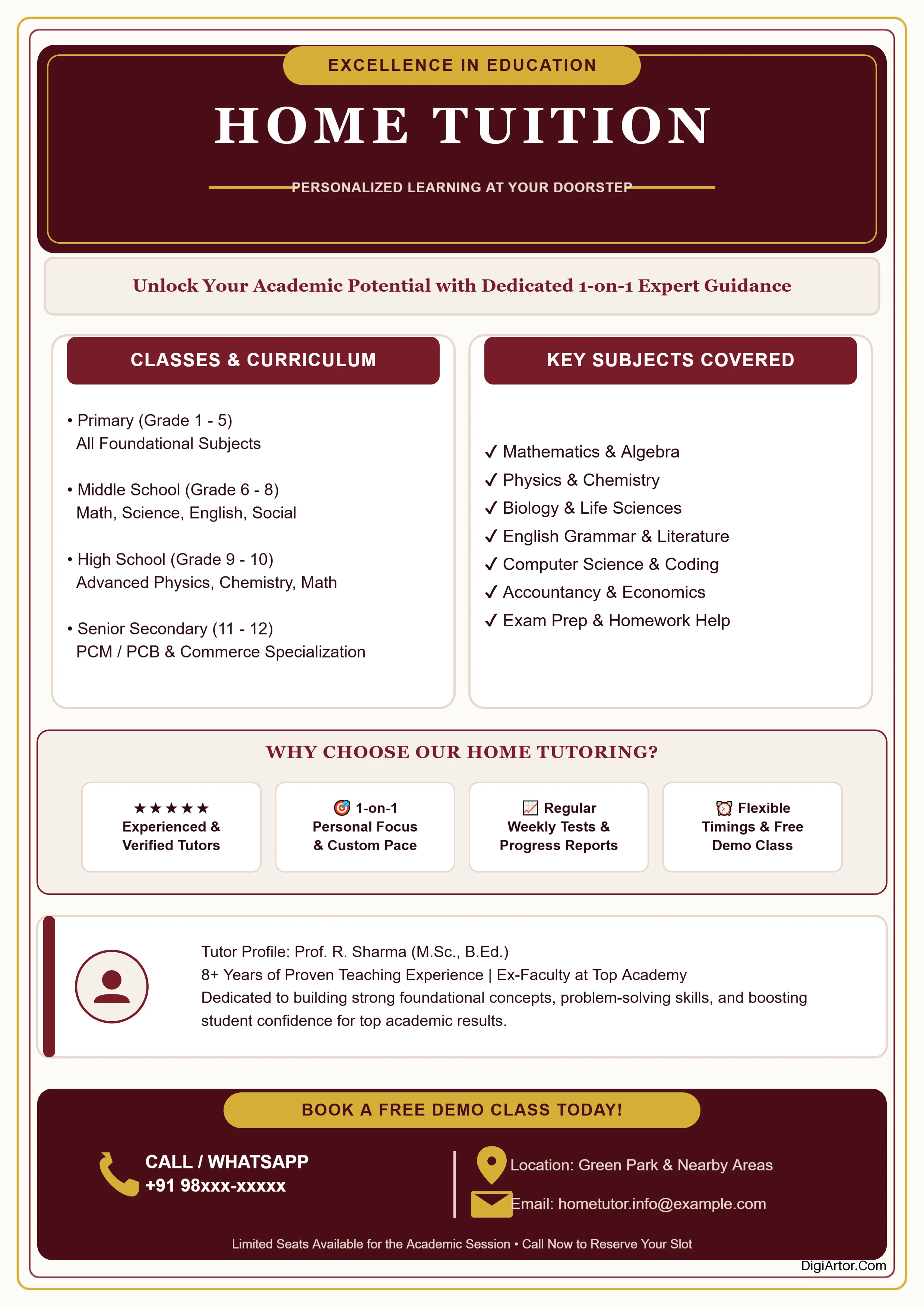
Categoricaly Latest Created Design Templates
Banner Templates



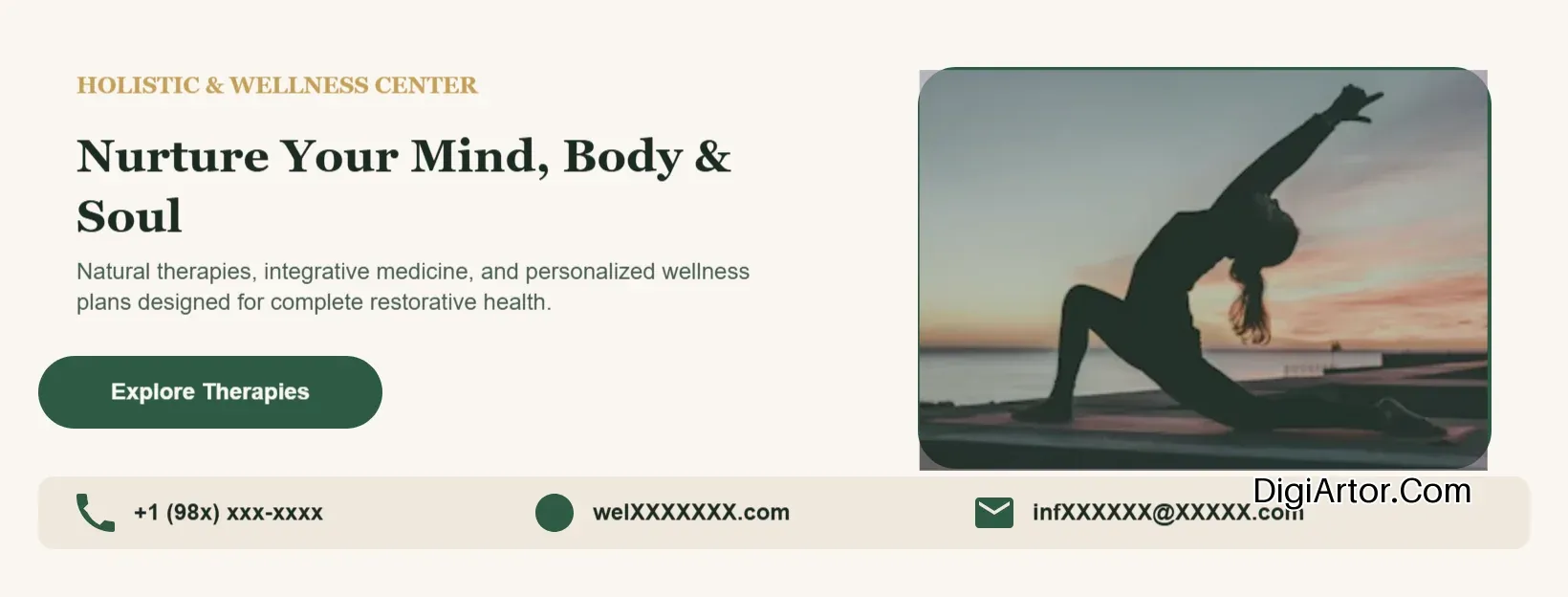


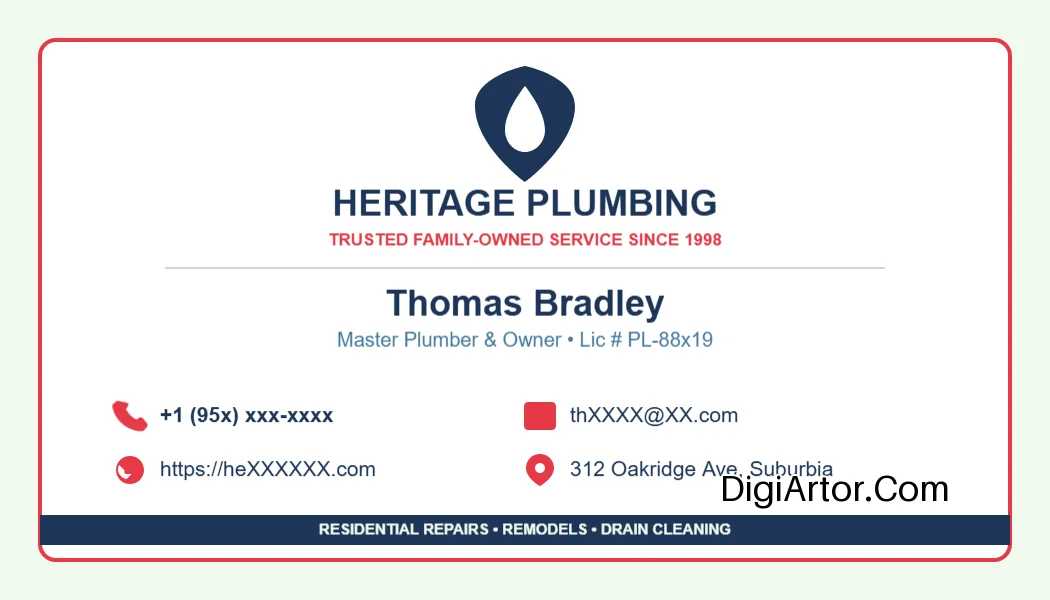
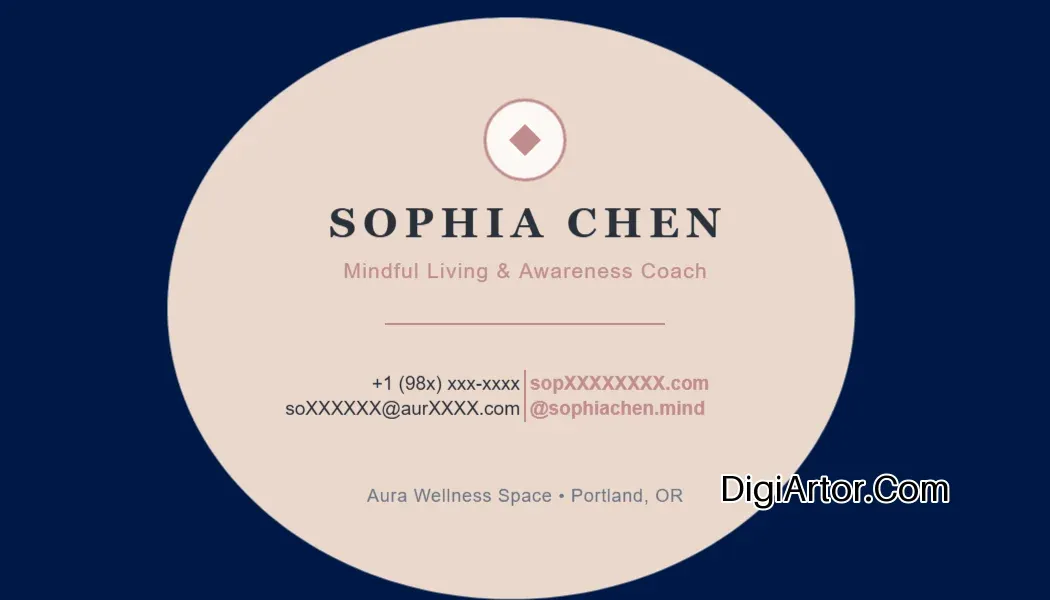
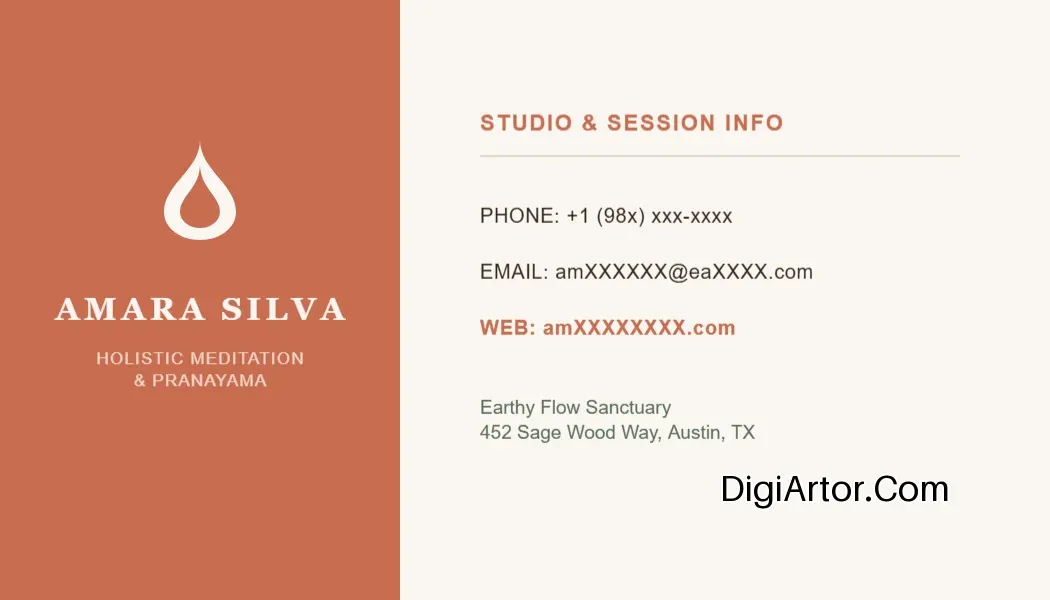
Business Card Templates


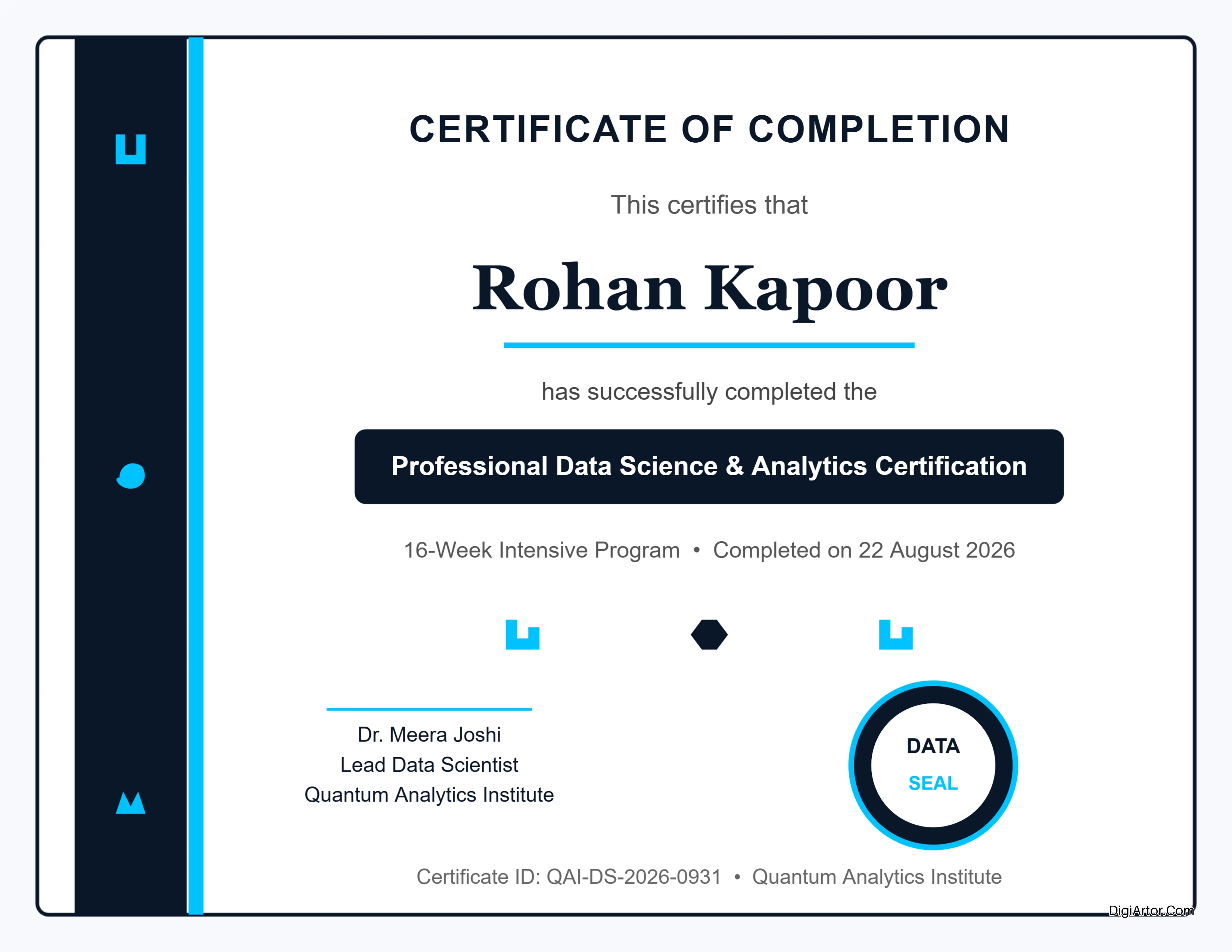
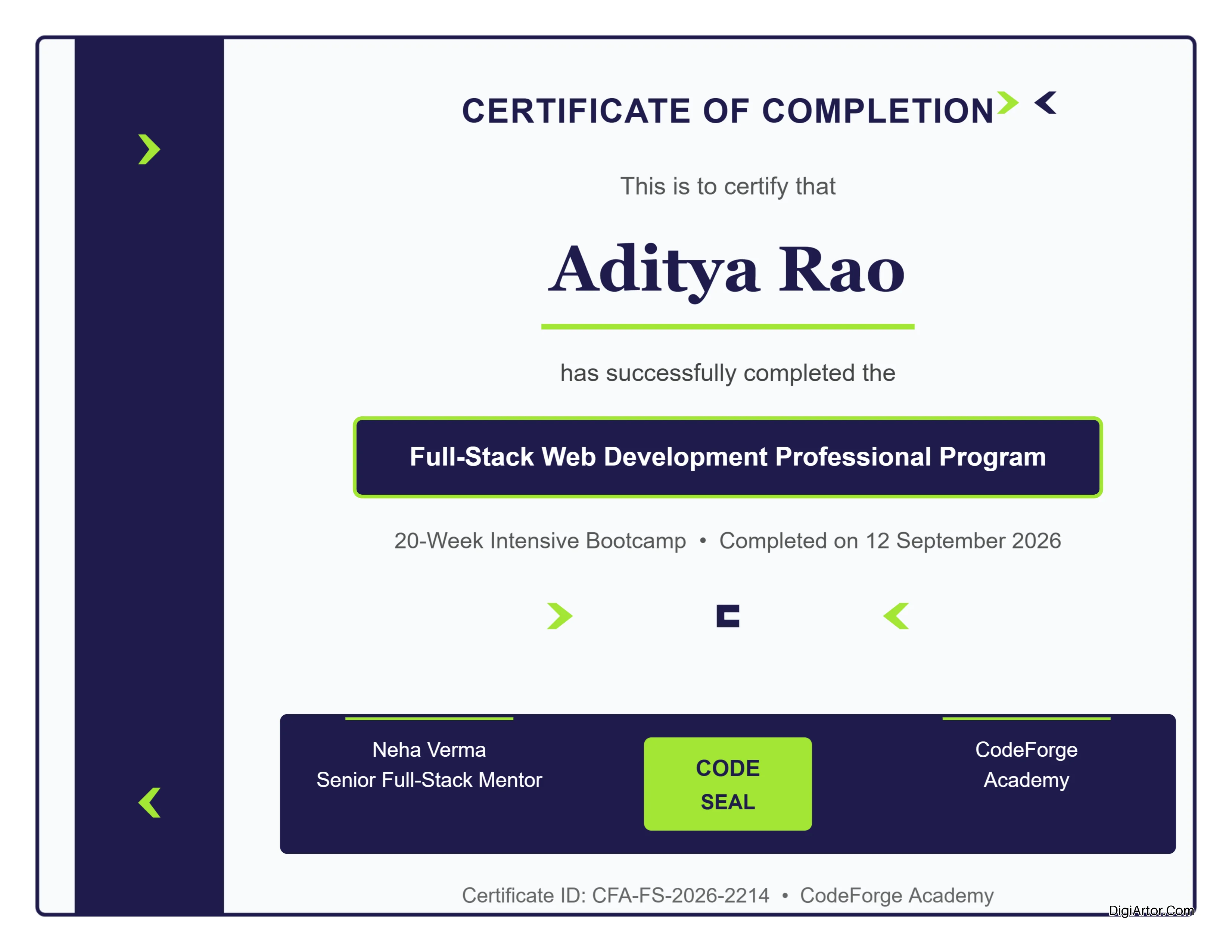
Certificate Templates


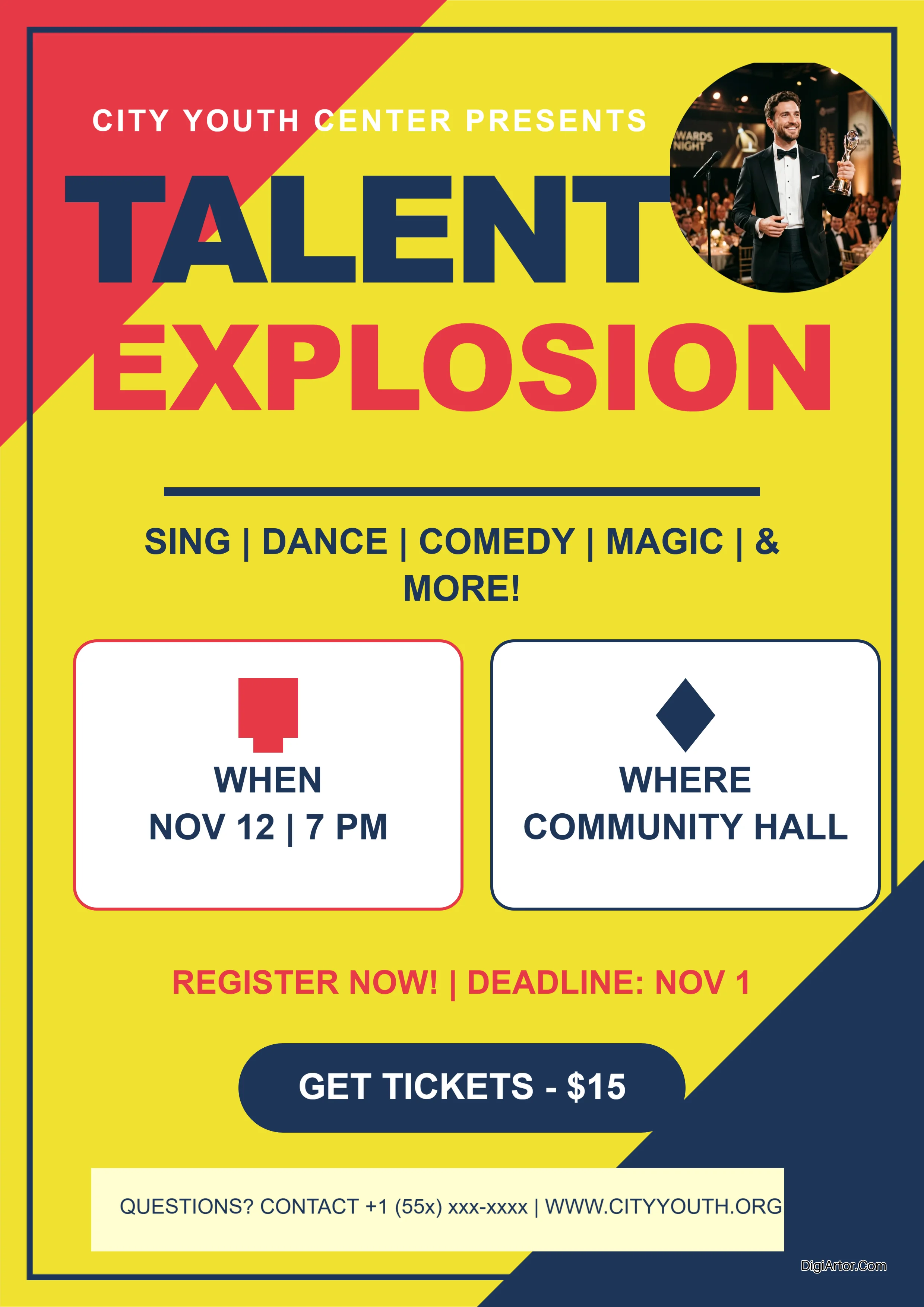
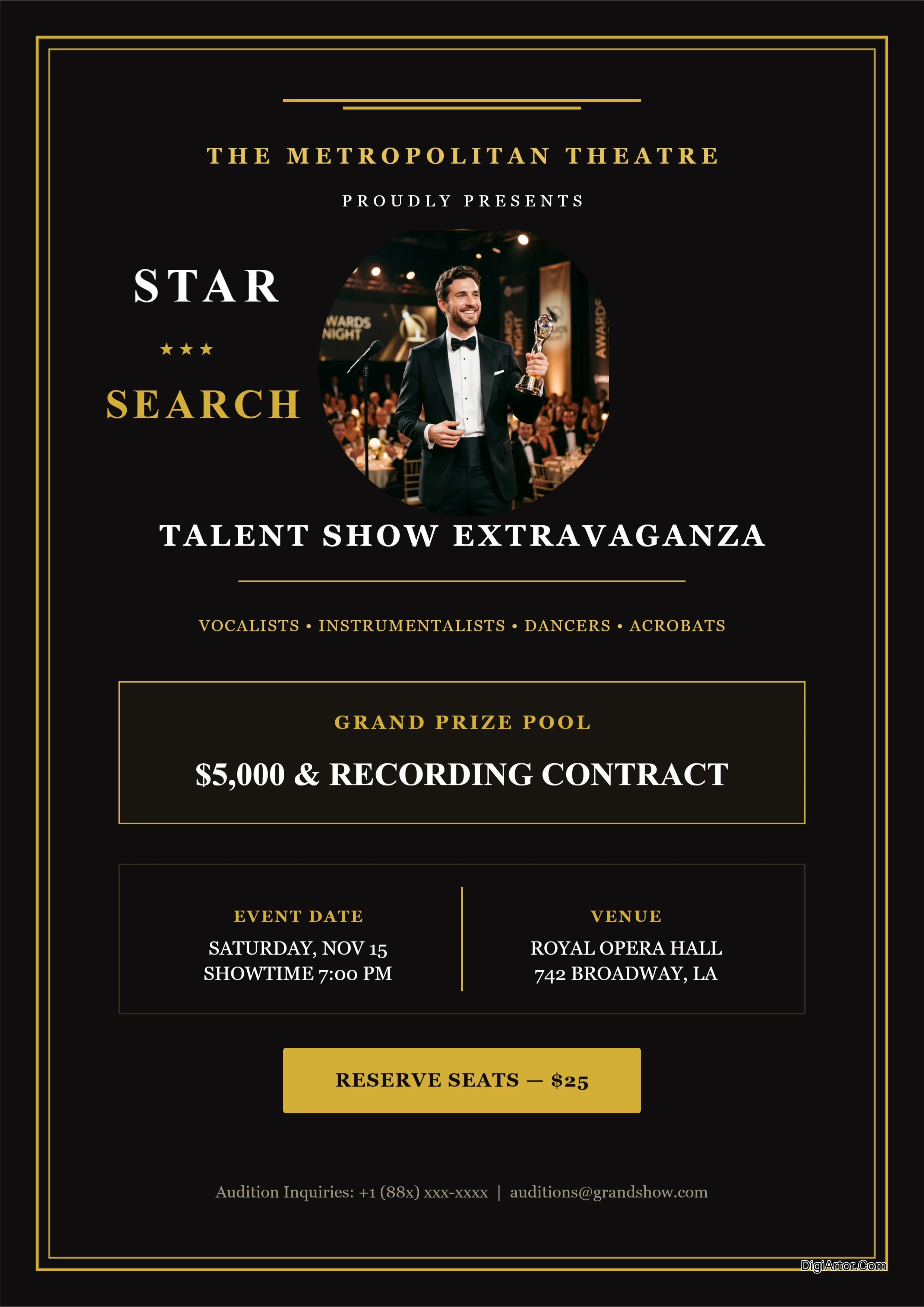
Flyer Templates
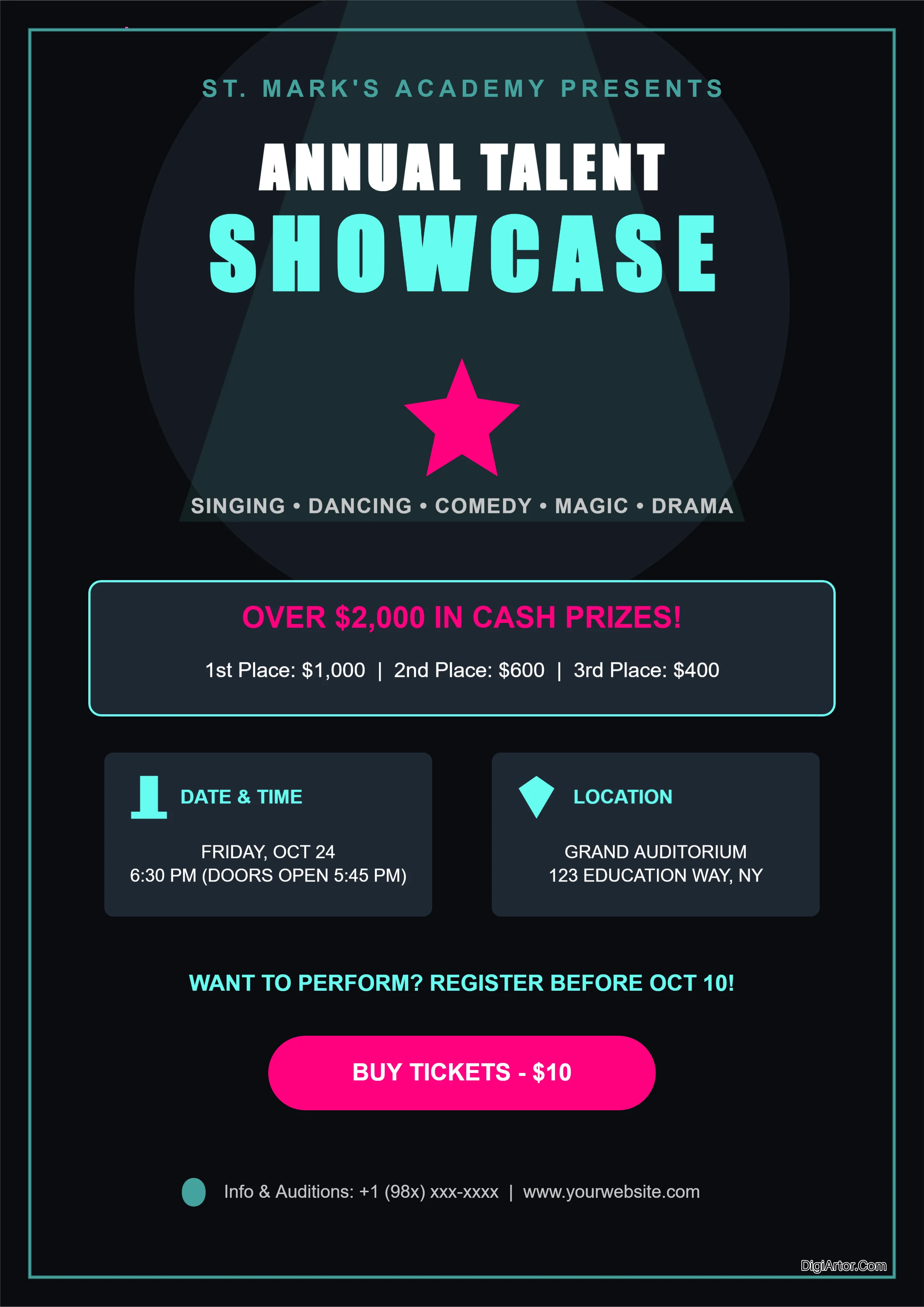
Greeting Card Templates

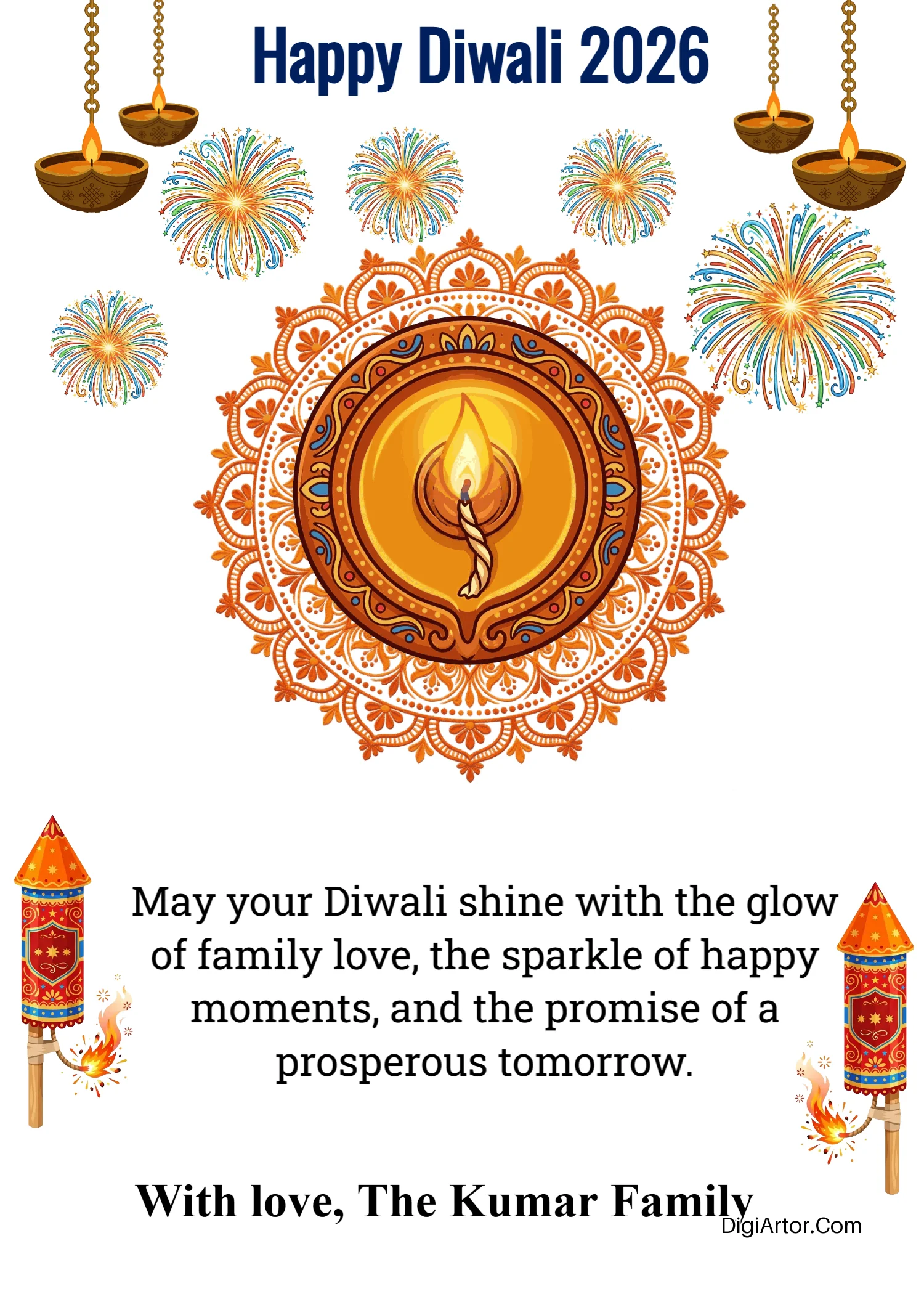
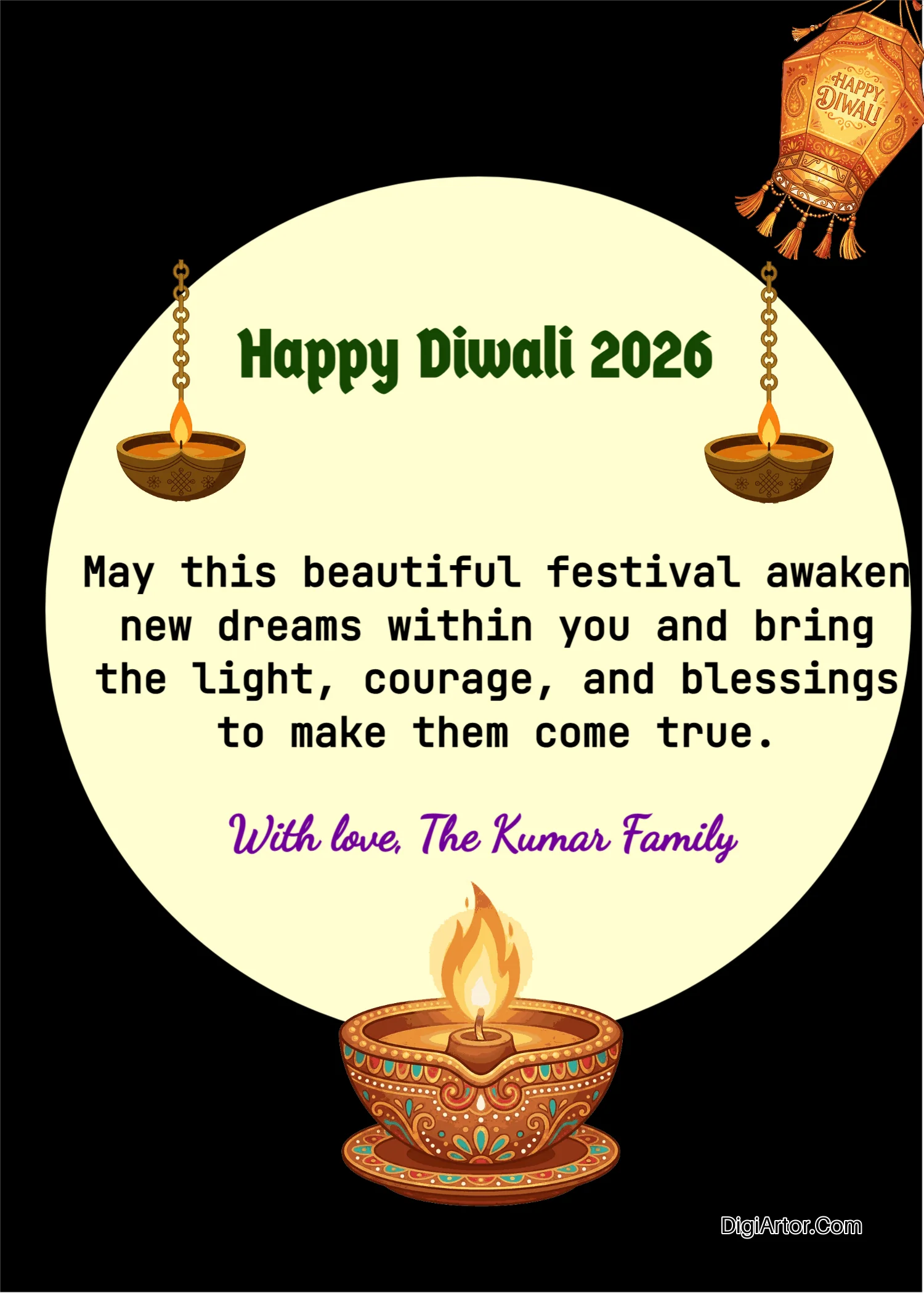
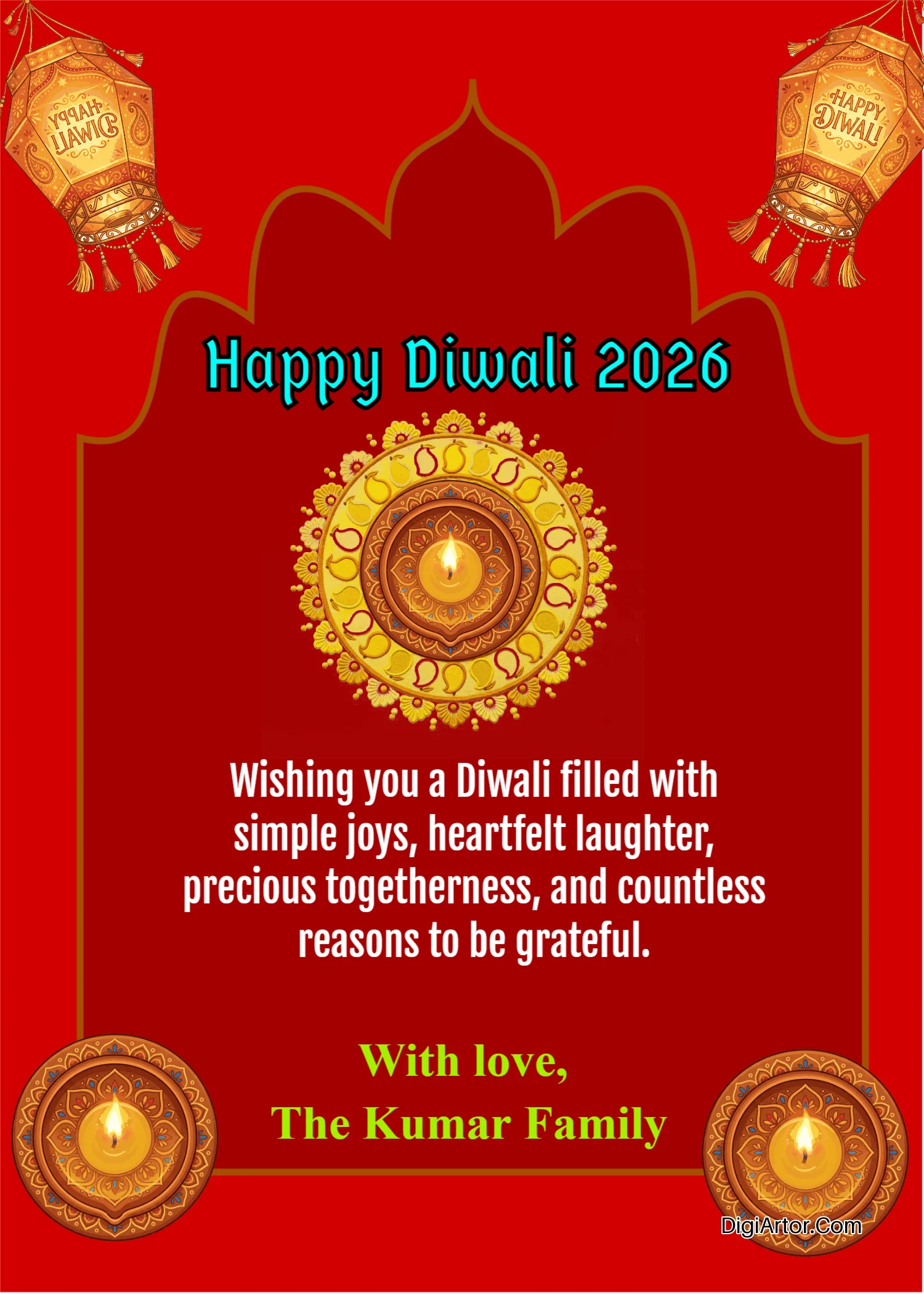

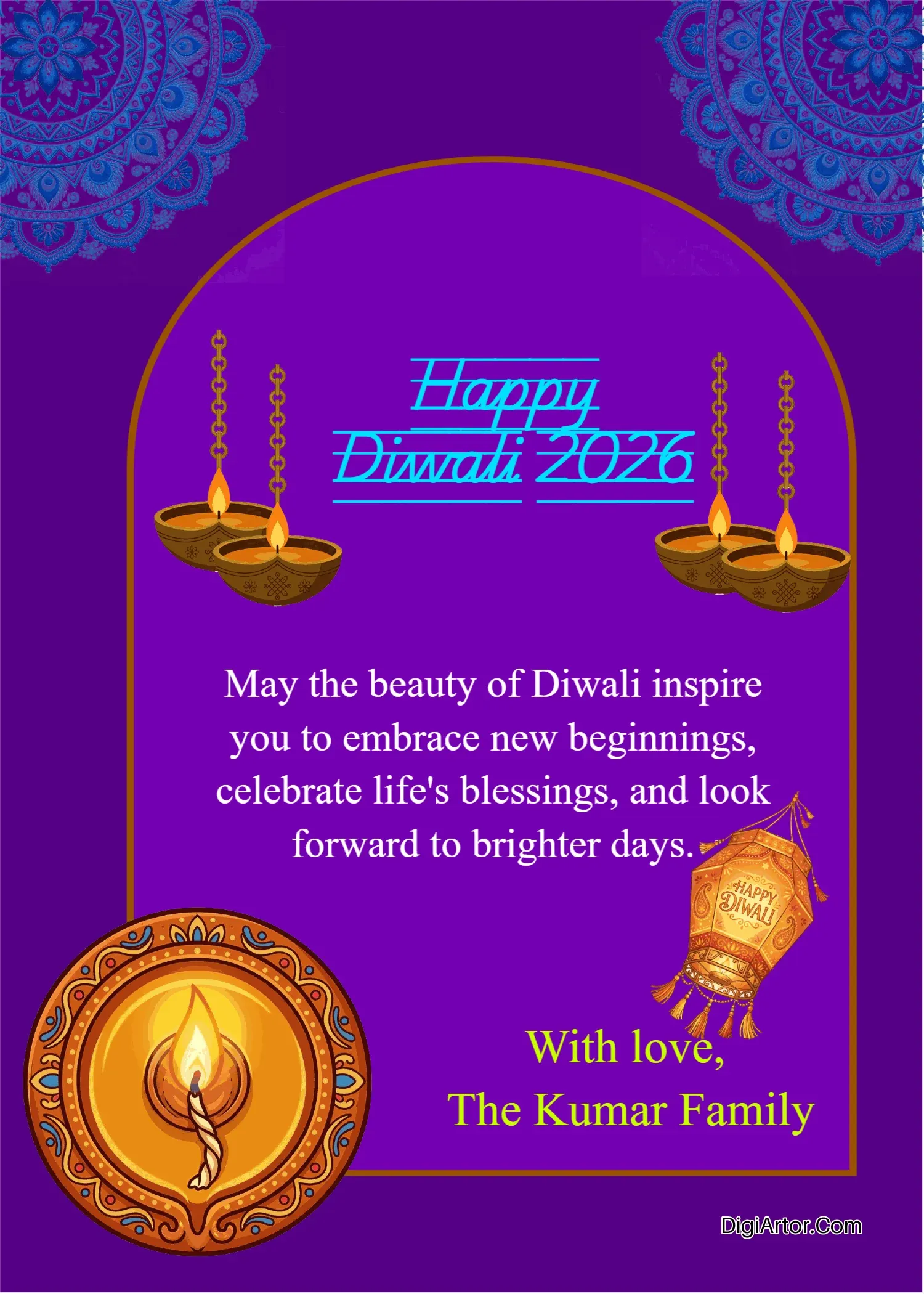
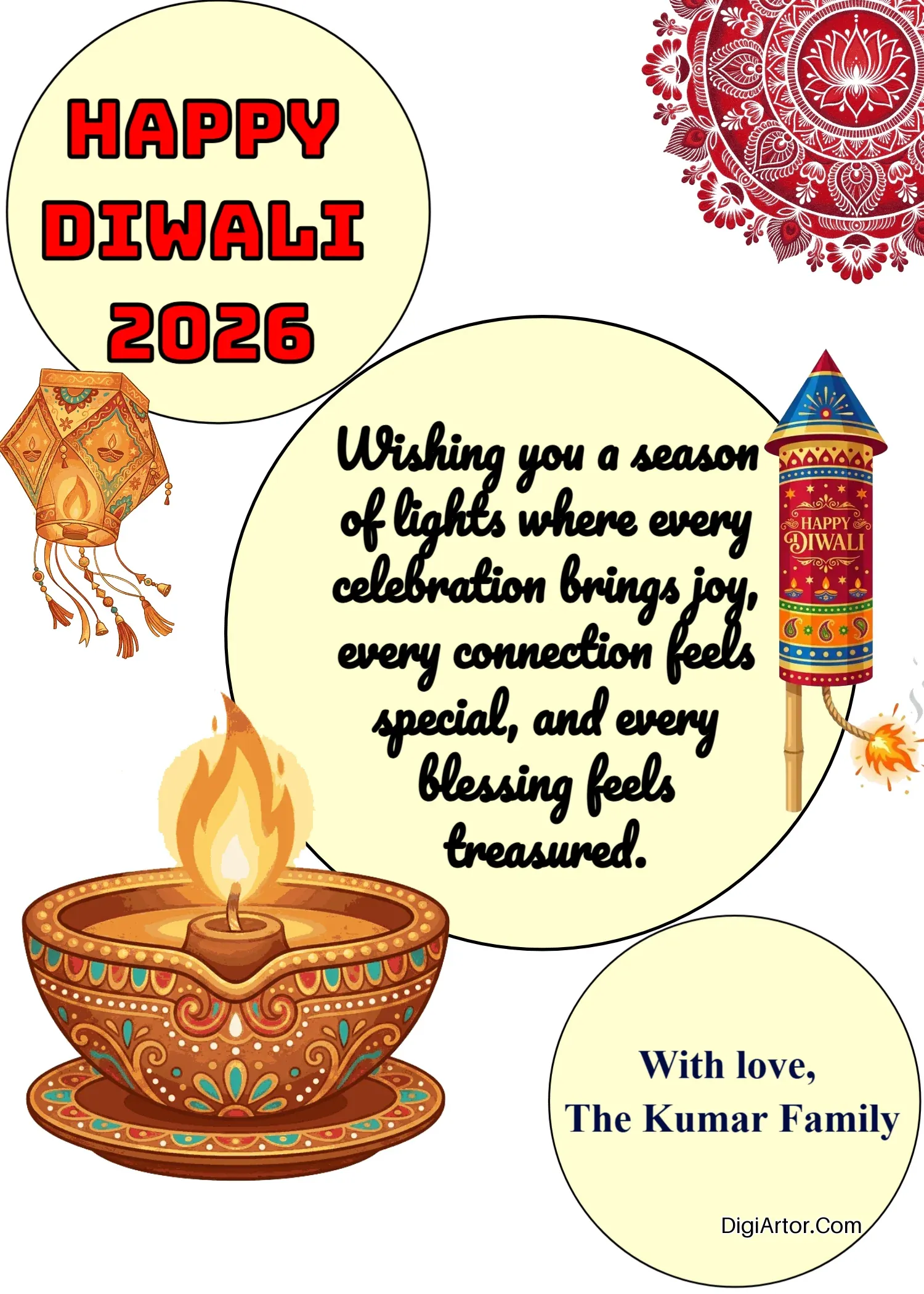
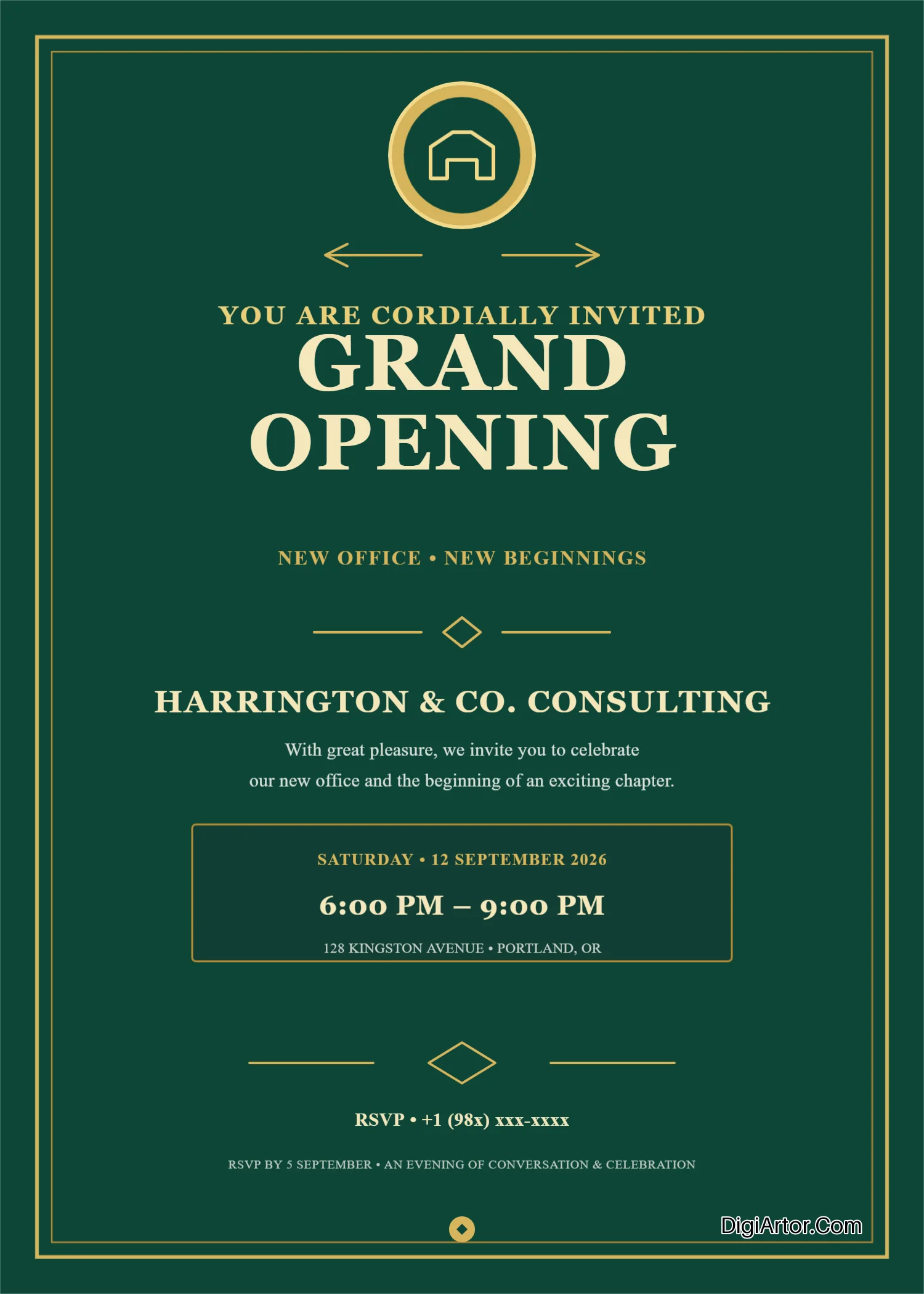
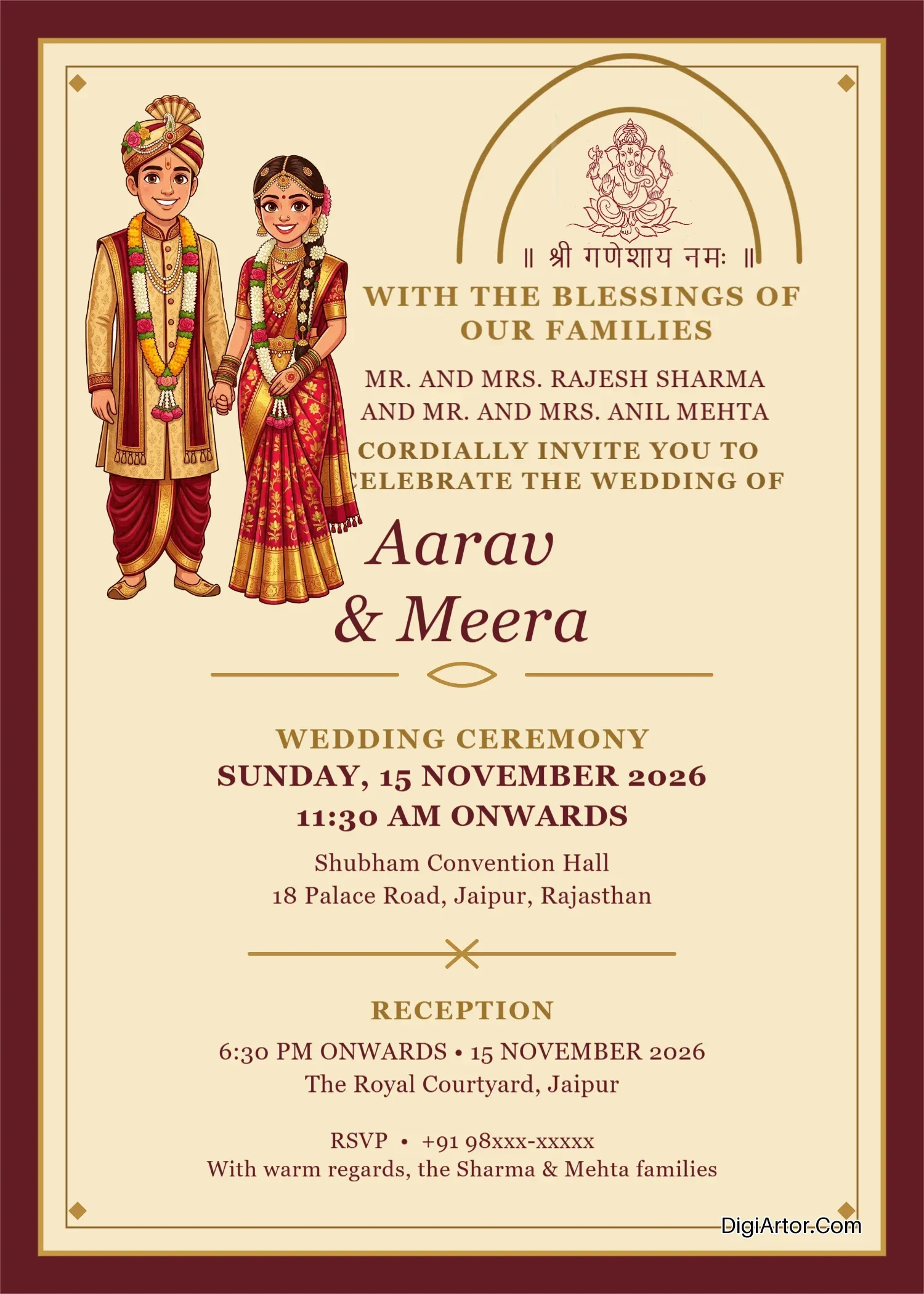
Invitation Card Templates
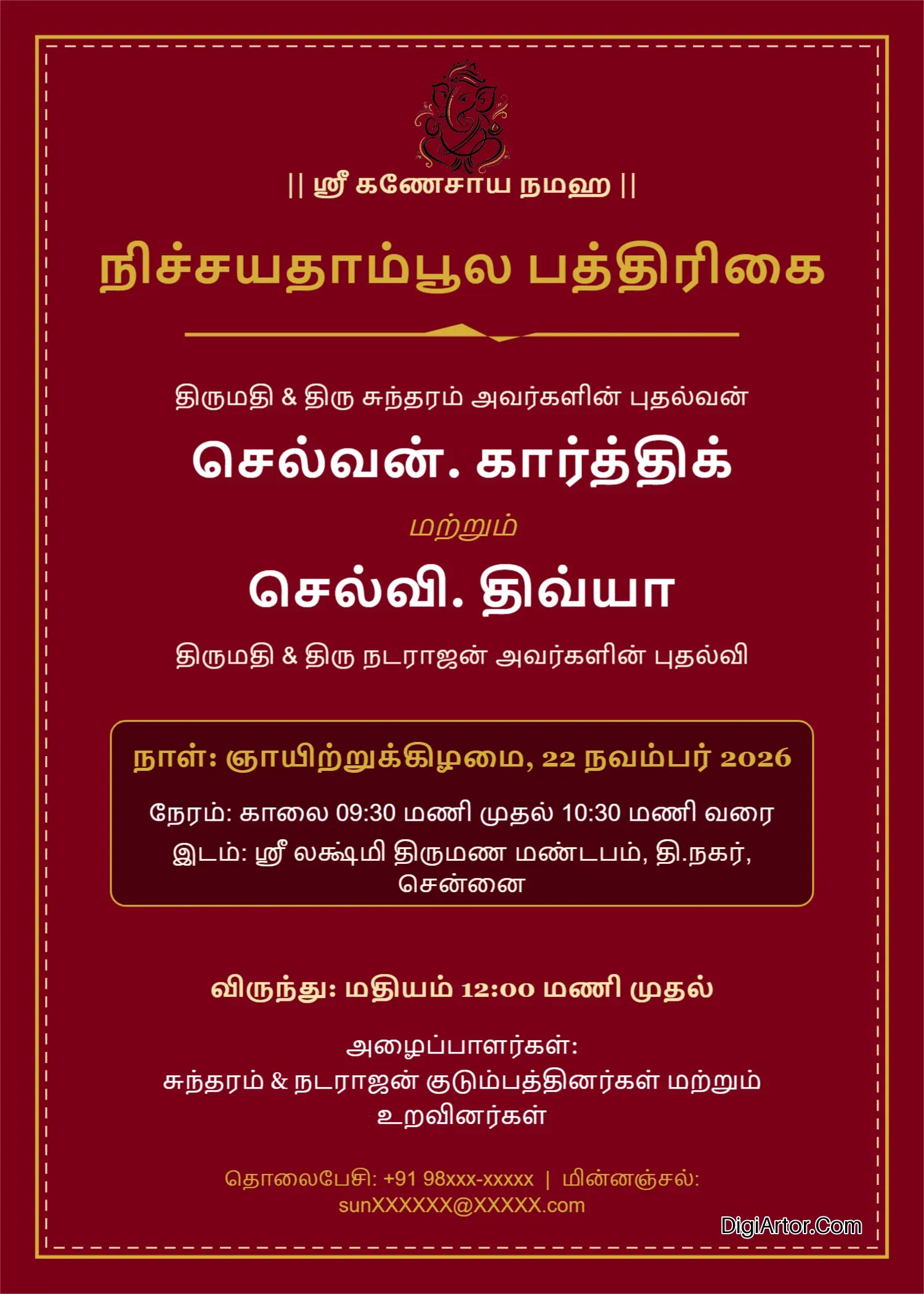
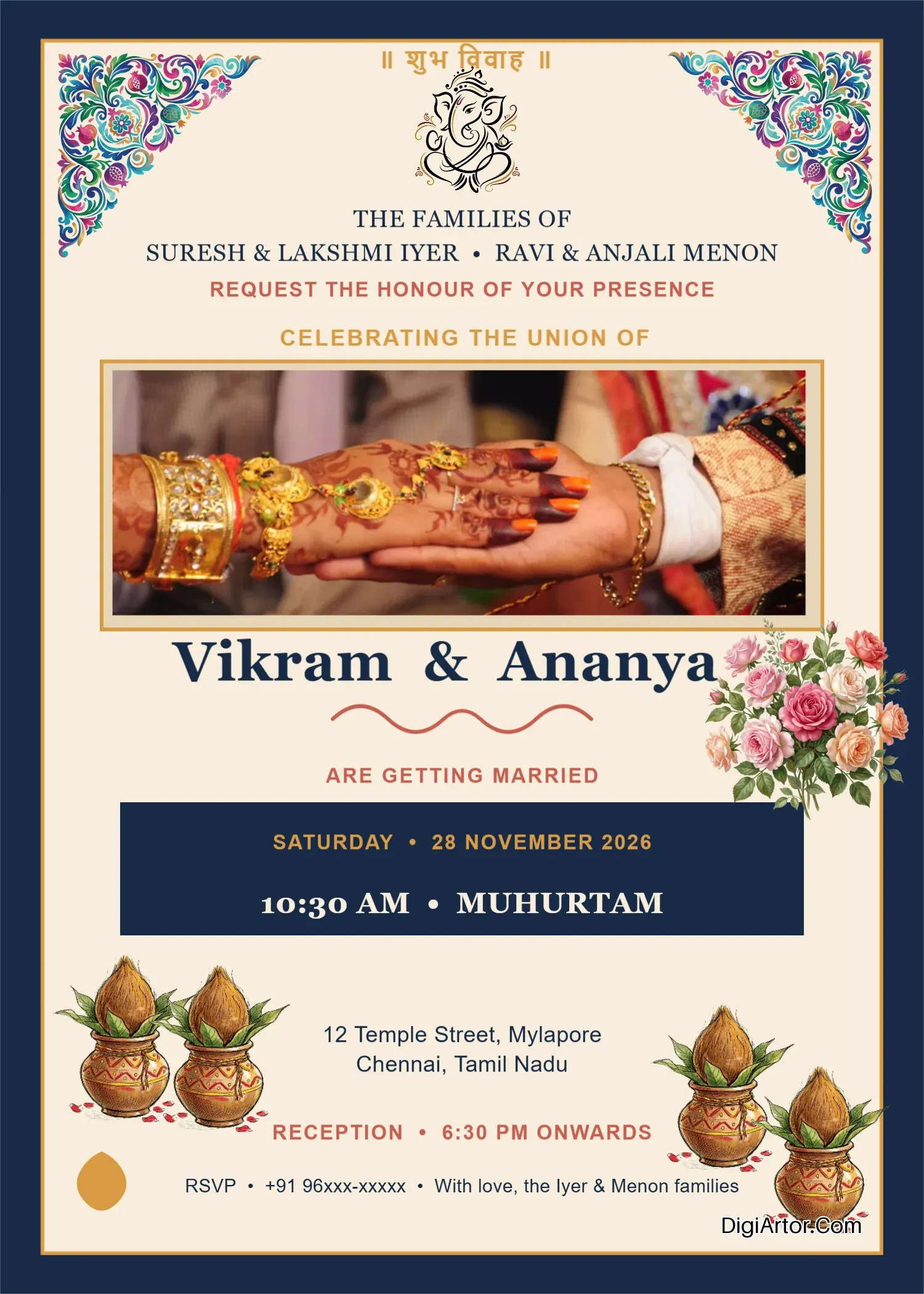
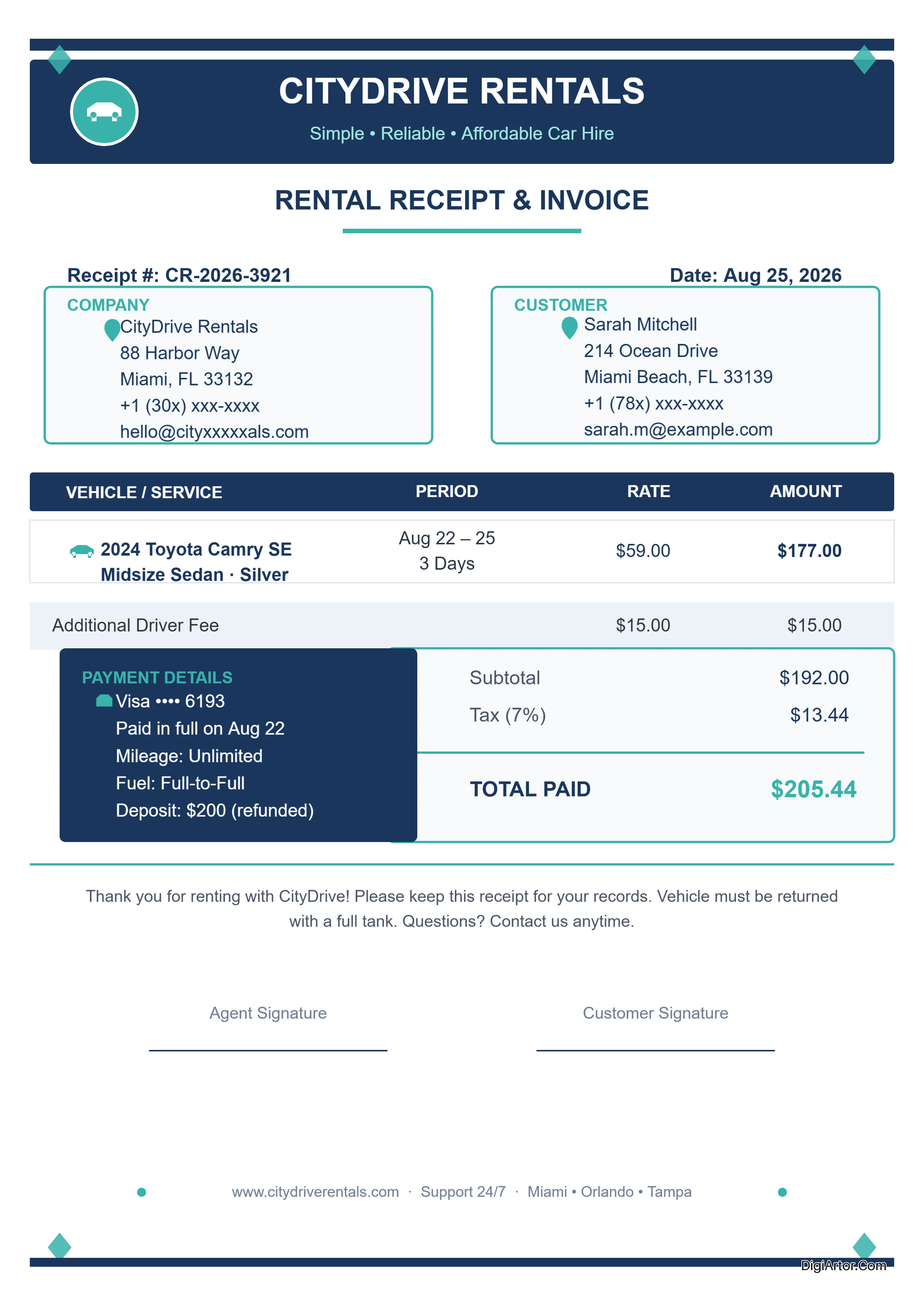
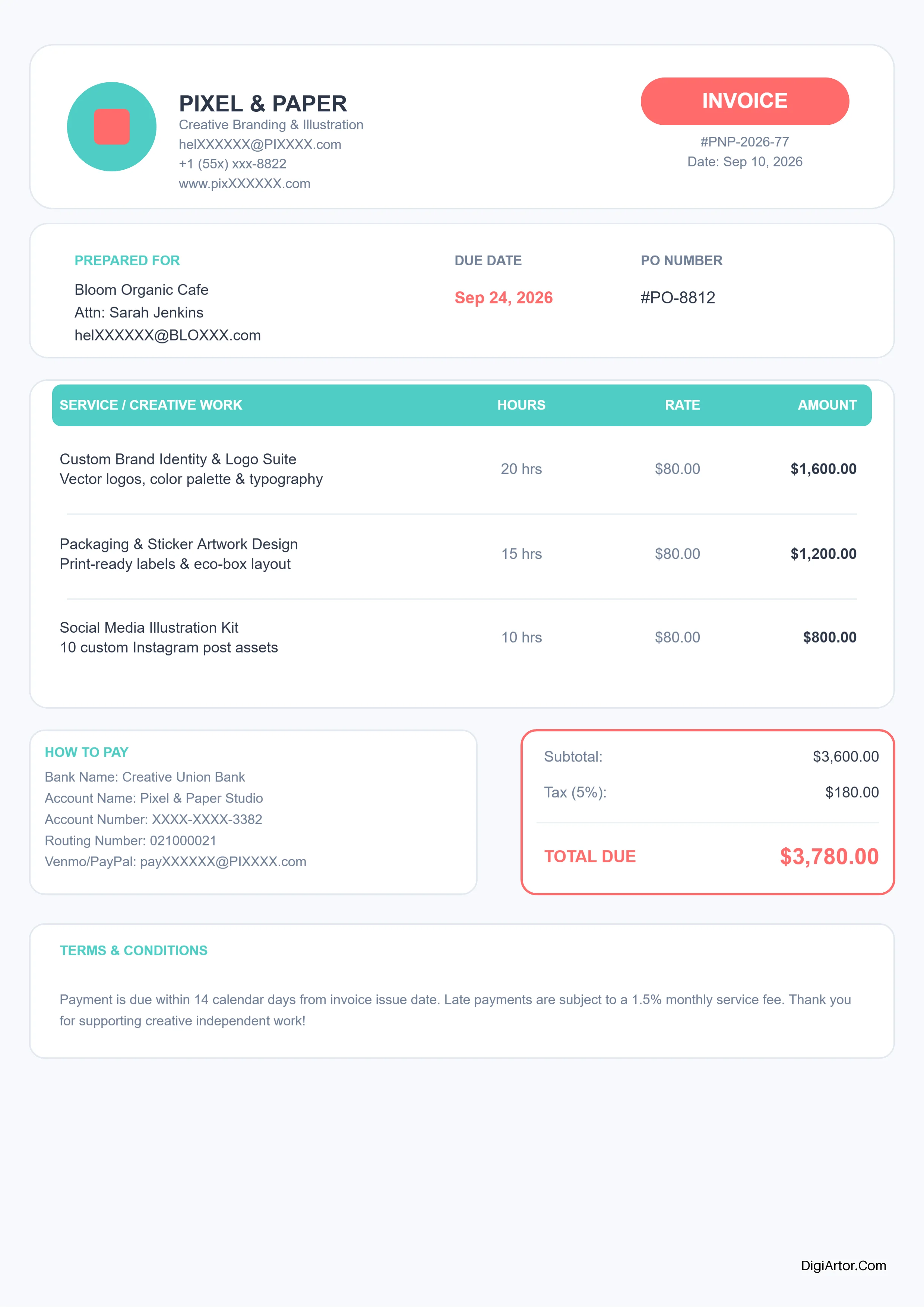
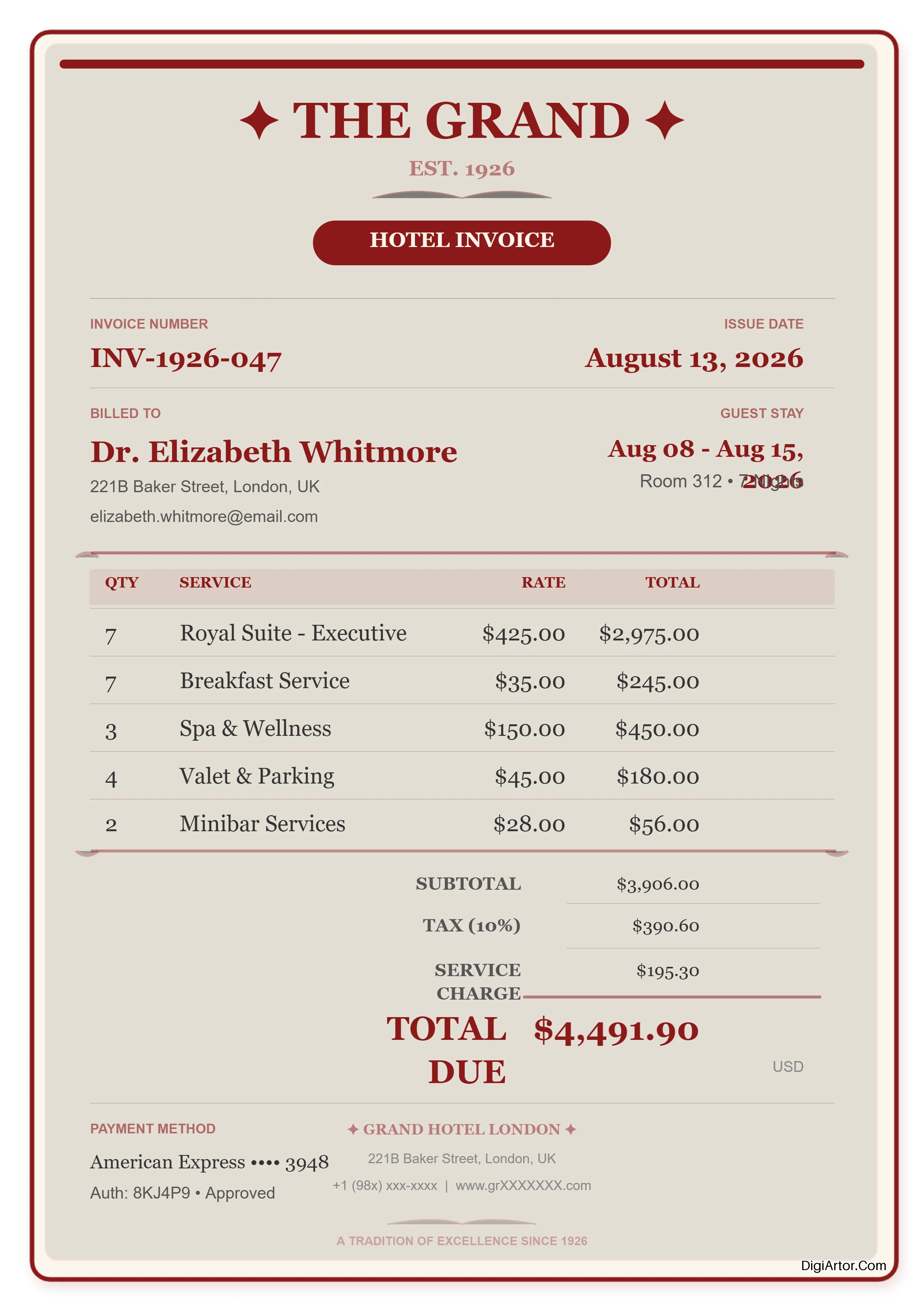
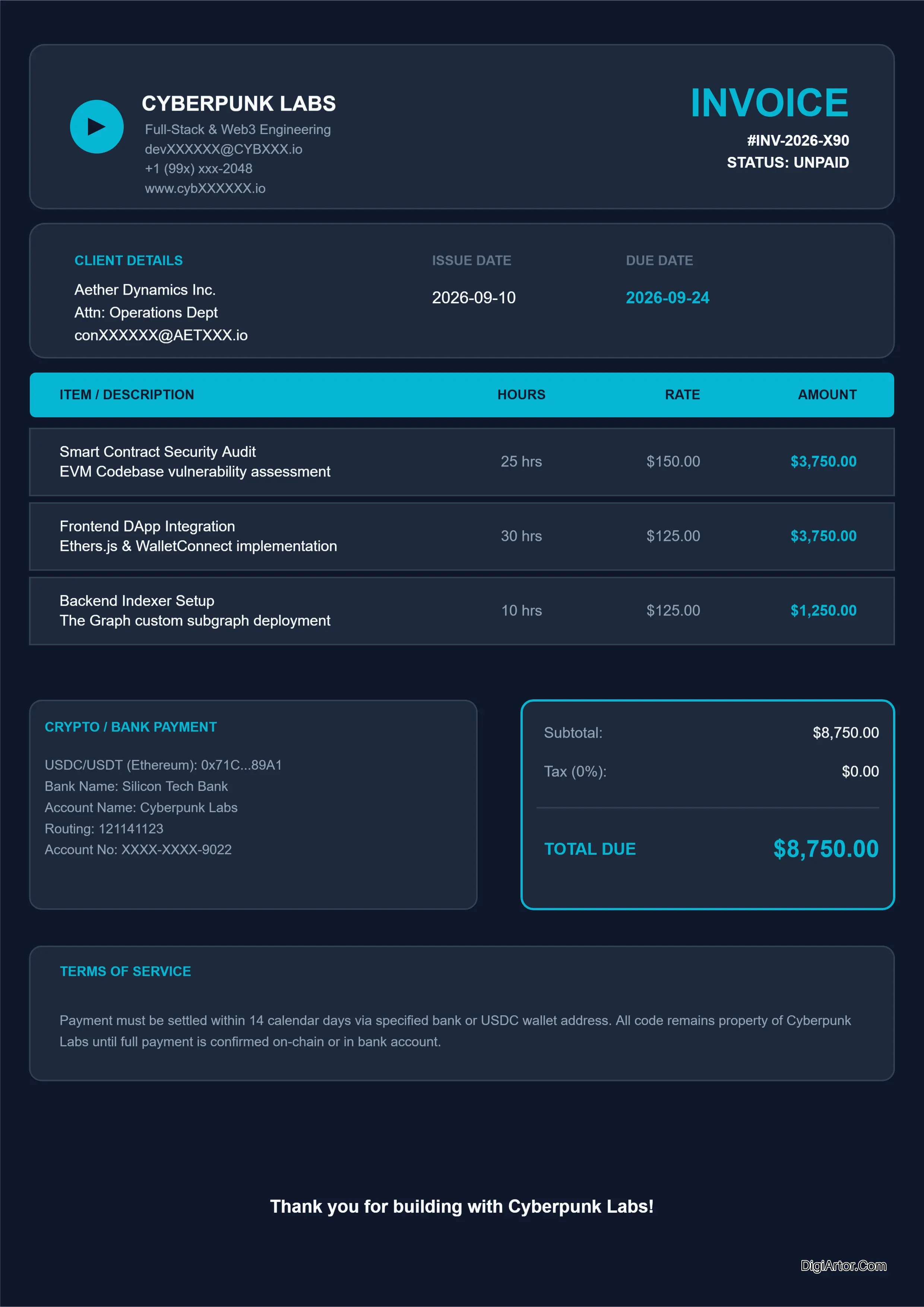
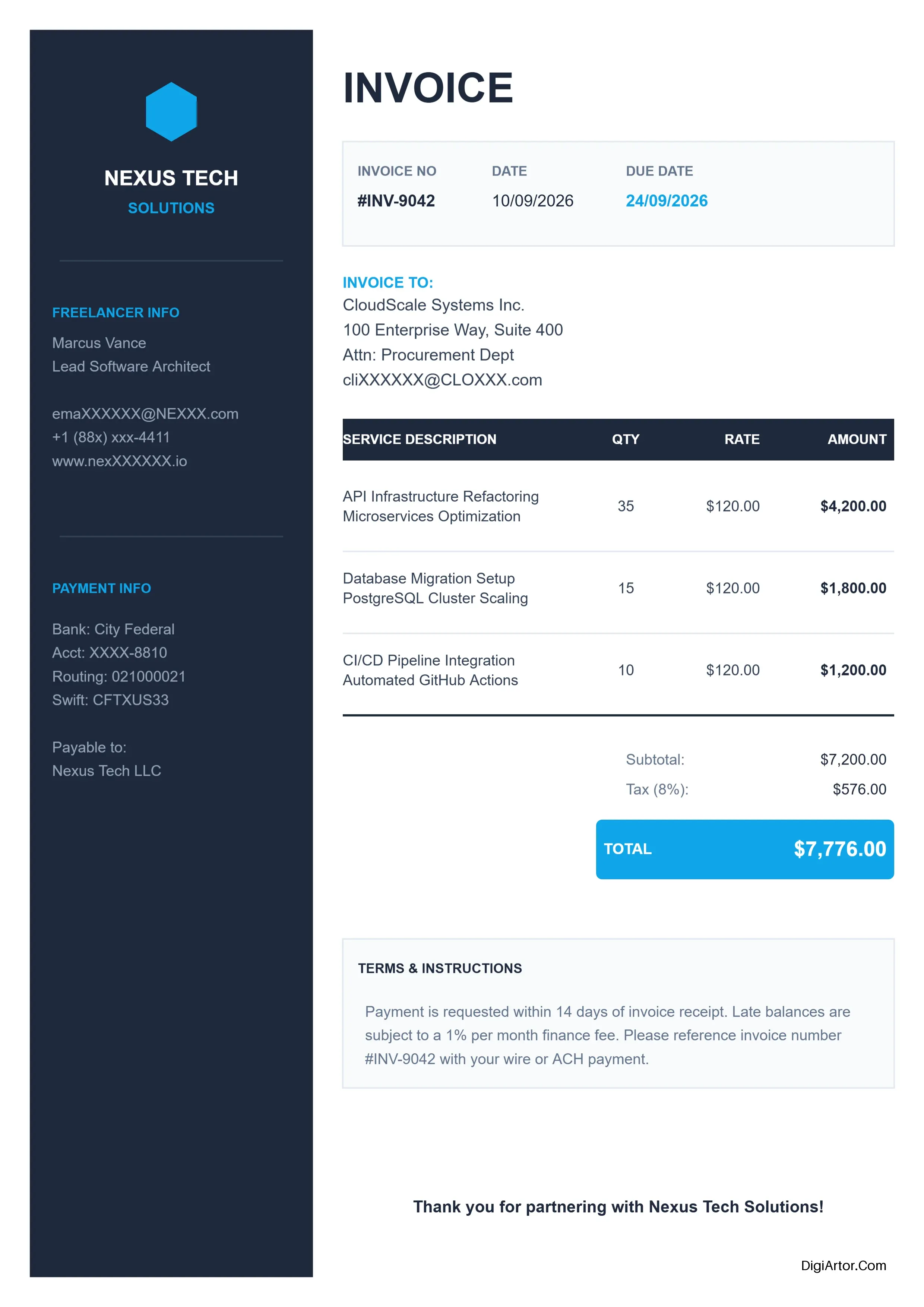
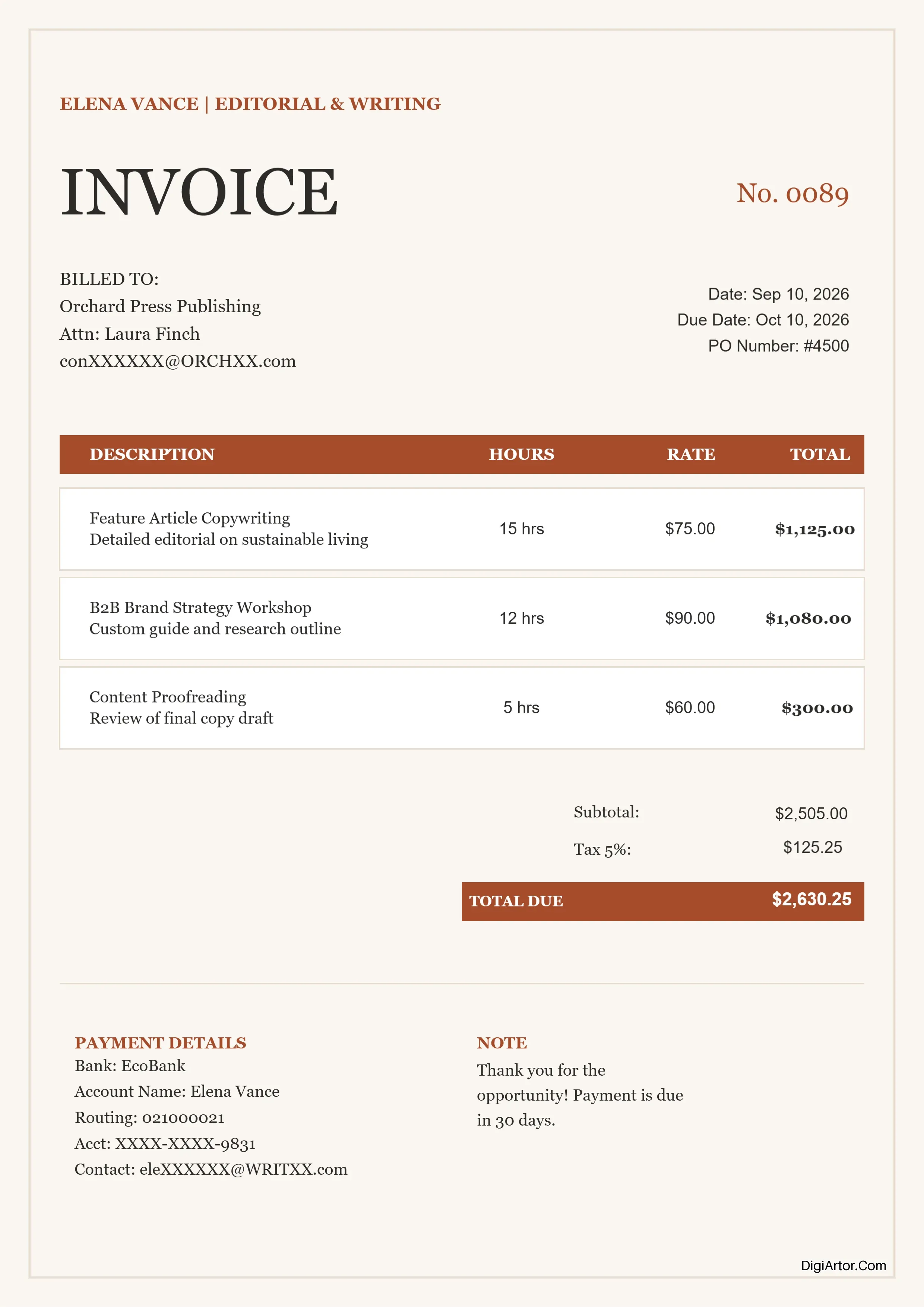
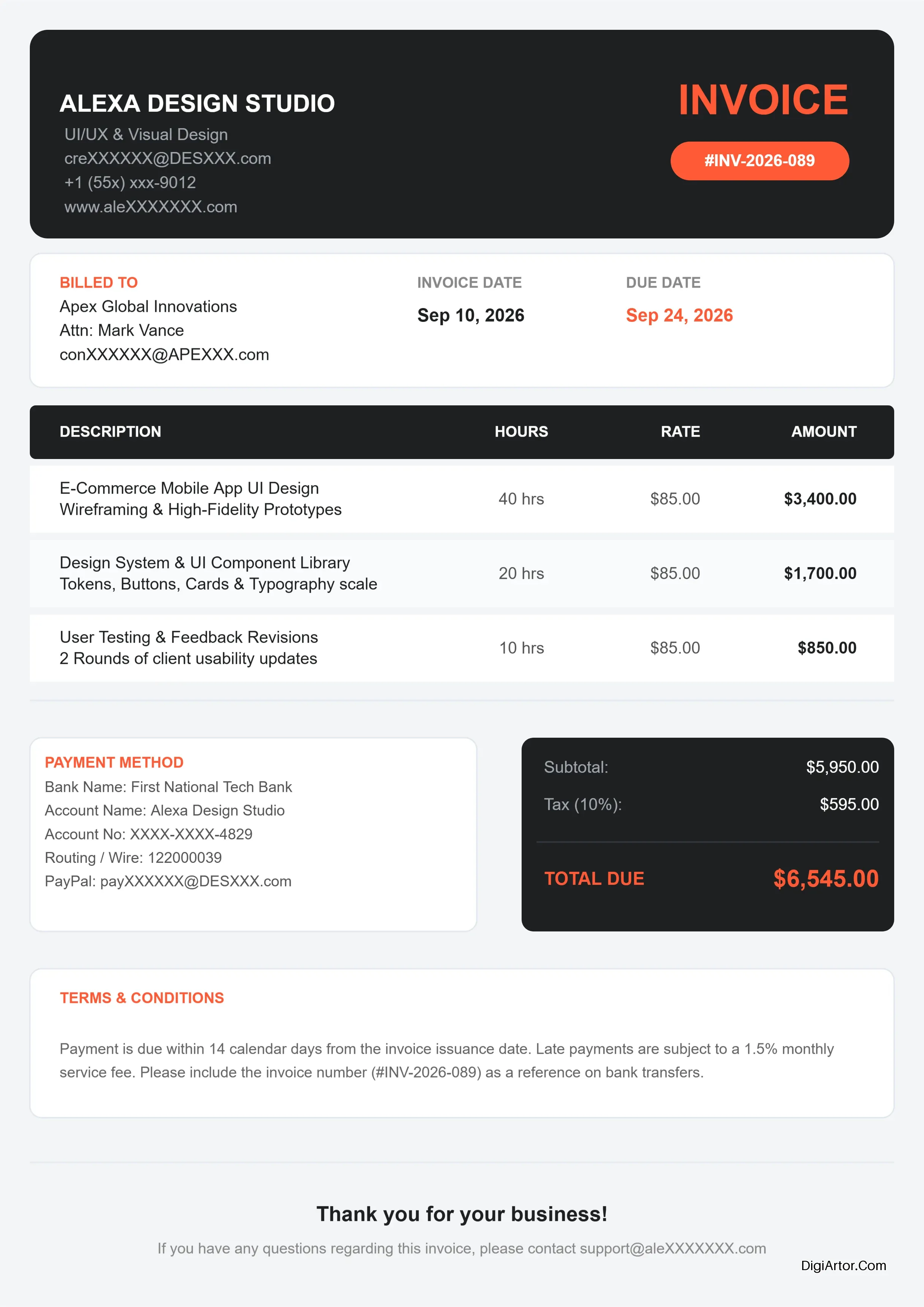
Invoice Templates
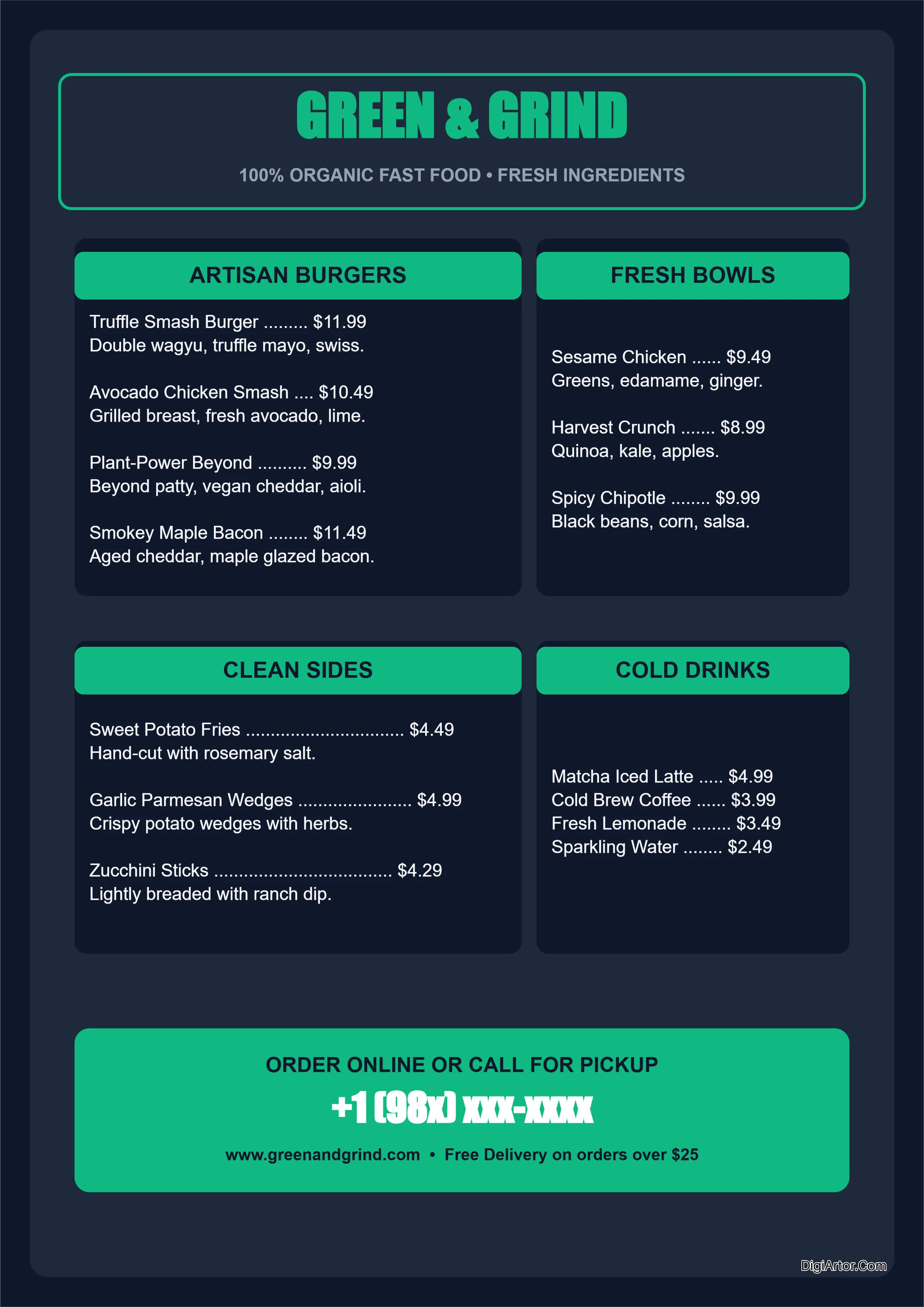
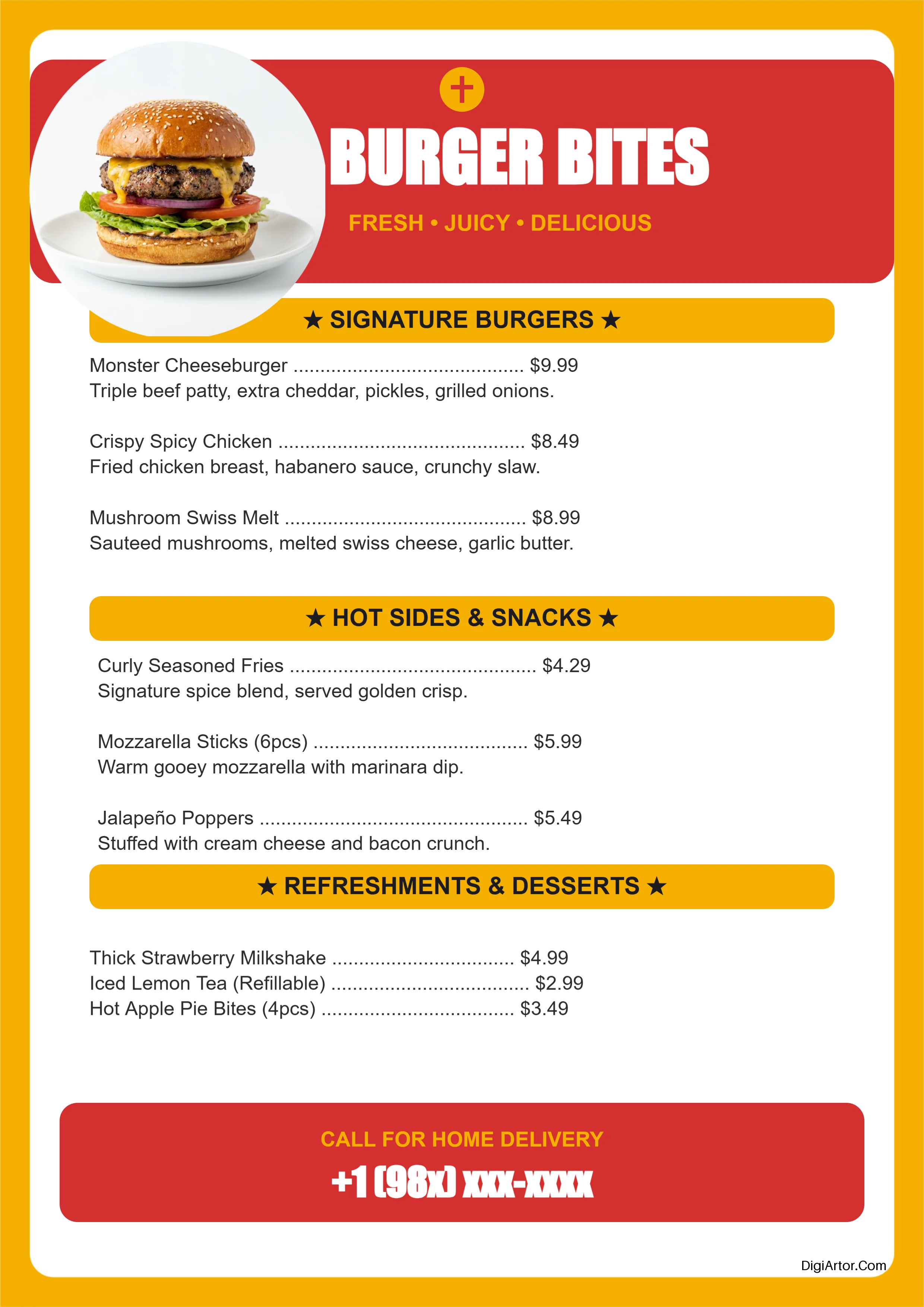
Menu Templates
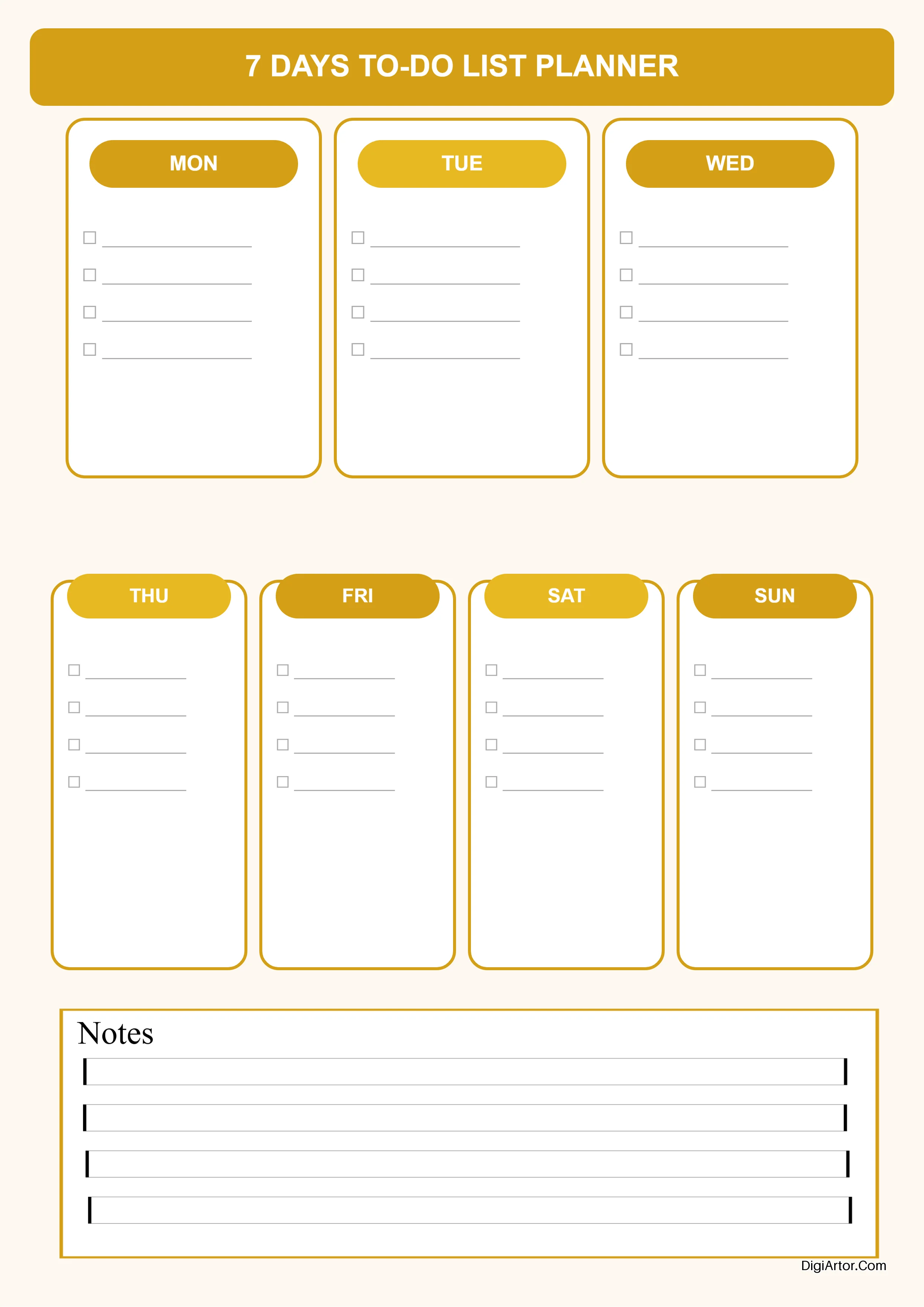
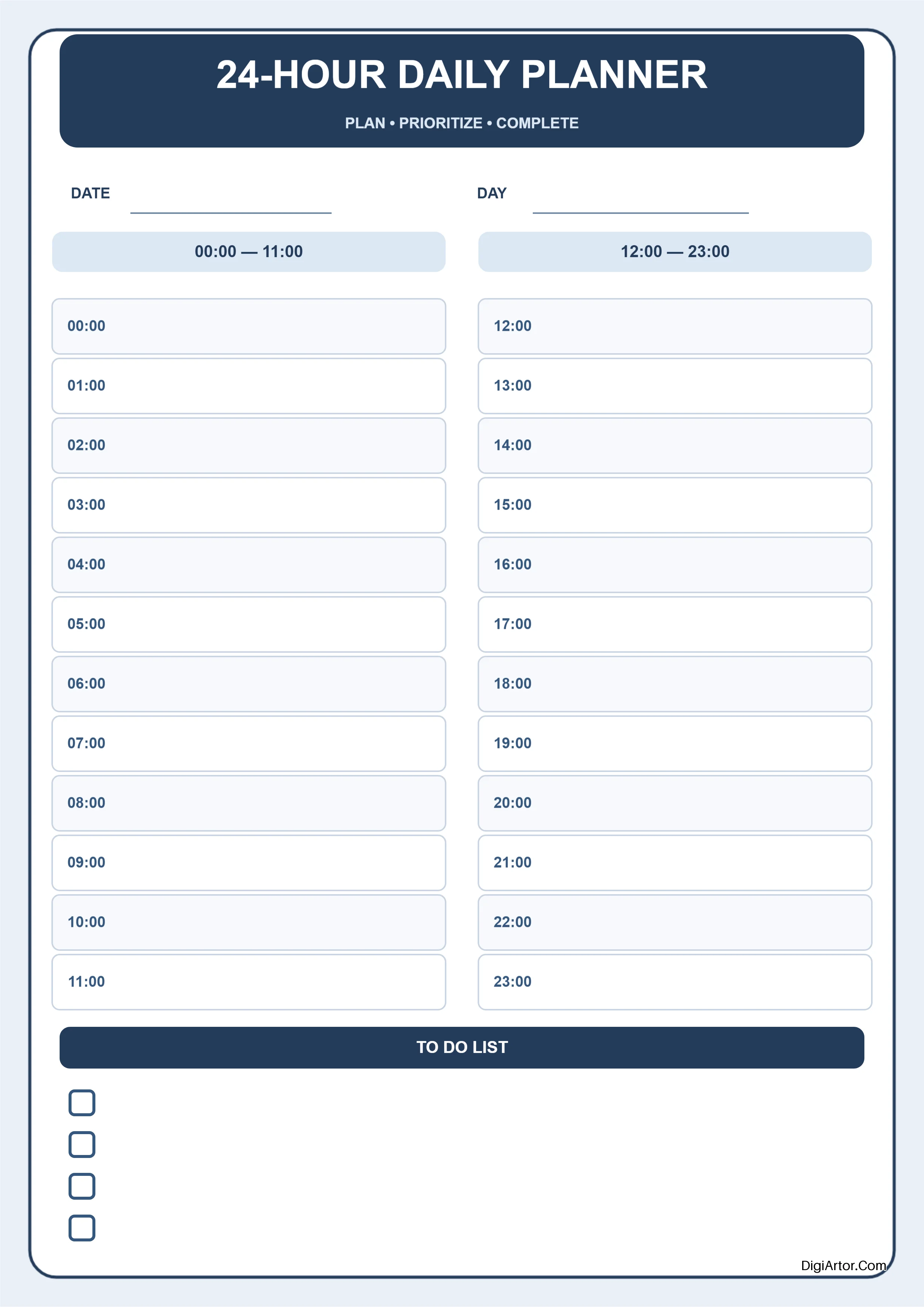
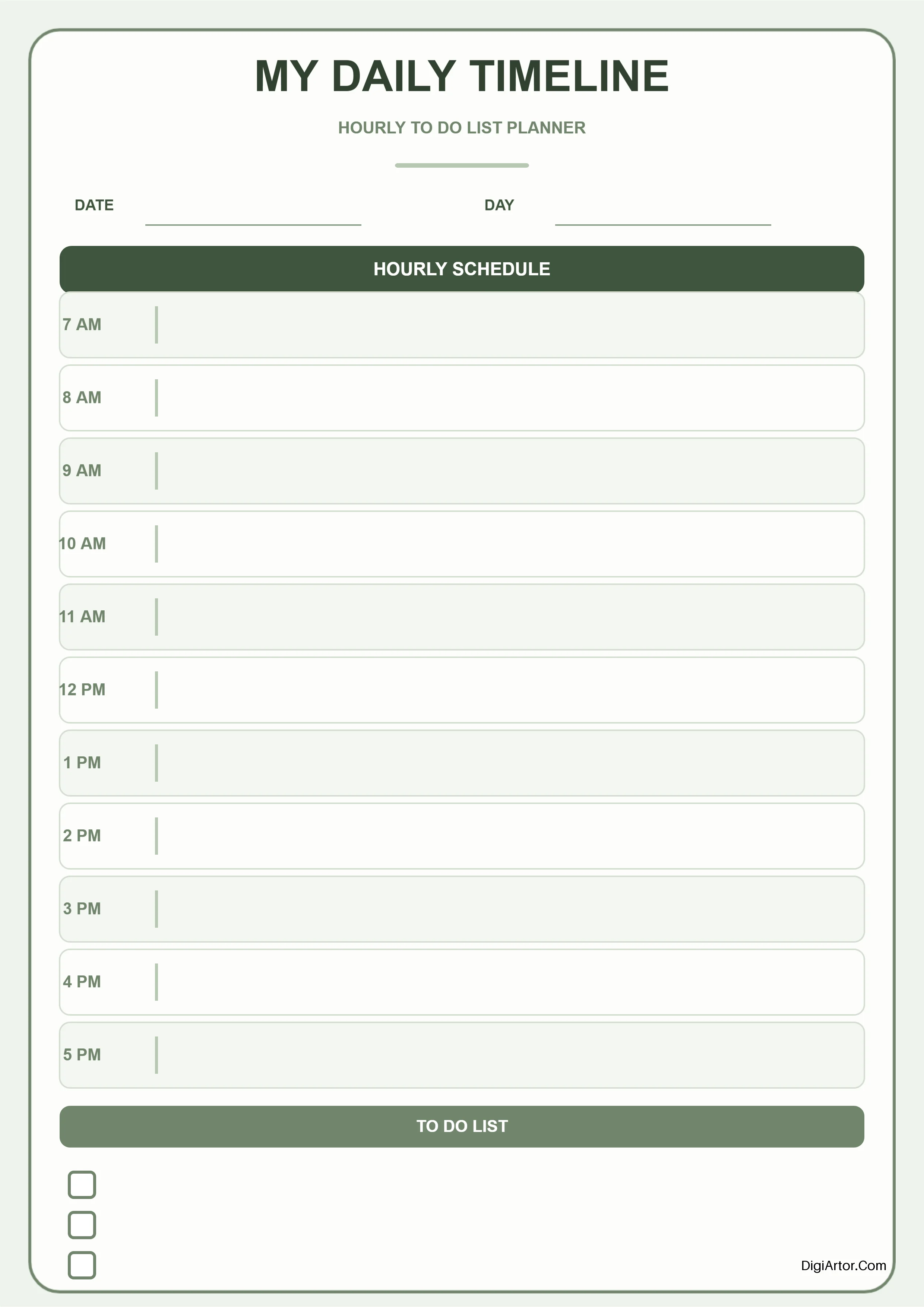
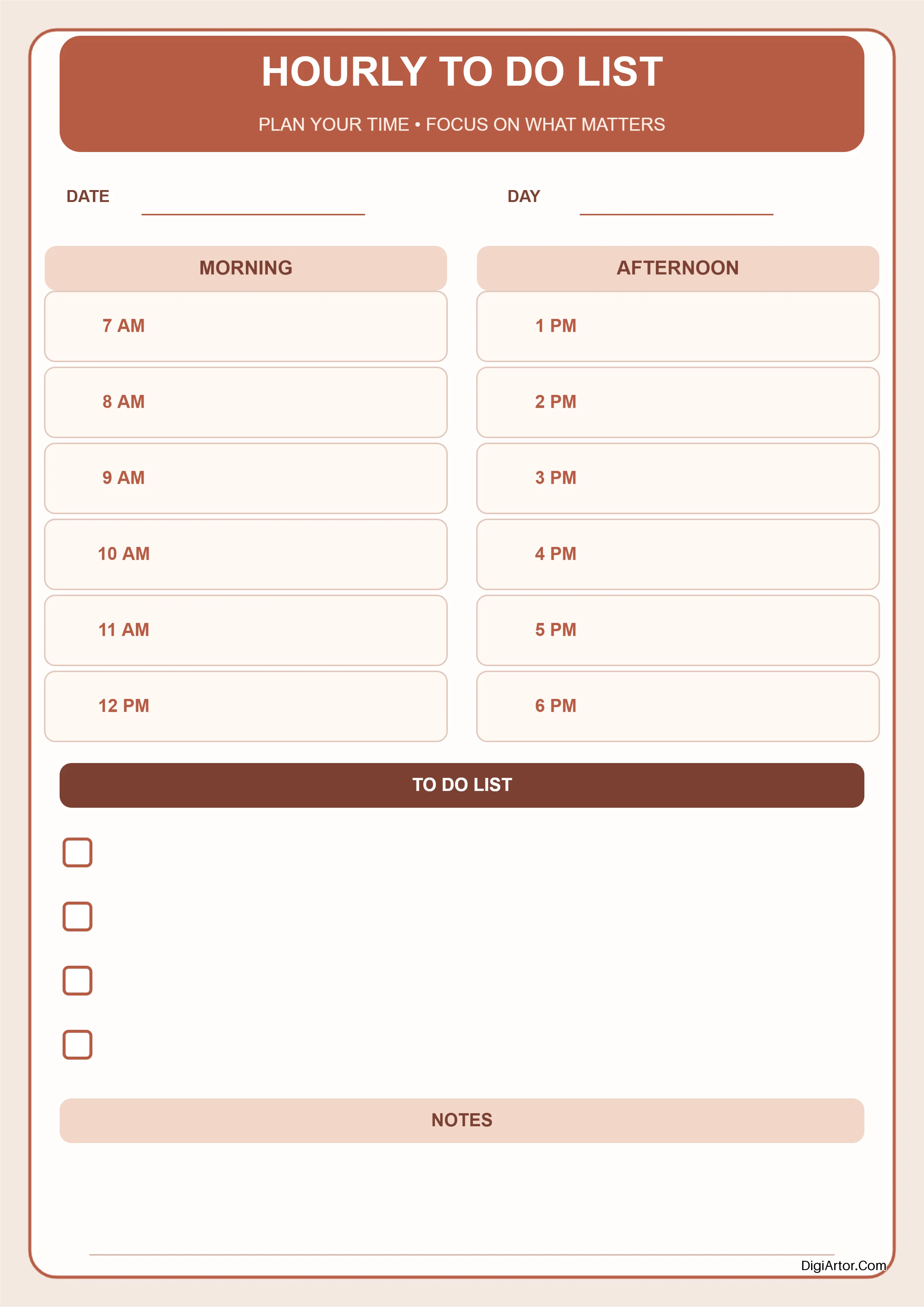
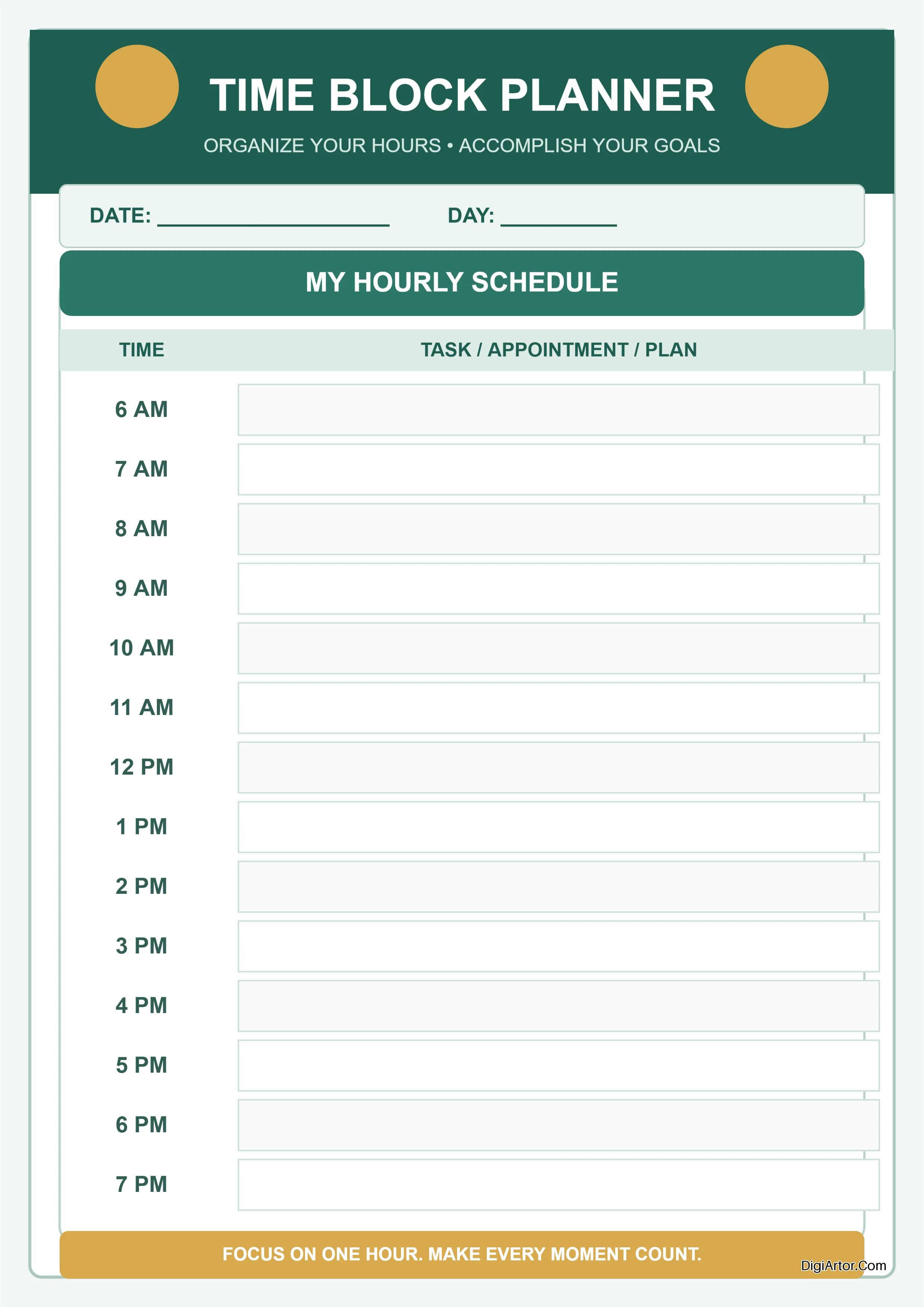
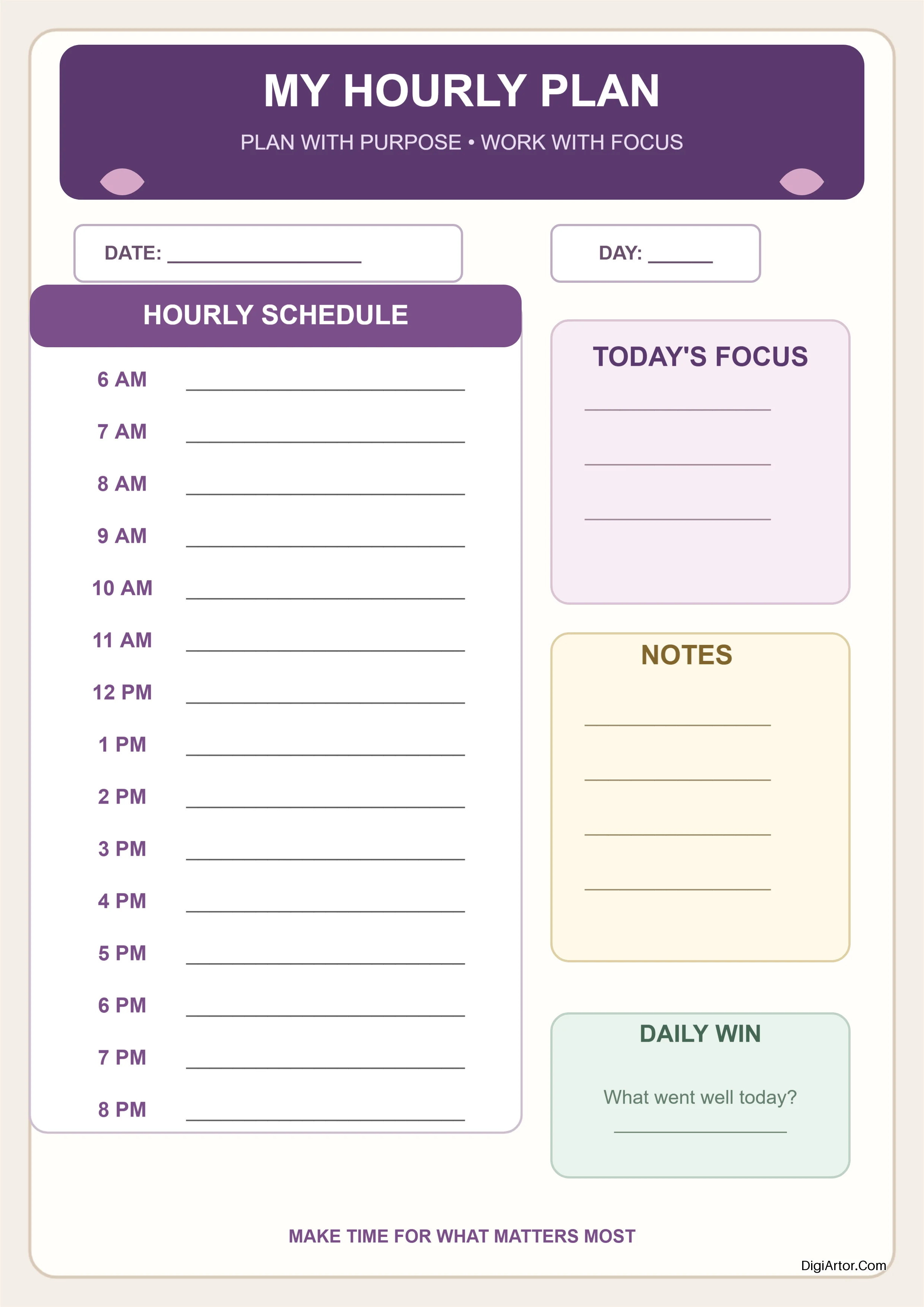
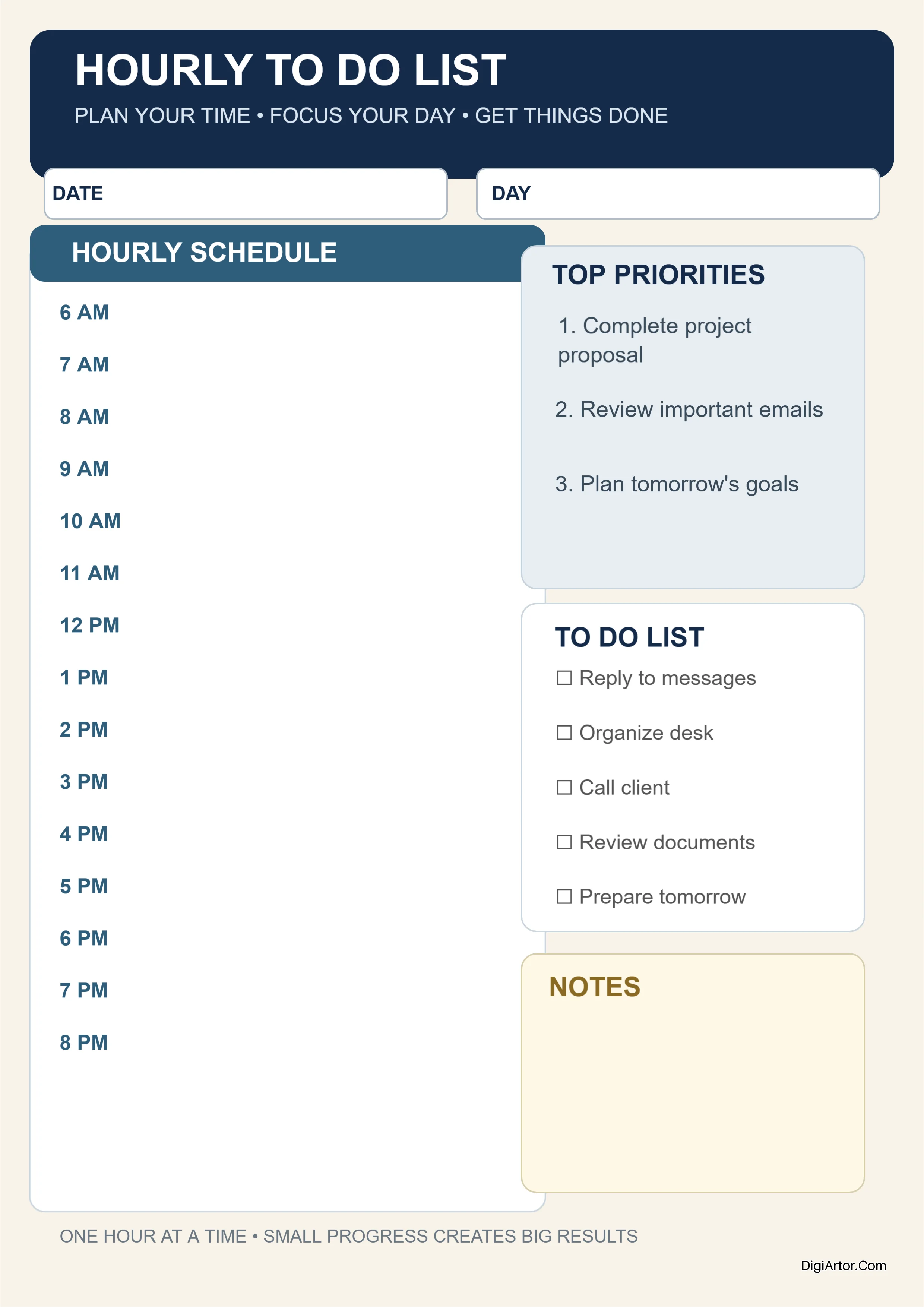
Planner Templates
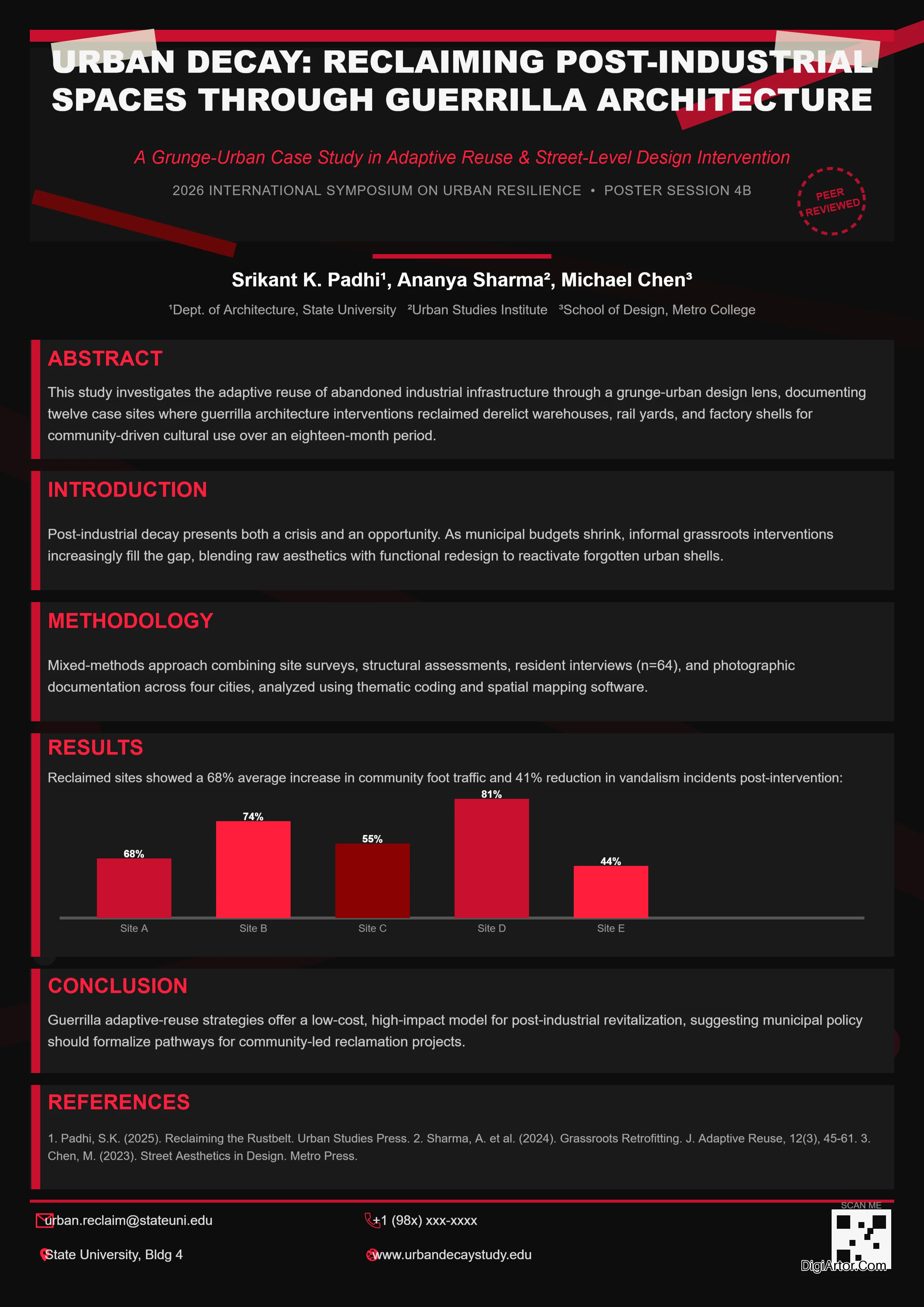
Poster Templates
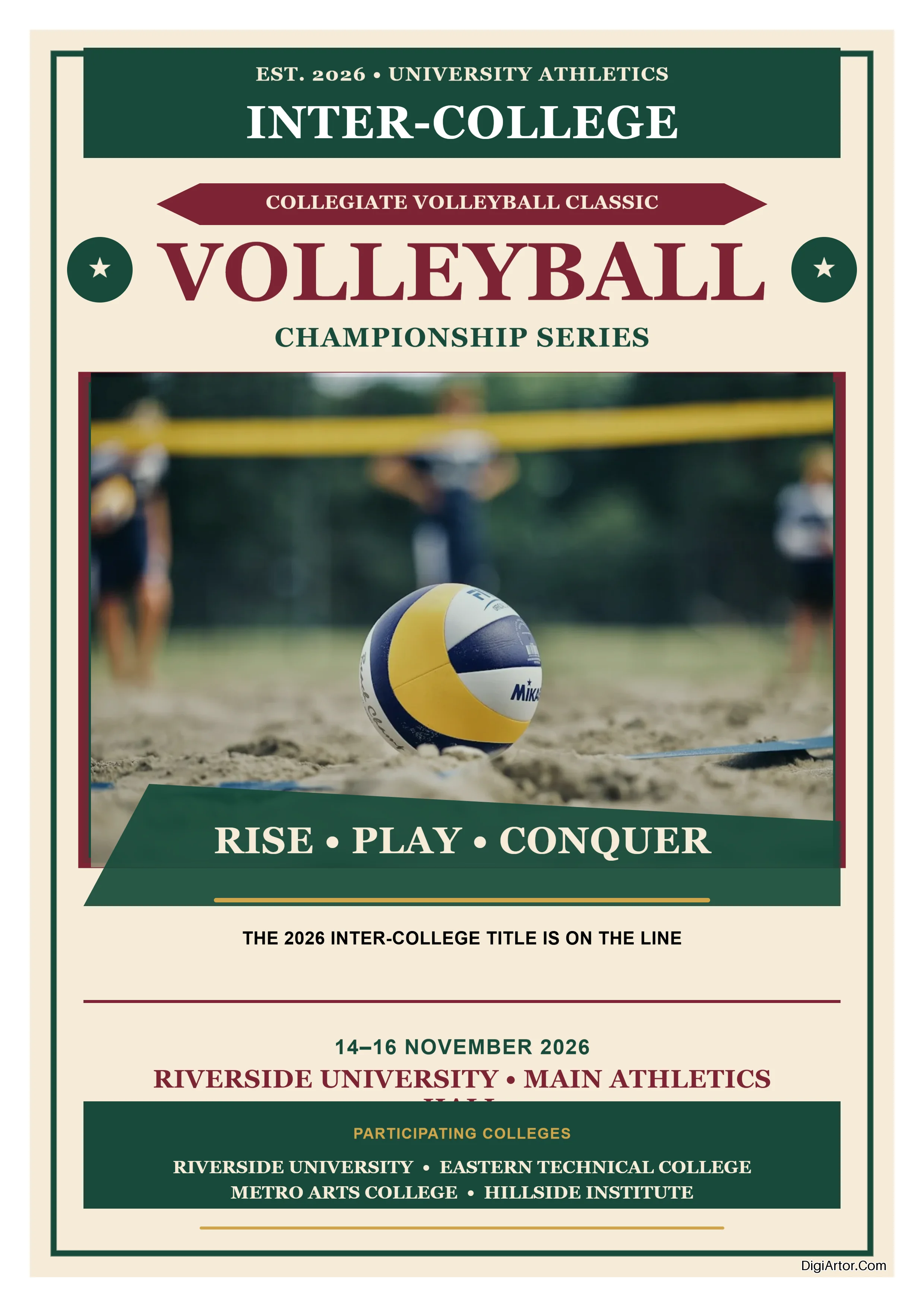
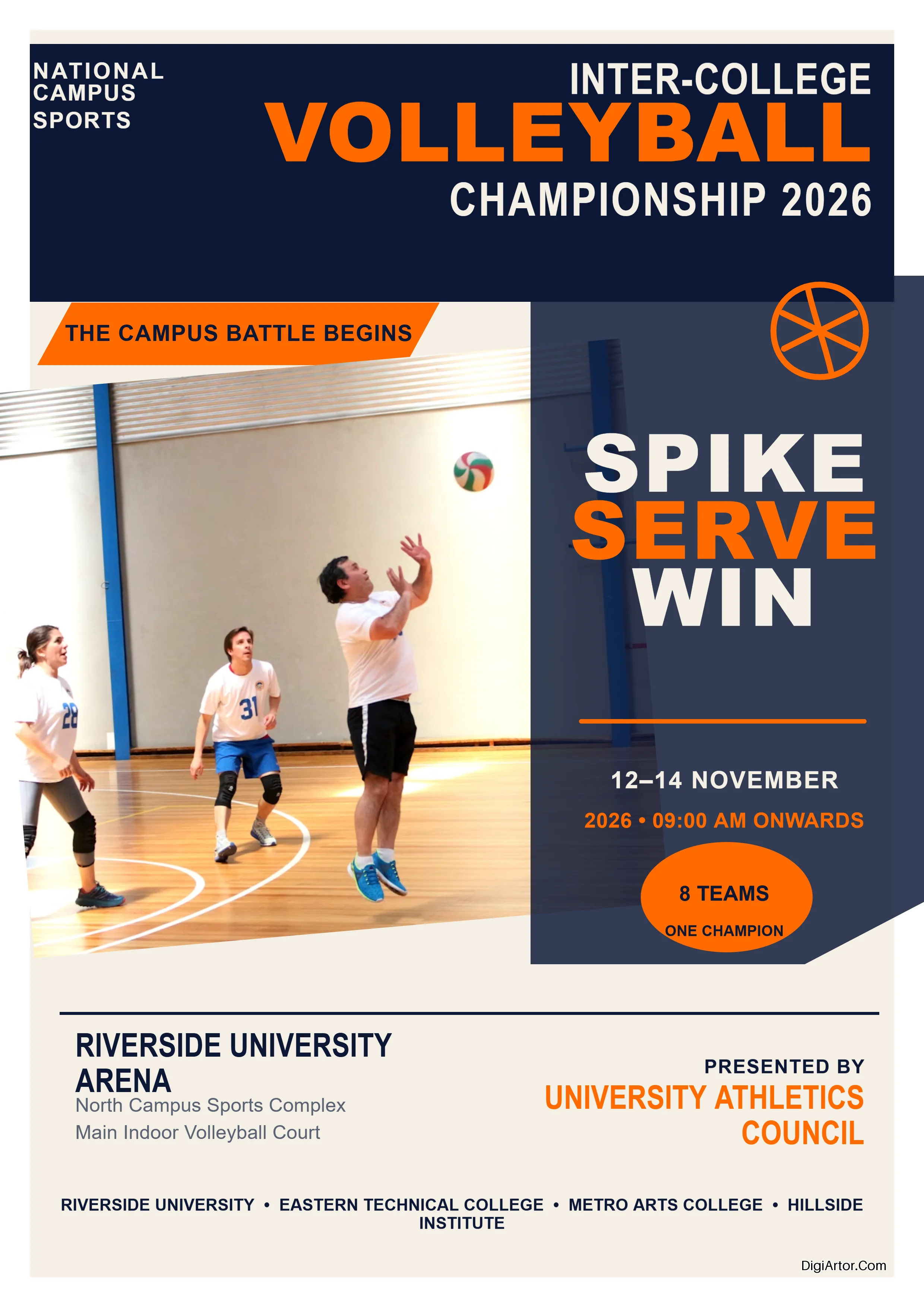
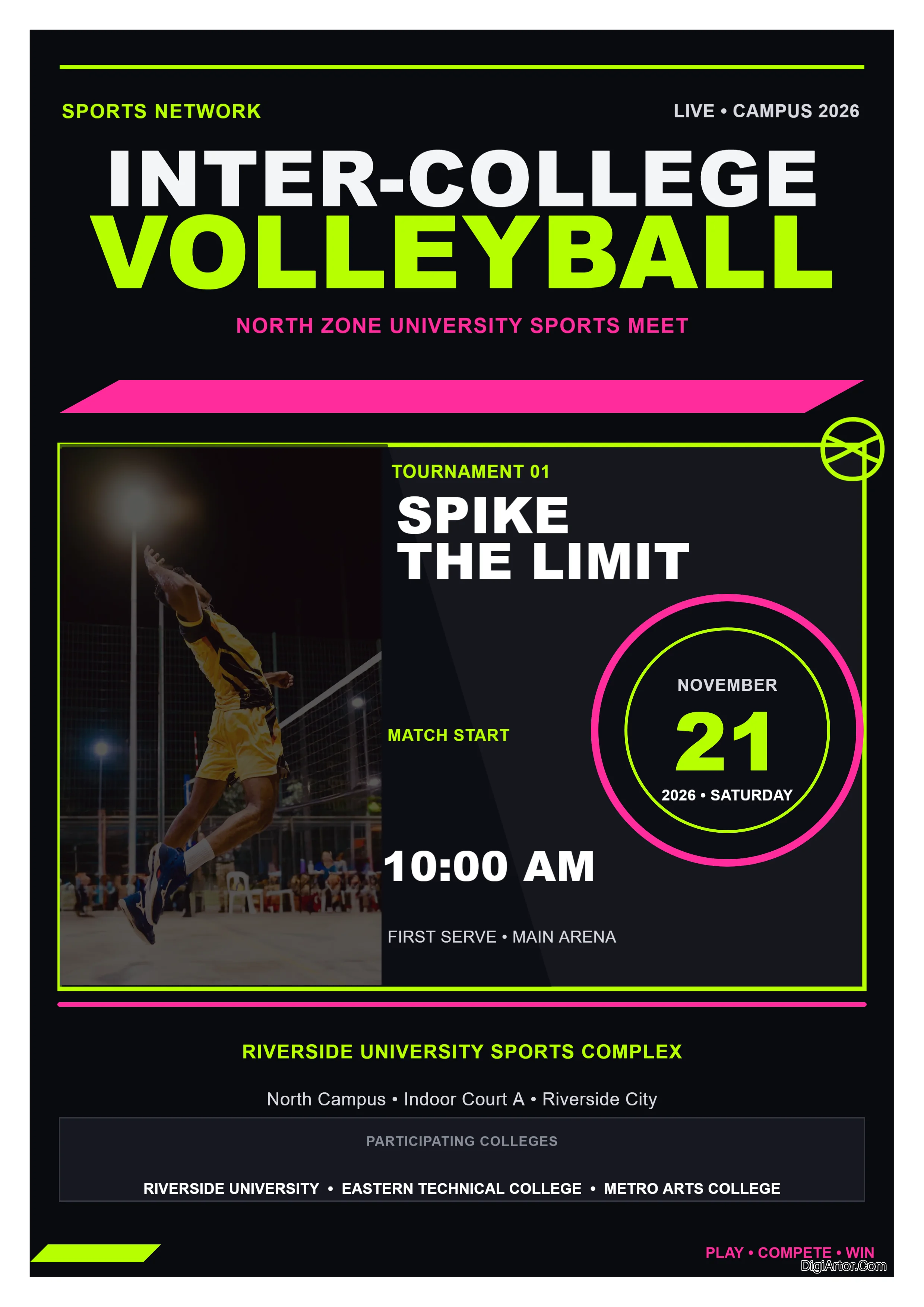

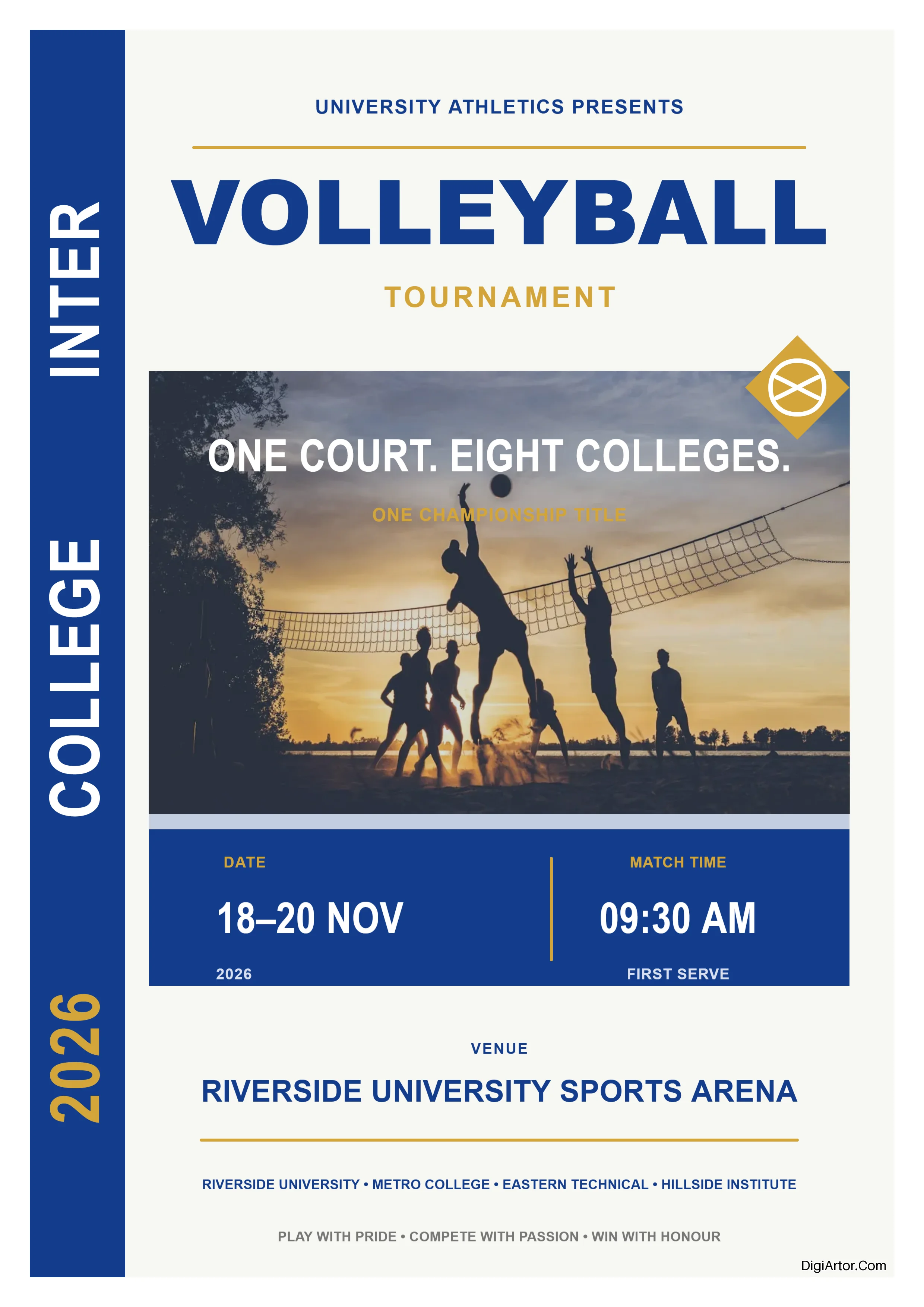

Design Template Categories
- Banner Templates
-
Business Card Templates
- Accountant Business Card Templates
- Advisor Business Card Templates
- Agent Business Card Templates
- Architect Business Card Templates
- Author Business Card Templates
- Baker Business Card Templates
- Caterer Business Card Templates
- Catering Business Card Templates
- Chef Business Card Templates
- Consultant Business Card Templates
- Dentist Business Card Templates
- Doctor Business Card Templates
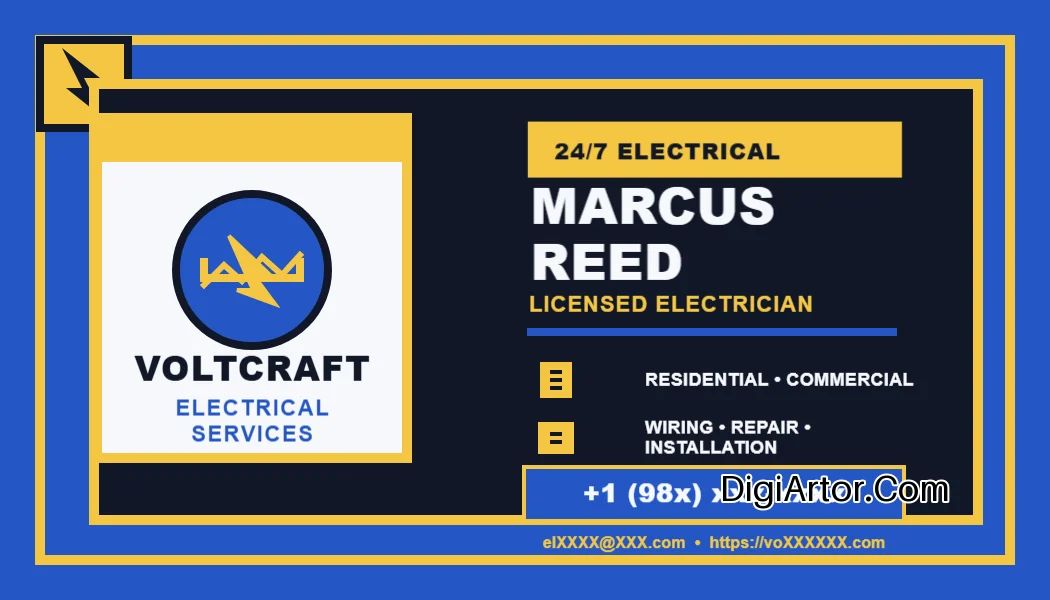
- Electrician Business Card Templates
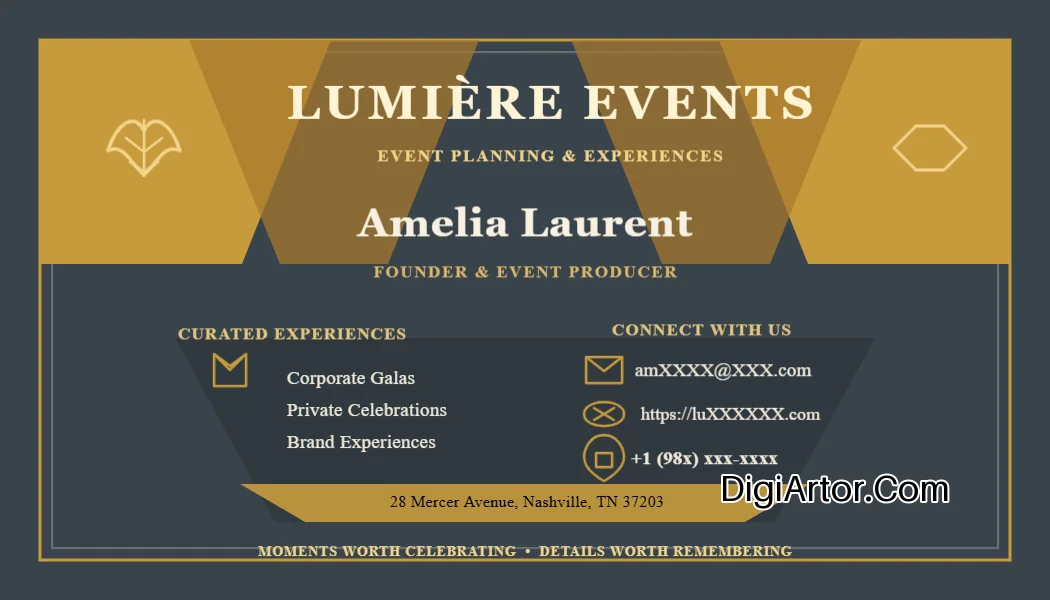
- Event Planner Business Card Templates
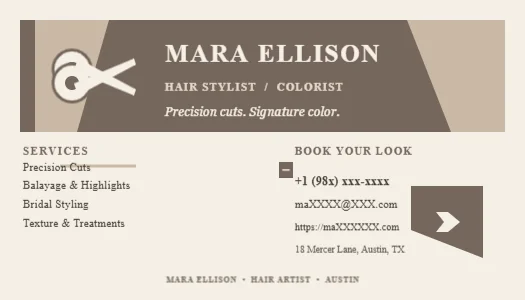
- Hair Stylist Business Card Templates
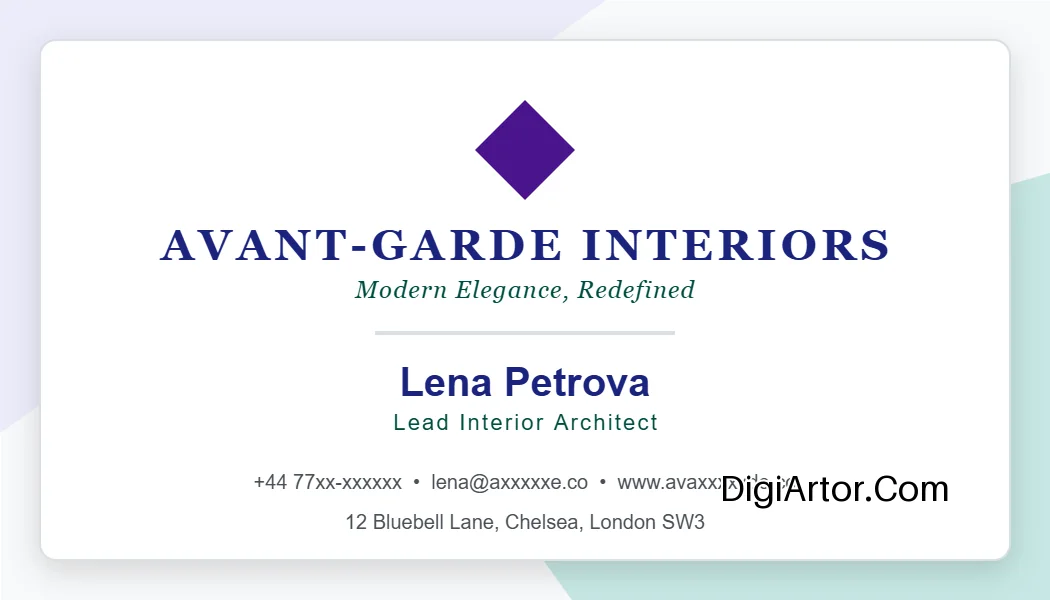
- Interior Designer Business Card Templates
- Lawyer Business Card Templates
- Marketer Business Card Templates
- Marketing Business Card Templates
- Photographer Business Card Templates
- Photography Business Card Templates
- Plumber Business Card Templates
- Real Estate Business Card Templates
- Software Engineer Business Card Templates
- Studio Business Card Templates
- Tax Preparer Business Card Templates
- Trainer Business Card Templates
- Transcriptionist Business Card Templates
- Videographer Business Card Templates
- Web Developer Business Card Templates
- Wedding Business Card Templates
- Certificate Templates
-
Flyer Templates
- Appreciation Flyer Templates
- Bingo Flyer Templates
- Christmas Flyer Templates
- Event Flyer Templates
- Read Across Flyer Templates
- Real Estate Flyer Templates
- Recruitment Flyer Templates
- School Picture Day Flyer Templates
- Shop Flyer Templates
- Social Flyer Templates
- Spirit Week Flyer Templates
- Sports Flyer Templates
- Tear Off Flyer Templates
- Zumba Flyer Templates
-
Greeting Card Templates
- Baby Girl Greeting Card Templates
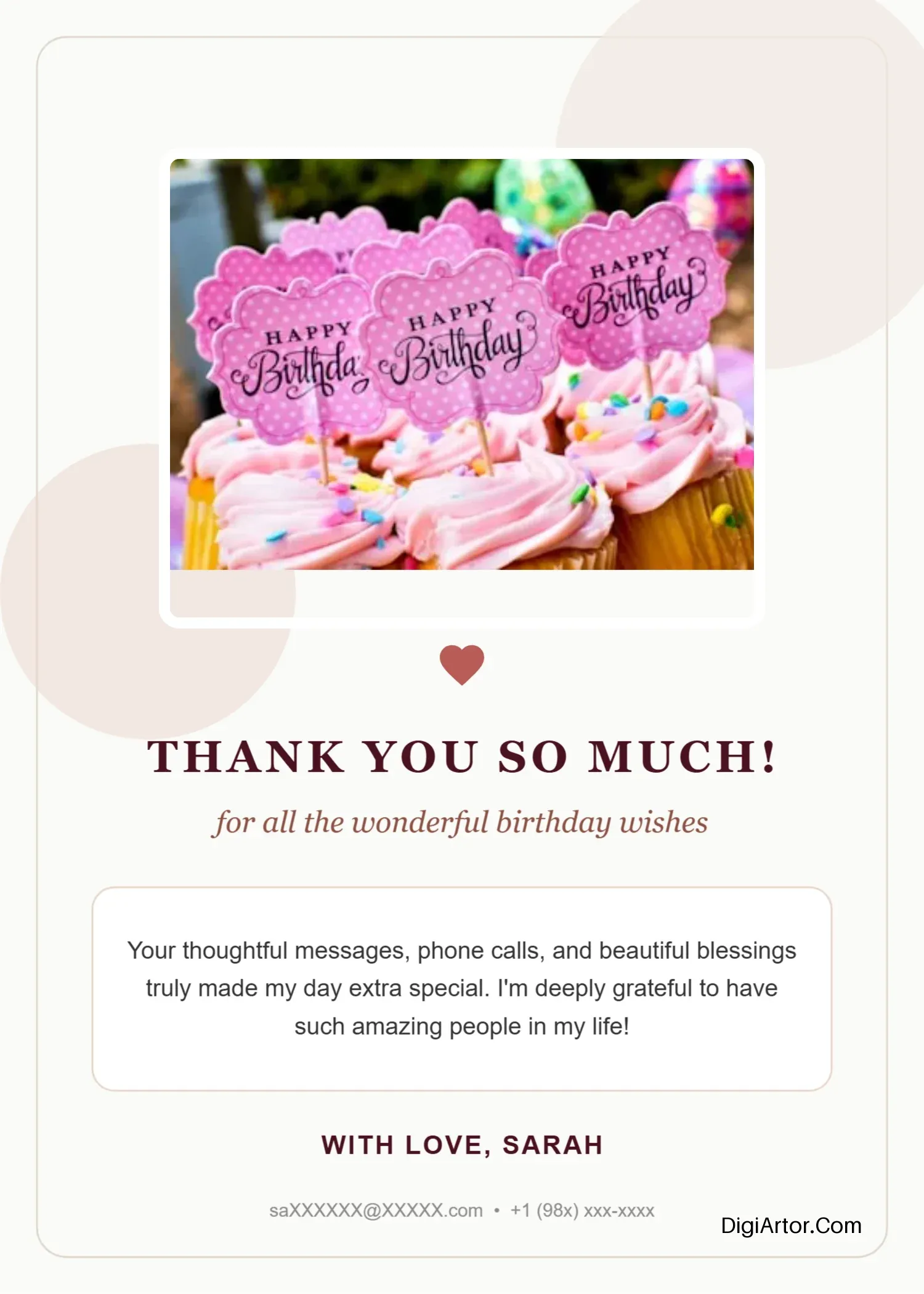
- Birthday Greeting Card Templates
- Christmas Greeting Card Templates
- Diwali Greeting Card Templates
- Farewell Greeting Card Templates
- First Day Of School Greeting Card Templates
- Ganesh Chaturthi Greeting Card Templates
- Independence Day Greeting Card Templates
- Janmashtami Greeting Card Templates
- Labour Day Greeting Card Templates
- New Year Greeting Card Templates
- Office Greeting Card Templates
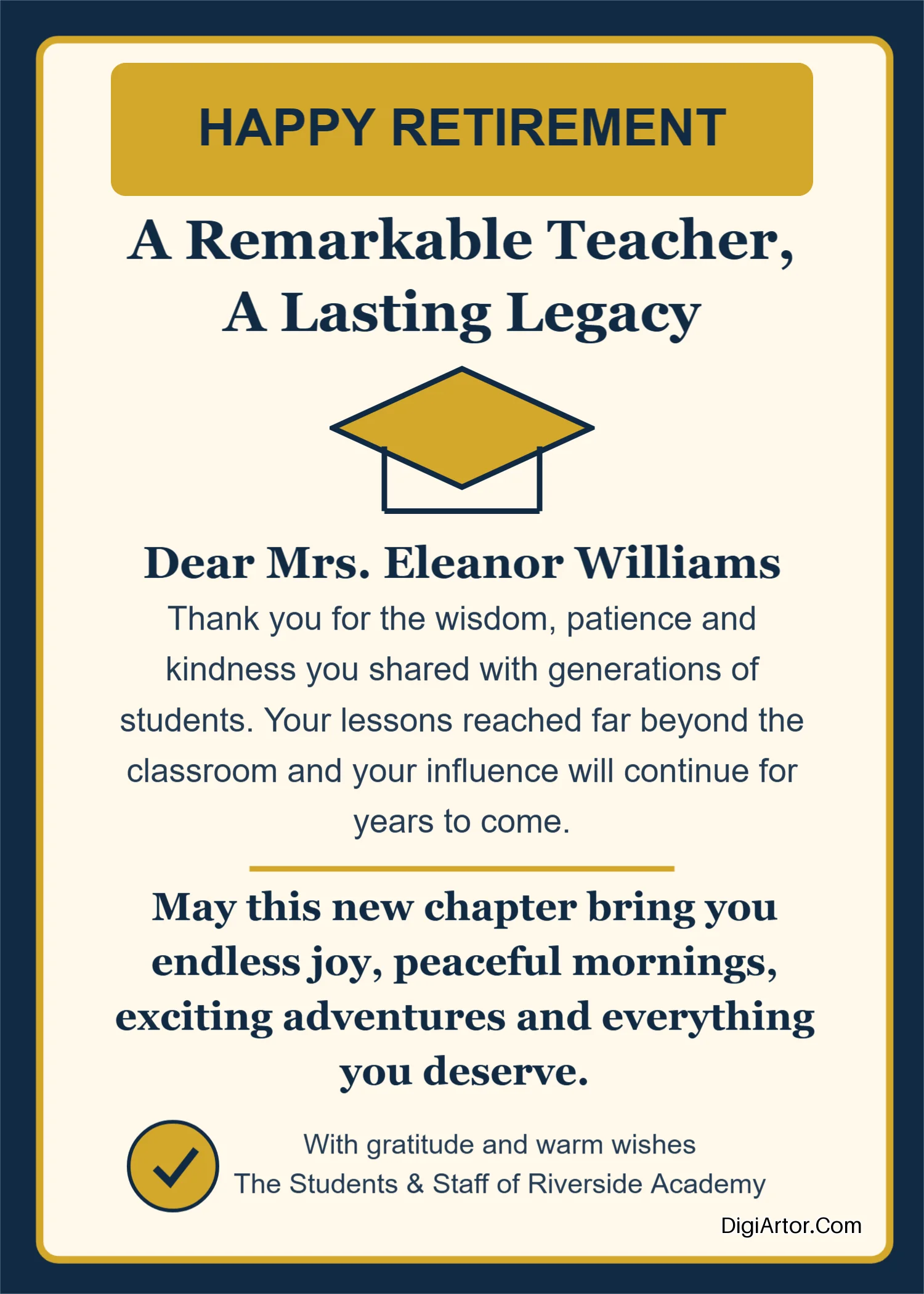
- Retirement Day Greeting Card Templates
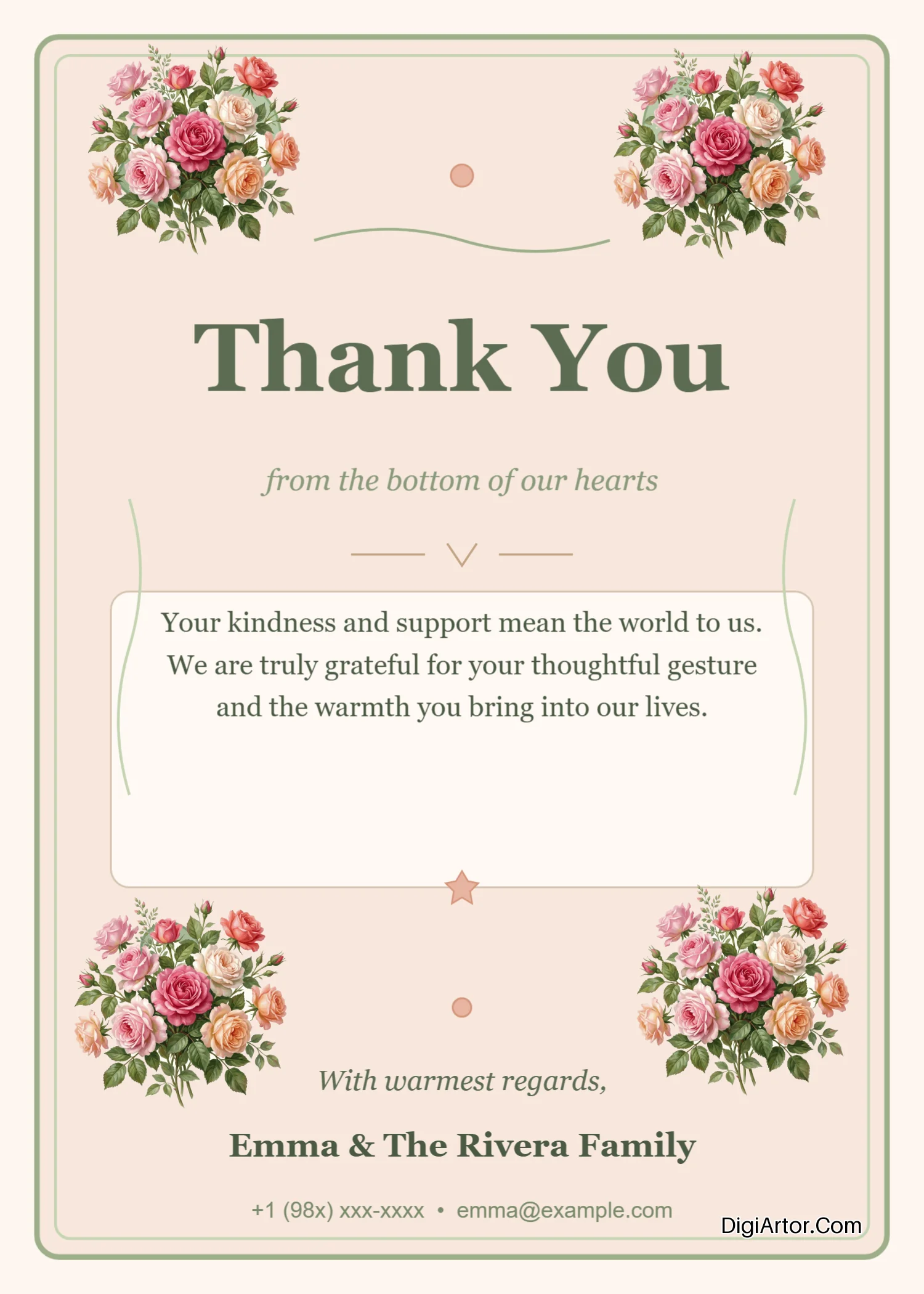
- Thank You Greeting Card Templates
- Thank you Greeting Card Templates
- Valentine Greeting Card Templates
- Wedding Greeting Card Templates
-
Invitation Card Templates
- Anniversary Invitation Card Templates
- Annual Day Invitation Card Templates
- Birthday Invitation Card Templates
- Ear Piercing Ceremony Invitation Card Templates
-
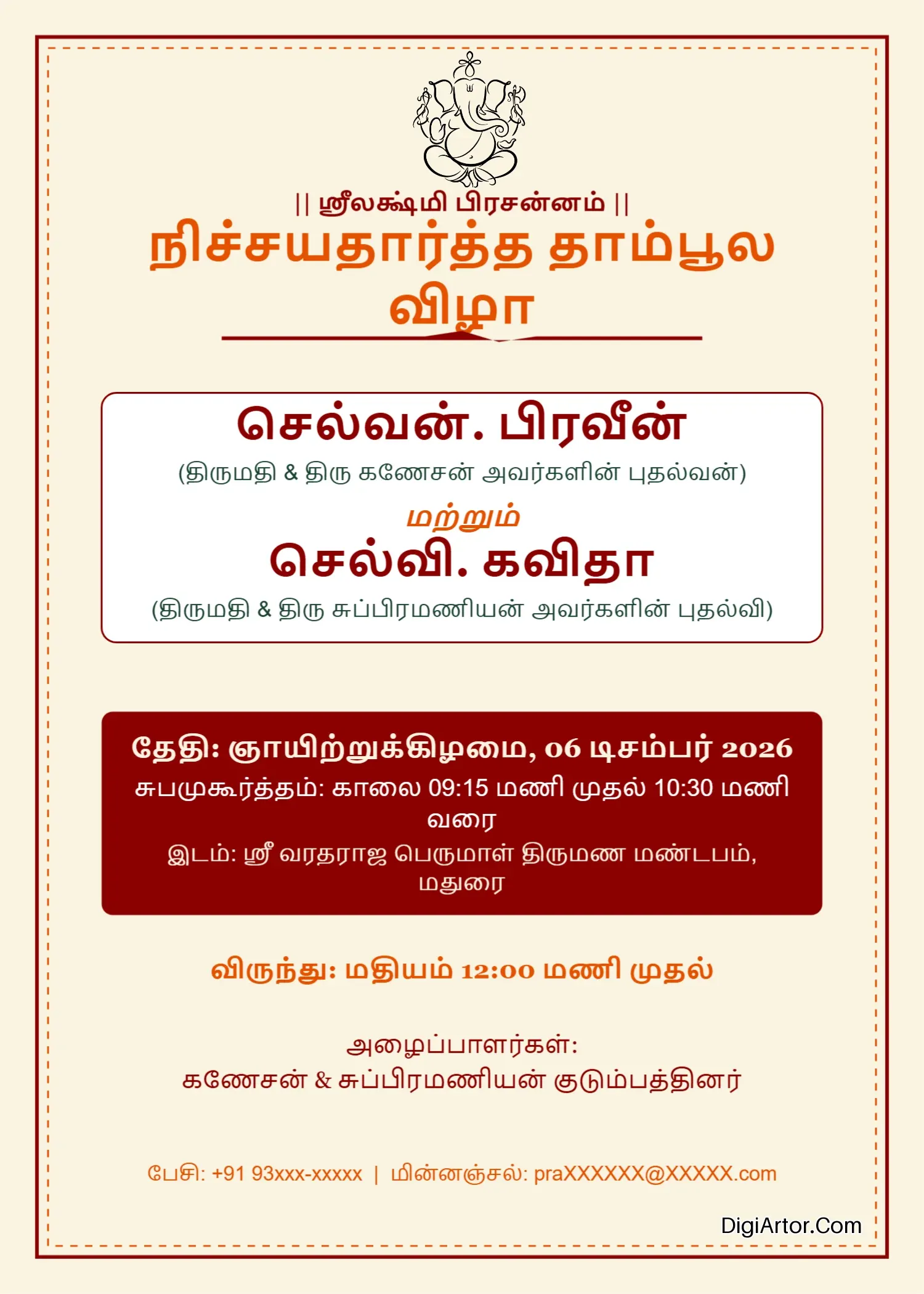
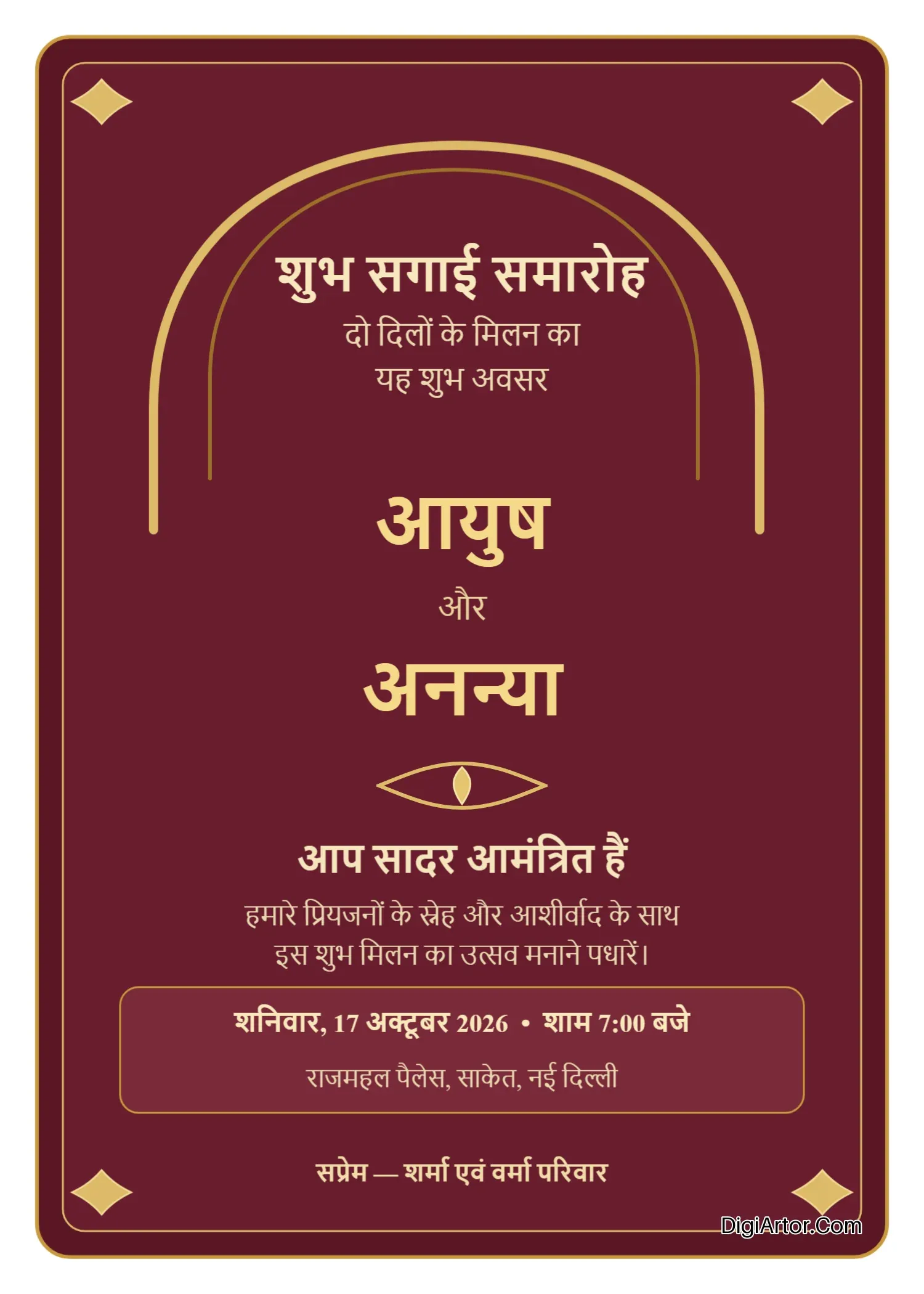
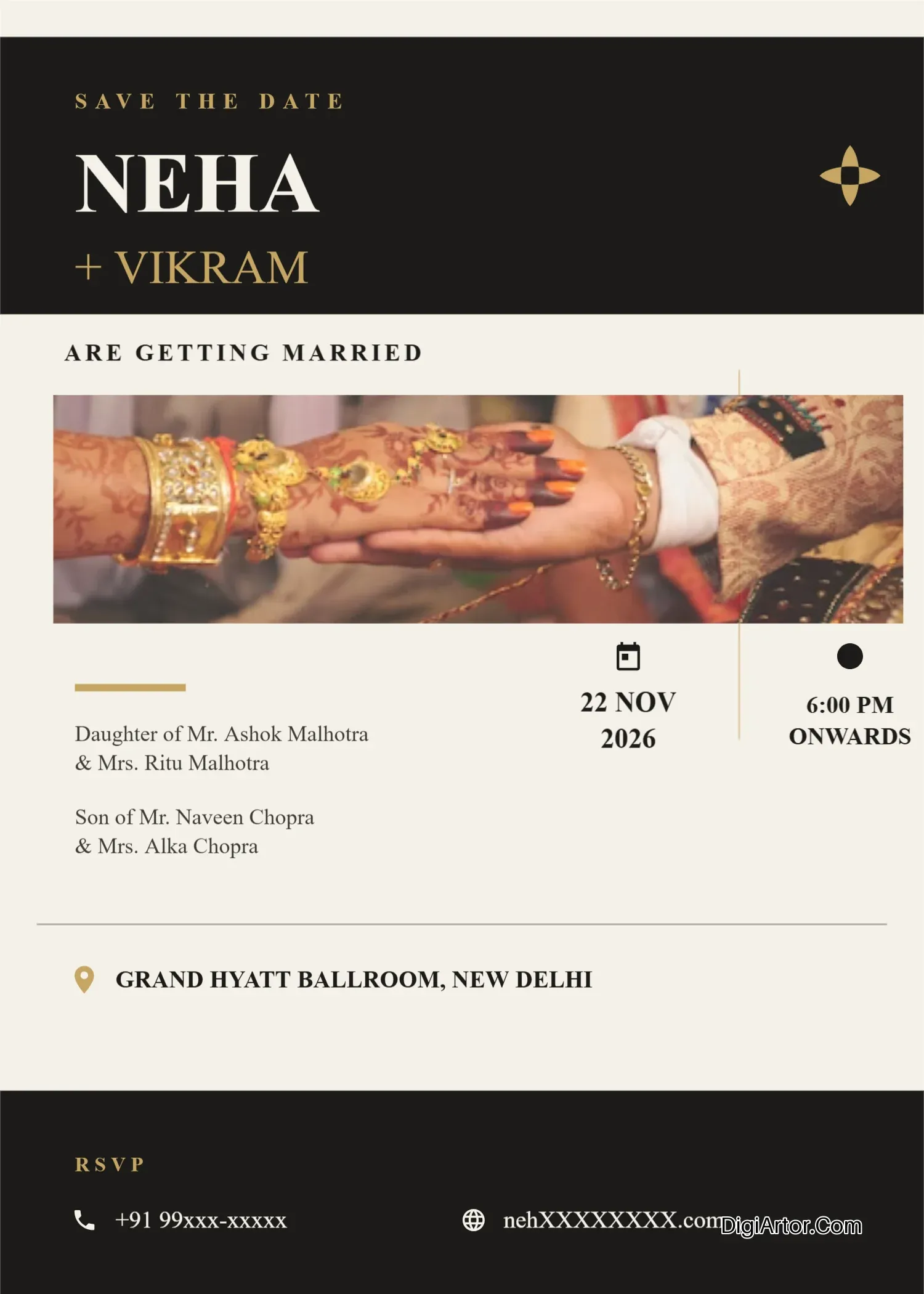
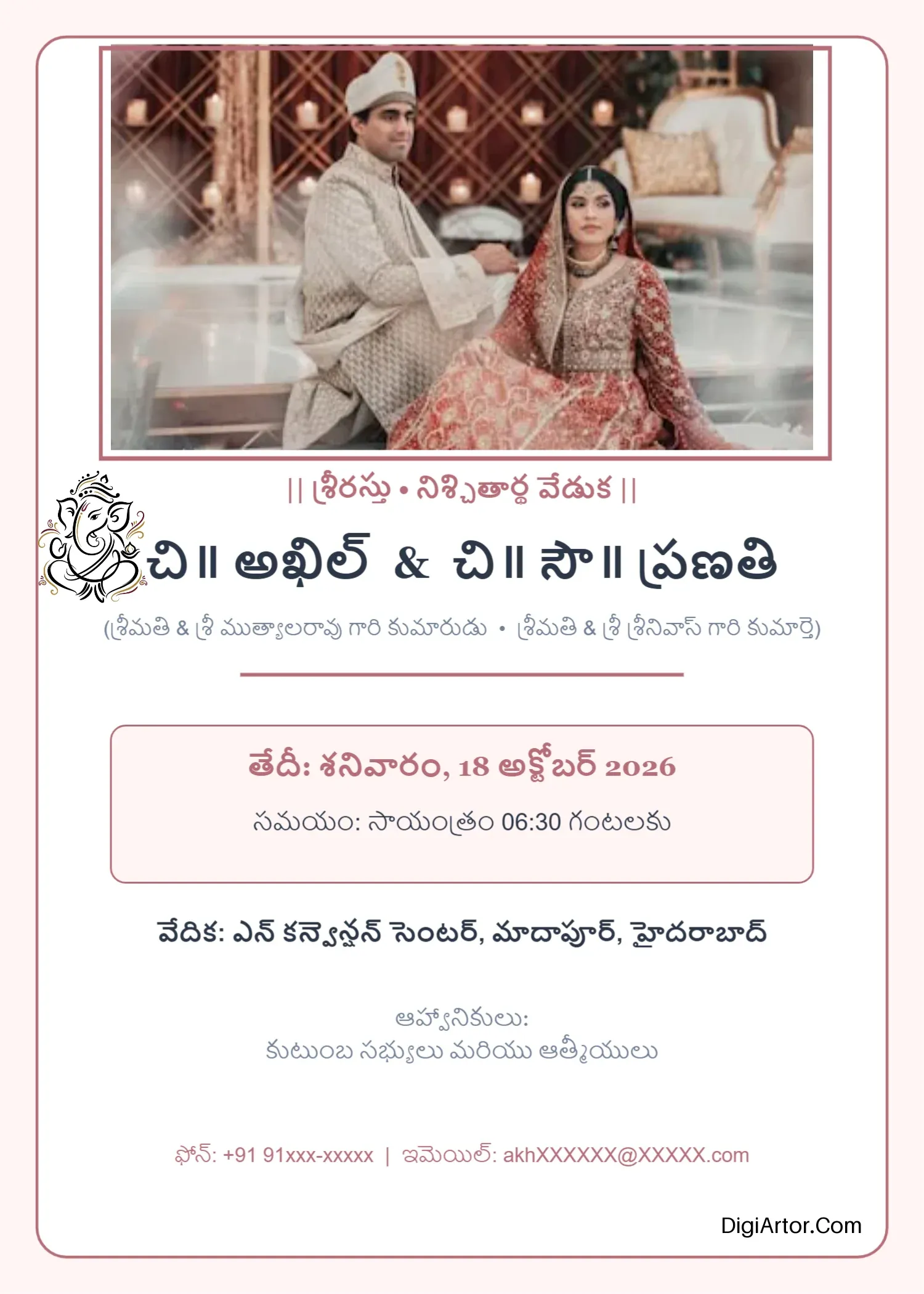
Engagement Invitation Card Templates
- Engagement Invitation Card Templates in Gujarati
- Engagement Invitation Card Templates in Hindi
- Engagement Invitation Card Templates in Kannada
- Engagement Invitation Card Templates in Malayalam
- Engagement Invitation Card Templates in Marathi
- Engagement Invitation Card Templates in Odia
- Engagement Invitation Card Templates in Tamil
- Engagement Invitation Card Templates in Telugu
- Exhibition Invitation Card Templates
- Ganesh Chaturthi Invitation Card Templates
- Griha Pravesh Invitation Card Templates
- Haldi Kumkum Invitation Card Templates
- Kirtan Invitation Card Templates
- Mundan Ceremony Invitation Card Templates
- Naming Ceremony Invitation Card Templates
- Rice Ceremony Invitation Card Templates
- Satya Narayan Puja Invitation Card Templates
- Teachers Day Invitation Card Templates
- Wedding Invitation Card Templates
- Invoice Templates
-
Menu Templates
- Bakery Menu Templates
- Bar Menu Templates
- Birthday Menu Templates
- Breakfast Menu Templates
- Burger Menu Templates
- Coffee Shop Menu Templates
- Dinner Menu Templates
- Drink Menu Templates
- Easter Menu Templates
- Fast Food Menu Templates
- Food Truck Menu Templates
- Halloween Menu Templates
- Hotel Menu Templates
- Lunch Menu Templates
- Pizza Menu Templates
- Valentine Menu Templates
- Wedding Menu Templates
- Planner Templates
-
Poster Templates
- Academic Poster Templates
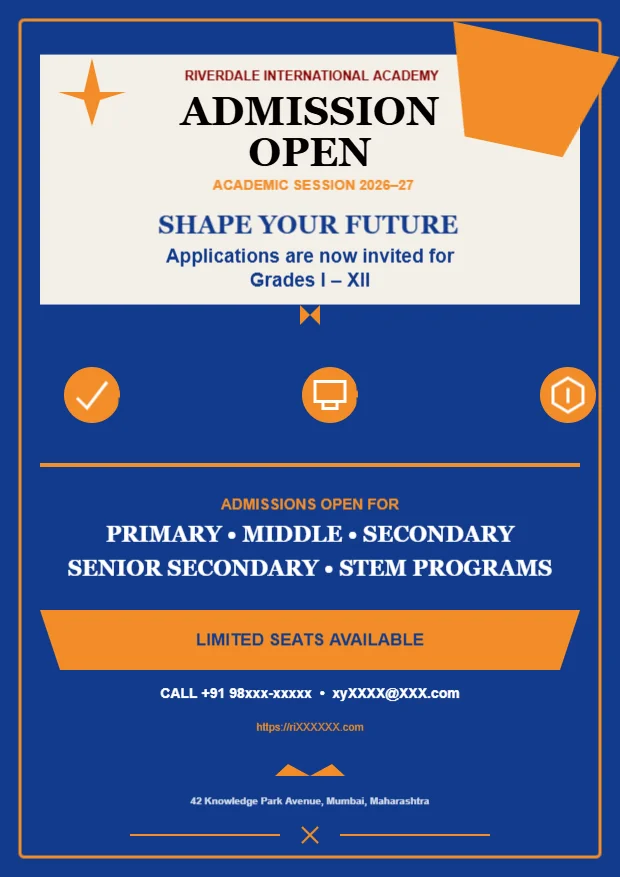
- Admission Poster Templates
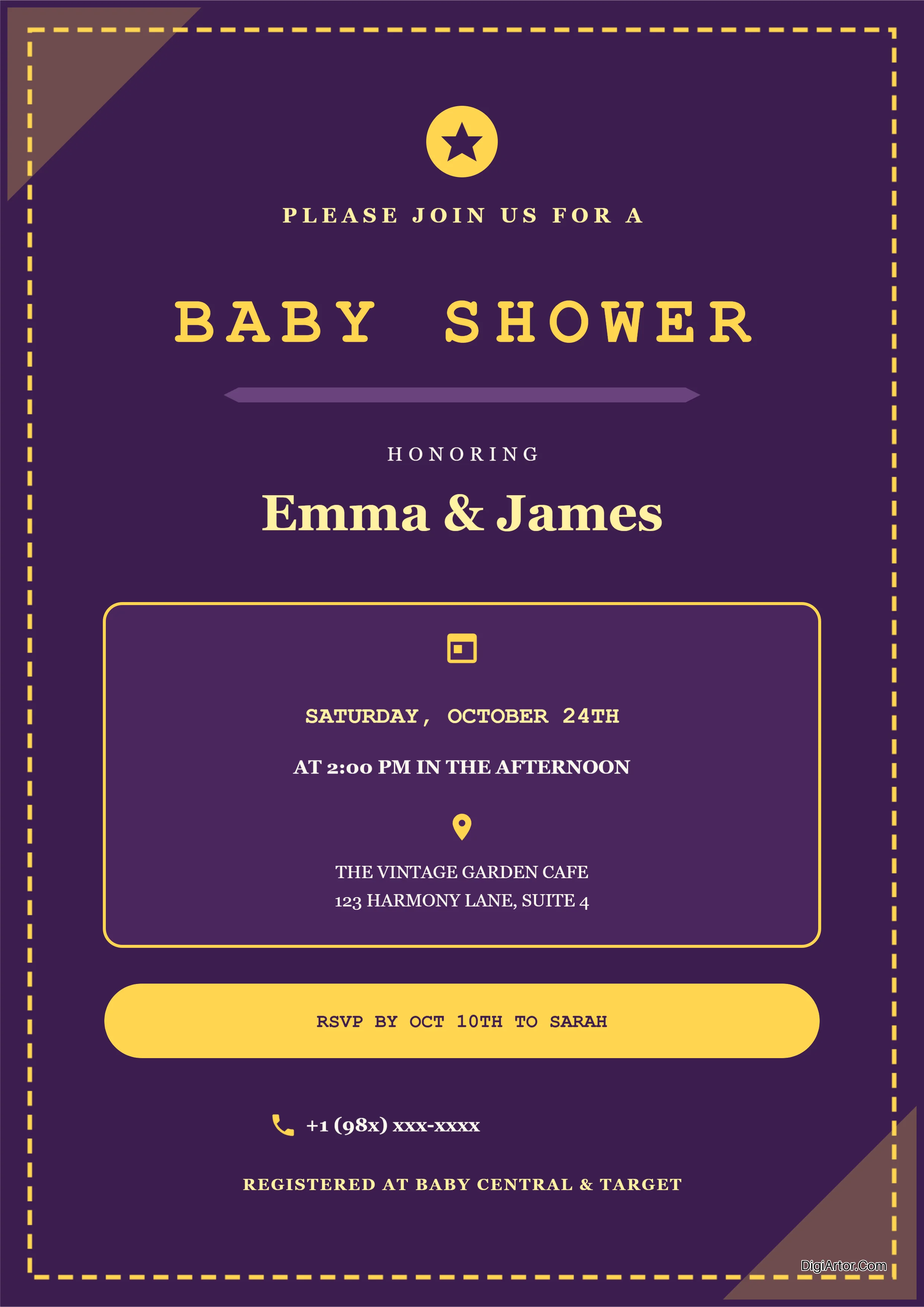
- Baby Shower Poster Templates
- Beauty Parlour Poster Templates
- Bingo Poster Templates
- Christmas Poster Templates
- Event Poster Templates
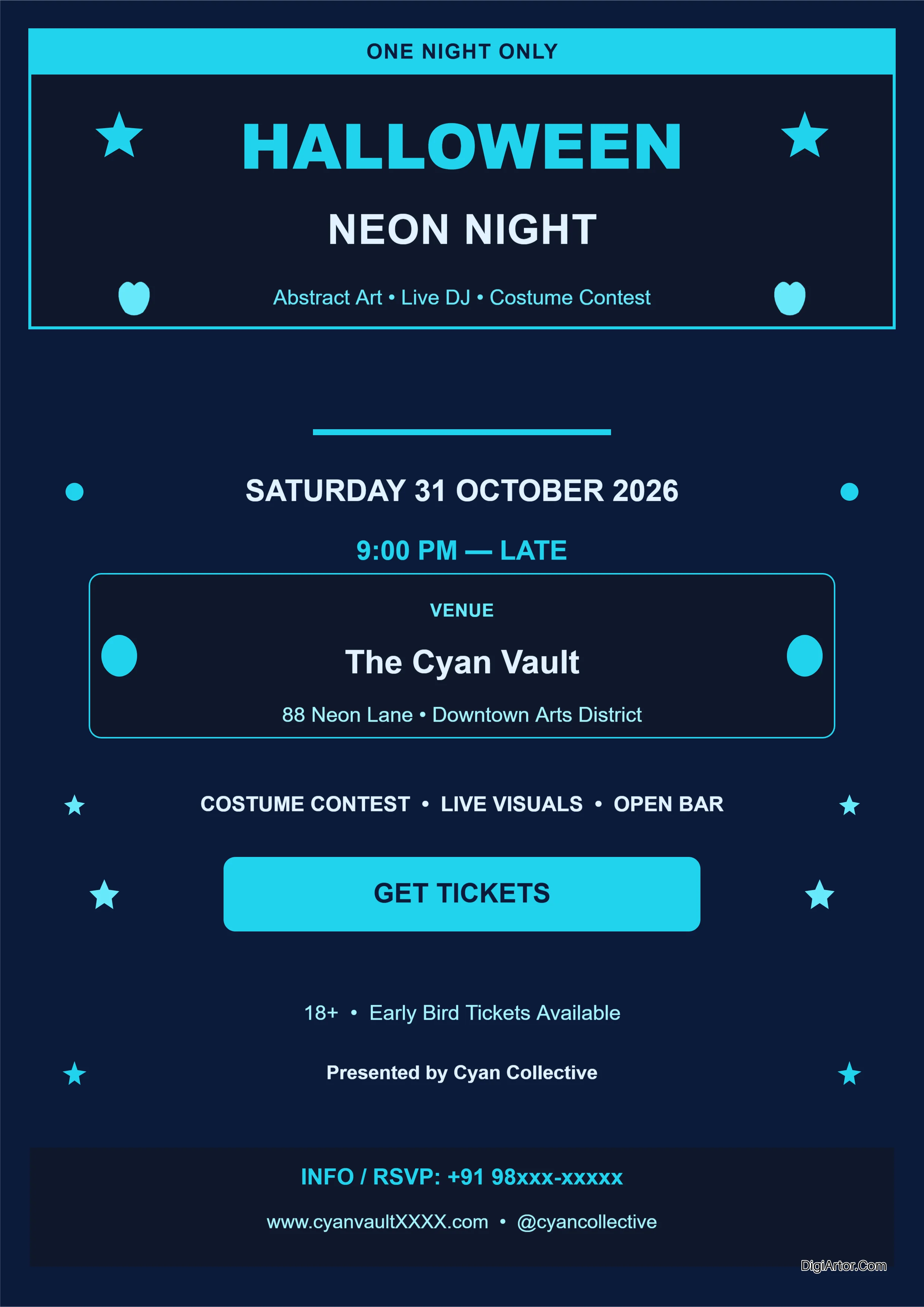
- Halloween Poster Templates
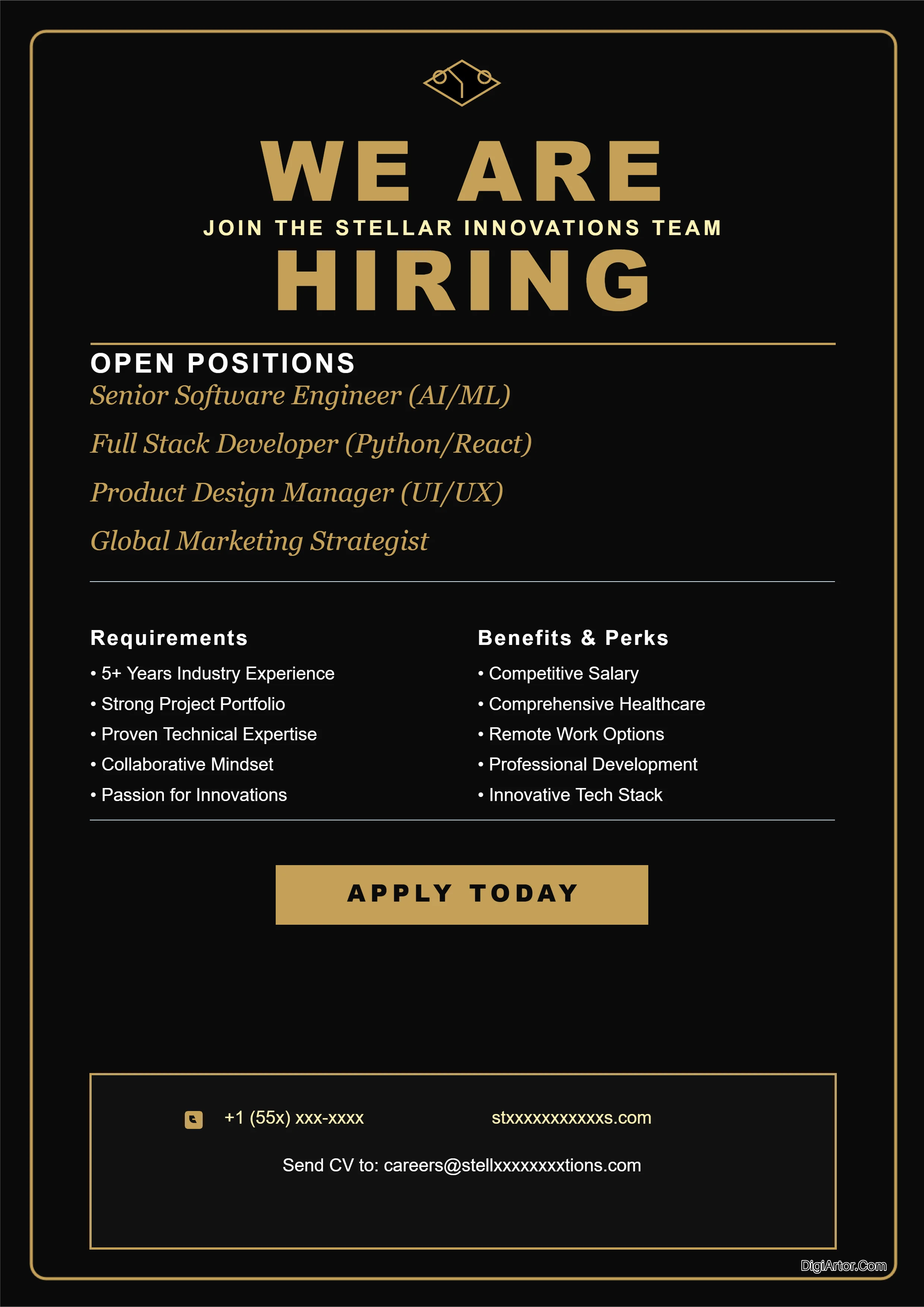
- Job Openings Poster Templates
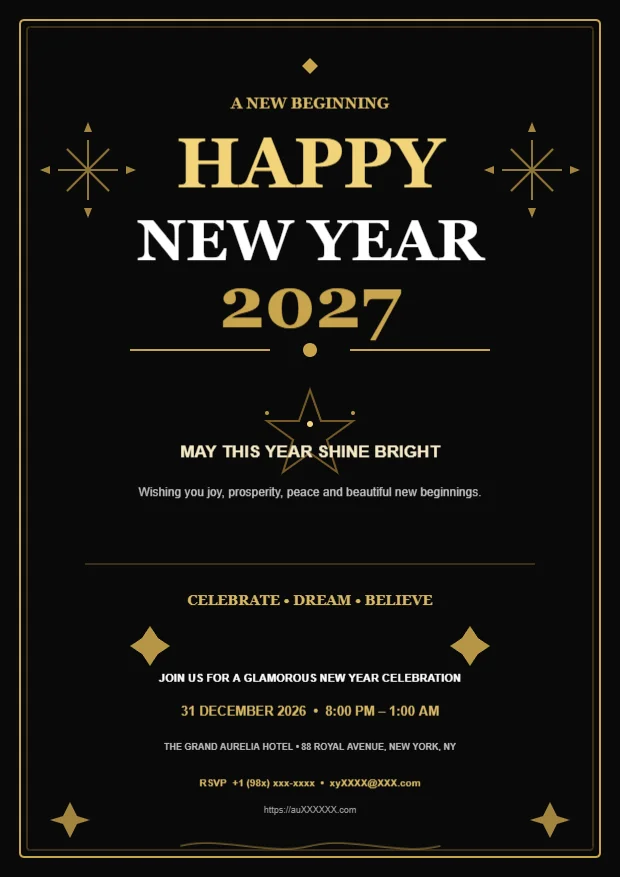
- New Year Poster Templates
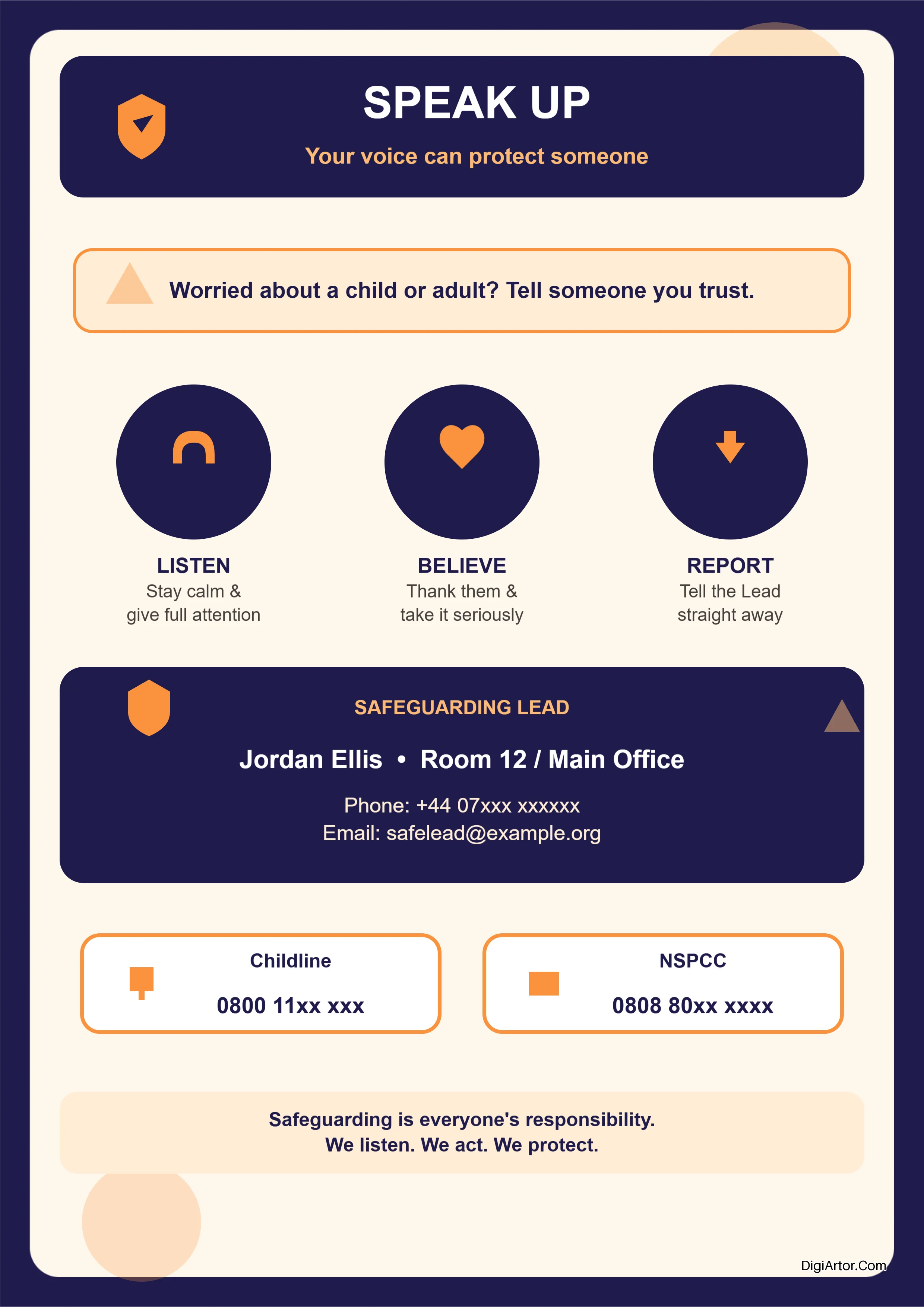
- Safeguarding Poster Templates
- Sale Poster Templates
- Sports Poster Templates
- Tuition Poster Templates
What is DigiArtor? A Design Tool That Actually Gets Out of Your Way
Let me cut straight to it. DigiArtor is browser-based design software. No downloads. No installations. No wrestling with bloated desktop apps that take forever to load.
You open your browser. You start designing. That's it.
But calling it "design software" feels a bit clinical. What it really is, is a tool that lets you create professional graphics without needing a four-year design degree or a thousand-dollar software subscription.
Think of it as your creative sidekick. The one that handles the heavy lifting so you can focus on what matters—getting your message out there.
So What Exactly Does It Do?
DigiArtor helps you design digital art, graphics, and printable documents. All from your browser.
Whether you need a flyer for your weekend garage sale, a business card that doesn't look like you made it in Microsoft Word, or a YouTube thumbnail that actually makes people click—this platform covers it.
You start with a template. Thousands of them, actually. Customizable templates for pretty much every design need you can think of. Invitation cards. Greeting cards. Business cards. Posters. Flyers. Pinterest pins. YouTube thumbnails. Invoices. Menus. Certificates. Banners.
Each template is editable. Change colors. Swap images. Add text. Rearrange elements. Make it yours.
You don't start from a blank canvas. That's the point. You start with something that already works, something that already looks good, and you tweak it until it fits your brand, your event, your vibe.
What Makes It Special?
Here's where things get interesting.
Most design tools fall into two camps. You've got the professional ones like Photoshop—powerful but steep learning curve. Then you've got the simple ones like Canva—easy but limited once you want to do anything beyond the basics.
DigiArtor sits somewhere in between, but honestly, that's not quite right either.
What makes it special is the template library. Not just the number of templates—though thousands is nothing to sneeze at—but the variety and specificity.
Take the "Online Invitation Card Maker" section alone. Hundreds of premade templates for different occasions.
Birthday invitations. Engagement announcements. Exhibition invites. Haldi Kumkum ceremonies. Kirtan gatherings. Rice ceremonies. Weddings.
That's just the invitation category.
Business cards? Twenty-two subcategories. Accountants, architects, bakers, chefs, consultants, dentists, doctors, interior designers, lawyers, marketers, photographers, real estate agents, software engineers, videographers, web developers.
You get the picture. This isn't a one-size-fits-all template library. It's specific. Thoughtful. Designed for real people in real professions with real design needs.
How Is It Different?
Let me tell you what DigiArtor doesn't do.
It doesn't lock you into a subscription model that feels like a hostage situation. It doesn't force you to learn keyboard shortcuts that make no sense. It doesn't crash in the middle of your project because you have too many layers open.
It's different because it's browser-based. You can design from anywhere. Your work saves automatically. No worrying about file corruption or forgetting to hit save before your computer decides to update.
It's different because it's built for non-designers who still care about good design. The templates aren't generic stock options. They're actually well-designed pieces that look professional.
And it's different because it covers such a wide range of use cases.
A restaurant owner needs a menu and a flyer and maybe a banner for social media. DigiArtor has all of those. A teacher needs a certificate and a poster and maybe some classroom materials. DigiArtor has those too. A content creator needs YouTube thumbnails, Pinterest pins, and maybe a business card for networking. Covered.
You don't hop between three different tools. You don't export and import and reformat. You stay in one place.
What Does This Platform Actually Provide?
Let me break it down clearly.
Design templates—thousands of them, organized by category and subcategory. You pick one that fits your need and customize it.
Digital art tools—basic design functionality that lets you edit templates or create from scratch if you're feeling adventurous.
Printable documents—everything from business cards to flyers to posters, all designed to print cleanly.
Social media graphics—Pinterest pins, YouTube thumbnails, and other social formats optimized for each platform's dimensions.
Marketing materials—flyers, banners, posters, business cards. The stuff businesses need every day.
Personal stationery—invitations, greeting cards, certificates. The stuff people need for life events.
Specialized industry templates—menus for restaurants, invoices for service providers, course banners for educators.
Who Actually Uses This?
Individuals making invitations for their wedding. Small business owners designing flyers for their sale. Educators creating certificates for their students. Content creators making thumbnails for their videos. Marketers designing social graphics for their campaigns.
Real people. Real projects. Real deadlines.
That's who DigiArtor is for. Not design snobs. Not people who enjoy spending three hours picking the perfect font. People who have something to say and just want to say it beautifully.
No fluff. No pretension. Just a solid design tool that works.
The Design Category Library That Actually Makes Sense
Most design platforms throw a hundred templates at you and call it a day.
DigiArtor does something smarter. It organizes everything into categories and subcategories that actually match what people need. Not random collections. Not generic "business" or "personal" buckets. Real categories that reflect how people actually search for design templates.
Let me walk you through what's available. You might be surprised by the variety.
Banners: Simple, Specific, Effective
Four subcategories. That's it.
Course banners for educators and online instructors. Restaurant banners for daily specials or new menu launches. Shop banners for e-commerce stores and retail promotions. Wedding banners for save-the-dates and event announcements.
Simple. Focused. No filler.
You need a banner for a cooking class? There's a template. Need one for your boutique's weekend sale? Covered. Wedding announcement? Got it.
Business Cards: Twenty-Two Options and Counting
This is where things get detailed.
Accountants, advisors, agents, architects, bakers, catering services, chefs, consultants, dentists, doctors, interior designers, lawyers, marketers, photographers, real estate agents, software engineers, studio owners, tax preparers, trainers, videographers, web developers.
That's not a random list. That's a list of real professions with real design needs.
A photographer's business card needs space for portfolio examples. A real estate agent's card needs room for multiple contact methods. A chef's card should feel warm and inviting. Different professions need different layouts, different color schemes, different vibes.
DigiArtor gets that. Each subcategory has templates tailored to that specific profession.
Certificates: More Than Just Awards
Four subcategories here, and they're interesting.
Award certificates for recognition events. Recognition certificates for employee or student appreciation. Speaker certificates for conferences and events. And then there's Tooth Fairy certificates.
That last one tells you something about this platform. It's not just for businesses. It's for real life. The silly stuff. The personal stuff. The moments that matter to real people.
A parent looking for a cute way to mark their kid losing a tooth shouldn't have to search through generic certificate templates. They should find exactly what they need. And they do.
Flyers: Practical and Purposeful
Eight subcategories covering common flyer needs.
Appreciation flyers for thanking clients or customers. Bingo flyers for community events. Read Across flyers for school literacy programs. Real Estate flyers for property listings. School Picture Day flyers that actually look good. Social flyers for community gatherings. Spirit Week flyers for schools and organizations. Tear Off flyers with contact information at the bottom.
Notice the pattern here. These aren't random categories. These are specific scenarios where people regularly need flyers.
Schools need Picture Day flyers. Real estate agents need property flyers. Community organizers need bingo flyers. Each has a template ready to go.
Greeting Cards: Ten Occasions Covered
Birthday, Christmas, Farewell, Independence Day, Janmashtami, Labour Day, New Year, Office, Retirement Day, Wedding.
This one spans the spectrum.
Personal greetings for family and friends. Professional greetings for colleagues and clients. Cultural celebrations like Janmashtami. National holidays like Independence Day and Labour Day.
You're not scrolling through a thousand unrelated templates. You pick the occasion and find designs that actually work for that specific event.
Invitation Cards: Seven Special Occasions
Birthday, Engagement, Exhibition, Haldi Kumkum, Kirtan, Rice Ceremony, Wedding.
This section deserves special attention because of the cultural specificity.
Haldi Kumkum invitations. Kirtan gatherings. Rice ceremonies. These aren't generic "party" templates. These are culturally significant events with their own design traditions and aesthetic expectations.
DigiArtor includes them. Not as an afterthought. As dedicated categories with templates designed specifically for those occasions.
Invoices: Three Industries, Three Styles
Car, Hotel, Restaurant.
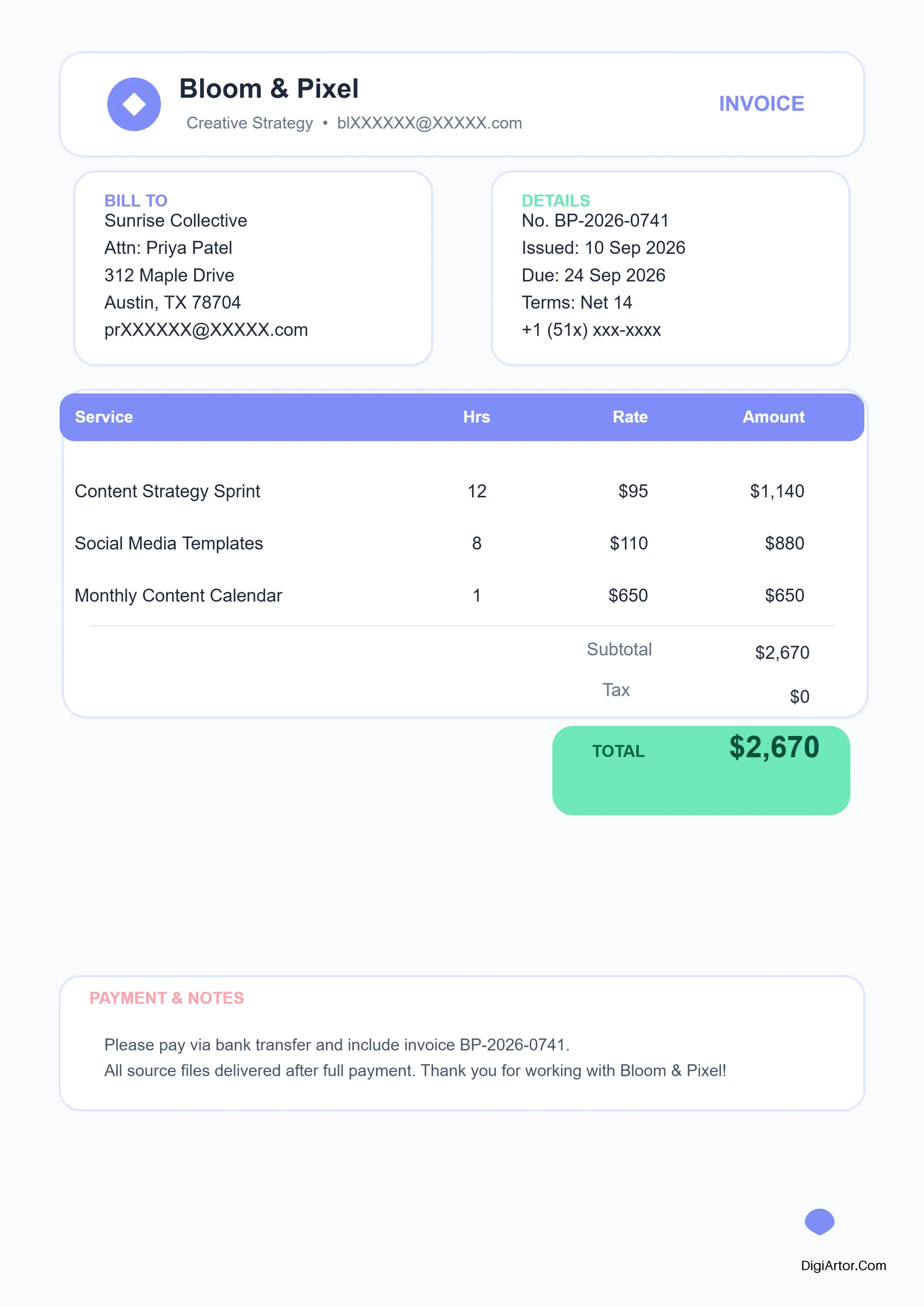
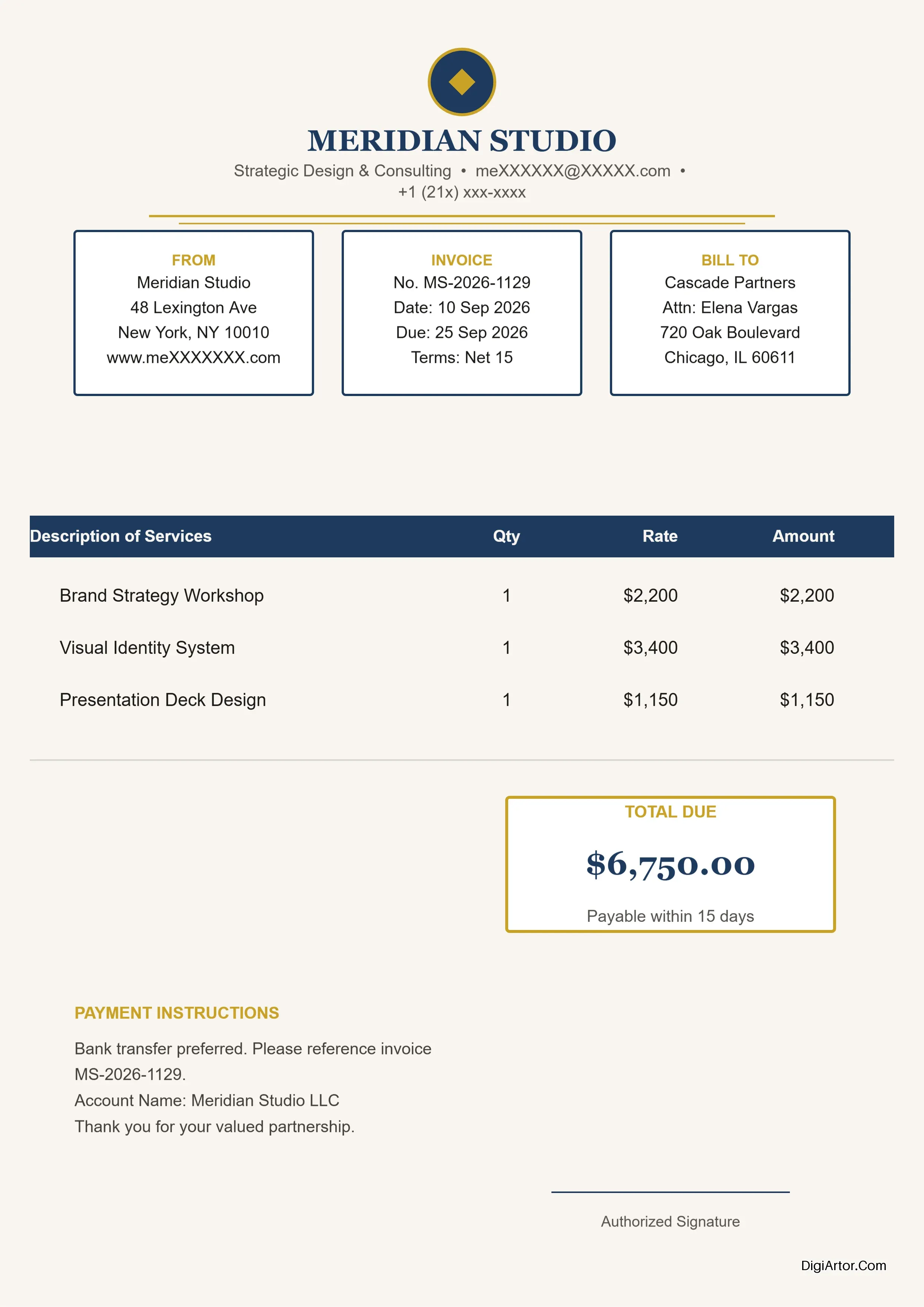
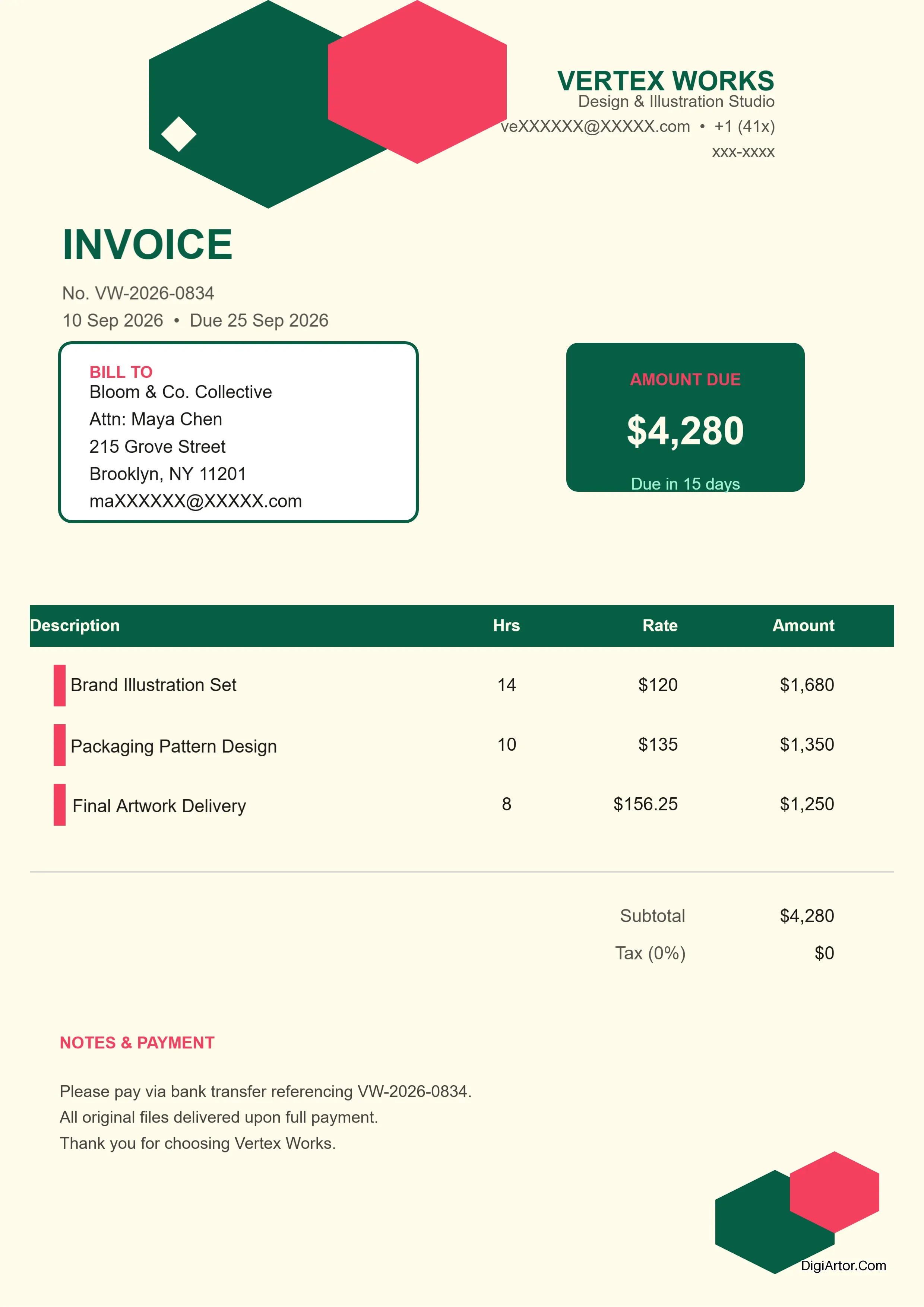
Simple but important. An invoice for a car repair shop looks different from a hotel folio. A restaurant invoice includes different line items than a mechanic's statement.
Three industries. Three distinct template styles. It works.
Menu: Nine Food and Beverage Options
Bakery, Bar, Birthday, Breakfast, Burger, Coffee Shop, Food Truck, Valentine, Wedding.
Look at the variety here.
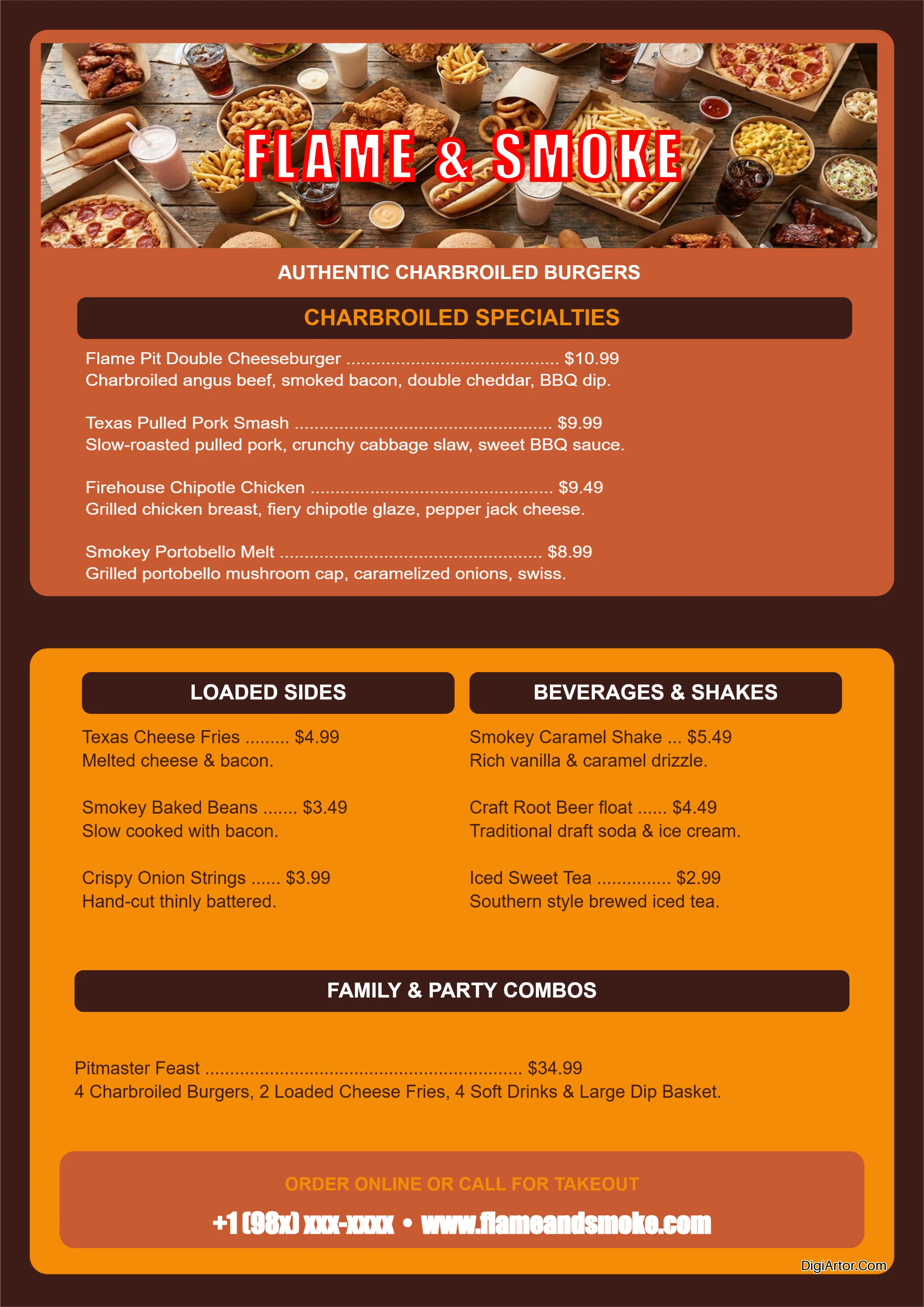
A bakery menu has a different vibe than a bar menu. A breakfast menu differs from a burger joint. Coffee shops want something clean and modern. Food trucks want something fun and attention-grabbing. Valentine's Day menus need romance. Wedding menus need elegance.
Each subcategory has templates that match the mood and function of that specific food business.
Poster: Fourteen Categories Deep
Academic, Admission, Baby Shower, Beauty Parlour, Bingo, Christmas, Event, Halloween, Job Openings, Safeguarding, Sale, Sports, Tuition.
This is the largest category in the library.
Schools need academic posters and admission posters. Salons and beauty parlours need promotional posters. Businesses need event posters and job opening posters. Holiday posters for Christmas and Halloween. Sports posters for teams and tournaments. Tuition posters for coaching centres.
Even safeguarding posters—a serious category for organizations that need to display child protection or safety information.
How to Create Stunning Designs with DigiArtor?
Let's be honest. Most of us aren't designers. We don't know kerning from leading. We can't tell you why some fonts work together and others clash. And we definitely don't have hours to spend tweaking layers and adjusting gradients.
But we still need good designs.
That's exactly why DigiArtor exists. And using it is almost embarrassingly simple.
Let me walk you through how to create designs across the main categories. No design degree required. No complicated software to learn. Just you, a browser, and a template that actually looks good.
The Starting Point: Pick Your Template
Every design in DigiArtor begins the same way. You choose a category. You pick a subcategory. You select a template.
The templates are already professionally designed. Good color combinations. Proper spacing. Balanced layouts. Clean typography.
You're not starting from nothing. You're starting from something that already works.
The rest is just customization. Making it yours.
Creating an Invitation Card
Let's start with invitations. One of the most popular sections on the platform.
Say you're planning a wedding. You head to the Invitation Card category, then select Wedding as your subcategory. You'll find dozens of wedding invitation templates.
Pick one that matches your vibe. Rustic? Elegant? Modern? Minimalist? There's a template for each.
Now the customization begins.
Change the text. Replace the placeholder names with yours. Update the date, time, and venue. Swap the cover image if you want something more personal. Adjust the colors to match your wedding theme.
Want to add a custom monogram? Go ahead. The editing tools let you upload your own images.
The entire process takes minutes. Not hours. Not days. Minutes.
Birthday invitations work the same way. Engagement announcements. Exhibition invites. Haldi Kumkum ceremonies. Kirtan gatherings. Rice ceremonies.
Pick. Customize. Save. Done.
Designing a Business Card
Business cards are tricky. They need to look professional. They need to include essential information. And they need to fit into a tiny physical space.
DigiArtor's business card templates handle all of that.
Select Business Card as your category. Then choose your profession from the twenty-two subcategories. Let's say you're a photographer.
You'll see templates designed specifically for photographers. Ones that include space for portfolio examples or sample images. Templates that understand the visual nature of your work.
Replace the placeholder text with your name, title, phone number, email, website, and social handles. Swap the sample image with one of your best shots. Adjust the colors to match your brand.
Add your logo if you have one. Or use the design tools to create a simple text-based logo.
What you'll end up with is a business card that looks like a professional designed it. Because a professional actually did design the template.
Accountants. Architects. Bakers. Chefs. Dentists. Doctors. Interior designers. Lawyers. Marketers. Real estate agents. Software engineers. Each profession has templates that suit their specific needs.
Creating a Flyer That Gets Noticed
Flyers need to grab attention fast. People glance at them for seconds. You need a design that communicates immediately.
Pick your flyer template from the eight available subcategories. Real Estate flyers for property listings. School Picture Day flyers for schools. Tear Off flyers with contact tabs at the bottom.
Let's say you're making a Bingo flyer for a community fundraiser.
Select the Bingo template. You'll see a layout with attention-grabbing colors, space for event details, and eye-catching imagery.
Edit the headline to clearly state what the event is. Update the details—date, time, location, ticket price. Add any special instructions. Maybe highlight a prize or incentive.
The template already has the visual hierarchy. The most important information stands out. The supporting details are placed where they belong. You just fill in the blanks.
Appreciation flyers. Social flyers. Spirit Week flyers. Each template is structured for its specific purpose.
Making a Professional Certificate
Certificates need to feel official and meaningful. The design matters almost as much as the words on the page.
Choose your certificate category. Award, Recognition, Speaker, or Tooth Fairy.
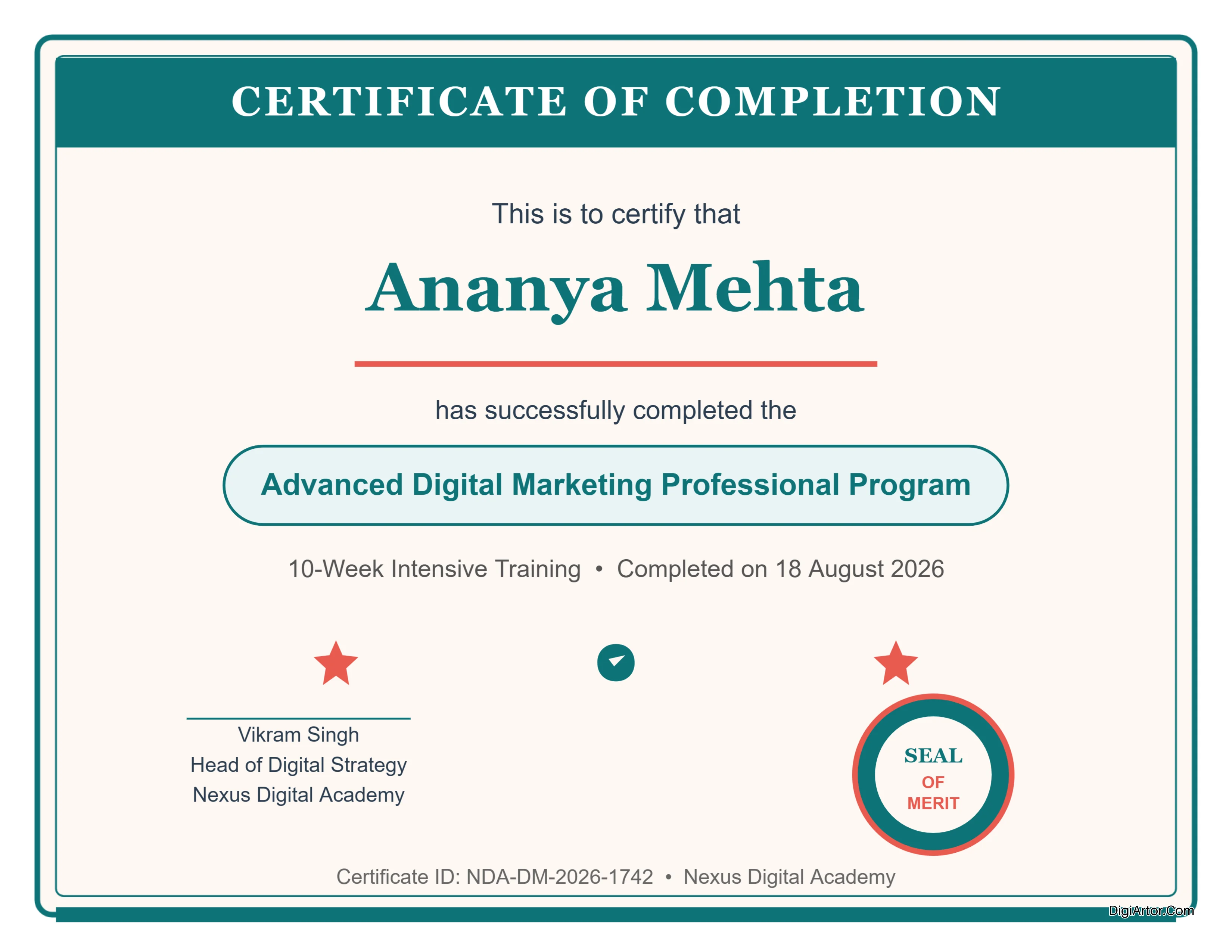
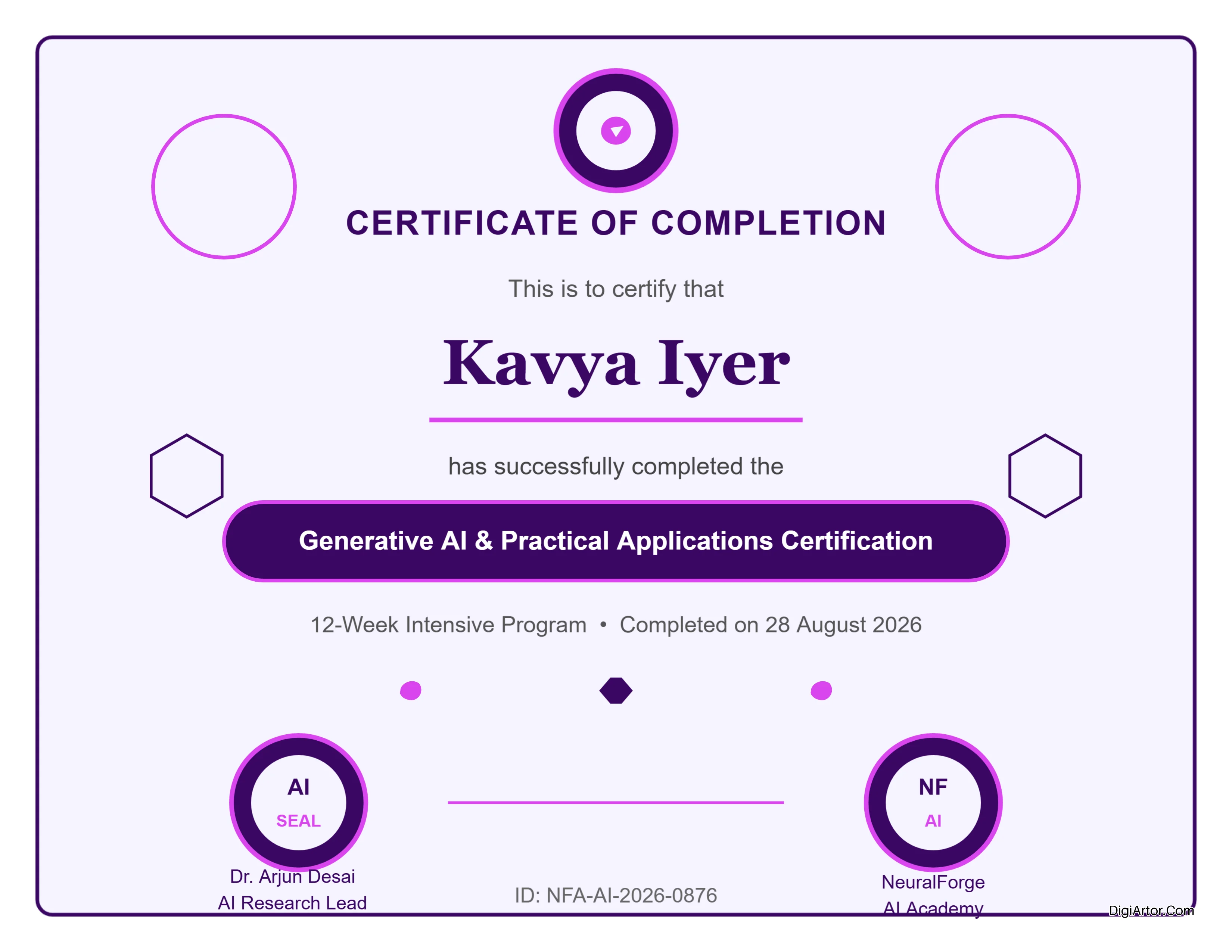
For an Award certificate, you'll find templates with ornate borders, professional typography, and space for the recipient's name and the reason for the award.
Enter the recipient's name. Add the event or achievement details. Input the date and the presenter's name or organization.
The template handles the styling. You handle the content.
Need a Recognition certificate for an employee? Similar process. Speaker certificate for a conference presenter? Same workflow. Even the Tooth Fairy certificate for kids follows the same straightforward steps.
Designing a Greeting Card That Feels Personal
Greeting cards are about emotion. The design should match the sentiment.
Pick your occasion from the ten subcategories. Birthday, Christmas, Farewell, Independence Day, Janmashtami, Labour Day, New Year, Office, Retirement Day, Wedding.
Choose a template that matches the tone. Fun and colorful for birthdays. Warm and elegant for farewells. Festive for Christmas.
Customize the message. Add a personal note. Include a custom image if you want. Adjust the colors to make it feel more personal.
The design is already done. You're adding the heart.
Creating a Menu That Makes Food Look Good
Restaurants understand that people eat with their eyes first. Your menu design matters.
Select the Menu category and choose your subcategory. Bakery, Bar, Birthday, Breakfast, Burger, Coffee Shop, Food Truck, Valentine, Wedding.
Say you run a coffee shop. You'll find templates that fit that cozy, warm aesthetic. Clean typography. Space for drink descriptions. Room for pricing.
Replace the placeholder items with your actual menu. Add descriptions that make people want to order. Set your prices. Maybe add a "house specialty" section with a visual highlight.
The template already has the structure. You fill in the offerings.
Bakery menus with their sweet, inviting style. Bar menus with their dark, sophisticated look. Breakfast menus with their bright, energetic feel. Each subcategory has templates designed for that specific dining experience.
Designing a Poster That Commands Attention
Posters are the big one. They need to work from a distance and up close.
Browse the fourteen poster subcategories. Academic, Admission, Baby Shower, Beauty Parlour, Bingo, Christmas, Event, Halloween, Job Openings, Safeguarding, Sale, Sports, Tuition.
Select the template that fits your need.
For a Job Openings poster, you'll find a design with bold headlines, clear hierarchy, and space for role descriptions and application instructions.
Add your company name. List the positions available. Include details about how to apply. The template ensures the most important information stands out.
Baby Shower posters have a completely different style. Soft colors. Playful typography. Space for baby-related details. Christmas posters are festive and bright. Halloween posters are dark and spooky.
Each template matches the mood and purpose of the event or announcement.
The Editing Tools: Simple and Straightforward
You're not locked into the template exactly as it appears.
The editing interface lets you change colors. Swap images. Replace text. Rearrange elements. Upload your own assets. Adjust sizing and positioning.
Everything is point-and-click. No complicated menus. No hidden settings. Just intuitive tools that work the way you expect them to.
The goal is to make customization fast and frustration-free.
Saving and Exporting Your Design
Once your design is ready, you save it. The platform saves your work automatically, so you don't have to worry about losing progress.
Then you export. Download your design as an image file or a print-ready document.
For digital use, choose a high-resolution image format. For print, select the format that your printer needs.
One design. Multiple formats. No conversion headaches.
Why DigiArtor Is Becoming the Go-To Choice for Online Graphic Design
People are switching.
Not slowly. Not reluctantly. They're actively moving away from complicated design software and limited online tools. And they're landing on DigiArtor.
Why?
Let me tell you what's actually happening.
It Works the Way People Actually Work
Here's the thing about most design platforms. They're built by developers who think like developers. Or designers who think like designers. Not by people who think like normal humans with normal deadlines and normal design needs.
DigiArtor is different. It's built for the person who needs a design done. Not the person who wants to spend an afternoon perfecting kerning pairs.
The templates are already there. Thousands of them. Organized by category. Filtered by subcategory. You don't search. You navigate. You find. You edit. You're done.
That workflow matters. A lot.
The Specificity Saves Hours
Generic templates are useless.
You know the ones. "Business" templates that somehow work for everything and nothing at the same time. The ones that look so bland you might as well use Microsoft Word.
DigiArtor goes the opposite direction. Business cards for twenty-two specific professions. Menus for nine distinct food and beverage types. Invitations for seven different occasions. Posters for fourteen unique purposes.
When you pick a template for a photographer's business card, it's designed for a photographer. Not a generic professional. Not a one-size-fits-all design. A template that understands what a photographer actually needs.
When you pick a Haldi Kumkum invitation, you're not settling for a generic party invite. You're getting a design that understands the cultural significance and aesthetic traditions of that specific event.
That's not just convenience. That's time you get back. Hours of it.
You Don't Need Design Skills
Let's be honest about something.
Most people don't know good design from bad design. They just know what they like. And they know when something looks professional versus homemade.
DigiArtor bridges that gap. The templates are professionally designed. Good color theory. Proper typography. Balanced layouts. Thoughtful spacing. Everything that makes a design look polished and intentional.
You don't need to understand any of that. You just need to pick a template and edit the content.
The platform handles the design decisions. You handle the information. That's the deal.
It Covers the Full Spectrum of Needs
Individual users. Small business owners. Educators. Marketers. Content creators.
Each group has different needs. Different design requirements. Different use cases.
DigiArtor covers all of them.
A teacher needs certificates and classroom posters. DigiArtor has them. A restaurant owner needs menus and flyers. DigiArtor has those too. A content creator needs YouTube thumbnails and Pinterest pins. Covered. A marketer needs business cards and banners. All there. You don't need multiple tools. You need one platform that actually understands what you're trying to accomplish.
The Browser-Based Advantage
No downloads. No installations. No software updates that break everything.
Open your browser. Start designing. Close it when you're done. Your work saves automatically. You can access it from any device. You're not tied to a single computer or operating system.
That flexibility is something people don't appreciate until they need it. And then they can't imagine working any other way.
A freelancer working from a coffee shop. A small business owner switching between their office desktop and their home laptop. A teacher designing materials on their school computer and finishing at home. It all works seamlessly.
The Balance of Power and Simplicity
Most design tools are terrible at this balance.
Professional software like Photoshop has enormous power. But it's also enormously complex. Layers. Masking. Adjustment layers. Smart objects. The learning curve is steep enough to discourage most people. Online tools like Canva are simple. But they're also limited. You hit the ceiling quickly. Customization options are restricted. You can only do so much.
DigiArtor sits in a sweet spot.
Powerful enough to create professional designs. Simple enough that anyone can use it. The templates provide the structure. The editing tools provide the flexibility. You get the best of both worlds.
The Template Library Is Massive and Growing
Thousands of templates across nine main categories and over a hundred subcategories.
That's not a static number either. The library expands. New templates get added. New categories emerge. New subcategories fill gaps.
This isn't a platform that launched with a hundred templates and called it complete. It's actively growing. Responding to user needs. Filling in the blanks.
When users need something specific, it shows up. That responsiveness builds loyalty.
Real People Are Using It for Real Projects
This isn't theoretical. It's happening right now.
People are designing wedding invitations for their upcoming ceremonies. Restaurant owners are creating menus for their new establishments. Educators are making certificates for their students. Content creators are producing thumbnails for their videos.
Real designs. Real deadlines. Real results. The platform handles all of it without drama. No crashes. No compatibility issues. No frustrating export problems.
That reliability matters when you're on a deadline. You don't want surprises. You want something that works. Every time.
It Saves Money Without Sacrificing Quality
Professional design software costs hundreds of dollars per year. Hiring a designer costs hundreds per project. Using generic templates costs you your professionalism.
DigiArtor offers a middle path. Professional-quality designs. Professional-quality templates. Professional-quality output. But without the professional price tag. You're getting value. Real value. Not a stripped-down version. Not a limited free tier with watermarks and restrictions. A proper design tool that delivers actual results.
The Section That Stands Out: Online Invitation Card Maker
This deserves special attention.
The Online Invitation Card Maker section is a major draw. Hundreds of premade templates specifically for invitations. Birthday, engagement, exhibition, Haldi Kumkum, Kirtan, Rice Ceremony, wedding.
People need these. They need them for specific events. They need them on short notice. They need them to look fantastic.
And DigiArtor delivers. Hundreds of options. All editable. All professional. That's not a side feature. That's a core offering. And it's one of the reasons people keep coming back.
Why the Shift Is Happening Now
Design has become essential.
Every business needs graphics. Every content creator needs visuals. Every individual needs invitations and cards and announcements.
The tools to create those designs need to be accessible. Affordable. Easy to use.
DigiArtor checks every box. The platform understands that design isn't a luxury. It's a necessity. And it treats it that way. Professional templates. Simple editing. Fast results.
That's what people want. That's what they're switching for. That's why DigiArtor is becoming the favorite.
One Final Thought
Design software shouldn't be something you fight with. It should be something that helps you. Something that speeds you up. Something that makes you look good without making you work for it.
That's DigiArtor. No complicated layers. No confusing menus. No steep learning curves. Just templates that work, tools that cooperate, and designs that make you proud.
Give it a try. You'll see why people are making the switch.